





Tag: How to Fix
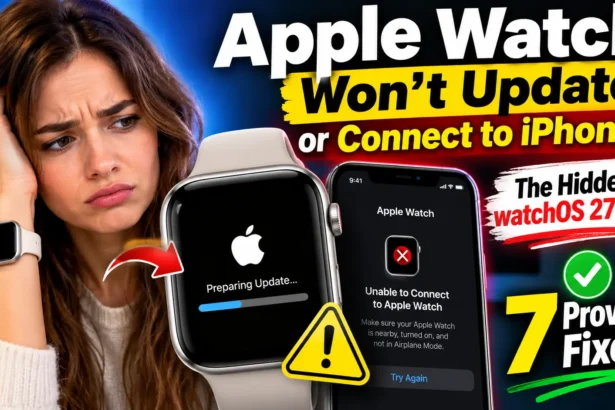
Apple Watch Won’t Update or Connect to iPhone? The Hidden watchOS 27 Trap (Plus 7 Proven Fixes)
Quick Answer: Most stuck updates come from four things: an unsupported watch, an iPhone on…
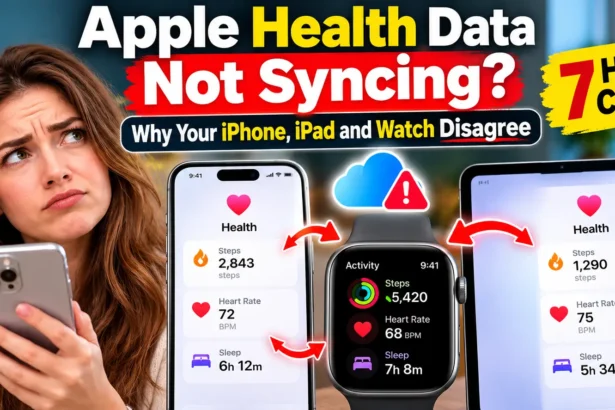
Apple Health Data Not Syncing? Why Your iPhone, iPad and Watch Disagree (7 Hidden Culprits)
Quick Answer: Apple Health data not syncing usually breaks at one of two handoffs. Your…

AirPods 5 Making Whooshing Sound? 7 Things to Try (Plus the Sneaky Mic Trap)
AirPods 5 whooshing in one ear or on PC? Try 7 quick fixes for ANC…

AirPods 5 Keep Switching Between iPhone, Mac and iPad? 3 Sneaky Triggers Behind It (Here’s the Fix)
Stop AirPods 5 from switching devices unexpectedly with these 3 simple fixes.
Apple TV Not Working Today? 4 Hidden Culprits Behind Sign-In and Playback Errors (tvOS 27 Edition)
Updated October 9, 2026 Quick Answer: Most "Apple TV not working" problems trace back to…
Apple Weather App Not Working Today? The 60-Second Test That Reveals Who’s to Blame
Quick Answer: Apple Weather app not working usually means one of two things: Apple's weather…
Apple Mail Not Receiving Outlook Emails on Mac? Here’s Why Microsoft’s Quiet EWS Cutoff May Be to Blame (5 Urgent Checks)
Your work inbox froze on the Mac, but your iPhone still buzzes with new messages.…
iOS 27 Screen Time Not Working: The Hidden Family Sharing Trap (+7 Fixes)
Updated October 8, 2026 · Quick Answer: Screen Time usually fails on iOS 27 because…
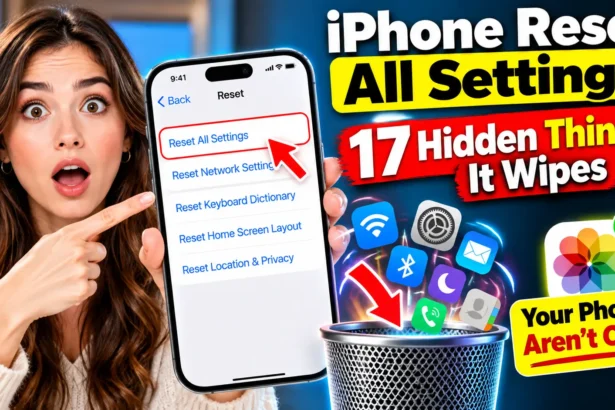
iPhone Reset All Settings: 17 Hidden Things It Wipes (Your Photos Aren’t One)
Wondering what happens when you tap Reset All Settings on your iPhone? It can reset…

iOS 27 Unresponsive Touchscreen: The Sneaky 2-Swipe Bug Freezing iPhones (Plus 6 Rescue Steps)
Is your iPhone touchscreen freezing after the iOS 27 update? Learn what triggers the sneaky…
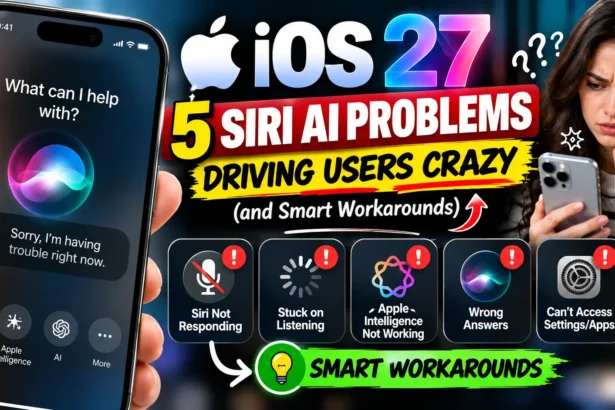
5 Siri AI Problems Driving iOS 27 Users Crazy (and Smart Workarounds)
Updated September 30, 2026 for iOS 27.0.1 and watchOS 27 Quick Answer: The five biggest…
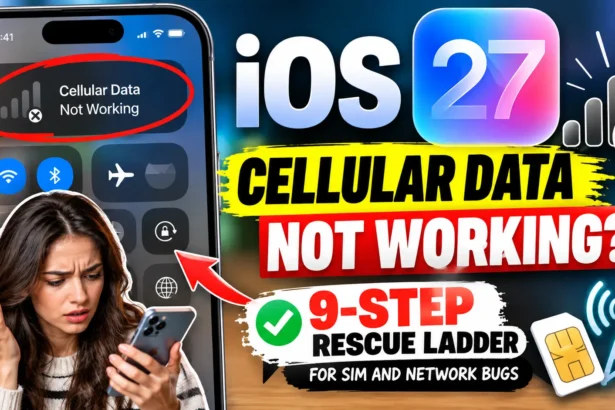
iOS 27 Cellular Data Not Working: The 9-Step Rescue Ladder for SIM and Network Bugs
If iOS 27 cellular data is not working, start small. Turn Airplane Mode on for…
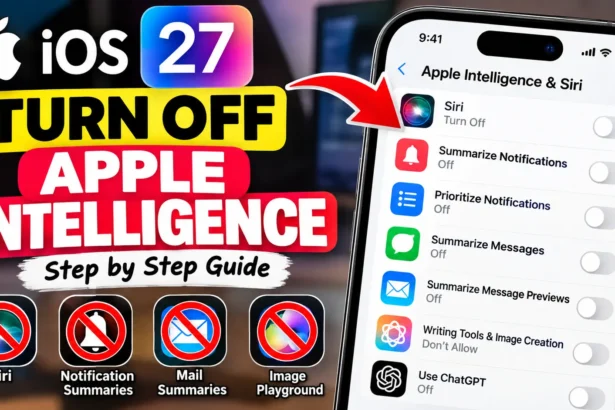
How to Turn Off Apple Intelligence (9 Ways) iOS 27 Killed the Off Switch
Quick Answer: On iOS 26 or earlier, open Settings > Apple Intelligence & Siri and…
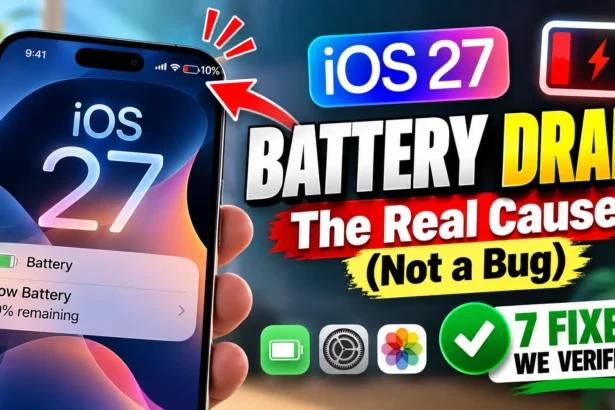
iOS 27 Battery Drain: The Real Cause (Not a Bug) + 7 Fixes We Verified
Quick Answer: iOS 27 battery drain is almost always temporary. Apple confirms it's caused by…

The 60-Second Apple Watch Band Swap: Our Tested Method for Every Model
No Tools. No Guesswork. Just a Faster Apple Watch Band Swap.

AirPods Mic Not Working: Troubleshooting Guide
The fastest fix: open Settings > Bluetooth, tap the "i" next to your AirPods, and…
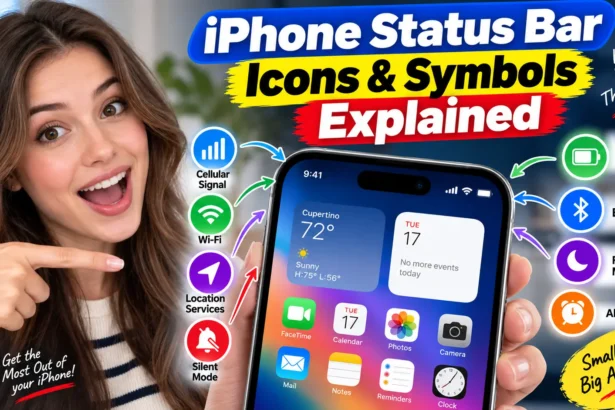
iPhone Status Bar Icons & Symbols Explained
Confused by an icon at the top of your iPhone? Here's what every status bar…
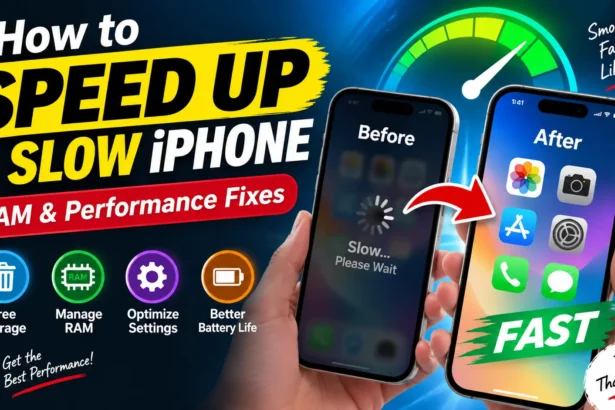
How to Speed Up a Slow iPhone: RAM & Performance Fixes
Most "Slow iPhone" problems come from full RAM, not a dying phone. Press Volume Up,…