

Quick Answer: Apple Health data not syncing usually breaks at one of two handoffs.
Your Apple Watch passes data straight to your iPhone.
Your iPad only gets it through iCloud. Check Fitness Tracking first.
Then confirm the iCloud Health switch is on for every device.
Finally, review your data source order. Restart, then give iCloud time to catch up.
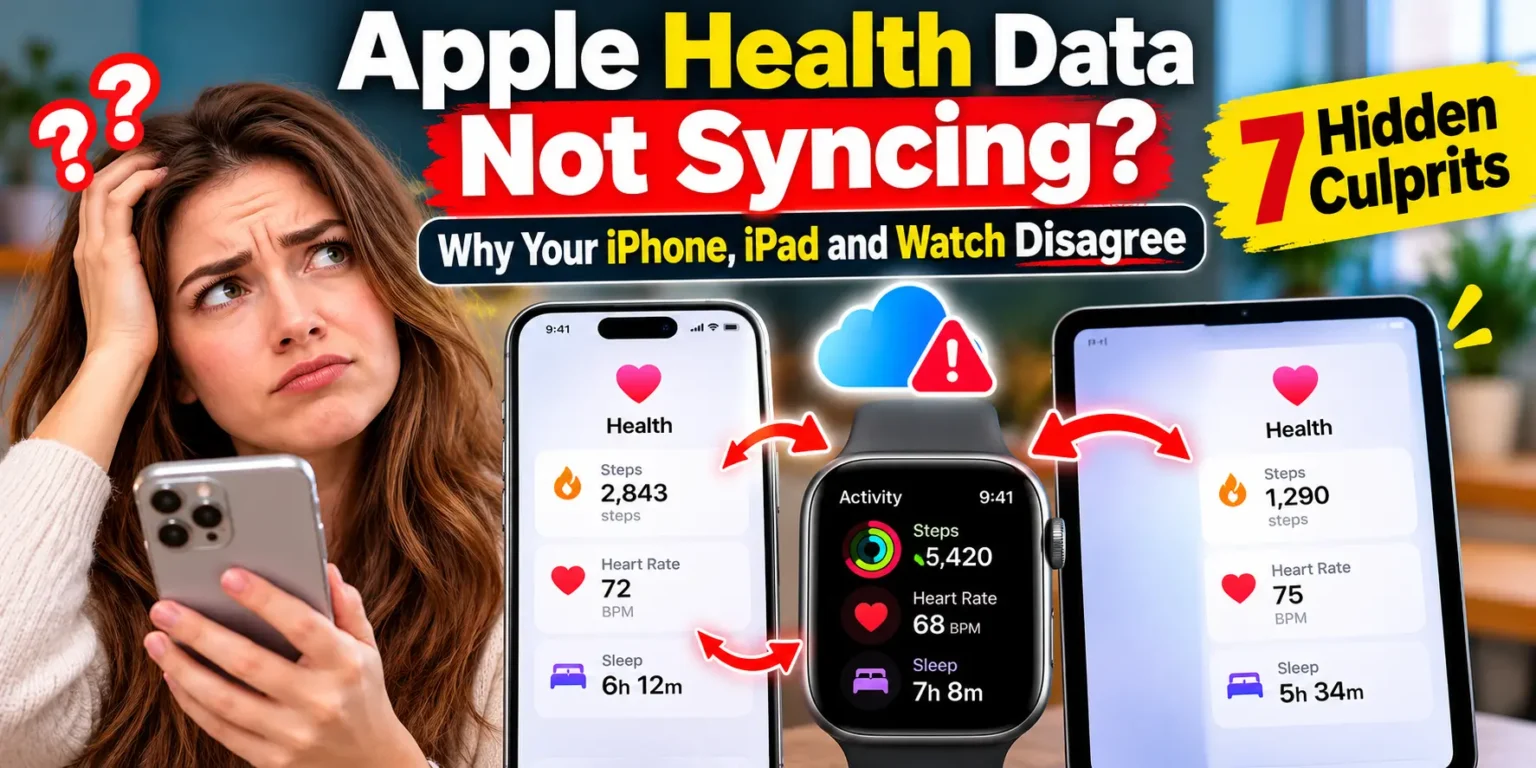
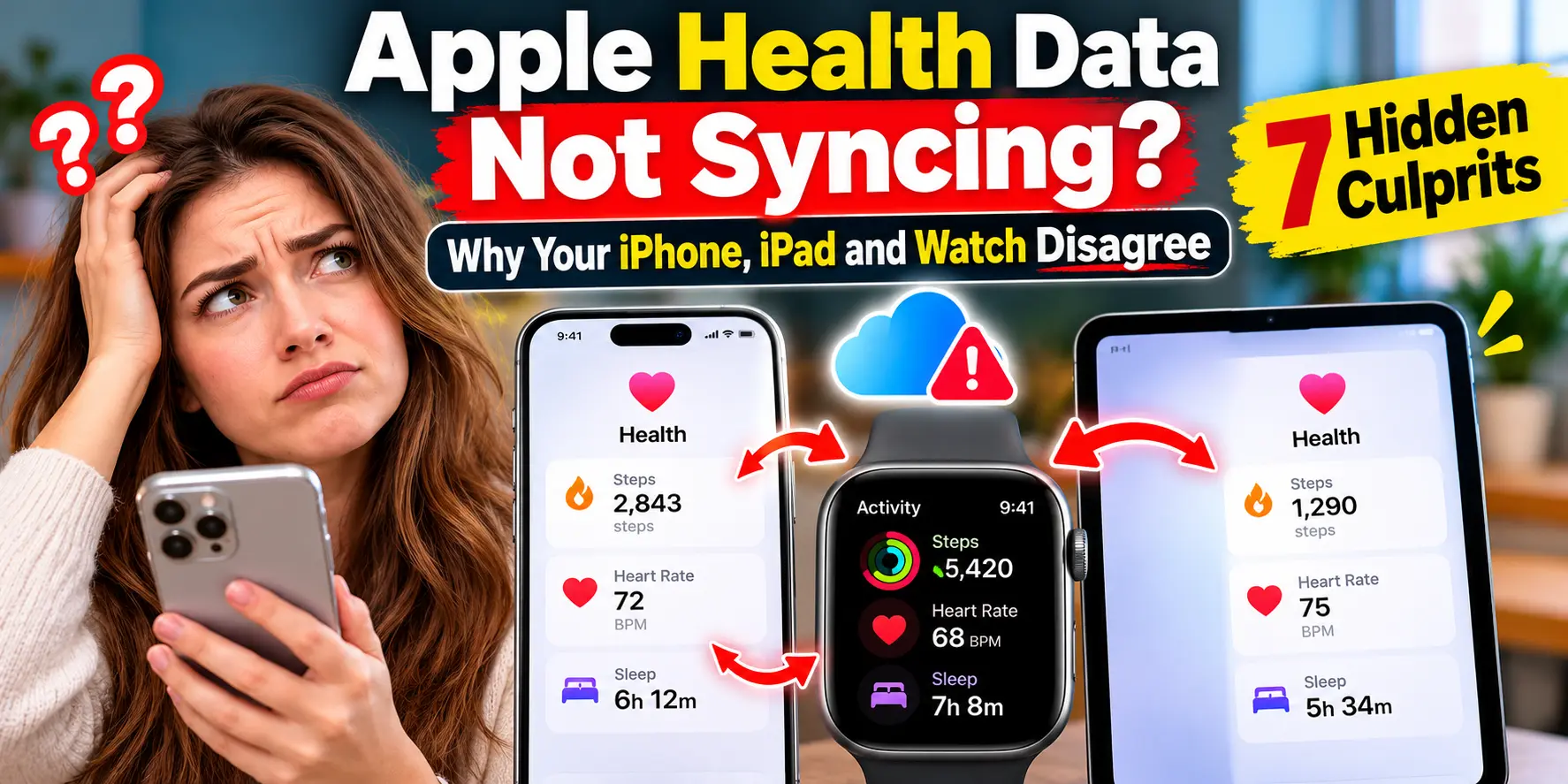
You walked 9,000 steps.
Your iPhone agrees.
Your iPad says 3,200, and your Watch shows something else.
When Apple Health data stops syncing, your fitness history feels stuck in limbo.
The good news: your data is rarely gone.
It is usually stuck at one specific handoff.
This guide helps you find that handoff in minutes.

We checked every menu path against iOS 27 and Apple’s current support guide, so the steps match what you will see today.
Why Apple Health Syncing Matters More Than You Think
Health is more than a step counter.
It holds heart rate, sleep, workouts, and cycle data.
Wellness programs and third-party apps may read from it too.
When numbers drift between devices, you stop trusting any of them.
Apple encrypts this data in iCloud.
It says end-to-end encryption needs iOS 12 or later and two-factor authentication.
A device that misses one becomes a prime suspect.
This problem is not new.
Apple Community threads show it hitting an iPad Pro after iPadOS 18 in 2024.
Others reported it on iOS 26.1 and iOS 26.2.
We cross-checked those reports with Apple’s support page, published September 14, 2026.
How Health Sync Really Works (The Mailroom Analogy)
Picture a small office.
Your Apple Watch is a courier.
It walks each day’s notes straight to your iPhone’s desk.
No post office needed.
Your iPad sits in another building.
It only receives notes through the postal service, and that service is iCloud.
So if your iPad is missing data, check the post office.
If your iPhone is missing Watch data, check the courier.
Most guides blur these two paths together, and that wastes hours.
There is a 2026 twist. MacRumors reports Apple sped up Health syncing in iOS 27.
It also added step-count syncing between the Health and Fitness apps.
The 60-Second Three-Device Test
Pick one number, like today’s steps. Compare it on your Watch, iPhone, and iPad. Then match your result below.
| What you see | Likely broken link | Start with |
|---|---|---|
| Watch correct, iPhone behind | Watch to iPhone | Culprits 1, 4, 6 |
| iPhone correct, iPad behind | iCloud | Culprits 2, 3, 7 |
| Apple data fine, one app wrong | App permissions | Culprit 5 |
| Totals differ by a small amount | Source order, not a failure | Culprit 4 |
The 7 Hidden Culprits (Check Them in This Order)
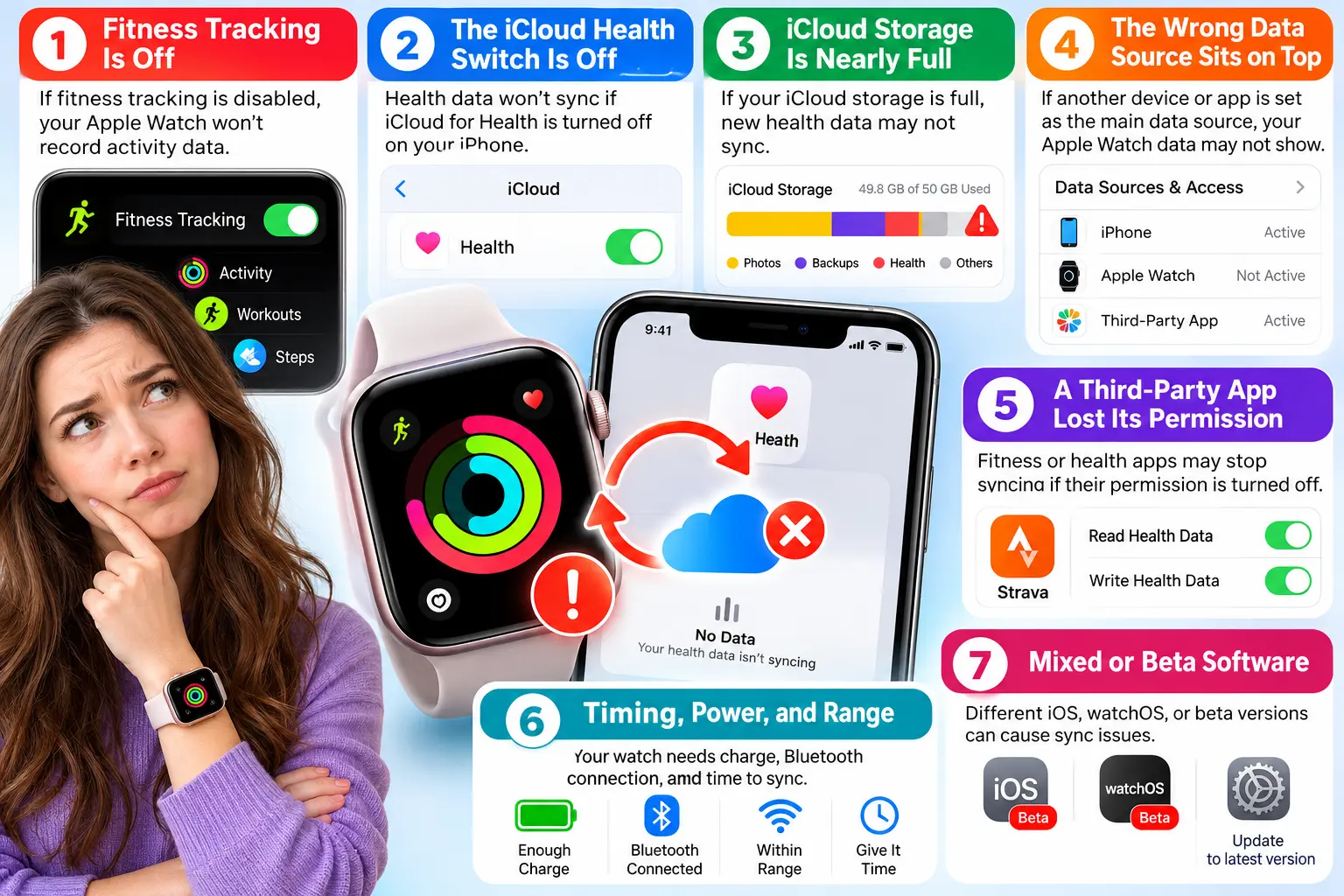
Culprit 1: Fitness Tracking Is Off
Apple’s guide says to enable this switch when Health isn’t tracking steps.
When we walked through this on an iPhone 18 Pro running iOS 27.0.1, the switch sat under Devices, exactly where Apple’s guide puts it.
- Open the Health app on your iPhone.
- Tap your Profile button, then tap Devices.
- Tap your Apple Watch, then tap Privacy Settings.
- Turn on Fitness Tracking.
- Also open Settings, Privacy & Security, then Motion & Fitness. Confirm Fitness Tracking is on.
Culprit 2: The iCloud Health Switch Is Off
Everything else in iCloud can sync while Health quietly sits out.
- Open Settings and tap your name, then tap iCloud.
- Next to Saved to iCloud, tap See All, then tap Health.
- Confirm the sync switch is on. On iPhone it reads Sync this iPhone.
- Repeat these steps on your iPad and any second iPhone.
- Confirm every device uses the same Apple Account.
Warning: Do not tap Delete Data From iCloud as a “fix.” Apple says deleting synced data on one device removes it from all of them.
Culprit 3: iCloud Storage Is Nearly Full
Apple gives Health its own Manage Storage button in iCloud. Community threads link stalled sync to low storage. Apple doesn’t list that as an official cause, so treat it as a cheap check.
- Open Settings, tap your name, then tap iCloud.
- Look at the storage bar at the top.
- Delete old backups or add storage if it is nearly full.
Culprit 4: The Wrong Data Source Sits on Top
Health ranks manual entries first, then your iPhone, iPad, and Watch, then apps. But a newly added source jumps to the top. A fresh fitness app can quietly outrank your Watch.
- Open Health, tap Browse, then tap Steps.
- Scroll down and tap Data Sources & Access.
- Tap Edit.
- Drag Apple Watch and iPhone above any app.
- Tap Done.
Culprit 5: A Third-Party App Lost Its Permission
- Open Health, tap your Profile button, then tap Privacy.
- Tap Apps, then choose the app that is misbehaving.
- Turn on every category it needs.
- Open that app and refresh it.
Withings suggests opening its app, then Health, then returning to Withings and swiping down. Wait about 15 minutes first. Also, MacRumors reports Withings accounts created on or after October 13, 2026 need a $99.50-a-year Withings+ plan for automatic syncing. Older accounts stay free.
Culprit 6: Timing, Power, and Range
Sometimes nothing is broken. Apple says Health data is encrypted with your passcode when your iPhone locks. That may explain lag after a restart until you unlock. A Watch away from its iPhone catches up later. A dead Watch can’t sync, so see our Apple Watch won’t charge guide.
- Restart your iPhone, then unlock it.
- Turn off your Apple Watch, then turn it back on.
- Keep both within Bluetooth range, with Wi-Fi on.
- Open Health once, then leave it alone for a while.
Culprit 7: Mixed or Beta Software
Update every device before deeper troubleshooting. Not sure you’re ready for iOS 27? Read our should you upgrade to iOS 27 checklist.
If you run a beta, expect quirks. The redesigned Health app is in the iOS 27.2 beta. MacRumors reports it won’t ship with the public 27.2 release.
Pro Tip: Skip the guessing. Open Health > Browse > Steps, scroll down, and tap Show All Data. Tap a recent entry to see which source wrote it. Compare the newest entry on your iPhone and iPad. If the iPhone has newer entries, iCloud is lagging. If the iPhone lacks Watch entries, the Watch handoff is stuck.
Real-World Case Study: The Watch Was Innocent
Reader scenario (composite, details changed): Dana’s Series 12 and iPhone 18 Pro matched perfectly.
Her iPad showed 3,200 steps by evening while the iPhone showed 9,100.
She restarted her Watch twice and lost an hour.
The Three-Device Test pointed elsewhere.
Her iPad’s iCloud Health switch was off.
She turned it on and left the iPad on Wi-Fi. The gap closed that day. The courier was never the problem.
Match Your Exact Symptom
Apple Health Steps Not Updating
Start with Culprits 1 and 4. Some MacRumors forum users saw pace and distance look off after updating to watchOS 27. They suspected recalibration. That is a user theory, not an Apple statement.
Apple Watch Health Data Delayed
Workouts done without your iPhone wait until the two reconnect. Missing sleep data? Our Apple Watch sleep tracking guide covers that separately.
Health App Data Different on iPhone and iPad
This points to the iCloud path. Work through Culprits 2, 3, and 7. iCloud glitches do happen, like the one in our iOS 26.4.1 breakdown.
Which Models and Versions Matter in 2026
| Item | What to know |
|---|---|
| iOS 27 and watchOS 27 | Watch needs Series 9 or later, SE 3, or Ultra 2 or later, with iPhone 11 or newer |
| Series 12 and Ultra 4 | We found no Apple-acknowledged Health sync bug as of October 16, 2026 |
| Redesigned Health app | iOS 27.2 beta, Apple Intelligence iPhones, U.S. English only |
What If This Doesn’t Work?
Try these escalations in order:
- Back up first. Make an iCloud or computer backup before bigger moves.
- Force restart your Watch. Hold the side button and Digital Crown about 10 seconds.
- Sign out of iCloud, restart, and sign back in. Community members report this restores sync. Keep your data when prompted.
- Re-pair the Watch. See our unpair guide and reset guide.
- Ask Apple. Book a visit through our Genius Bar appointment tips.
Key Takeaways
- Watch data reaches your iPhone directly. Your iPad relies on iCloud.
- Run the Three-Device Test before changing settings.
- Check Fitness Tracking, the iCloud Health switch, and source order first.
- Never tap Delete Data From iCloud as a quick fix.
- The redesigned Health app won’t launch with public iOS 27.2.
FAQ
Health merges data by source priority. A higher-ranked source can win. Check Data Sources & Access and reorder it.
Your Watch pairs with your iPhone. Your iPad receives Health data through iCloud. That is why iPad lag points to iCloud settings.
Apple doesn’t publish a time. Withings suggests waiting about 15 minutes for its own app. After toggling iCloud settings, allow longer.
Nobody knows yet. MacRumors says it won’t launch with public iOS 27.2 and should arrive later in 2026.
Sources
- Apple Support, “Manage Health data on your iPhone, iPad, or Apple Watch” (published September 14, 2026)
- MacRumors, “iOS 27: All the New Health and Fitness Features” (August 4, 2026)
Disclaimer
This guide offers general technical information, not medical advice. Apple Health data shouldn’t replace guidance from a licensed professional. Menu names may change between software versions. Back up your devices before major changes. Apple Headlines is independent and not affiliated with Apple Inc. Third-party prices and policies can change.
Still stuck? Tell us your device, iOS version, and which of the three screens is wrong. Then explore our Apple Watch Ultimate Guide for more fixes.
Related Articles:
- Apple Health Data Not Syncing? Why Your iPhone, iPad and Watch Disagree (7 Hidden Culprits)
- AirPods 5 Hurt Ears? The Hidden Fit Trap – and 6 Ways Out
- AirPods 5 Making Whooshing Sound? 7 Things to Try (Plus the Sneaky Mic Trap)
- AirPods 5 Keep Switching Between iPhone, Mac and iPad? 3 Sneaky Triggers Behind It (Here’s the Fix)
- Apple TV Not Working Today? 4 Hidden Culprits Behind Sign-In and Playback Errors (tvOS 27 Edition)

T’kal is the lead strategist and developer behind Apple Headlines. With a background in digital marketing and web development, he specializes in technical Apple troubleshooting, software news, and hardware rumors. T’kal focuses on delivering high-authority tech content that bridges the gap between Apple enthusiasts and the latest industry innovations.