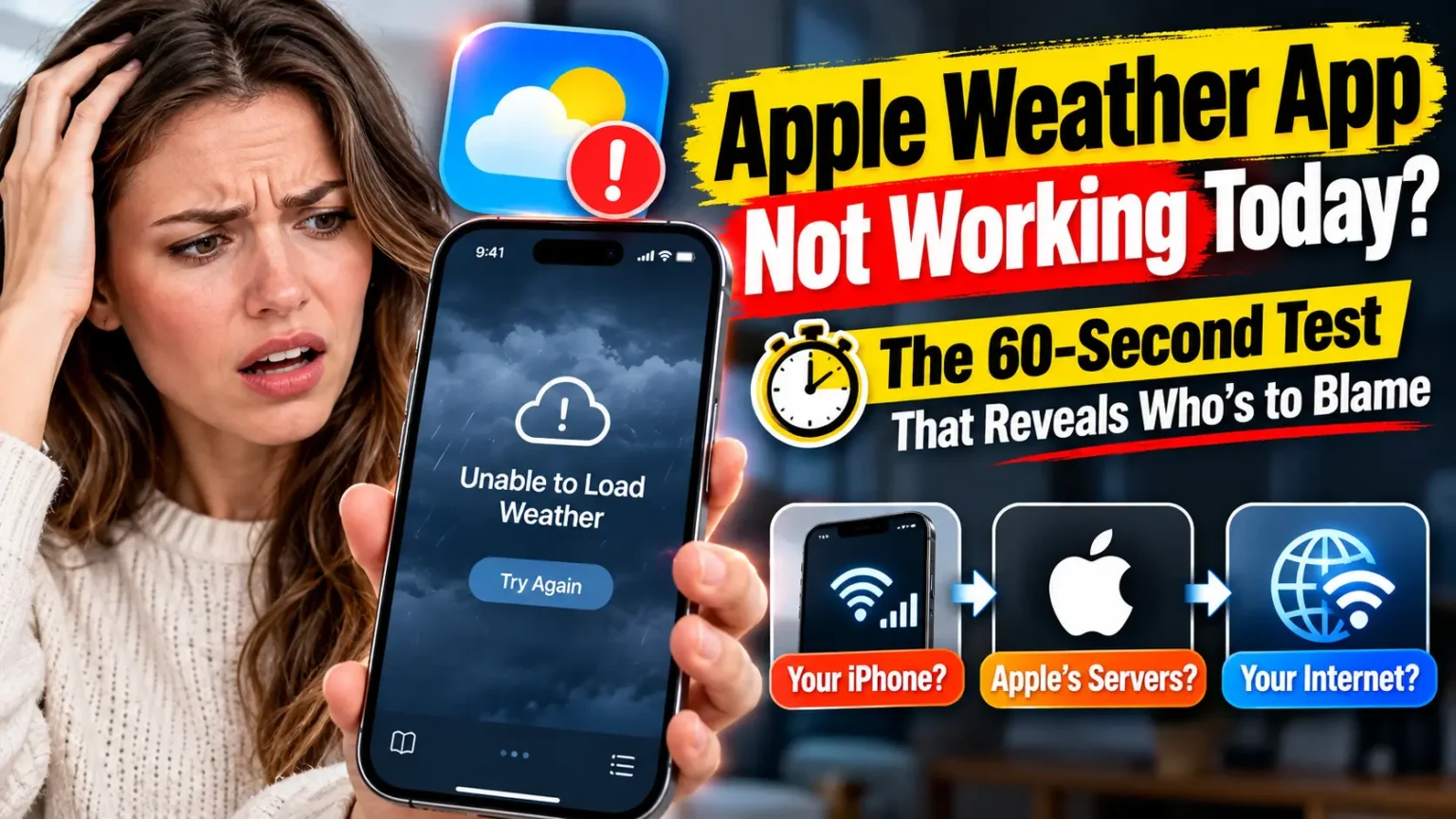



Quick Answer: Apple Weather app not working usually means one of two things: Apple’s weather servers are struggling, or your iPhone lost its location or data link.
Add a city like New York. If it loads, fix your location settings. If nothing loads, wait 15 minutes and check Apple System Status.
Last updated: October 9, 2026
You open Weather to decide if you need a jacket.
You get a blank screen, a spinning wheel, or “Weather Unavailable.” Annoying.
Before you restart everything, know this: the problem is not always your phone.
Sometimes Apple’s servers stumble, and nothing you tap will help.
This guide shows you how to tell the difference in about a minute, then fix what’s actually broken.
Why the Apple Weather App Stops Working (and What We Know Today)
Weather doesn’t build forecasts on your phone.
More Read

It pulls them from Apple’s WeatherKit service, which grew out of the 2020 Dark Sky purchase.
Wikipedia notes WeatherKit has been the data source since iOS 16.
So two things can fail: Apple’s service, or your connection and permissions.
As of this update, we could not confirm a current Apple-wide Weather outage. Apple’s System Status page is the place to check. Here’s what past breakdowns show:
- April 4, 2023: The Independent reported blank weather data on iPhones. Apple Watch users appeared unaffected.
- June 5, 2024: Weather went blank on iPhone, Apple Watch and Mac at once. One Apple Community thread drew over 400 “me too” votes while the status page showed green. Several users said it fixed itself within hours.
- September 2025 (iOS 26): Users reported Weather and its widget repeatedly asking for location permission. One person said iOS 26.0.1 fixed it. Others still saw it on iOS 26.1.
The pattern helps. Mass blank-screen days usually clear on their own. Location loops follow updates and need hands-on fixes.
An Easy Way to Think About It
Picture a restaurant.
Your iPhone is the waiter.
Apple’s servers are the kitchen.
If the waiter is lost, you retrain the waiter.
If the kitchen is closed, no waiter fix helps.
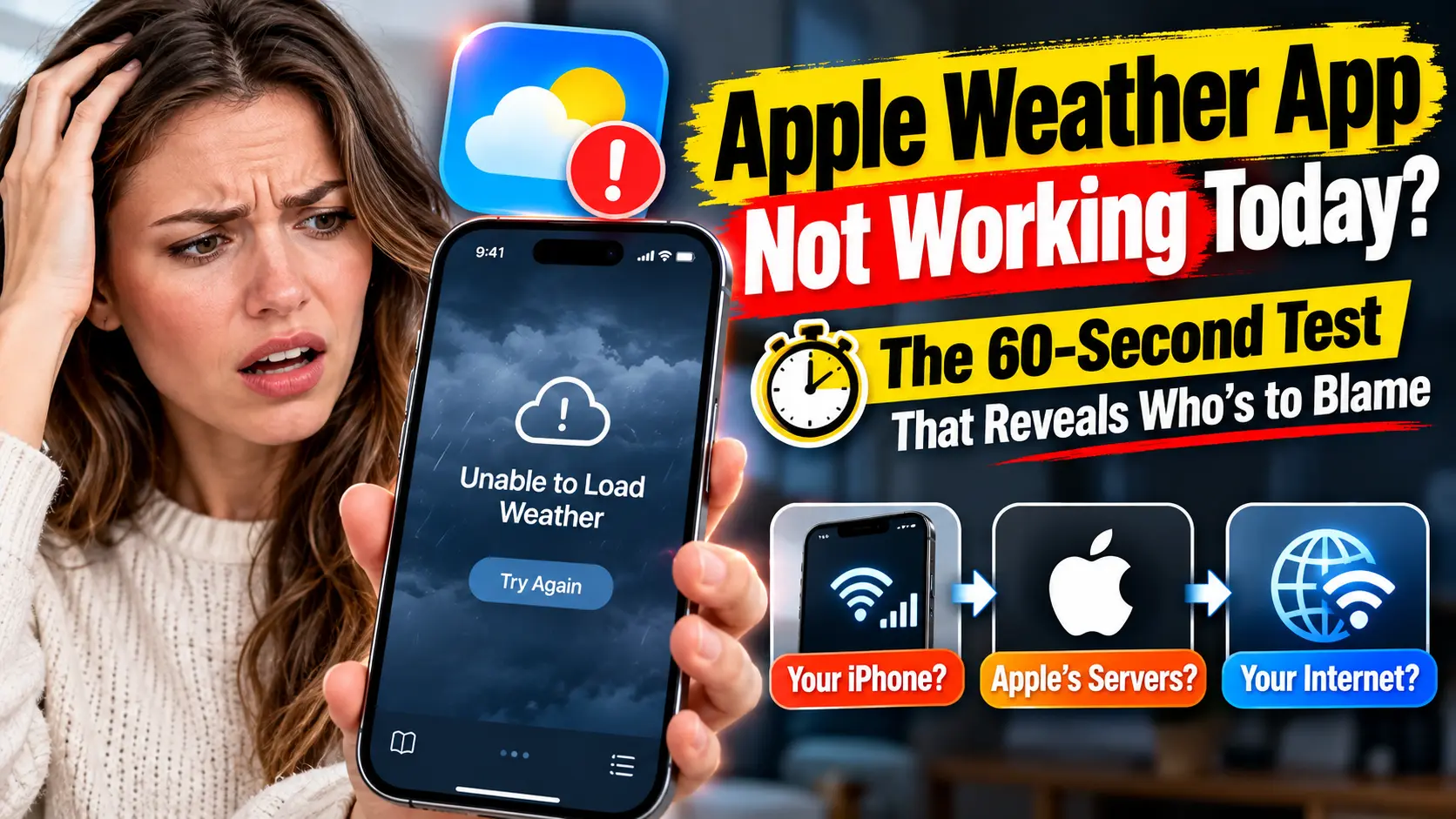
Our 60-second test finds which one failed.
The 60-Second Test: Is It Apple or Your iPhone?
Weather App Troubleshooting Checklist
Complete these checks in order. Stop as soon as you identify the problem.
When we tried this on an iPhone 17 Pro running iOS 26.5, adding a second city showed right away whether location or network was at fault. It beats random restarting.
8 Fixes for Apple Weather App Not Working, in Order
These steps match iOS 26.5 and iOS 27, on iPhone 17 Pro, iPhone 18 Pro and older models. Quickest fixes come first.
- Force-quit Weather. Swipe up from the bottom, pause, then flick Weather away. Reopen it.
- Reset your connection. Turn Airplane Mode on for ten seconds, then off. Turn off any VPN.
- Check cellular access. Open Settings, tap Weather, and make sure Mobile Data is on.
- Turn on Background App Refresh. In Settings, tap Weather and enable Background App Refresh.
- Fix location access. Go to Settings > Privacy & Security > Location Services > Weather. Pick While Using the App or Widgets.
- Enable Precise Location. Stay on that screen and switch Precise Location on.
- Restart your iPhone. Turn Location Services off, restart, then turn it on again. Wait a minute.
- Update iOS. Open Settings > General > Software Update and install anything waiting. Weighing iOS 27? Read our should you upgrade to iOS 27 checklist first.
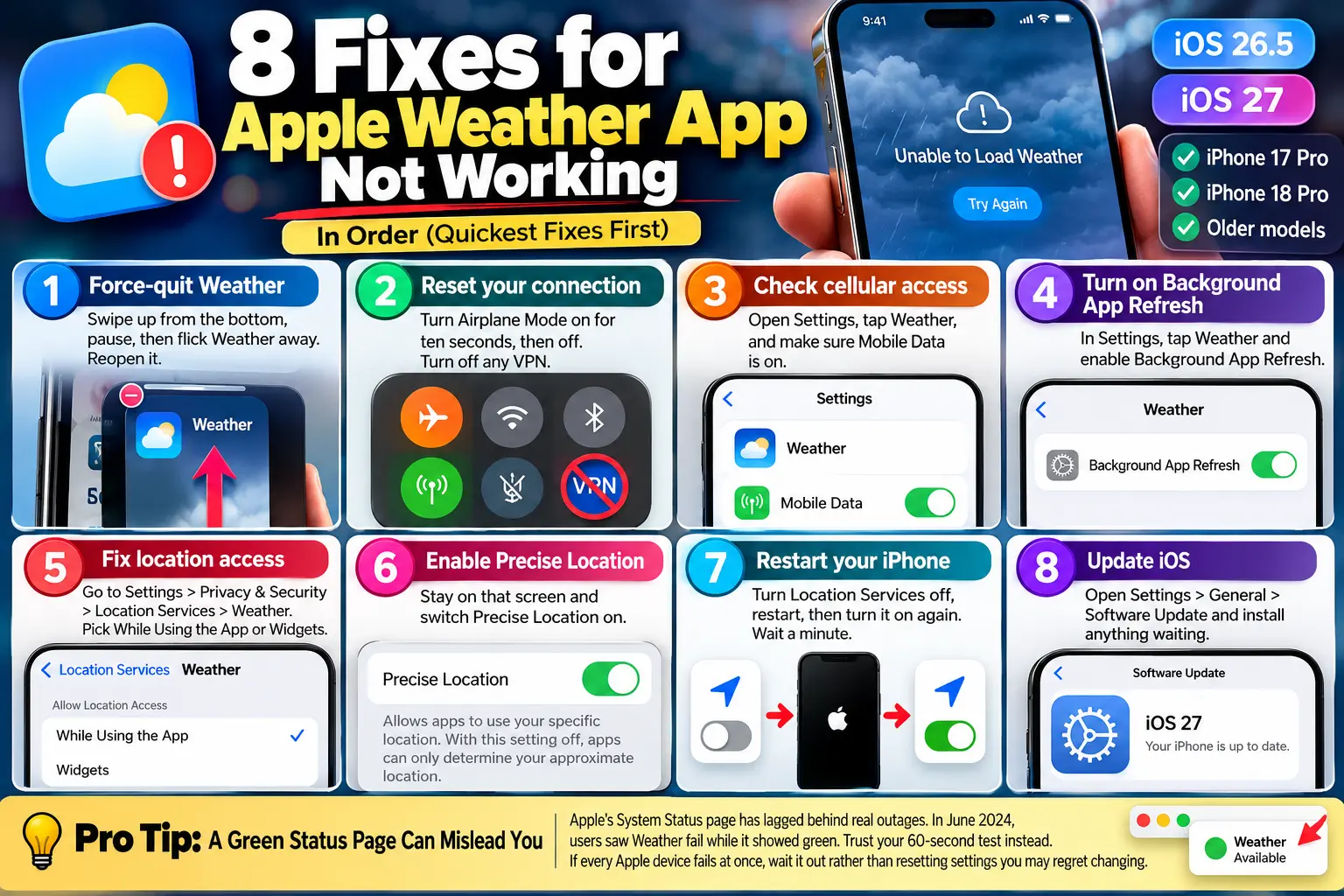
💡 Pro Tip: A Green Status Page Can Mislead You
Apple’s System Status page has lagged behind real outages. In June 2024, users saw Weather fail while it showed green. Trust your 60-second test instead. If every Apple device fails at once, wait it out rather than resetting settings you may regret changing.
Fix It by Symptom
Weather App Not Showing Current Location
This is the top complaint on Apple Community. Weather needs Location Services for “My Location.”
Set Weather to While Using the App or Widgets, and keep Precise Location on.
Still stuck?
Go to Settings > General > Transfer or Reset iPhone > Reset > Reset Location & Privacy.
You’ll re-approve apps afterward.
Our guide on what Reset All Settings wipes explains the bigger reset.
iPhone Weather App Not Connecting to the Internet
If Weather says it’s offline while Safari works, check Settings > Weather > Mobile Data.
One poster in the 2024 thread said Weather pointed him to Wi-Fi only.
If your whole connection acts up, see our iOS 27 cellular data fix guide.
Weather App Not Accurate
A wrong temperature is not a blank screen.
Forecasts cover small zones, so your backyard thermometer can differ by several degrees.
Turn on Precise Location and compare against a nearby city. If “My Location” shows a town two miles away, toggle location off and on.
Weather App Not Working on Apple Watch
Apple Watch weather leans on your iPhone for location. In the 2025 thread, users saw the complication vanish or show a dash. Try this:
- On your iPhone, open Settings > Privacy & Security > Location Services.
- Scroll to Apple Watch Faces and set it to While Using the App.
- Turn Precise Location on for that entry.
- Restart both the iPhone and the Apple Watch.
- Re-add the Weather complication to your watch face.
Which Fix Fits Your Device?
| Device and software | Likely cause | Best first fix |
|---|---|---|
| iPhone 18 Pro, iOS 27 | Post-update permission hiccup | Toggle Location Services, restart |
| iPhone 17 Pro, iOS 26.5 | Stale location or data setting | Check Weather’s Mobile Data switch |
| Older iPhones, iOS 26 | Known 2025 location loop | Update iOS, reset Location & Privacy |
| Apple Watch | Watch Faces location access | Set it to While Using the App |
| iPad or Mac | Location permission | Enable Weather in Location Services |
A Quick Case Study
Illustrative scenario based on patterns in Apple Community threads.
Dana, a reader in Ohio, updated her iPhone. Her lock screen widget kept asking for location. She granted access. Ten minutes later, the prompt returned. Two restarts changed nothing.
The giveaway: her saved cities loaded fine, but “My Location” failed. That pointed to permissions, not servers. She turned Location Services off, restarted, turned it on, and set Weather to While Using the App or Widgets. The widget updated and stayed stable.
The lesson: when one city works and your own location doesn’t, skip the reinstall. Fix the permission loop first.
What If This Doesn’t Work?
Try these in order:
- Remove and reinstall Weather. Touch and hold the icon, tap Remove App, then Delete App. Redownload it. Note your saved cities first.
- Reset Location & Privacy. It’s safer than resetting everything.
- Reset Network Settings. This clears Wi-Fi passwords, so keep them handy.
- Search Reddit and Apple Community for your iOS version. If others see the same blank screen, it’s likely a bug awaiting a patch.
- Send Apple feedback. Community moderators point users to Apple’s Weather feedback form.
- Book a hardware check. If GPS fails in other apps too, make a Genius Bar appointment.
Key Takeaways
- Test first: Add a faraway city to learn whether Apple or your phone failed.
- Don’t trust a green status dot: It has lagged behind real outages.
- Location loops follow updates, as iOS 26 showed.
- Set Weather to While Using the App or Widgets, with Precise Location on.
- Apple Watch weather depends on your iPhone, so check Apple Watch Faces access.
- Reset Location & Privacy before a full reset or reinstall.
FAQ
We can’t confirm a live outage. Check Apple’s System Status page, then run the 60-second test. If every Apple device is blank, wait 15 minutes. Past outages often cleared within hours.
The app couldn’t reach Apple’s service or read your location. Check your connection, confirm location access, and try a second city.
Forecasts are modeled for small areas, not your exact spot. Turn on Precise Location and compare against a nearby city.
Widgets need Background App Refresh and location access. Install the latest iOS, then re-add the widget.
Sources
- Apple Community: “Weather App not working on iPhone, Apple Watch or iMac?” (June 2024)
- Apple Community: “Weather widget not displaying properly after iOS 26 update” (2025)
- Apple Support: Use your location in Weather on Mac
- Asurion: Weather app not working on iPhone
- The Independent via AOL: Apple weather app not working for users around the world (April 2023)
- Wikipedia: Weather (Apple)
Disclaimer
This article is for general information only. Steps and menu names vary by iOS version, device and region. AppleHeadlines.com is independent and isn’t affiliated with Apple Inc. Resetting settings or deleting apps can remove saved data, so note your cities and passwords first. We can’t guarantee any fix works for every device.
Still seeing a blank forecast?
Tell us your iPhone model and iOS version in the comments, and we’ll help narrow it down.
Bookmark this page.
We’ll update it when Apple confirms a new Weather bug or fix.
Related Reads:

T’kal is the lead strategist and developer behind Apple Headlines. With a background in digital marketing and web development, he specializes in technical Apple troubleshooting, software news, and hardware rumors. T’kal focuses on delivering high-authority tech content that bridges the gap between Apple enthusiasts and the latest industry innovations.