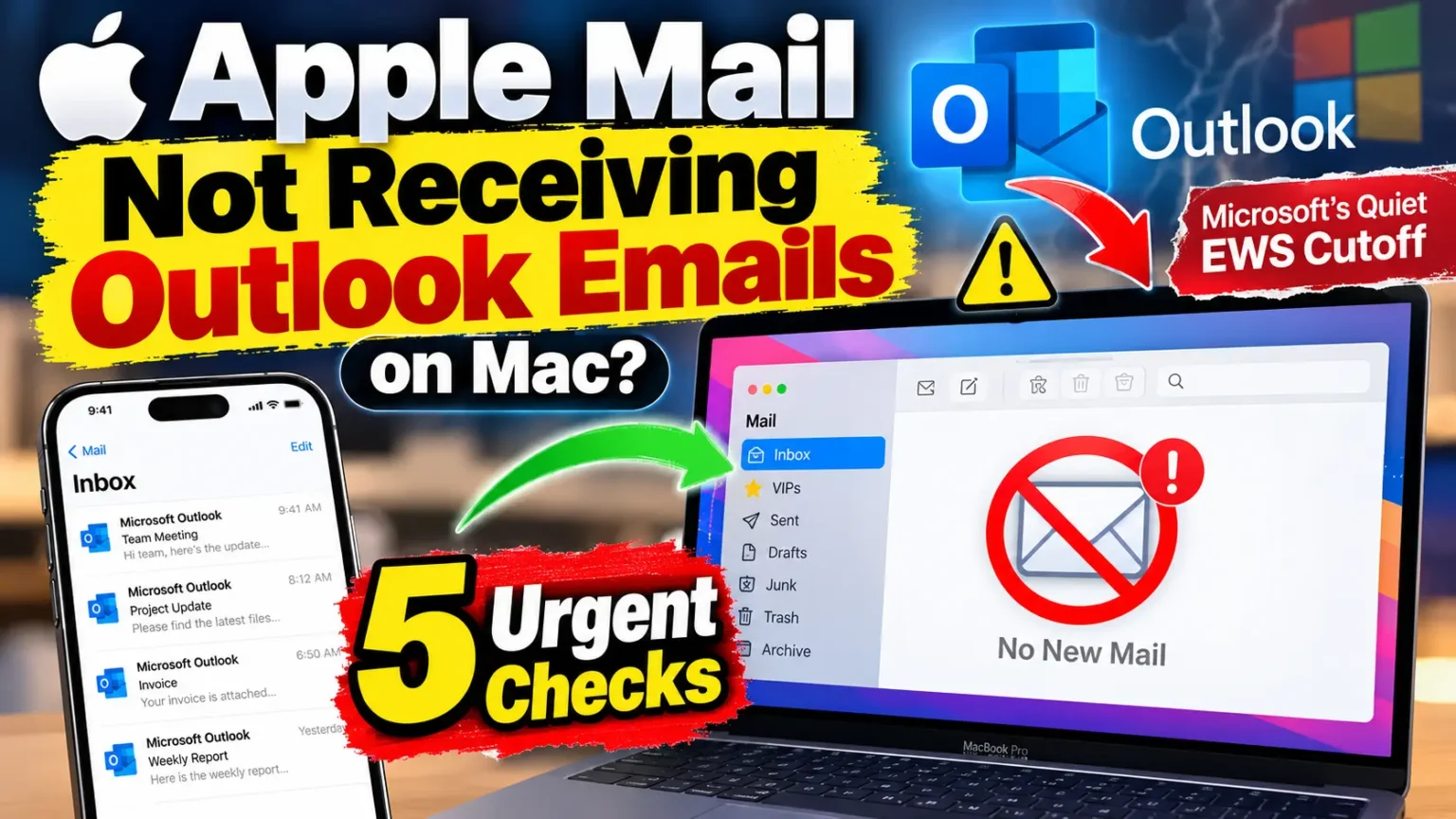




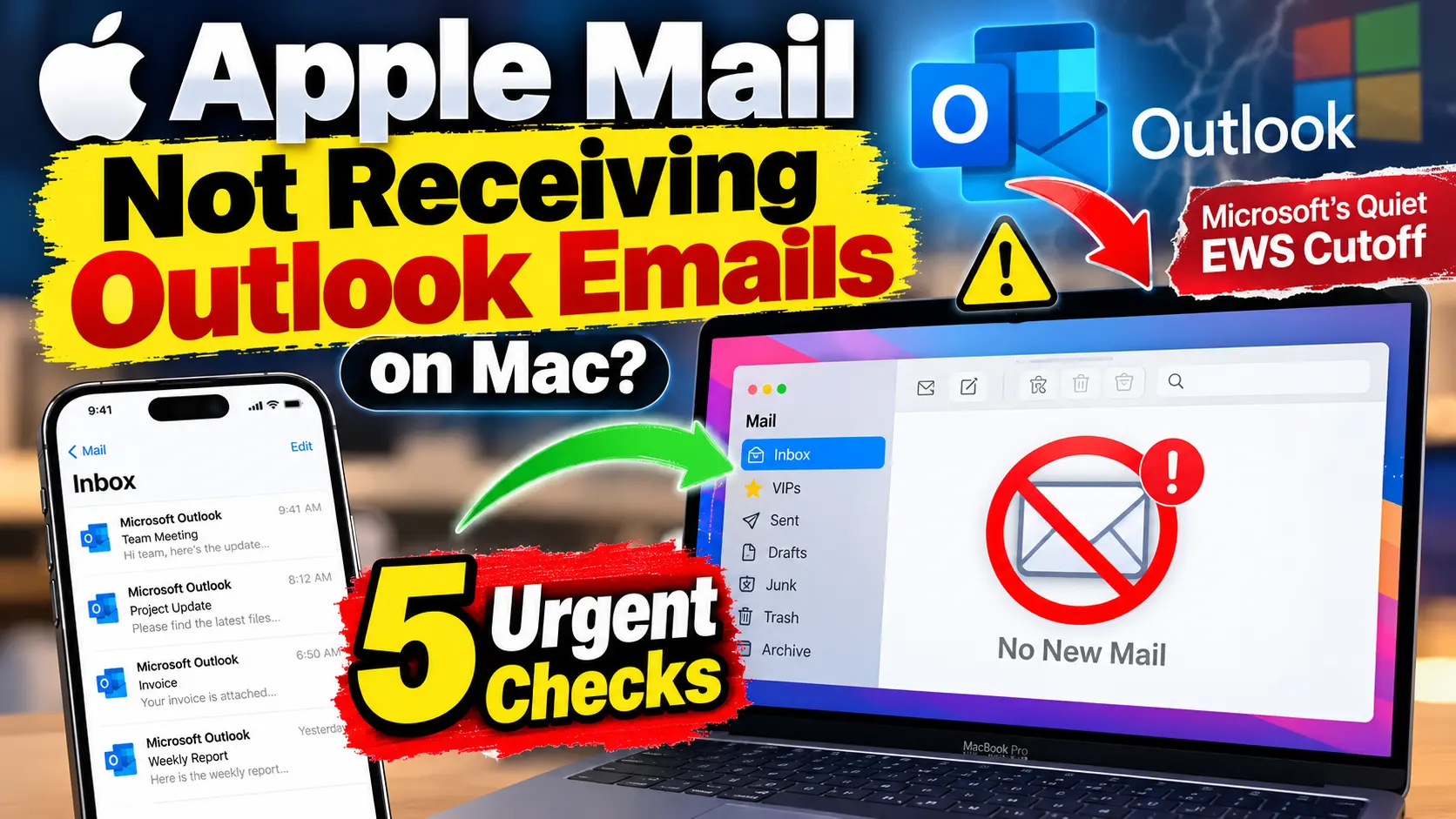
Your work inbox froze on the Mac, but your iPhone still buzzes with new messages.
Nothing looks broken, so you restart the Mac. Twice. Nothing changes.
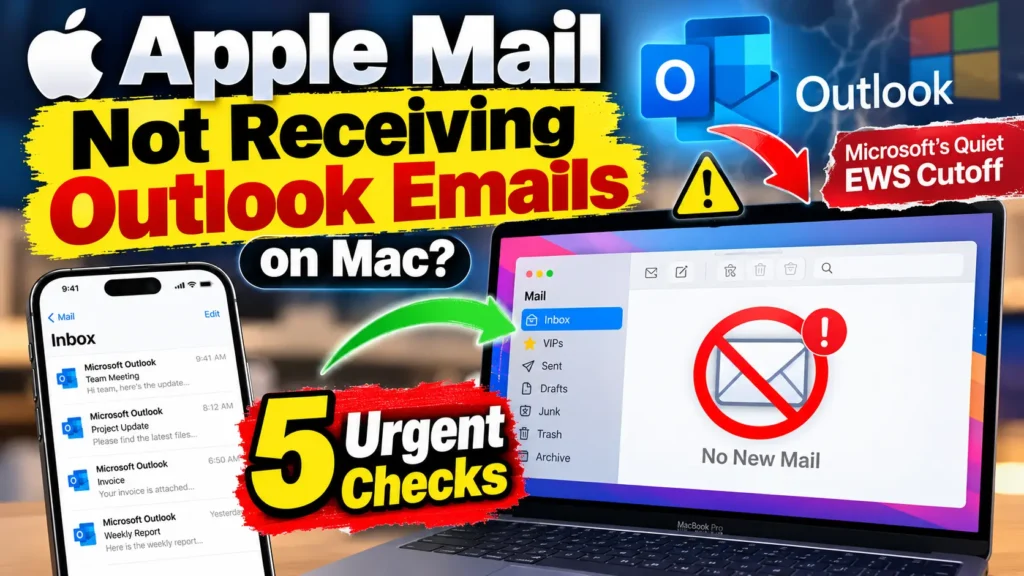
You probably did nothing wrong. On October 1, 2026, Microsoft began switching off an aging connection that Apple Mail still uses.
Here is how to confirm it, what to try first, and exactly what to tell your IT team.
Quick Answer: Apple Mail may have stopped receiving your Microsoft 365 email because Microsoft began disabling Exchange Web Services (EWS) in Exchange Online on October 1, 2026.
Apple Mail and Calendar on Mac still depend on EWS. Test Outlook on the web first.
If webmail and your iPhone both work, ask IT to check EWS access.
Use Outlook for Mac or webmail until it is fixed.
Why Your Mac Stopped Syncing While Your iPhone Didn’t
EWS is an old protocol.
Microsoft stopped adding features to it in 2018. In 2023, it announced that Exchange Online would start turning it off in October 2026.
That date has now arrived.



The rollout is phased, so some companies lose access sooner than others.
Microsoft plans a permanent shutdown on April 1, 2027, and no extensions are currently planned.
Apple says it is working with Microsoft to move Mail, Calendar, Contacts, Notes and Reminders on Mac to Microsoft Graph.
That change is planned for a future macOS 27 update. Apple has not announced a date.
The Office-Building Analogy
Think of your company mailbox as an office building.
EWS is an old side door. Apple Mail on Mac still walks through it.
Your iPhone uses a different entrance, called Exchange ActiveSync. Outlook for Mac uses the new front door, built on Microsoft Graph.
Microsoft is locking side doors one company at a time. Your Mac is not broken. Its door is just locked.
Who Is Actually Affected?
This change targets Exchange Online, the cloud service behind Microsoft 365 work and school accounts.
Companies that run their own Exchange servers are not affected. Reports also point to work accounts, not personal Outlook.com mailboxes.
Here is a quick way to sort your situation:
| What you see | Most likely cause | Who fixes it |
|---|---|---|
| Webmail works, iPhone works, Apple Mail is stuck | EWS access blocked | Your IT admin |
| Webmail also fails | Account, storage, or service issue | IT or Microsoft |
| Only Outlook for Mac fails | Old version or bad local cache | You |
| Personal Outlook.com account fails | Different problem, not this change | You |
5 Urgent Checks Before You Rebuild Anything
When we walk through this on a MacBook Pro running macOS 27 beside an iPhone 18 Pro on iOS 27, the iPhone is the fastest clue. Run these in order.
- Test Outlook on the web. Sign in at outlook.office.com. Send a message to the account from another address. If it arrives there, your mailbox is healthy.
- Compare your iPhone. Open Mail on your iPhone with the same account. New mail there but not on the Mac points to EWS.
- Check Calendar and Contacts. Look for missing events from today. Mail, Calendar, Contacts, Notes and Reminders share one Exchange connection. If they all froze together, suspect access, not a Mail glitch.
- Sign in once. Open System Settings, then Internet Accounts. Select your Exchange account and follow any sign-in prompt. Finish the Microsoft login. Do this one time only.
- Send IT the facts. Copy the message below and fill in the blanks.
Hi,
Apple Mail on my Mac stopped syncing my Microsoft 365 account on [date, time, time zone].
Outlook on the web works, and my iPhone syncs.
Can you check whether EWS is disabled for our organization? Can you also check whether Apple Mail is on the allowed list?
Exchange Online uses the EWSEnabled and EWSAllowedAppIDs settings.
The exact error is: [paste it here].
Pro Tip: Screenshot the error with the menu bar clock visible.
Admins can read sign-in logs, but they need a time to search.
Our Mac screenshot shortcuts guide shows the fastest way.
Also note which coworkers are affected.
Several people failing at once points to a company-wide setting.
A Real-World Scenario: The Friday Afternoon Rebuild
Here is an illustrative scenario, based on how these cases typically unfold. Picture Dana, who works at a 40-person design agency.
On October 2, her Apple Mail stopped receiving new email. Her iPhone kept working.
Dana spent Friday afternoon deleting and re-adding her account.
She did it twice. Nothing changed. On Monday, she tested Outlook on the web and found her mail waiting there.
That one test changed everything. She sent IT the script above. They found that EWS had been turned off for the whole company. The fix was not on her Mac at all. IT switched Dana to Outlook for Mac within an hour.
The lesson is simple. Rebuilding an account cannot override a server-side block. Test first, then rebuild.
Your Workaround Options Right Now
You have three safe choices while IT and Apple sort this out:
- Outlook for Mac. It supports Microsoft’s newer connection and keeps syncing. Do not go back to Legacy Outlook. Microsoft says it stops working with Exchange Online mailboxes starting in October 2026.
- Outlook on the web. It works in any browser and needs no setup.
- Ask IT to keep EWS on. Microsoft documents options for companies that need EWS beyond October 2026. This only buys time until April 1, 2027.
Please avoid two tempting shortcuts.
Do not forward company mail to a personal account, because it can break company policy.
Also skip unofficial tools that promise to bypass the block.
Some are risky, and our guide on checking your Mac for malware explains what to look for if you already tried one.
If the Problem Is Outlook for Mac, Not Apple Mail
Outlook can stall for local reasons too. Try these in order:
- Open Outlook and check the Outlook menu. Make sure Work Offline is off.
- Go to Tools, then Accounts. Look for a connection error beside your account.
- Update Outlook through Help, then Check for Updates.
- Empty a huge Deleted Items folder. In a June 2026 Microsoft Q&A thread, a user fixed endless syncing this way. About 4,000 deleted emails kept rebuilding after every reinstall.
- Use Reset Account only as a last step. It removes data that has not synced to the server.
What If This Doesn’t Work?
Still stuck? These steps cover the leftover causes:
- Try another network. Use a phone hotspot. A firewall or proxy can block the Autodiscover and EWS traffic that Apple Mail needs.
- Restart Mail properly. If Mail hangs, use our force quit guide for Mac, then reopen it.
- Clear old sign-in tokens. Microsoft moderators suggest deleting old ADAL and Office identity entries in Keychain Access, then restarting. This also signs you out of other Office apps. It cannot fix an EWS block.
- Save local-only mail first. Before removing the account, use Mailbox, then Export Mailbox for any folders stored only on the Mac.
- Contact support. In Outlook, choose Help, then Contact Support. Include your macOS version, app version, and the exact error.
Key Dates to Mark
| Date | What happens |
|---|---|
| October 1, 2026 | Microsoft starts disabling EWS by default in Exchange Online, in phases |
| April 1, 2027 | EWS is shut down permanently in Exchange Online |
| To be announced | Apple adds Microsoft Graph support in a macOS 27 update |
Key Takeaways
- Microsoft began disabling EWS in Exchange Online on October 1, 2026.
- Apple Mail and Calendar on Mac still use EWS. iPhone and iPad do not.
- Test Outlook on the web first. It tells you where the problem lives.
- Rebuilding your account cannot override a company-wide block.
- Outlook for Mac is the most reliable workaround today.
- The permanent shutdown date is April 1, 2027.
FAQ
Your iPhone uses Exchange ActiveSync. Your Mac uses EWS. Microsoft is turning off EWS, so only the Mac loses access.
Not on its own. Your IT team must re-enable EWS, or Apple must ship its Graph update. Neither has a confirmed date for most users.
No. The change targets Exchange Online mailboxes. Other providers are not part of it.
Not first. It cannot override a server block, and you could lose local-only mail. Test webmail, then ask IT.
Yes, for now. Microsoft documents options to continue past October 2026. Plan for the April 1, 2027 shutdown.
Sources
- MacRumors, “PSA: Apple Mail on Mac May Stop Syncing Microsoft 365 Accounts Today” (October 1, 2026): macrumors.com
- MacRumors, “Work Email Missing on Your Mac? This Could Be Why” (October 2, 2026): macrumors.com
- Apple Platform Deployment, “Integrate Apple devices with Microsoft Exchange”: support.apple.com
- Microsoft Exchange Team Blog, “Exchange Online EWS, Your Time is Almost Up”: techcommunity.microsoft.com
- Microsoft Exchange Team Blog, EWSAllowedAppIDs guidance: techcommunity.microsoft.com
- Microsoft Q&A, “Mail on Mac not syncing with 365” and “outlook for Mac not syncing”: learn.microsoft.com
Disclaimer
This guide offers general technical information, not legal or IT advice. Microsoft and Apple may change timelines, settings, and menu names. Your organization controls access to its mailboxes. Follow your company’s security policies, and never bypass them to restore access.
Still stuck?
Run checks 1 and 2 right now, then send IT the message above.
Bookmark this page, because we will update it the day Apple ships Graph support.
For more Mac fixes, browse our Mac troubleshooting guides and subscribe to Apple Headlines on YouTube.

T’kal is the lead strategist and developer behind Apple Headlines. With a background in digital marketing and web development, he specializes in technical Apple troubleshooting, software news, and hardware rumors. T’kal focuses on delivering high-authority tech content that bridges the gap between Apple enthusiasts and the latest industry innovations.