




Tag: How to Fix

3 Safe Ways to Allow Pop-Ups on Safari in 2026 (Mac, iPhone & iPad)
Quick Answer: On a Mac, go to Safari > Settings > Websites > Pop-up Windows,…

How to Cancel Subscription on iPhone (2026): Stop Auto Renewals Fast
Stop the Auto-Renewal: 4 Foolproof Ways to Cancel Any iPhone Subscription in 2026

Screen Mirror iPhone to TV, PC & Mac: 5 Foolproof Methods for 2026
Cast anything on your iPhone to a bigger screen in under a minute — no…

Find My iPhone Fully Explained: Every Feature, Every Method, Every Fix (2026)
To use Find My iPhone, open the Find My app on another Apple device, tap…

How to Fix an Unresponsive iPhone: The 5-Minute Fix Apple Users Need
Quick Answer: Press and release Volume Up, press and release Volume Down, then press and…

Turn Off Private Browsing on iPhone: 3 Fast Methods (Plus the Permanent Fix for 2026)
Quick Answer: Open Safari, tap the Tabs button in the bottom-right corner, tap Private, then…
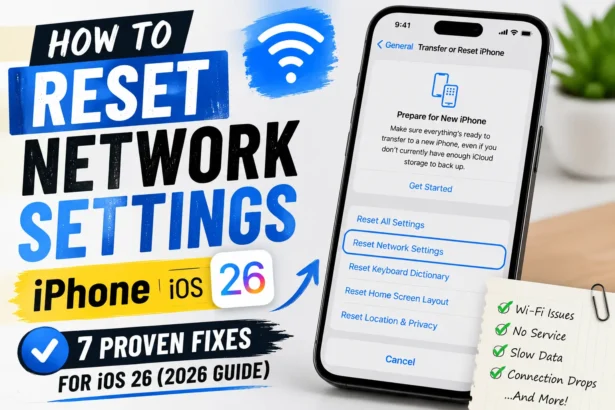
How to Reset Network Settings iPhone: 7 Proven Fixes for iOS 26 (2026 Guide)
Simple Steps to Reset Network Settings iPhone: To reset network settings on your iPhone: Open Settings → General → Transfer or…
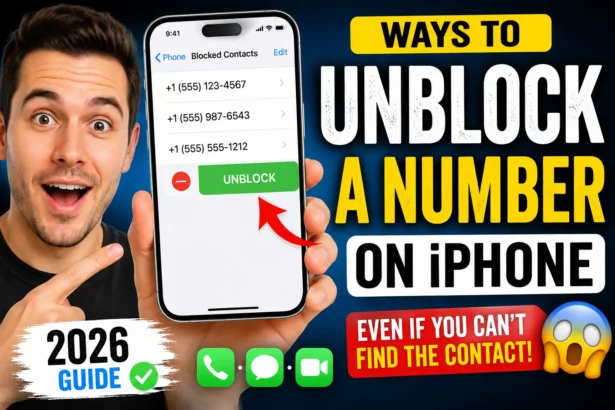
How to Unblock a Number on iPhone in Minutes – if Lost an Important Call
If you're wondering how to unblock a number on iPhone, follow these steps: The contact…

AirPods Acting Up? Reset Them in 60 Seconds (Every Model, Every Fix)
Quick Answer: Place your AirPods in the charging case and close the lid for 30…

FaceTime on PC: Yes, It Actually Works – Here’s the Real Way to Do It
Quick Answer: You can join a FaceTime call from any Windows PC using Google Chrome…
Fixing an iPhone That Won’t Stop Restarting – “ISSUE SOLVED”
Your iPhone is rebooting on its own - again. Whether it's stuck on the Apple…
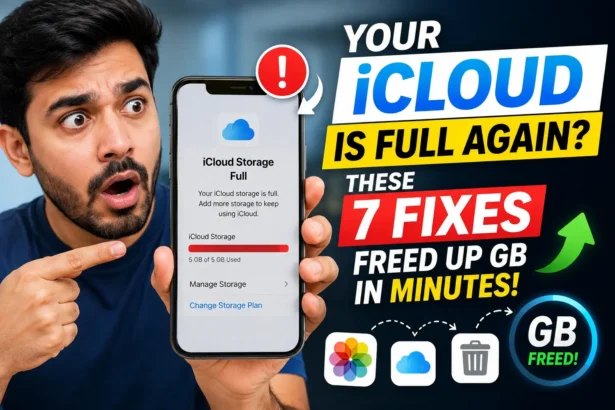
Your iCloud Is Full Again? These 7 Fixes Freed Up GB in Minutes
Quick Answer: The fastest way to free up iCloud storage is to delete old device…

iPhone Camera Not Working? 9 Powerful Fixes That Actually Work
Precap: If your iPhone camera is not working, force-close the Camera app, then do a…

iPhone Stuck on Apple Logo? 7 Proven Fixes That Actually Work
Quick Way - Press and release Volume Up → press and release Volume Down →…

How to Delete Stickers on iPhone: The Quick Cleanup Guide
Want to clean up your sticker collection? Learn how to delete unwanted stickers on your…

7 Proven Ways to Find Hidden Apps on iPhone Right Now (iOS 26 Guide)
Quick Answer: To find hidden apps on iPhone, swipe left past all Home Screen pages…
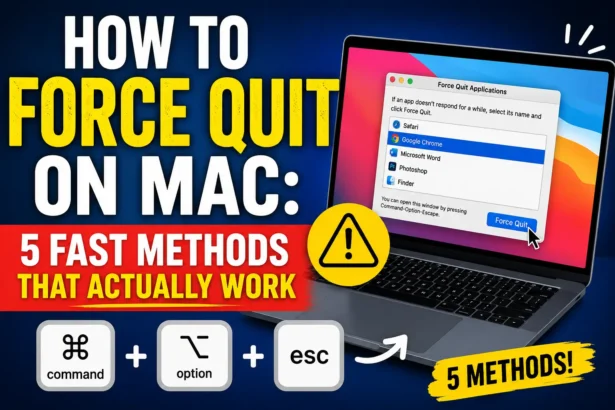
How to Force Quit on Mac: 5 Fast Methods That Actually Work
Press Option + Command + Escape on your keyboard, select the frozen app, then click…

How to Change iPhone Name: 5 Seconds, Any Model, iOS 26 Ready
3 Powerful Reasons to Change Your iPhone Name Today — And How to Do It