



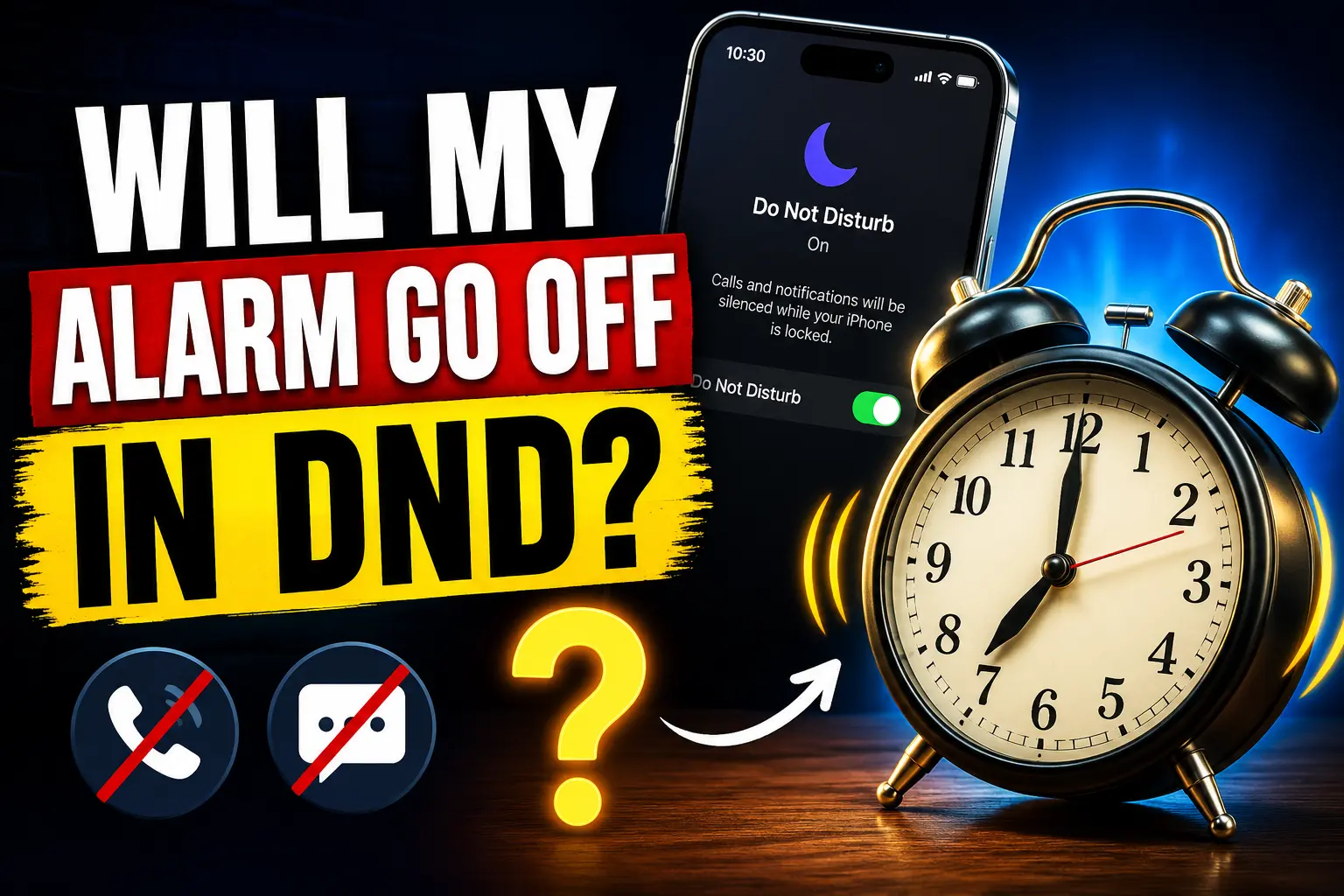
If you use Do Not Disturb before sleeping, you may wonder, will my alarm go off in DND?
Yes, your alarm will normally still go off when Do Not Disturb (DND) is turned on. On an iPhone, Do Not Disturb and other Focus modes can silence calls, messages, and notifications. However, they do not normally silence alarms set in Apple’s Clock app.
The same is generally true if your iPhone is on Silent Mode or Airplane Mode.
However, other settings can affect whether you actually hear your alarm. Your alarm volume, selected sound, schedule, and even the alarm app you use can make a difference.
Here’s exactly how DND affects alarms on iPhone and what you should check before relying on one.
Will My Alarm Go Off in DND?
Yes. Your alarm should go off even when Do Not Disturb is enabled.
Do Not Disturb is designed to reduce interruptions from incoming calls, messages, app notifications, and other alerts. It does not normally disable alarms you have created in the Clock app.
For example, you can turn on DND before going to bed to stop notifications from waking you. If you have a Clock alarm set for 7:00 AM, that alarm should still sound at 7:00 AM.
Here is a quick overview:
| iPhone Setting | Will the Clock Alarm Go Off? |
|---|---|
| Do Not Disturb | Yes |
| Silent Mode | Yes |
| Sleep Focus | Yes |
| Work Focus | Yes |
| Personal Focus | Yes |
| Airplane Mode | Yes |
| Low Power Mode | Yes |
| Screen Locked | Yes |
| iPhone Completely Powered Off | No |
Keep in mind that the alarm still needs to be correctly configured and have an audible sound selected.
Will My Alarm Go Off on Do Not Disturb on iPhone?
Yes. An alarm created using the built-in iPhone Clock app should still go off when Do Not Disturb is enabled.
Do Not Disturb is part of Apple’s Focus system. It gives you control over which people, apps, and notifications can interrupt you.
Your Clock alarms work differently from regular notifications.
For example, turning on Do Not Disturb can silence a WhatsApp notification or an incoming call. It does not normally stop a Clock alarm scheduled for that time.
This makes it possible to use DND overnight without worrying about missing your morning alarm.
How Do Not Disturb Affects iPhone Alarms
The easiest way to understand this is to separate alarms from normal notifications.
Calls: Do Not Disturb can silence incoming calls unless you have allowed certain people or repeated calls.
Messages: Text and iMessage notifications can be silenced.
App notifications: Notifications from apps can also be silenced depending on your Focus settings.
Clock alarms: Alarms created in Apple’s Clock app can still sound.
Therefore, you generally do not need to disable Do Not Disturb before going to sleep just to make your morning alarm work.
What About Other iPhone Focus Modes?
Do Not Disturb is only one type of Focus available on the iPhone.
You may also use:
- Sleep Focus
- Work Focus
- Personal Focus
- Driving Focus
- Custom Focus modes
A regular alarm created in the Clock app should still sound when one of these Focus modes is active.
This is particularly useful with Sleep Focus. You can reduce overnight interruptions while still having an alarm wake you in the morning.
Will My Alarm Go Off If My iPhone Is on Silent?
Yes. An iPhone Clock alarm should still go off when your iPhone is in Silent Mode.
Silent Mode is primarily designed to silence calls, notifications, and other alerts. It does not normally mute alarms created in the Clock app.
This means you can put your iPhone on silent before bed without automatically disabling your alarm.
However, Silent Mode and alarm volume are not the same thing.
If your alarm volume is extremely low, the alarm may technically go off but still be difficult to hear.
That is why checking your volume before sleeping is a good idea if you rely on your iPhone as your primary alarm clock.
How to Make Sure Your iPhone Alarm Goes Off
If you have an important morning ahead, you can quickly check your alarm before going to sleep.
Open the Clock app on your iPhone and select Alarms.
Find the alarm you want to use and make sure it is turned on.
Then check the following:
- Confirm that the alarm is set for the correct time.
- Check AM or PM if your iPhone uses the 12-hour clock.
- Check which days the alarm is scheduled to repeat.
- Make sure an alarm sound is selected.
- Confirm that the alarm is enabled.
- Check your iPhone’s alert volume.
You can also create a test alarm for one or two minutes later if you want to confirm that everything is working correctly.
How to Check Your iPhone Alarm Volume
Do Not Disturb may not stop your alarm, but low volume can make you think the alarm never went off.
To check the alert volume:
- Open Settings on your iPhone.
- Tap Sounds & Haptics.
- Find Ringtone and Alerts.
- Adjust the volume slider to an appropriate level.
If Change with Buttons is enabled, your iPhone’s volume buttons may also affect this alert volume.
If you regularly use your iPhone as an alarm clock, avoid leaving the alert volume extremely low.
Why Didn’t My Alarm Go Off With DND?
If your alarm failed to wake you while Do Not Disturb was enabled, DND itself may not be the actual problem.
Several other settings or situations can prevent you from hearing an alarm.
1. Your Alarm Volume Was Too Low
Your alarm may have sounded, but the alert volume may have been too low for you to hear.
Go to:
Settings > Sounds & Haptics > Ringtone and Alerts
Increase the volume and create a short test alarm.
This is especially worth checking if your alarms suddenly seem quieter than before.
2. Your Alarm Sound Is Set to None
An alarm can be enabled without having the sound you expect.
Open the Clock app and go to Alarms.
Select the alarm you want to check and look at its Sound setting.
Make sure an audible alarm tone is selected.
You can then create a test alarm to confirm that the sound plays at an appropriate volume.
3. The Alarm Is Set for the Wrong Time
A simple scheduling mistake can also cause an alarm to appear as though it did not work.
For example, you may accidentally set:
7:00 PM instead of 7:00 AM
You should also check the alarm’s repeat schedule.
An alarm configured for weekdays may not sound on Saturday or Sunday.
Double-check the time, AM/PM setting, and selected days before relying on the alarm.
4. The Alarm Was Accidentally Disabled
Open the Clock app and check whether the switch beside your alarm is enabled.
It is easy to accidentally turn off an existing alarm and forget to turn it back on.
If the alarm is important, checking it before going to sleep only takes a few seconds.
5. You Are Using a Third-Party Alarm App
Things can be different if you use a third-party alarm application instead of Apple’s built-in Clock app.
Third-party apps may rely on notifications, permissions, background activity, or other iOS features.
As a result, their behavior with Do Not Disturb or Focus modes can vary.
If you use a third-party alarm app, check its notification permissions and follow the developer’s instructions for using the app with Focus modes.
For an important alarm, consider testing the app beforehand.
6. Your iPhone Was Completely Turned Off
Your iPhone alarm will not sound if the device is completely powered off.
This is different from simply locking your iPhone.
Your alarm can still work when:
- The screen is locked.
- Do Not Disturb is enabled.
- Silent Mode is enabled.
- Airplane Mode is enabled.
- A Focus mode is active.
However, if the iPhone has been shut down completely, the Clock alarm cannot sound.
Make sure your iPhone also has enough battery to remain powered on overnight.
7. There May Be a Temporary Software Problem
Occasionally, an iOS or Clock app issue can affect an alarm.
If you believe your alarm is not working correctly, try deleting the affected alarm and creating it again.
You can also restart your iPhone and check whether an iOS software update is available.
After making changes, create an alarm for a few minutes later and test it before relying on it overnight.
Will My Alarm Go Off in Airplane Mode?
Yes. An iPhone Clock alarm can still go off when Airplane Mode is enabled.
Your standard Clock alarm does not need a cellular connection or Wi-Fi connection to sound.
This can be useful when traveling or when you want to disconnect overnight without missing your alarm.
However, features that require an internet or cellular connection may behave differently.
For a standard alarm created in the Clock app, Airplane Mode itself should not prevent it from sounding.
Will My Alarm Go Off in Sleep Focus?
Yes. A regular Clock alarm should still go off when Sleep Focus is active.
Sleep Focus is designed to reduce distractions while you are sleeping. It can silence or limit calls, messages, and app notifications according to your settings.
That does not mean all Clock alarms are disabled.
This allows you to keep Sleep Focus active overnight while still using your iPhone to wake up in the morning.
Will My Alarm Go Off in DND on Android?
In most cases, alarms can also sound while Do Not Disturb is enabled on an Android phone.
However, Android devices can give users more control over which interruptions are allowed during DND.
The exact options may also vary depending on your phone manufacturer and Android version.
For example, settings can differ between a Google Pixel and Samsung Galaxy phone.
If you use Android, open your Do Not Disturb settings and look for options related to Alarms or Alarms & other interruptions.
Make sure alarms are permitted if you want them to sound while DND is enabled.
Because Android settings can differ between devices, testing your alarm before relying on it is a good precaution.
DND vs Silent Mode vs Airplane Mode: Will Your Alarm Work?
It is easy to confuse Do Not Disturb, Silent Mode, and Airplane Mode because all three can reduce interruptions.
However, they perform different functions.
| Mode | What It Does | Clock Alarm |
|---|---|---|
| Do Not Disturb | Silences selected calls and notifications | Works |
| Silent Mode | Silences many incoming sounds and alerts | Works |
| Sleep Focus | Reduces interruptions during sleep | Works |
| Airplane Mode | Disables wireless connections | Works |
| Low Power Mode | Reduces some background activity | Works |
| Phone Powered Off | Shuts down the device | Does not work |
Therefore, if your goal is to avoid notifications overnight without losing your morning alarm, you can generally use Do Not Disturb or Sleep Focus.
Tips to Avoid Missing an Important iPhone Alarm
If you have an important meeting, flight, exam, or appointment the next morning, take a few extra seconds to verify your alarm.
Here are some simple precautions:
- Check that the alarm is enabled.
- Confirm the correct time and AM/PM setting.
- Check the alarm’s repeat days.
- Select an audible alarm sound.
- Make sure your alert volume is high enough.
- Keep your iPhone charged overnight.
- Test your alarm if you recently changed settings.
- Be cautious when relying on unfamiliar third-party alarm apps.
These checks can help prevent problems that may otherwise be mistaken for a Do Not Disturb issue.
Our Readers Questions
Does Do Not Disturb Block Alarms on iPhone?
No. Do Not Disturb does not normally block alarms created in Apple’s Clock app. Your alarm should still sound even when DND is enabled.
Will My Alarm Go Off on Silent Mode?
Yes. An alarm created in the iPhone Clock app should still sound when the iPhone is in Silent Mode. Make sure your alert volume and alarm sound are correctly configured.
Will My Alarm Go Off on Sleep Focus?
Yes. Clock alarms can still sound while Sleep Focus is enabled. Sleep Focus mainly controls calls, messages, notifications, and other interruptions.
Will My Alarm Go Off in Airplane Mode?
Yes. A standard iPhone Clock alarm works without an internet or cellular connection, so Airplane Mode does not normally stop it.
Will My Alarm Go Off If My Phone Is on DND and Silent?
Yes. A Clock alarm should still sound even when your iPhone has Do Not Disturb enabled and is in Silent Mode. However, your alarm sound and volume still need to be properly configured.
Will My Alarm Go Off If My iPhone Is Turned Off?
No. If your iPhone is completely powered off, a Clock alarm cannot sound. Your iPhone needs to remain powered on.
Does DND Affect Third-Party Alarm Apps?
It can depend on the app. Some third-party alarm apps rely on notifications or specific permissions. Check the app’s notification and Focus settings and test it before relying on it.
Final Answer: Will My Alarm Go Off in DND?
Yes, your alarm will normally go off in DND. On an iPhone, Do Not Disturb and other Focus modes can silence calls, messages, and app notifications without disabling alarms created in the Clock app.
Your iPhone alarm should also continue working in Silent Mode, Sleep Focus, and Airplane Mode.
However, Do Not Disturb is not the only setting that matters. Check your alarm time, selected sound, alert volume, repeat schedule, and battery level if you need to make sure an important alarm works.
And remember: if your iPhone is completely powered off, its Clock alarm will not sound.
Resources:

T’kal is the lead strategist and developer behind Apple Headlines. With a background in digital marketing and web development, he specializes in technical Apple troubleshooting, software news, and hardware rumors. T’kal focuses on delivering high-authority tech content that bridges the gap between Apple enthusiasts and the latest industry innovations.