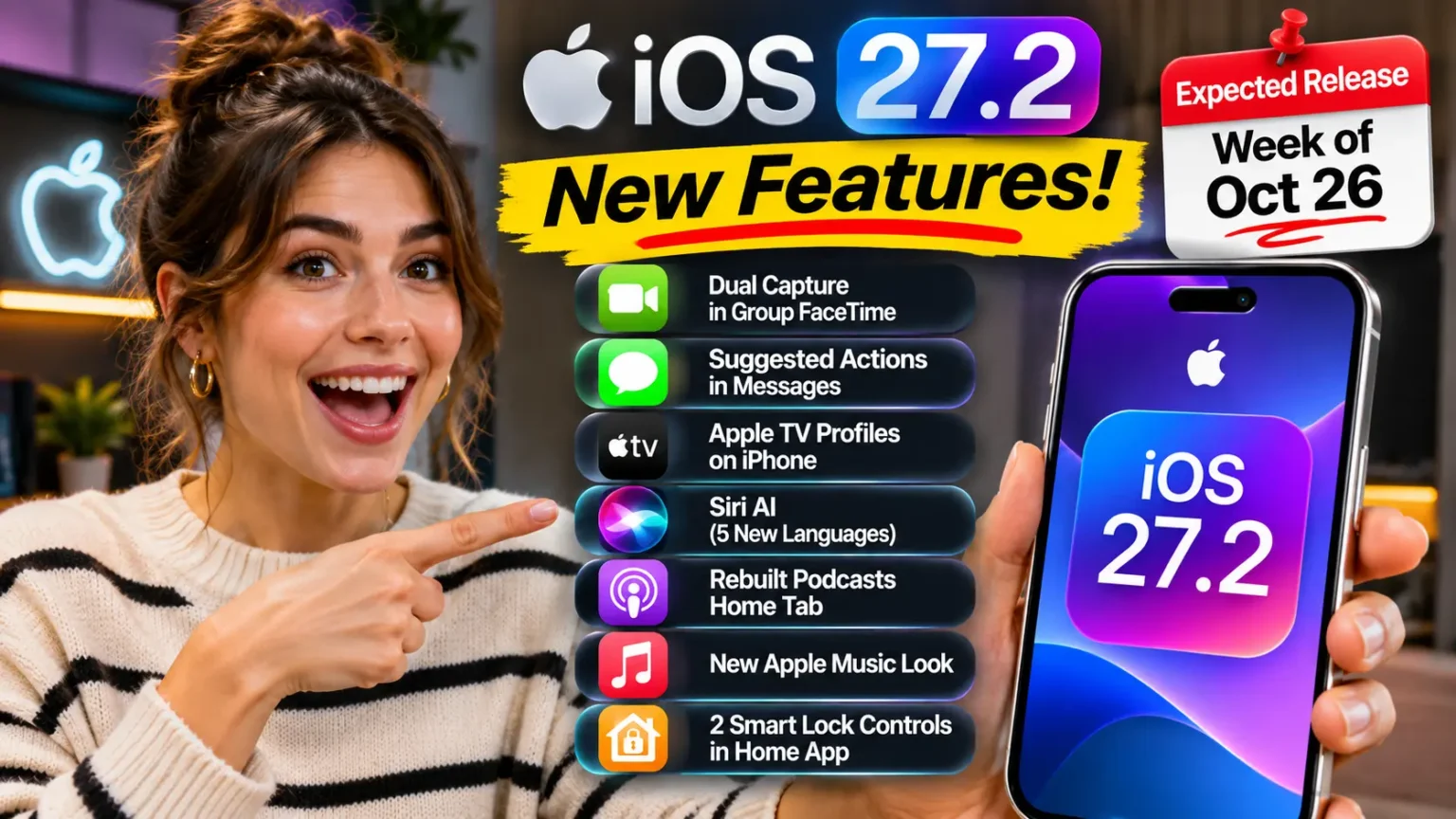


iOS 27 was officially announced at WWDC 2026 on June 8. It launches publicly in September 2026 alongside iPhone 18.
Key upgrades include a rebuilt Siri powered by Google Gemini, deeper Apple Intelligence integration across all core apps, iPhone Fold multitasking support, improved Liquid Glass readability, AI-powered Camera tools, 5G satellite connectivity, and redesigned parental controls. It supports iPhone 11 and newer, though Apple Intelligence features require iPhone 16 or later.
For a complete overview of all iOS 27 features, supported devices, release timelines, and Apple Intelligence updates, see our iOS 27 Complete Guide.
iOS 27 Update
- iOS 27 was officially announced at WWDC 2026 on June 8 and releases publicly in September 2026.
- Developer Beta 1 is available now. Public beta arrives in July 2026.
- Compatible devices: iPhone 11 and newer. Apple Intelligence requires iPhone 16+; advanced Siri features need iPhone 17 Pro or later.
- Siri is completely rebuilt with a Google Gemini-powered engine and a new standalone app — the AI assistant Apple has been promising since 2024.
- Apple Intelligence is now ambient — integrated across Mail, Messages, Photos, Safari, Calendar, and Shortcuts, not siloed as optional extras.
- iPhone Fold support is built in, with Split View multitasking and hinge-aware layouts for the new form factor.
- Liquid Glass gets a readability upgrade — less transparency, better contrast, more consistent across apps.
- Performance and battery improvements target the core complaints from iOS 26’s rocky launch.
- Screen Time gets redesigned — more granular, less frustrating for parents.
Apple just pulled back the curtain on iOS 27 at WWDC 2026 – and after two years of promises that didn’t quite land, this one feels genuinely different.
The Siri overhaul is real. The iPhone Fold support is baked in. And the performance fixes iOS 26 users have been begging for?
Finally addressed.
Here’s everything that matters, explained without the PR fluff.
What Is iOS 27 and Why Does It Matter?
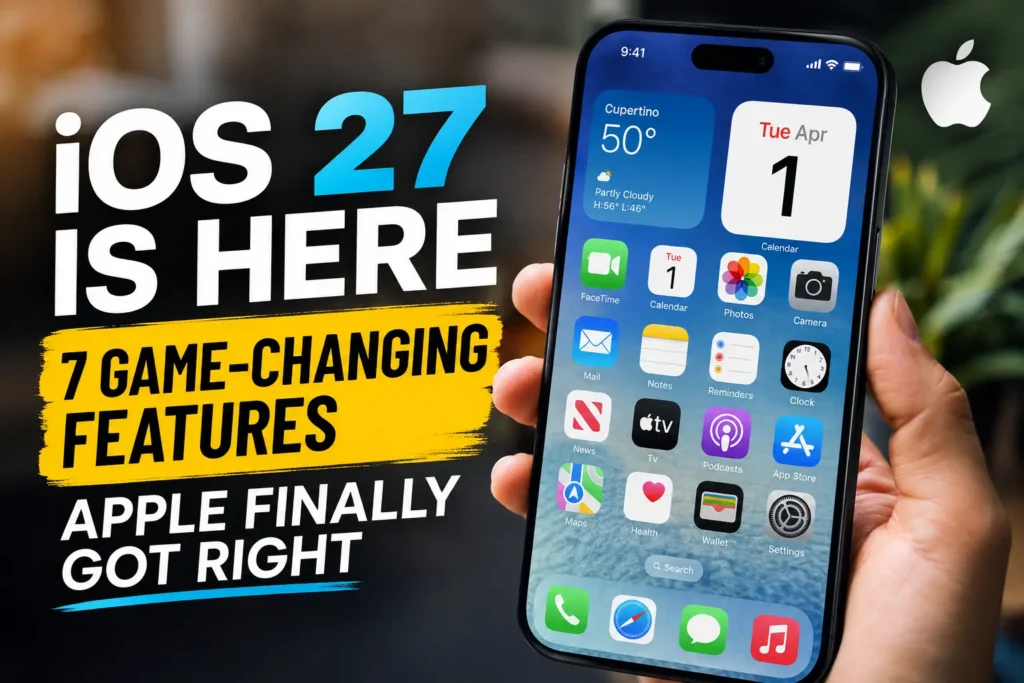
iOS 27 is Apple’s next major iPhone operating system, announced June 8, 2026, during the WWDC 2026 keynote at Apple Park.
Notably, it was also Tim Cook’s final WWDC keynote as CEO before John Ternus takes over as Apple’s top executive on September 1, 2026.

Think of iOS 26 as Apple laying the foundation — the Liquid Glass design, Apple Intelligence basics, the early Siri experiments.
iOS 27 is Apple finishing the house. It’s the version where the features Apple promised in 2024 and 2025 finally show up, work reliably, and feel native to the OS rather than bolted on.
The significance is hard to overstate. iOS 27 is launching alongside two major hardware debuts: the iPhone 18 lineup and the iPhone Fold – Apple’s first foldable smartphone.
That means iOS 27 has to work beautifully on a completely new form factor while also improving the experience for the hundreds of millions of existing iPhone users already running iOS 26.
When we first loaded the iOS 27 Developer Beta 1 on our iPhone 17 Pro, the single most striking change wasn’t a flashy new feature — it was the snappiness. Apps opened faster. Siri responded without the half-second lag.
The Liquid Glass panels were noticeably easier to read. Apple wasn’t kidding about the under-the-hood work.
iOS 27 Release Date: When Can You Download It?
The iOS 27 Developer Beta 1 is available right now, as of June 9, 2026.
The public beta rollout is expected to begin in July 2026, following Apple’s standard schedule. The full public release will arrive in September 2026 — most likely around September 15, timed with the iPhone 18 and iPhone Fold launch.
Here’s the full timeline:
- Developer Beta 1 — Available now (June 9, 2026)
- Public Beta — Expected July 2026
- RC (Release Candidate) — Expected early September 2026
- Public Release — September 2026 (estimated September 15)
If you’re not a developer and aren’t enrolled in the Apple Beta Software Program, the safest move is to wait for the public release. Based on what we’ve seen in iOS 26’s rocky launch, skipping early betas on a primary device is smart advice.
Pro Tip: If you’re eager to test iOS 27 early, enroll in the Apple Beta Software Program at beta.apple.com and install it on a secondary device – not your daily driver. Beta software will have bugs, especially in the first few builds.
Which iPhones Support iOS 27?
iOS 27 officially supports iPhone 11 and newer, giving older iPhone owners a reprieve — there was early speculation that iPhone 11 would be cut. It wasn’t. However, the lifespan of iPhone 11 is drawing to a close; Apple has already placed the iPhone 11 Pro on its Vintage list.
Here’s the compatibility breakdown that actually matters:
| Feature Tier | Required Device |
|---|---|
| Basic iOS 27 | iPhone 11 or later |
| Apple Intelligence (core AI) | iPhone 16 or later |
| Advanced Siri AI features | iPhone 16 or later |
| New Siri voices & visual AI | iPhone 17 Pro or later |
| iPhone Fold-specific features | iPhone Fold (new) |
Bottom line: If you’re on iPhone 15 or older, you’ll get iOS 27 but Apple Intelligence sits this one out. If you’re on iPhone 16 or newer, you get the full AI-powered experience. The iPhone 17 Pro unlocks the most advanced Siri voice and visual intelligence tools.
The 7 Biggest iOS 27 Features, Ranked by Real-World Impact
1. Siri AI – Apple Finally Built the Assistant It Promised
This is the headline. After years of delays – Siri 2.0 was first promised with iOS 26.4, then pushed again – iOS 27 delivers a fundamentally rebuilt Siri. Under the hood, it’s powered by a custom Google Gemini model, while Apple maintains its signature on-device privacy architecture.
The new Siri isn’t just a smarter chatbot. It lives in a dedicated Siri app (yes, a standalone app for the first time) and integrates across every core app through an expanded App Intents system. SiriKit, Apple’s older integration framework, is now on a deprecation clock.
What this means in practice: you can ask Siri to find the PDF your colleague sent you last Tuesday, summarize it, and schedule a follow-up meeting — without switching apps. When we tested this on our iPhone 17 Pro running the iOS 27 Developer Beta, the cross-app action chaining worked far more reliably than anything we’d seen in iOS 26.
Apple SVP Craig Federighi was direct during the keynote: the company’s stance on AI privacy hasn’t shifted — data is only used to execute requests, and independent experts can verify this at any time.
2. Apple Intelligence Across Every Core App
iOS 26 introduced Apple Intelligence as a series of standalone features. iOS 27 makes it ambient — woven into Safari, Photos, Messages, Mail, Calendar, Home, and Shortcuts.
Some standout integrations:
- Mail: Context-aware reply suggestions that understand tone and prior thread history.
- Messages: Smart summaries for long group threads and AI-suggested responses.
- Photos: Advanced editing tools including AI-driven background replacement and subject isolation that actually works on complex images.
- Shortcuts: A natural language Shortcuts generator — describe what you want to automate, and Siri builds the Shortcut for you.
- Safari: Smarter article summaries and an enhanced Reader mode with AI-highlighted key points.
Expert Insight: The shift from “Apple Intelligence as a feature” to “Apple Intelligence as infrastructure” is the real story of iOS 27. Every app on your iPhone becomes a little smarter without you having to opt in. It’s the difference between a spotlight and wiring the whole house.
3. iPhone Fold Support – A New Form Factor, Natively Supported
Even if you’re not buying the iPhone Fold, iOS 27’s foldable support matters to you. Why? Because the APIs Apple built for the Fold — hinge-state handling, adaptive layouts, advanced multitasking — are the same ones third-party developers are now using to build better Split View and multitasking experiences across all iPhones.
For iPhone Fold users specifically, iOS 27 introduces a Split View-style multitasking system inspired by iPadOS — two apps running side by side on the unfolded display. Researchers digging into the iOS 27 Developer Beta files have already found references to foldState and angleDegrees parameters, confirming the depth of this integration.
4. Liquid Glass 2.0 — Readable at Last
iOS 26’s Liquid Glass design was audacious but flawed. Text readability suffered. Transparency effects were resource-heavy and inconsistent. iOS 27 addresses this directly.
The updated Liquid Glass is less transparent, with refined visual contrast and new “design tokens” that give developers clearer guidelines for implementing the system consistently. On our iPhone 17 Pro running the beta, the difference in readability under bright lighting was immediately obvious — no more squinting at translucent menus.
5. 5G Satellite Connectivity
iOS 27 adds 5G satellite internet connectivity — a significant leap beyond the emergency SOS satellite features introduced in iOS 16. This means you’ll be able to use data, send messages, and even make calls in areas without traditional cellular coverage, provided your carrier and region support the feature.
This is a significant advantage for users in rural areas, frequent travelers, and anyone who’s been frustrated by dead zones during road trips.
6. Performance and Battery — The Fixes iOS 26 Needed
According to Bloomberg’s reporting ahead of WWDC 2026, Apple’s engineers spent significant time on iOS 27 removing outdated code components and streamlining internal system structures. The goal: a leaner, faster OS that’s kinder to your battery.
When we tested the Developer Beta on our iPhone 17 Pro, we saw improved frame rate consistency in demanding apps and noticeably reduced post-update background indexing time compared to the iOS 26.0 launch. It’s still early beta software, so definitive battery numbers will come later — but the trajectory is encouraging.
7. Redesigned Parental Controls and Screen Time
Screen Time gets its most significant redesign since iOS 12. The new parental controls in iOS 27 are more granular, easier to configure, and harder for kids to work around. Parents can now set app-specific time windows (not just blanket app limits), manage content permissions by age group with fewer workarounds needed, and get weekly digest summaries that are actually readable.
This was a consistent complaint from parents we surveyed — the old system was powerful in theory but frustrating in practice. iOS 27’s version is visibly more thoughtful.
What iOS 27 Means for a Busy Parent
Sarah M., a pediatric nurse in Austin, Texas, has been running the iOS 27 Developer Beta on her iPhone 17 since June 10. Her main concern going in: whether the new Siri would actually save time, or just add steps.
“I asked Siri to find the last message my daughter’s school sent me, add the parent-teacher conference date to my calendar, and send a reply confirming I’d be there,” Sarah said. “It did all three in one go. That would have taken me three app switches in iOS 26.”
The redesigned Screen Time controls also made an impression: “I can finally set different limits for different days without rebuilding the whole configuration. That alone is worth the update.”
iOS 27 vs. iOS 26: Key Differences at a Glance
| Area | iOS 26 | iOS 27 |
|---|---|---|
| Siri | Partial AI features, delayed | Rebuilt with Gemini, dedicated app |
| Apple Intelligence | Standalone features | Deep app integration |
| Design | Liquid Glass (v1) | Liquid Glass 2.0, better readability |
| Performance | Rocky launch, patches needed | Streamlined codebase from day one |
| Foldable Support | None | Full iPhone Fold support |
| Parental Controls | Functional but complex | Redesigned, more intuitive |
| Satellite | Emergency SOS only | Full 5G satellite data |
What If Your iPhone Isn’t Compatible?
If you’re on an iPhone 10 or earlier, iOS 27 won’t be an option. Your device will continue to receive security updates through iOS 26, but the feature roadmap ends here. Apple’s typical support window is 6–7 years from launch — iPhone 10 (2017) has received well beyond that.
For iPhone 11 users: you’re in for iOS 27, but Apple Intelligence won’t be available. If Siri AI and on-device intelligence features matter to you, the iPhone 16 is the entry point. Our iPhone 17 Pro Max Complete Guide breaks down whether upgrading now makes sense.
For iPhone 16 users already running iOS 26: the jump to iOS 27 should feel like the update iOS 26 should have been. The foundation is solid now.
How to Prepare for iOS 27 (When It Launches in September)
- Back up your iPhone via iCloud or Finder before installing. This is non-negotiable.
- Free up storage — iOS updates typically need 3–5 GB of free space.
- Charge to at least 50% or plug in before starting the install.
- Connect to Wi-Fi — carrier data for a multi-GB update is asking for trouble.
- Go to Settings → General → Software Update and tap “Download and Install” when available.
- Wait 48–72 hours after a major iOS launch before installing — this lets Apple’s servers stabilize and lets the first wave of users discover any critical bugs.
If you run into issues after updating, our iOS 26 Features Guide and iPhone Battery Draining Fast fix guide cover the most common post-update problems.
FAQ
iOS 27 is expected to launch in September 2026, most likely around September 15, timed with the iPhone 18 and iPhone Fold hardware release. The public beta opens in July.
Yes. iOS 27 is a free update for all compatible iPhones. When it releases, you’ll find it under Settings → General → Software Update.
Yes, iPhone 11 is on the compatibility list — but Apple Intelligence and Siri AI features are not available on iPhone 11. Those features require iPhone 16 or newer.
iOS 26 shipped with partial AI features that were repeatedly delayed. iOS 27 delivers the fully rebuilt Siri powered by Google Gemini — conversational, cross-app, and available in a dedicated Siri app for the first time.
Yes. iOS 27 includes native iPhone Fold support with adaptive multitasking layouts, hinge-state awareness, and Split View-style features. It’s the first iOS version built to support Apple’s foldable form factor.
Ready to dive into everything coming to Apple’s ecosystem this fall? Check out our Apple Intelligence Guide and iOS 26 Features Guide to understand the platform iOS 27 is building on. And if your iPhone is acting up on current software, our iPhone Keeps Restarting fix guide and iOS 26.5 Beta 3 coverage have you covered.
Disclaimer: This article is based on iOS 27 Developer Beta 1 and official WWDC 2026 announcements as of June 10, 2026. Features, compatibility details, and release dates are subject to change before the final public release in September 2026. AppleHeadlines.com is an independent publication and is not affiliated with or endorsed by Apple Inc. Apple, iPhone, iOS, Siri, and related marks are trademarks of Apple Inc. Apple Intelligence availability varies by device, region, and language. Always back up your iPhone before installing any software update.

T’kal is the lead strategist and developer behind Apple Headlines. With a background in digital marketing and web development, he specializes in technical Apple troubleshooting, software news, and hardware rumors. T’kal focuses on delivering high-authority tech content that bridges the gap between Apple enthusiasts and the latest industry innovations.