



Updated October 29, 2026 · Checked against Apple’s current iOS 27 support pages and U.S. pricing
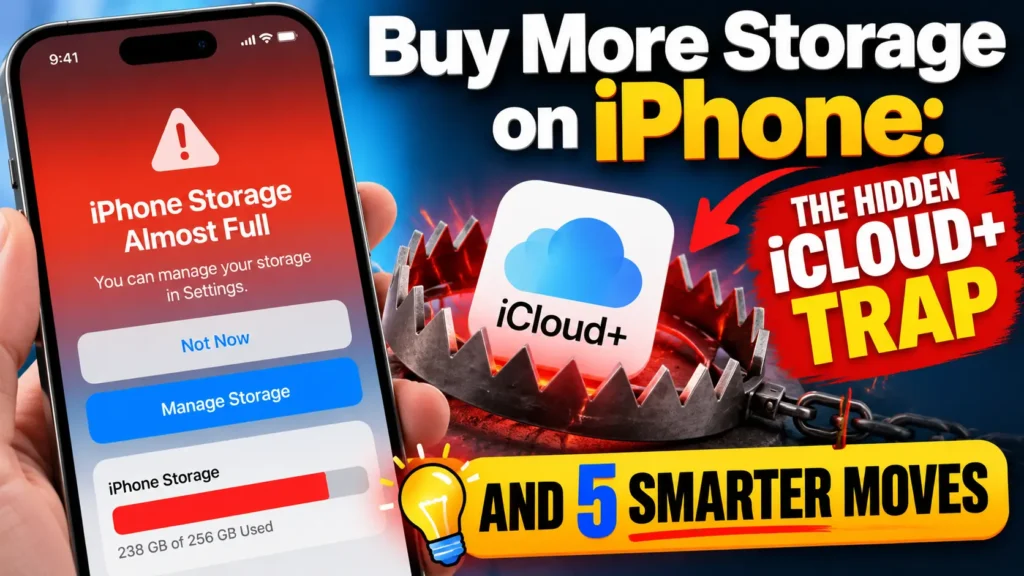
You can’t add physical storage to an iPhone. To get more storage through Apple’s services, upgrade to iCloud+. On iOS 27, open Settings, tap your name, select iCloud, then tap Manage Plan or Get More Storage.
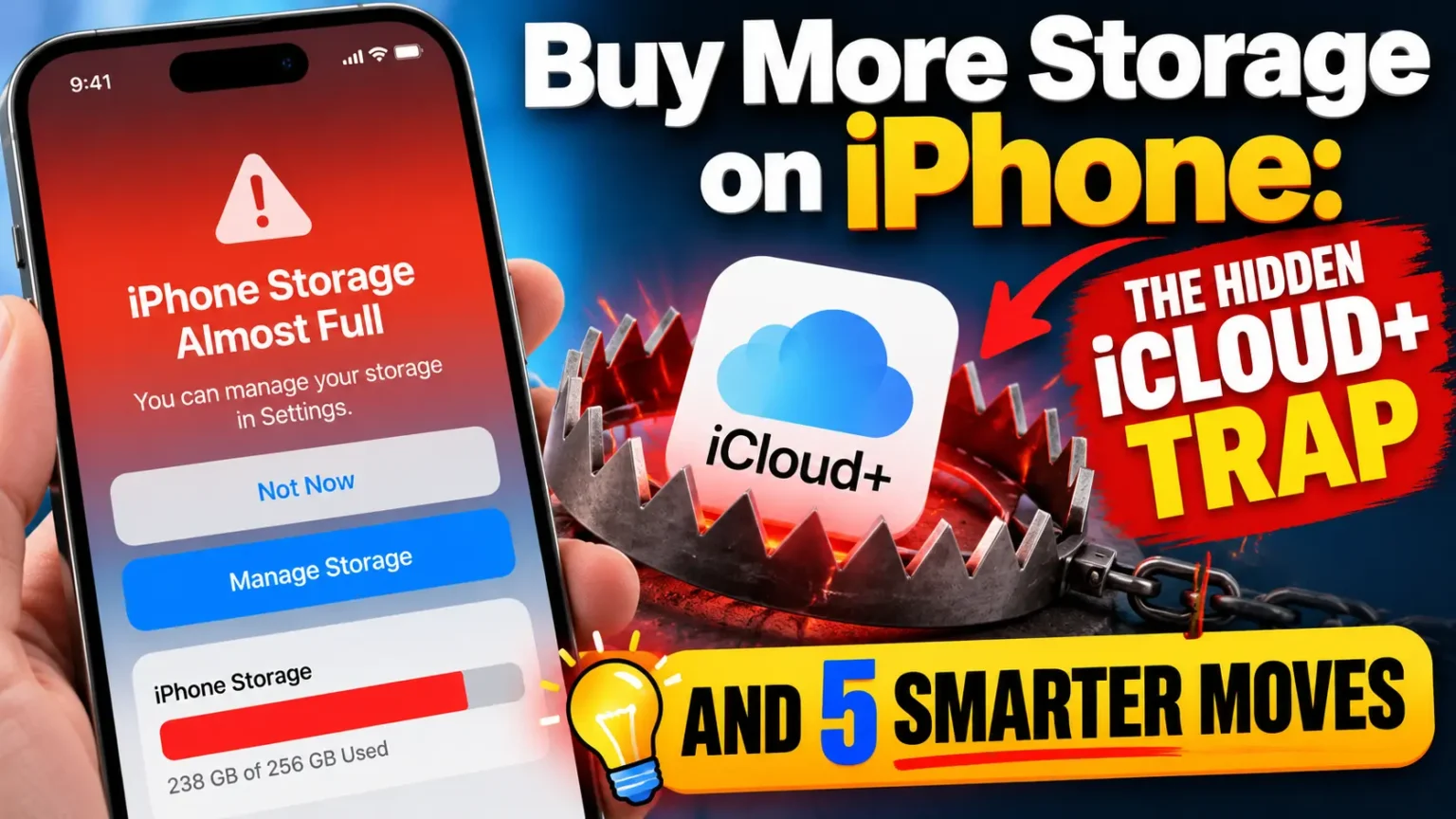
You tapped the camera and got “iPhone Storage Full.”
Now you want to buy a fix and move on. That’s fair.
The tricky part is that Apple sells two different kinds of storage, and only one of them helps your phone breathe.
I’ll show you which button to press on iOS 27 and iOS 26.
I’ll also show where people waste money.
Then we’ll cover smarter options that cost less than a latte.
Can You Really Buy More Storage on iPhone?
Not inside the phone, no. iPhones have no SD slot, and the capacity you picked at checkout is the capacity you keep.


What you can buy is iCloud+, Apple’s paid cloud plan.
Apple’s own support page describes it as a subscription for photos, files, and backups.
So when people search “buying more storage on iPhone,” they usually mean one of two things:
- Cloud space is full. You get an “iCloud Storage Almost Full” alert. iCloud+ solves this.
- Phone space is full. You can’t take photos or install updates. iCloud+ only helps indirectly.
Here’s the difference at a glance:
| Feature | iCloud Storage | iPhone Storage |
|---|---|---|
| Where it lives | Apple’s servers (the cloud) | Inside your iPhone |
| Where to check | Settings › Your Name › iCloud | Settings › General › iPhone Storage |
| Free amount | 5GB with an Apple Account | Depends on your iPhone’s capacity |
| Can you buy more? | Yes Upgrade with a monthly iCloud+ plan | No Choose a higher-capacity iPhone to get more built-in storage |
Tip: iCloud+ provides additional cloud storage, but it does not increase your iPhone’s built-in storage capacity.
Apple’s support team makes the same point in its guide on iCloud storage versus device storage.
Apple Community moderators repeat it constantly, because paying for 200GB of iCloud and then seeing a full phone is one of the most common complaints in the forums.
Why This Matters More
Storage got tighter this year for three reasons.
First, libraries keep growing.
Years of photos, videos, and message attachments pile up quietly.
Second, updates need room.
Apple shipped iOS 27.2 on October 26, and one outlet reported a download of over 20GB on its test devices.
Your size will vary by model.
Still, a nearly full phone can fail to update, and that’s a security risk.
Our iOS 27.2 new features guide covers what you gain by installing it.
Third, free iCloud space is tiny. You get 5GB.
One vacation album can use it all.
When iCloud fills up, Apple says the damage is real.
Your device stops backing up.
New photos and videos stop uploading.
iCloud Drive and other iCloud apps stop syncing.
You can’t send or receive mail with your iCloud address.
That’s why a $0.99 plan is often worth it, even if you never touch the other features.
A Simple Way to Picture It
Think of your iPhone as the closet in your apartment.
Think of iCloud as a storage unit across town.
Renting a bigger storage unit doesn’t make your closet larger. It only gives you somewhere to move things. If you never move anything, the closet stays jammed.
That’s the whole trap. iCloud+ is the storage unit. Features like Optimize iPhone Storage are the movers. You need both.
How to Buy More Storage on iPhone (Step by Step)
Apple changed the menu path more than once.
The old path you’ll see in many guides, Manage Account Storage › Change Storage Plan, now only applies to iOS 17 and earlier.
Use the steps that match your software.
Not sure which version you have? Go to Settings › General › About.
On iOS 27 and later (iPhone 11 and newer)
On an iPhone running iOS 27.2, the fastest route starts with the alert itself.
- Open the Settings app.
- Tap the iCloud Storage Almost Full notice if you see it.
- No notice? Tap your name, then tap iCloud.
- Already subscribed? Under iCloud+ Features, tap Manage Plan.
- Not subscribed yet? Tap Storage (or Almost Full), then tap Get More Storage.
- Pick a plan and follow the onscreen prompts.
- Confirm with Face ID or your Apple Account password.
On older software
| Your iOS Version | Where to Tap |
|---|---|
| iOS 18.4 to iOS 26 |
Your Name
›
Subscriptions
›
iCloud+
›
See All Plans
New to iCloud+?
Your Name
›
iCloud
›
Scroll down
›
Upgrade to iCloud+ |
| iOS 18 to 18.3 |
Your Name
›
iCloud
›
Manage Plan |
| iOS 17 and earlier |
Your Name
›
iCloud
›
Manage Account Storage
›
Change Storage Plan |
Tip: Menu names may vary slightly by iOS version and account settings.
Those paths come straight from Apple’s upgrade guide, last updated in September 2026. If your screen doesn’t match, skip to the troubleshooting section below.
What each plan costs in the U.S.
iCloud+ Storage Plans
Choose the storage plan that fits your needs.
| Storage Plan | Monthly Price | Best For |
|---|---|---|
| 5GB | Free | Light syncing and basic backups |
| 50GB | $0.99/month | One iPhone with a modest photo library |
| 200GB Popular choice | $2.99/month | Most people or couples sharing photos |
| 2TB | $9.99/month | Families, large video libraries, and creators |
| 6TB | $29.99/month | Large photo and video archives |
| 12TB | $59.99/month | Very large collections and extensive storage needs |
Note: Prices shown are in US dollars. Availability and pricing may vary by country or region. iCloud+ adds cloud storage, not physical storage to your iPhone.
Some U.S. states add tax.
You can pay with a credit or debit card or with Apple Account balance.
Apple says its Apple Store gift cards aren’t accepted for iCloud+ upgrades.
All iCloud+ plans can be shared with up to five family members at no extra cost, per Apple’s iCloud+ page.
Each person’s files stay private. Sharing takes a quick setup in Family Sharing.
Before subscribing to iCloud+, open Settings › Your Name › Subscriptions to check your existing plans.
Apple One bundles include iCloud+ storage. U.S. plans include:
- Individual 50GB $21.95/mo
- Family 200GB $27.95/mo
- Premier 2TB $39.95/mo
Two ways to save: You can combine Apple One with a separate iCloud+ plan for more storage. And if a family member already shares a 2TB iCloud+ plan, you may be able to use their available space instead of paying for another plan.
Already paying separately for Apple Music and Apple TV? Compare the total cost with Apple One before renewing.
How to Buy More Storage on iPhone Not iCloud
Maybe you hate subscriptions. Fair. Here are the real alternatives, and what each one actually does.
1. Buy a bigger iPhone. This is the only way to get more storage on the phone itself. Apple’s U.S. launch prices for the iPhone 18 Pro, per BGR’s price guide, show how steep the steps are:
iPhone Storage and Price Comparison
Compare starting capacities and prices across models.
| Capacity | iPhone 18 Pro | iPhone 18 Pro Max | iPhone Duo |
|---|---|---|---|
| 256GB | $1,199 | $1,299 | $1,999 |
| 512GB | $1,399 | $1,499 | $2,199 |
| 1TB | $1,799 | $1,899 | $2,599 |
| 2TB | $2,399 | $2,499 | $3,199 |
Note: Prices are shown in U.S. dollars and are based on the supplied figures. Verify model availability and official pricing before purchasing.
Going from 256GB to 512GB costs $200. At $2.99 a month, that same $200 buys nearly five and a half years of 200GB iCloud+.
Different tools, different jobs.
But if your photos are what’s full, the cloud plan is far cheaper.
If your apps and system data are what’s full, only a bigger phone or a cleanup helps.
Curious about Apple’s foldable? See our iPhone Duo guide.
2. Use an external drive.
Newer USB-C iPhones can connect to many USB-C drives, and you can move big videos over in the Files app.
Mobitrix notes that older Lightning models may need an adapter.
It’s a one-time cost.
It’s also less convenient, because the drive has to be in your hand.
3. Use another cloud service.
Google Drive gives 15GB free across Google services, and TechDator lists paid tiers starting around $1.99 for 100GB.
This frees phone space too.
But Apple’s own apps work best with iCloud, so some features may not sync the same way.
Free Up iPhone Space First (It’s Free)
If your phone is the full one, do this before paying anyone.
Apple’s iPhone storage page says your phone already removes cached and temporary files on its own.
You mostly need to deal with apps, photos, and attachments.
- Open Settings, then General, then iPhone Storage.
- Wait a moment for the bar to load.
- Tap Show All under recommendations.
- Tap Enable on Offload Unused Apps.
- Tap any big app to see its size.
- Tap Offload App to keep its data but remove the app.
- Review any other recommendations your phone shows, such as large attachments.
Offloading removes the app but keeps its documents and data, according to Apple. That makes it the safest cleanup move.
Next, handle photos. Open Settings › Photos and turn on iCloud Photos. Then choose Optimize iPhone Storage.
Your phone keeps small versions, and full-resolution originals stay in iCloud.
This is where iCloud+ and device space finally connect.
Don’t delete anything until the upload finishes.
Want to trim what’s running in the background?
Our Apple Intelligence off-switch guide walks through your options.
Don’t forget what quietly eats iCloud
Apple lists several hidden space hogs.
In iOS 27, photos added to a shared album count toward the storage of the person who created the album.
Since iOS 26, contact photos and posters count too.
Old backups of retired iPhones also linger for 180 days.
To clean up, go to Settings › your name › iCloud › Recommended for You.
Apple’s iCloud storage guide lists the rest.
Real-World Example: The $2.99 That Didn’t Help
This is an illustrative composite scenario, not a named reader.
A reader with a 128GB iPhone 16 kept seeing “Storage Full.” She had already paid for 200GB of iCloud.
Her cloud was only about a quarter used. Naturally, she assumed something was broken.
Nothing was broken.
She had bought a bigger storage unit, but her closet was still stuffed.
Her phone held hundreds of downloaded videos, and iCloud Photos was set to Download and Keep Originals.
She switched to Optimize iPhone Storage and offloaded three games.
The phone gained room within minutes as the originals stayed safely in iCloud.
Her $2.99 plan finally had a job. The lesson: buy the plan and flip the setting.
Which Option Fits You?
Which iPhone Storage Solution Is Right for You?
Find the best fix for your storage problem and budget.
| Your Situation | Best Move | Rough Cost |
|---|---|---|
| iCloud alert says “Almost Full” | Upgrade to iCloud+ 50GB or 200GB | $0.99–$2.99/month |
| Phone full of photos and videos | Use iCloud Photos, Optimize iPhone Storage, and a 200GB plan | $2.99/month |
| Phone full of apps and games | Offload unused apps or delete apps you no longer need | Free |
| Family sharing one messy library | Share a 2TB iCloud+ plan through Family Sharing | $9.99/month |
| Constantly full phone, no cloud wanted | Choose a higher-capacity iPhone or use a compatible external drive | $200+one time |
| Already paying for Apple Music and Apple TV | Compare Apple One bundles with your current subscriptions | $21.95–$39.95/month |
Remember: iCloud+ increases cloud storage, not your iPhone’s physical capacity. Costs are approximate U.S. prices based on the figures provided and may change.
Mac user too? Our Mac startup disk full guide covers the same problem on a MacBook. On a PC, see our iCloud for Windows sign-in fixes.
New to iOS 27? Our iOS 27 complete guide maps what changed.
What If This Doesn’t Work?
Run through these in order.
- You don’t see Manage Plan or Get More Storage. Your menu may match an older iOS version. Check your version in Settings › General › About, then use the matching row above.
- Purchase fails or won’t confirm. Check the payment method on your Apple Account. Remember, gift cards aren’t accepted for iCloud+.
- The plan is active but iCloud still says full. Give it a few minutes. Then close Settings and reopen it. Restart the phone if needed.
- iPhone says full, but iCloud is fine. That’s the device-storage problem. Use the cleanup steps above.
- Family plan options are missing. Make sure Family Sharing is on, and that you’re in the right group.
- Billed twice. Look for overlapping iCloud+ and Apple One subscriptions in Subscriptions.
- Still stuck. Book help at an Apple Store. Our Genius Bar appointment tips can shorten the wait.
Key Takeaways
- You can’t add storage inside an iPhone. Only a new iPhone does that.
- iCloud+ starts at $0.99 a month for 50GB in the U.S., and 200GB is $2.99.
- On iOS 27, use Settings › your name › iCloud › Manage Plan or Get More Storage.
- The old Manage Account Storage path only applies to iOS 17 and earlier.
- iCloud+ fixes a full cloud. A full phone needs Optimize iPhone Storage and offloading.
- Check Apple One and Family Sharing before you pay for a standalone plan.
- A bigger iPhone costs $200 more per tier at 256GB to 512GB on the 18 Pro.
FAQ
Not the built-in storage. You can add cloud space with iCloud+, use an external drive, or buy a model with more capacity.
In the U.S., 50GB is $0.99, 200GB is $2.99, 2TB is $9.99, 6TB is $29.99, and 12TB is $59.99. Some states add tax.
Not by itself. It gives iCloud more room. You still need Optimize iPhone Storage or cleanup to free the phone.
No. iPhones have no card slot. An external USB-C drive can hold files, but apps still live on the phone.
You drop back to 5GB. Back up what matters first. If you exceed the limit, backups and photo uploads can stop.
Sources
- Apple Support, Buy iCloud+ or upgrade your current storage plan (Sept. 15, 2026)
- Apple Support, iCloud+ plans and pricing (Sept. 16, 2026)
- Apple Support, Manage your iCloud storage on your Apple device (Sept. 14, 2026)
- Apple Support, iCloud storage vs. device storage (Sept. 14, 2026)
- Apple Support, How to check the storage on your iPhone and iPad (Oct. 13, 2026)
- Apple, iCloud+ overview
- Apple Community, How to purchase phone storage?
Disclaimer
Prices, plan names, and menu paths come from Apple’s U.S. support pages as of October 29, 2026. They can change, and taxes or regional pricing may apply.
Download size and free space needs vary by device.
This article is general information, not financial advice.
Back up important data before deleting or downgrading anything.
Apple Headlines is not affiliated with Apple Inc.
Ready to Stop Seeing “Storage Full”?
Open Settings › General › iPhone Storage right now and see what’s really filling your phone. Then pick your plan.
Want more fixes like this? Browse our iPhone guides and subscribe to Apple Headlines on YouTube.
Related Posts:

T’kal is the lead strategist and developer behind Apple Headlines. With a background in digital marketing and web development, he specializes in technical Apple troubleshooting, software news, and hardware rumors. T’kal focuses on delivering high-authority tech content that bridges the gap between Apple enthusiasts and the latest industry innovations.