



Updated October 26, 2026 · Covers iPhone Duo on iOS 27 · By the AppleHeadlines.com editorial team
Quick Answer
Updated Oct. 26, 2026
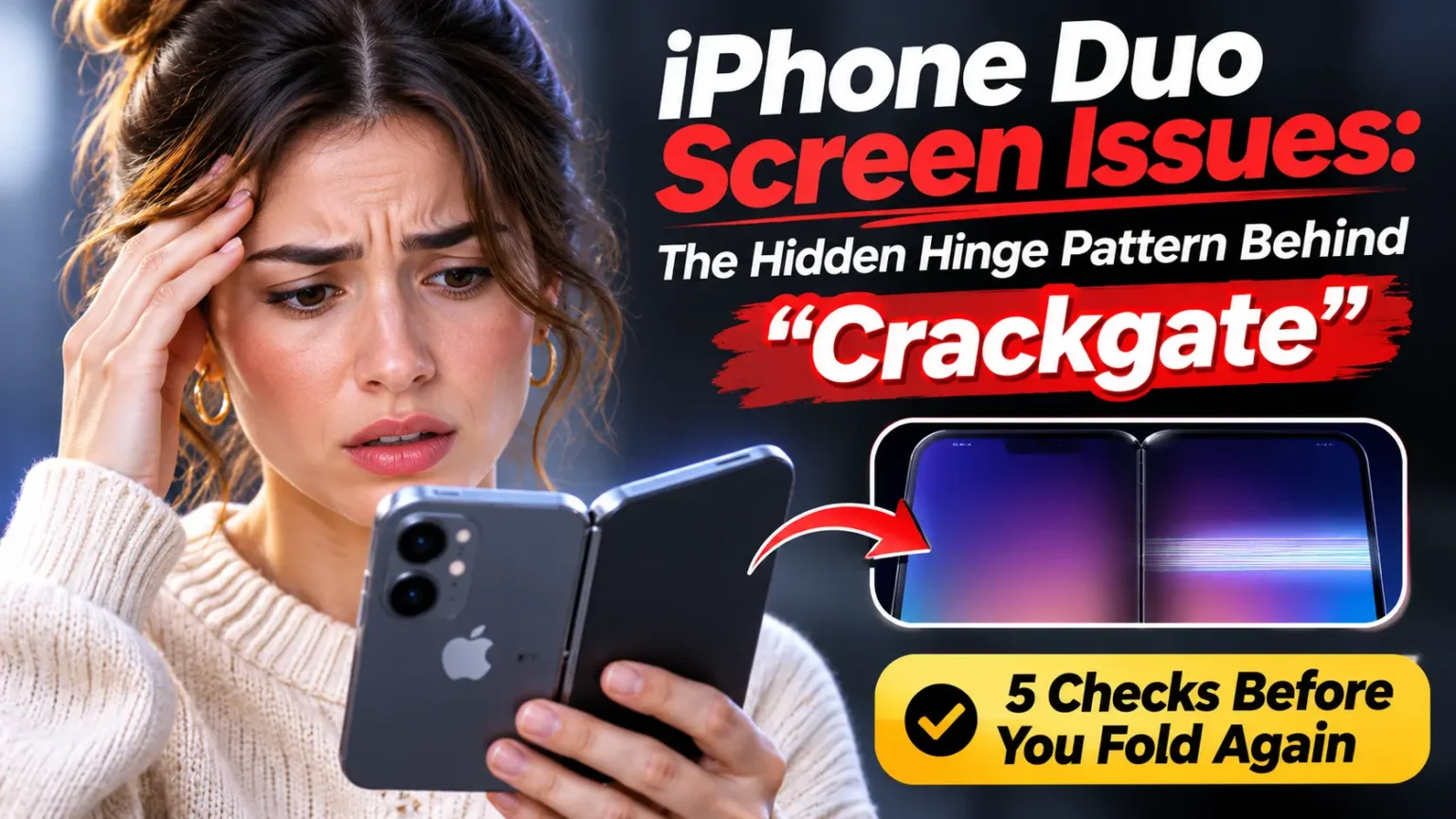
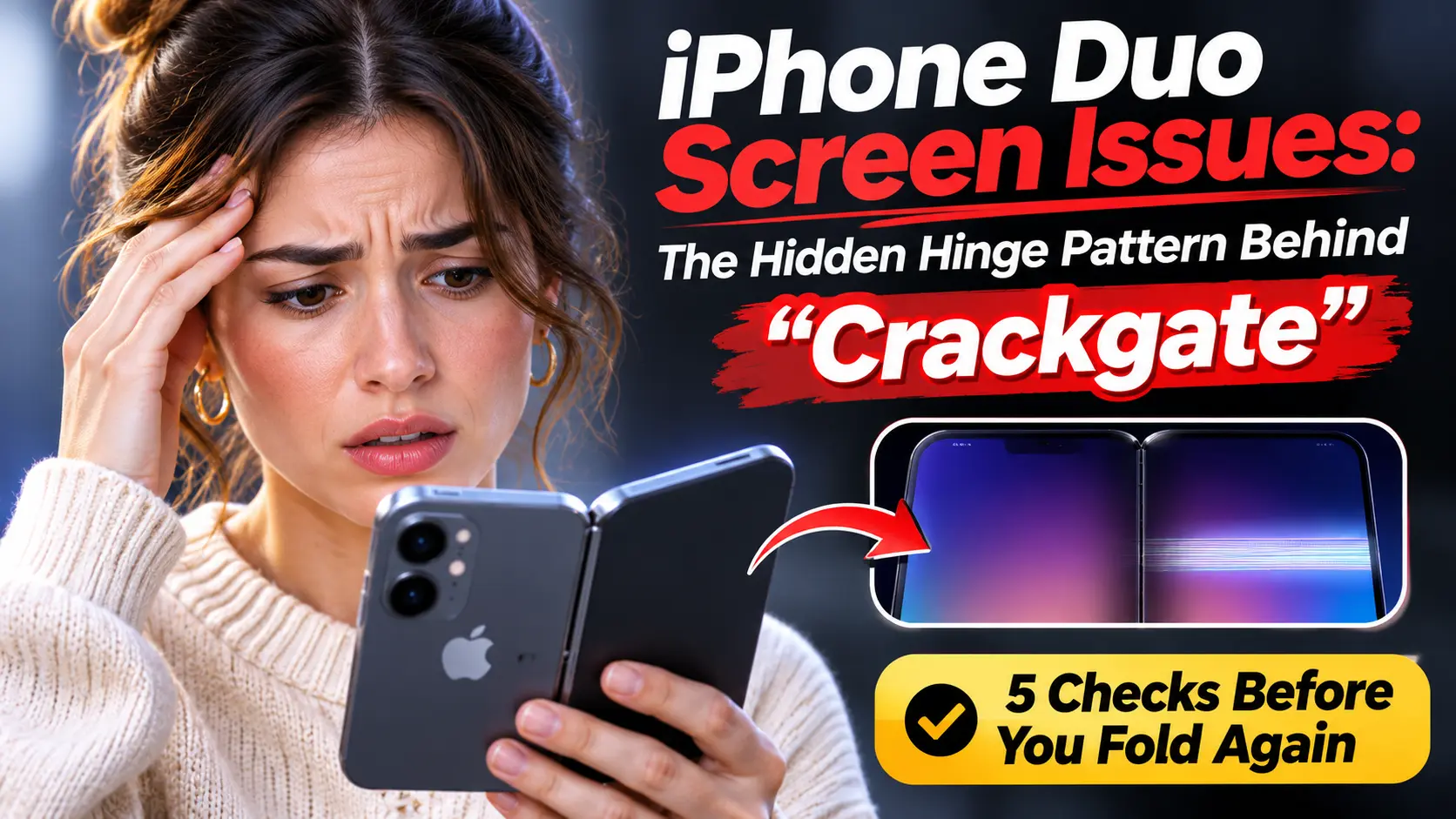
Some early iPhone Duo owners report inner-screen damage along the hinge: a thin line down the center, sometimes accompanied by a bright band of pixels across the right side.
The cause is not confirmed, although teardown evidence points toward the hinge area. As of October 26, 2026, Apple has announced no recall or dedicated repair program. Apple Stores have reportedly replaced broken units, and Apple has published a hinge troubleshooting page.
Seeing a line on your screen? Stop folding the phone, photograph the damage, and arrange Apple service the same day. Ask Apple to confirm your coverage and the applicable repair fee.
You waited weeks, paid $1,999, and finally unfolded your iPhone Duo.
Now there is a thin line down the middle of the inner screen.
Or maybe your screen looks perfect, but Reddit has you afraid to open it again.
Both reactions make sense.
Here is what the reports actually show, what Apple has said so far, and what to do today.
No panic and no hype.
Just the checks that protect your phone and your wallet.


Why This Matters More Than a Normal Screen Problem
Foldable screens fail differently from flat glass.
A flat iPhone cracks when you drop it.
A folding display can fail while you simply use it, because the hinge flexes the panel every time you open the phone.
That is why the early iPhone Duo reports got attention so fast.
The Duo launched on October 23, 2026, and it is Apple’s first folding iPhone.
At $1,999 for the 256GB model, a bad fold is an expensive surprise.
To write this guide, we compared reporting from MacRumors, 9to5Mac, Macworld, and GSMArena.
We also read the iFixit teardown coverage, Apple’s published specs, and Apple’s repair fee list.
We separated three things: what owners report, what experts suspect, and what Apple has confirmed.
Those are very different, and most headlines blur them.
What iPhone Duo Screen Issues Look Like
Almost every report describes the same pattern.
9to5Mac noted that damaged units seem to break the same way.
The inner screen cracks down the center line of the hinge.
A horizontal block of pixels then glows white.
GSMArena adds that owners felt the hinge turn stiff first.
Then they heard a pop, and the lines appeared.
Not every odd-looking screen is a defect, though. Use this table to sort what you see.
“`html| What You See | Likely Category | What to Do |
|---|---|---|
| Vertical center line plus a bright horizontal band | Possible hinge-linked damage | Stop folding. Contact Apple. |
| Raised ridge, bubble, or lifting edge | Physical fault | Stop using the inner screen. Book service. |
| Faint, even fold line visible only in angled light | Normal crease | Monitor it. Do not press on it. |
| One app is cropped or has black bars | App scaling issue | Update the app. Test with Apple apps. |
| Dead touch strip across several apps | Possible hardware fault | Restart once, then book service. |
Note: These are troubleshooting clues, not a definitive diagnosis. If the display is lifting, visibly damaged, or behaving abnormally, avoid pressing or folding it and arrange professional service.
“`Apple says the inner display’s nano-texture finish reduces crease visibility.
It does not remove it.
So a shallow, even line under side light is not automatically a problem.
A line made of broken or stuck pixels is.
The Specs Behind the Screens
Many readers search for the Duo’s display details, so here are Apple’s own numbers.
| Specification | Inner Display | Outer Display |
|---|---|---|
| Size | 7.6 inches Folding OLED | 5.4 inches OLED |
| Resolution | 1878 × 2670 pixels | 1398 × 2034 pixels |
| Pixel density | 430 ppi | 460 ppi |
| Refresh rate | Up to 120Hz ProMotion | Up to 120Hz ProMotion |
| Finish | Nano-texture | Ceramic Shield 2 front |
Note: Verify these specifications against official Apple documentation before publication.
Both screens share the same shape, so apps should move between them smoothly. Apple rates the phone IP68, which covers water and dust.
That rating matters later in this story.
What Is Causing the Cracks? What We Know So Far
Nobody outside Apple can say for sure yet. But three pieces of evidence are worth knowing.
1. The damage clusters in one spot.
iFixit built a 3D hinge model from teardown footage, patents, and CT scans.
It then compared the model with photos of damaged screens.
The breaks cluster near where the flex cable gap meets the central hinge support.
Several edges meet there and change how the thin display is held as it bends.
2. Possible causes are still open.
iFixit listed pressure, a trapped particle, repeated bending, or a manufacturing defect.
It also noted that a wiring fault can look like a broken screen.
One working theory, reported by 9to5Mac, is a slightly misaligned hinge part that pokes up into the inner screen.
3. Dust gets into the hinge.
iFixit coated the Duo in fluorescent dust. Little reached the internals, but some got into the hinge and made it crunch.
It collected less dust than the Galaxy Z Fold8 or Pixel 11 Pro Fold did in similar tests.
YouTuber JerryRigEverything also saw dust enter the hinge and weaken the magnets that hold the phone shut.
How common is it?
Honestly, we do not know. 9to5Mac counted about ten unique cases by October 25. MacRumors said the scale is unclear.
Apple has probably shipped hundreds of thousands of units, and many reviewers used review units for weeks without trouble.
MacRumors also noted that some images came from demo phones in China, where the backstory is unknown. Some of those may be user damage.
So treat this as a real but unmeasured problem. It is not a confirmed defect across all phones.
The Patio Door Analogy: Why a Tiny Part Can Break a Big Screen
Picture a patio door with a pebble in the track.
You slide it, and it sticks.
You push a bit harder, and something gives.
The pebble did not break the door.
The extra force did.
A foldable hinge works the same way.
If a part is slightly off, or grit sits in a moving joint, the hinge resists.
The weakest piece in the stack takes the strain.
On the Duo, that piece may be the thin display sitting right above it.
That is a theory, not a verdict. But it explains why owners keep describing a stiff hinge just before the crack.
Checks Before You Fold Your iPhone Duo Again
These five physical checks take about five minutes. Inspect the phone gently, and don’t force the hinge or press on the inner display.
Case Study: The Six-Hour Screen
The most-shared report comes from an owner in Australia.
He told Reddit he had the phone for about six hours and had opened it fewer than 20 times. While showing it to a friend, he felt something under the hinge.
As he kept opening it, he heard a crack, and the screen broke along the hinge.
He saw no marks or damage beforehand.
He walked into an Apple Store, and MacRumors reported that Apple replaced the phone right away.
What this teaches us:
- He acted the same day, which kept him inside the return window.
- He took the phone to an Apple Store, not only a carrier.
- His account matches other reports, which makes it easier for Apple to spot a pattern.
Carrier buyers have had a harder time. 9to5Mac reported that carriers lacked immediate stock for swaps.
One buyer said they were told they must have dropped the phone. GSMArena added that replacements were hard to get for the 1TB and 2TB models.
What Does a Cracked iPhone Duo Screen Cost to Fix?
If the problem is a normal-use hinge failure, MacRumors says the one-year warranty should cover it.
Buyers who received a phone on launch day also have two weeks to return it. Outside warranty, here are Apple’s U.S. fees.
| Repair Type | Without AppleCare+ | With AppleCare+ |
|---|---|---|
| Cover layer | $49 | $19 |
| Outer display | $379 | $29 |
| Inner display KEY COST | $999 | $99 |
| Other damage | $1,499 | $99 |
Repair fees may vary by country, coverage eligibility, and service assessment. Confirm the applicable fee with Apple before arranging a repair.
AppleCare+ for the Duo costs $19.99 a month, $199.99 a year, or $399 upfront.
Apple lists no standalone hinge part.
Its repair guidance points to replacing the inner display assembly.
One outside report says a hinge fault could land in the pricier “other damage” tier.
Apple has not said so, so ask for the fee in writing before you approve any repair.
Screen Protectors, Privacy Screens, and Split Screen: Quick Answers
Screen protector.
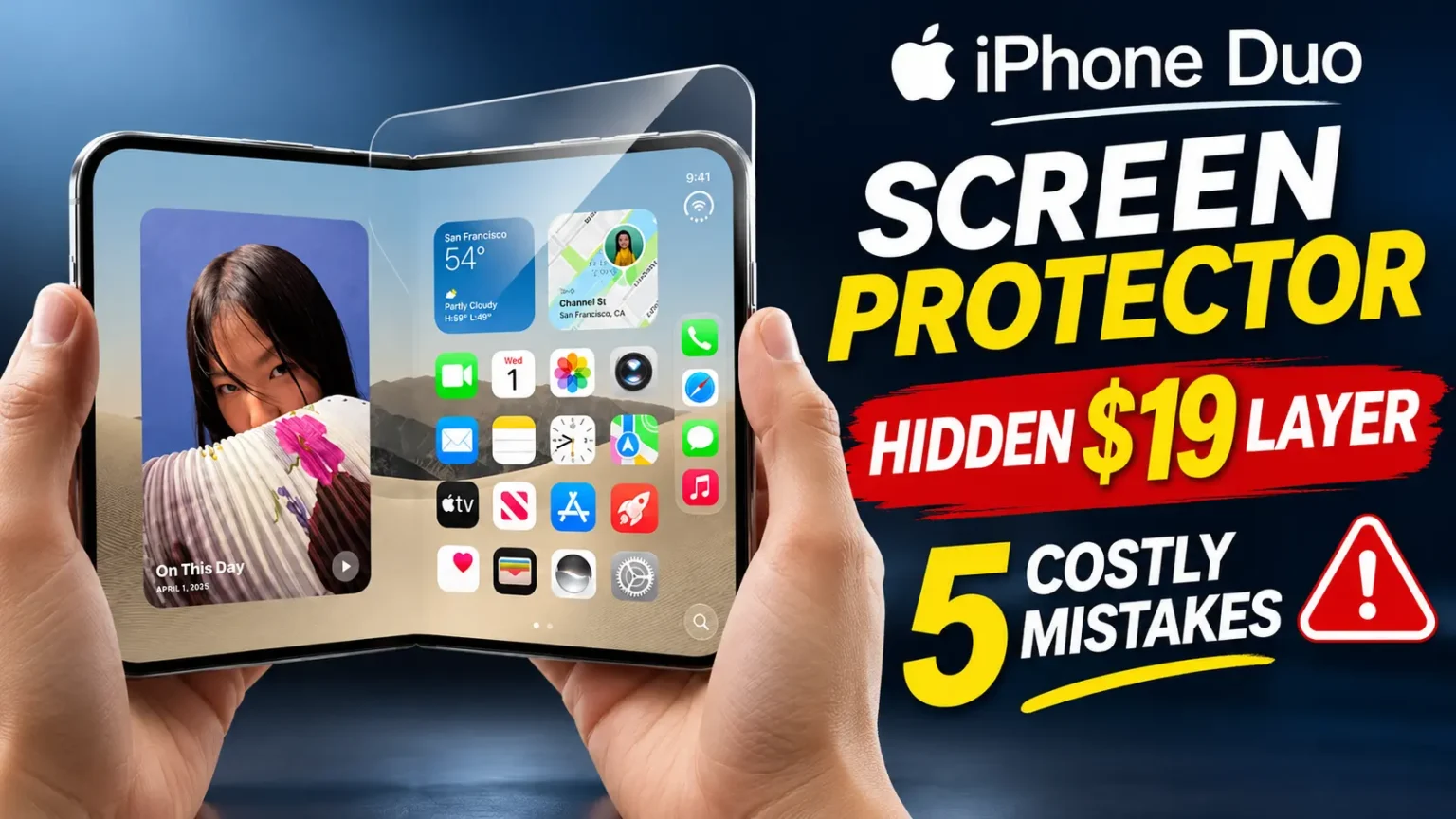
Apple says the inner nano-texture layer is part of the display, and an added inner film can hurt performance.
An outer-screen protector is a different story. See our full guide to the iPhone Duo screen protector before you buy anything.
Privacy screen.
Apple’s spec sheet lists no built-in privacy filter. Third-party privacy films add a layer, so check the hinge and case clearance before you use one.
Split screen.
The Duo supports Split View.
If one app looks cropped, that is usually app scaling, not a broken panel. Test the same layout in an Apple app.
If Apple apps look fine, the problem follows the app.
iPhone Duo Reviews and Complaints: The Honest Scorecard
Reviews are strong on design and mixed on durability. Here are the main complaints so far.
- Hinge-area cracks. The headline issue, covered above.
- Dust in the hinge. The IP68 rating does not guarantee a grit-free hinge. iFixit called its dust result “encouraging” but said the Duo is not a great beach phone.
- Supply and pickup delays. Pre-orders, store pickup, and carrier stock have all been messy.
- Repair difficulty. iFixit gave a provisional 5 out of 10, ahead of the Galaxy Z Fold8 and Pixel 11 Pro Fold at 4 each. It still called the repair a “bear.”
Many owners also love the phone and report no problems. Both stories are true at once.
What If This Doesn’t Work?
Maybe you tried the checks and the line is still there. Or you are stuck with a carrier that has no stock. Work through this list.
- Go to an Apple Store, not just a carrier. Store staff have swapped units for several owners.
- Call Apple Support at 800-275-2273. Ask for a case number.
- Bring your evidence. Photos, a video, and the date you bought the phone.
- Check your return window. Launch-day buyers have two weeks.
- Ask about stock. If your size is sold out, ask for a delivery date in writing.
- Do not try a DIY fix. Heat, pressure, or peeling layers can void coverage and worsen the damage.
- Escalate calmly. If a carrier blames you, ask for Apple’s own assessment.
Key Takeaways
- Reported iPhone Duo screen issues center on a hinge-line crack with a bright pixel band.
- The cause is unconfirmed. iFixit’s data points to the area near the flex cable and central support.
- As of October 26, 2026, no recall or official program exists.
- Apple Stores have replaced broken units for several owners.
- Out of warranty, inner display repair is $999. AppleCare+ cuts it to $99.
- Stop folding at the first line, ridge, or bright band, and document everything.
- Never peel the inner cover layer or add unapproved inner film.
FAQ
No. As of October 26, 2026, Apple has announced no recall, no repair extension, and no official statement on a defect. Apple did publish a hinge troubleshooting support page.
Hinge failures from normal use should fall under the one-year warranty, and several owners got in-store swaps. There is no official program, so results vary. Carrier buyers have reported more friction.
Without AppleCare+, Apple lists $999 for inner display damage and $1,499 for “other damage.” With AppleCare+, both are $99.
Not by itself. A shallow, even fold line can show in angled light. A defect looks different: stuck pixels, a bright band, a ridge, a bubble, or a growing dark patch.
Apple says the nano-texture cover layer is part of the display and added inner protectors can compromise performance. Do not peel the factory layer. Read our screen protector guide first.
Sources
- MacRumors, “Crackgate? iPhone Duo Owners Report Screens Breaking Along the Hinge,” October 23, 2026
- 9to5Mac, “Some iPhone Duo displays are cracking, seemingly all in the same way,” October 25, 2026
- Macworld, “iPhone Duo hinge issue: What’s wrong with Apple’s folding phone and how to fix it,” October 26, 2026
- Apple, iPhone Duo Technical Specifications (apple.com/iphone-duo/specs)
Disclaimer
This article is for general information. It is not legal, financial, or professional repair advice. Reports, prices, and Apple policies are accurate as of October 26, 2026, and may change. Warranty rights vary by country and by state. Contact Apple or an authorized service provider before you approve a repair. AppleHeadlines.com is not affiliated with Apple Inc.
Own an iPhone Duo? Do This Next
Check your hinge and inner screen tonight, and save a clear photo of both. Then read our iPhone Duo guide for specs, price, and accessories. Need a hands-on check? Book an Apple Genius Bar visit and bring your photos. Seen a different Duo screen problem? Tell us in the comments, and we will update this guide.
Recent Post:

T’kal is the lead strategist and developer behind Apple Headlines. With a background in digital marketing and web development, he specializes in technical Apple troubleshooting, software news, and hardware rumors. T’kal focuses on delivering high-authority tech content that bridges the gap between Apple enthusiasts and the latest industry innovations.