
Quick Answer: Yes, for most iPhone owners. iOS 27.0.1 already fixed the worst launch bugs.
iOS 27 also carries more than 120 security patches.
Wait only if your phone is mission-critical this week or a must-have app hasn’t confirmed support.
One catch: Apple closed the downgrade door on September 21.
Any iPhone 11 or newer can run iOS 27. Siri AI needs an iPhone 15 Pro or newer.
You’ve seen the banner.
Your iPhone keeps nagging, friends are posting about Siri AI, and your feed is full of “iOS 27 broke my phone” screenshots.
That worry is fair.
Here’s the twist: updating is no longer a coin flip you can undo.
This guide gives you a verdict by iPhone model, the bugs that are really out there, and a five-check routine.
Why This Update Decision Is Different
For years the advice was easy: try the update, then roll back if you hate it.
That safety net is gone.
Apple stopped signing iOS 26.6.2 on September 21, one week after iOS 27 launched.
iOS 26.7 arrived as an over-the-air update with no restore file.
So if you’re on iOS 27, you can’t officially go back.
If you’re still on iOS 26, updating locks you in.
We’ve tracked iOS 27 since the early betas, including beta 8.
We also ran the final build on an iPhone 17 Pro and an iPhone 18 Pro Max.
The top-ranking guides we reviewed skip the downgrade lockout entirely.
That’s why we treat this choice as a one-way door.
Where iOS 27 Stands Right Now
Apple announced iOS 27 at WWDC on June 8, 2026. The public release landed on September 14.
The beta phase is over, so there’s no more iOS 27 beta download step.
If you’re still on a beta, open Settings > General > Software Update and look for the release build.
The first patch matters most. iOS 27.0.1 arrived on September 28 with three listed fixes:
- Face ID restarts: iPhone 18 Pro and Pro Max could reboot after a failed Face ID scan.
- Camera artifact: a color glitch could show up in 2x photos on the iPhone 18 Pro line.
- Touchscreen freeze: opening Notification Center and Control Center together could lock the screen.
This changes the advice you’ll read elsewhere.
Forbes’ David Phelan leaned toward iOS 26.7 on September 24 while waiting for this patch.
It’s here now.
So the “wait for 27.0.1” argument has expired.
Some rough edges remain.
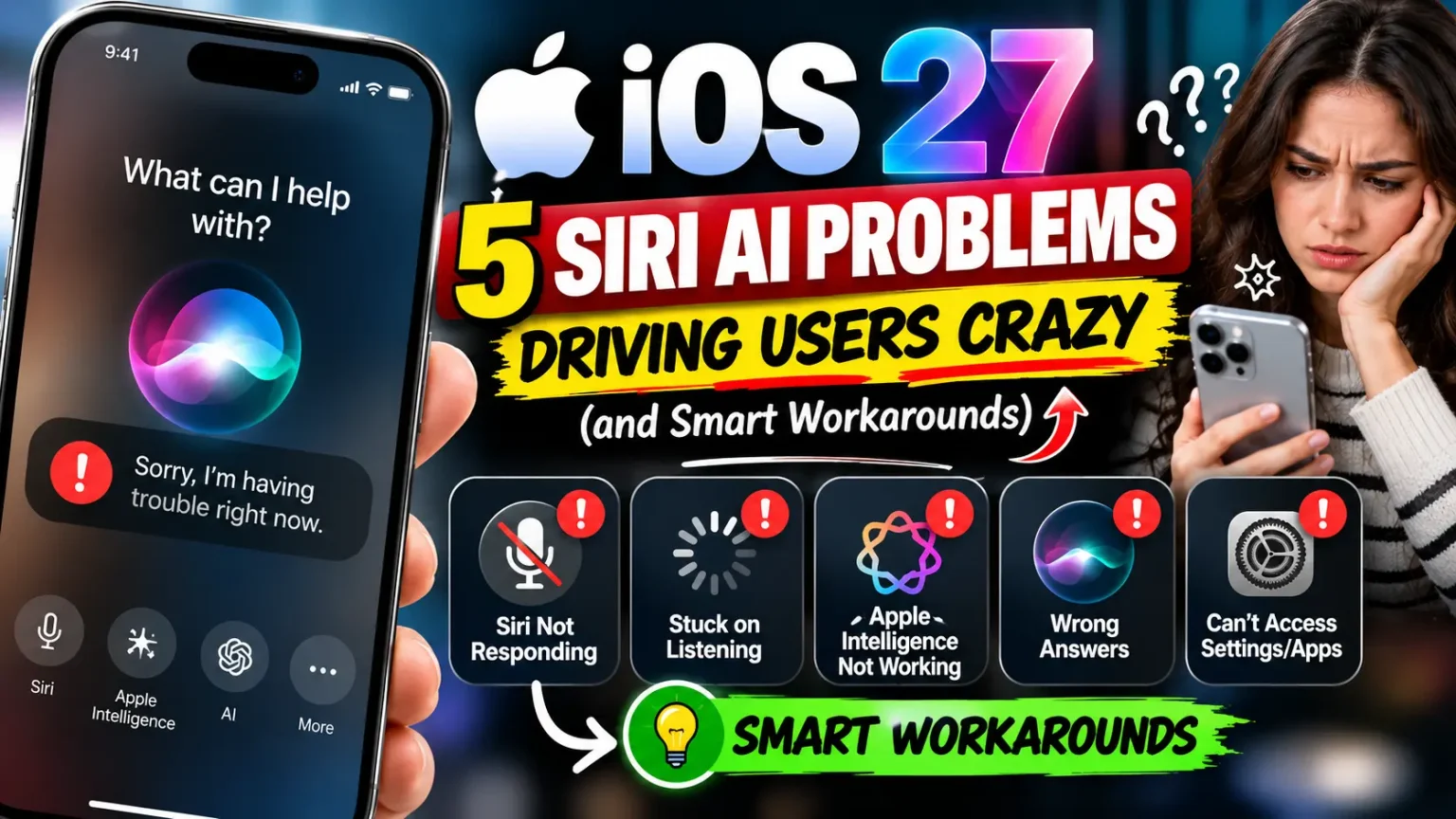
Siri AI users report “something went wrong” errors and slower replies on Apple Watch.
Some requests also want an unlocked phone.
Early battery complaints exist too, though Forbes suggests background indexing may explain some of them.
iOS 27 Which Phones: Your Model-by-Model Verdict
iOS 27 runs on every iPhone that ran iOS 26.
That means iPhone 11 and newer, plus the iPhone SE (2nd and 3rd generation).
The big split is AI. Siri AI and the new photo tools need an iPhone 15 Pro or newer.
| Your iPhone | Runs iOS 27? | Siri AI and AI photo tools? | Our verdict |
|---|---|---|---|
| iPhone 15 Pro and Pro Max, all iPhone 16 and 17 models, iPhone Air, iPhone 18 Pro | Yes | Yes | Update. You get the biggest gains. |
| iPhone 15 and 15 Plus | Yes | No | Update for security and design options. |
| iPhone 13 and 14 series (including 14 Pro) | Yes | No | Update if security and speed matter most. |
| iPhone 11, 12, SE (2nd/3rd gen) | Yes | No | Update, but keep AI expectations at zero. |
On the iPhone 15 Pro iOS 27 update path, you’re in the sweet spot.
Expect a possible Siri AI waitlist in Settings, and English only for now. French, Japanese, Korean, Portuguese, and Spanish are due in October.
Reviewers also report smooth performance on older phones, per Forbes.
What You Actually Gain: iOS 27 New Features
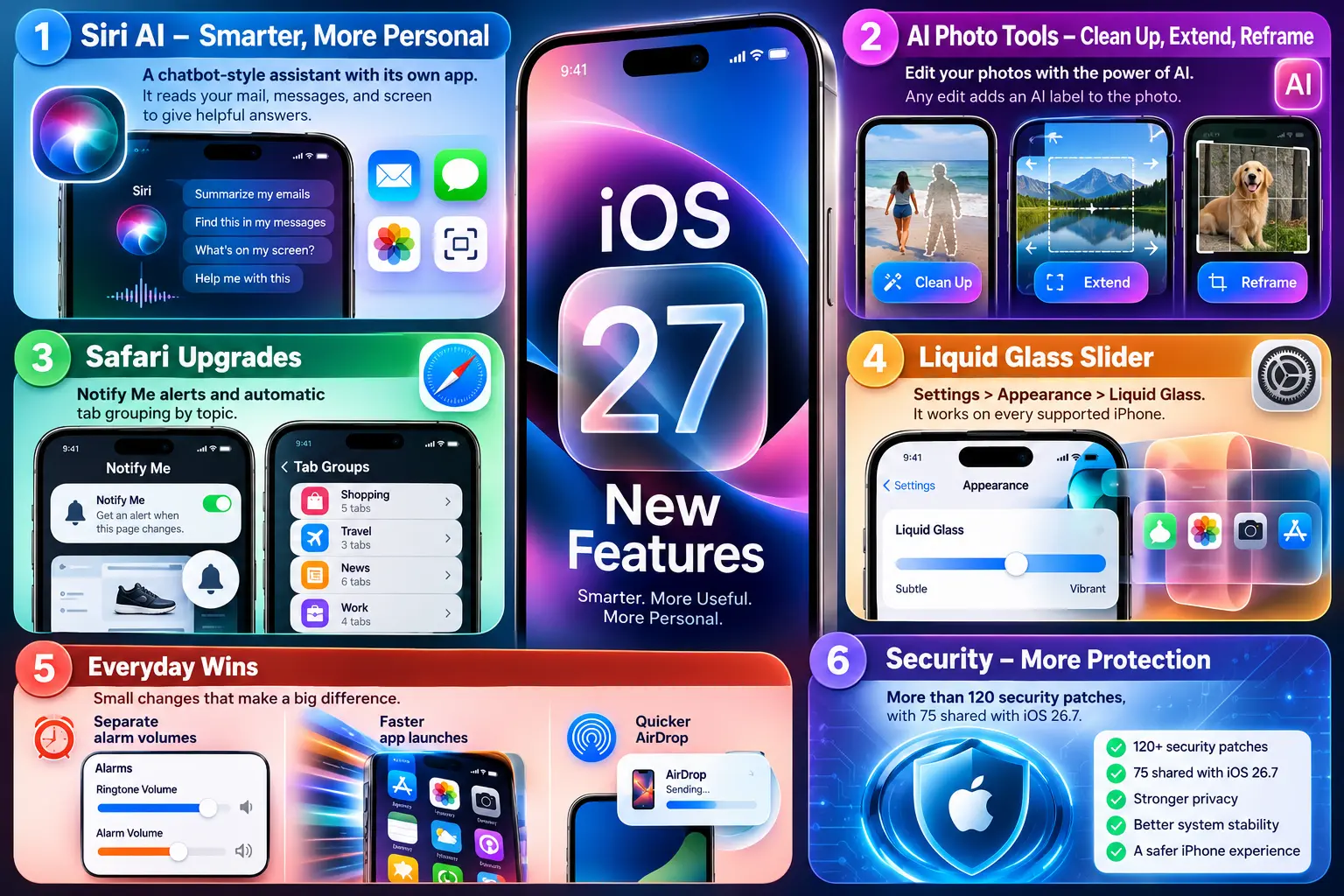
The rumor cycle is over. These iOS 27 new features are shipping, not speculation:
- Siri AI: a chatbot-style assistant with its own app. It reads your mail, messages, and screen.
- AI photo tools: Clean Up, Extend, and Reframe. Any edit adds an AI label to the photo.
- Safari upgrades: Notify Me alerts, plus automatic tab grouping by topic.
- Liquid Glass slider: Settings > Appearance > Liquid Glass. It works on every supported phone.
- Everyday wins: separate alarm volumes, faster app launches, and quicker AirDrop.
- Security: more than 120 patches, with 75 shared with iOS 26.7.
When we installed iOS 27.0.1 on our iPhone 17 Pro, the Liquid Glass slider was the first setting we changed. It’s the one upgrade every supported iPhone gets.
A Simple Way to Understand the “Hot Phone” Day
Picture a librarian who just received ten thousand new books.
The library stays open, but the librarian is busy shelving.
That’s your iPhone on day one.
Spotlight and Apple Intelligence re-index your photos, mail, and messages in the background. Your phone runs warm.
The battery dips. After a day or two, the shelves are full and things calm down.
Pro Tip: On the Software Update screen, pick the iOS 27.0.1 option directly if it appears. That skips iOS 26.7 entirely. If Siri AI frustrates you later, go to Settings > Screen Time > Content & Privacy Restrictions > Siri. Then set Allowed Siri Version to Siri Classic. You can switch back anytime.
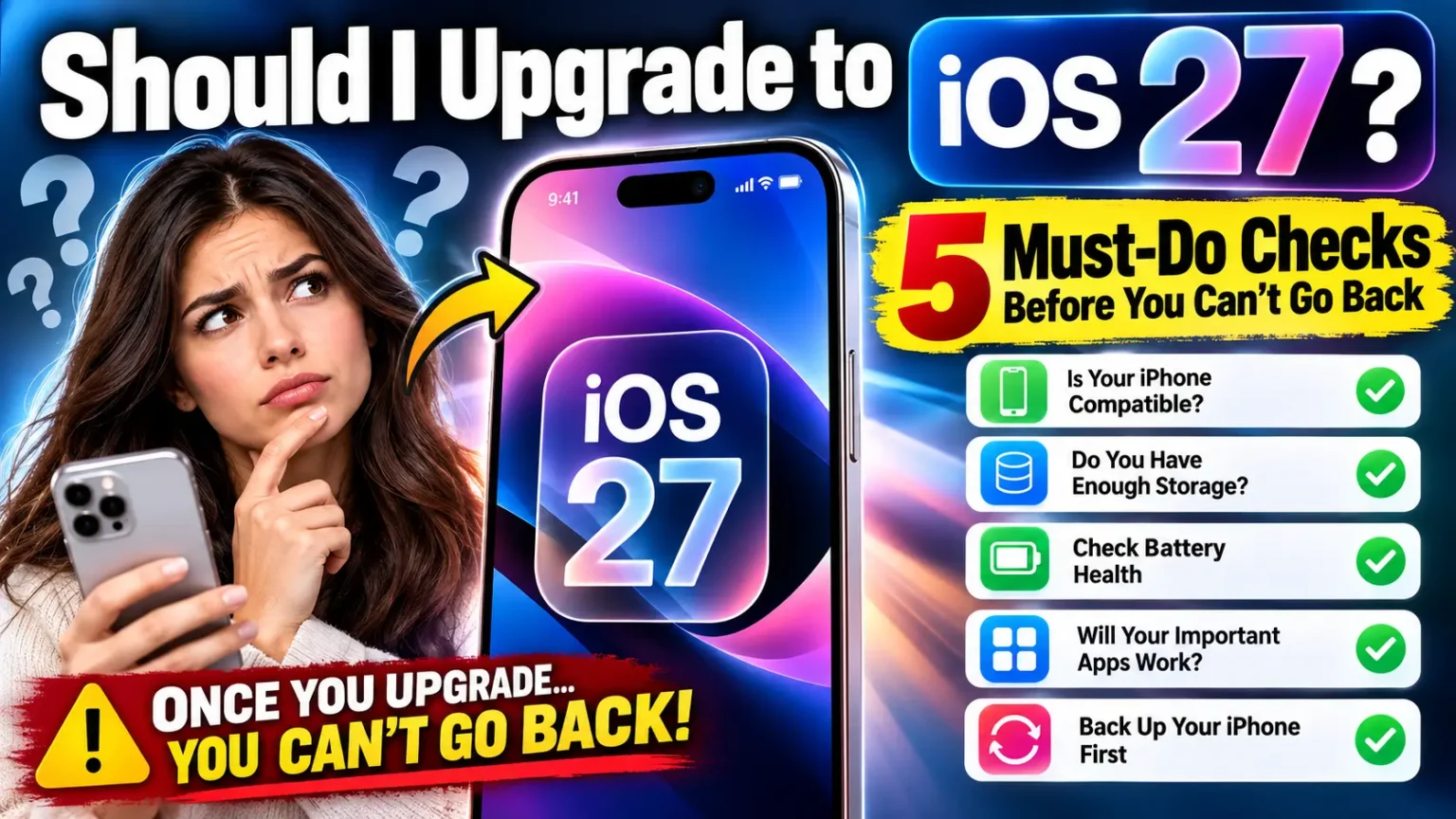
The 5 Checks to Run Before You Tap Install
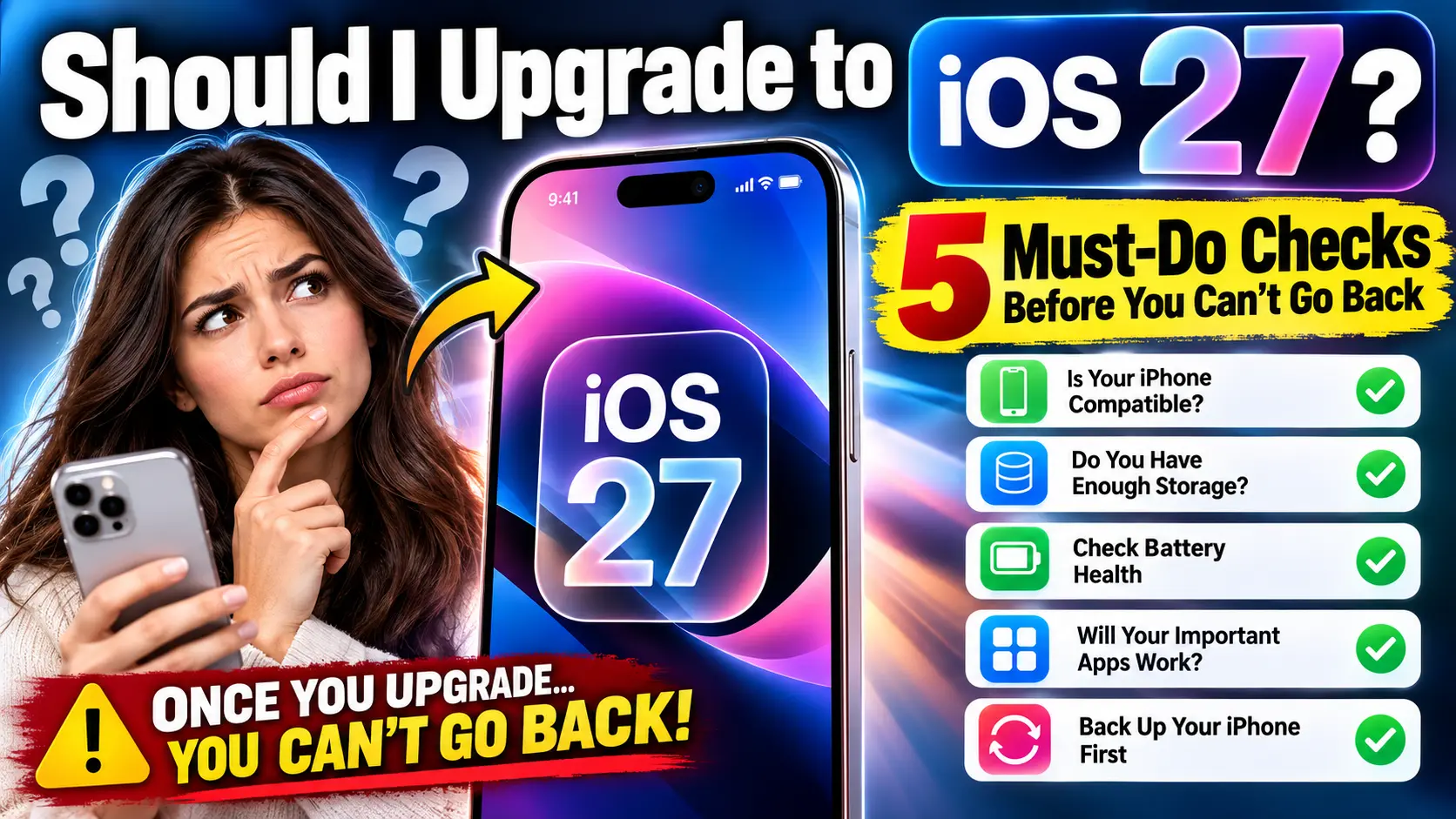
- Confirm your model. Open Settings > General > About. You need an iPhone 11 or newer.
- Match features to your phone. Siri AI needs an iPhone 15 Pro or newer. Older models still get speed, security, and design options.
- Free up storage. Forbes measured a 22.94GB download on an iPhone 17 Pro Max. Updating from an older iOS 26 build can be bigger. Aim for 30GB free (If possible).
- Back up twice. Make an iCloud backup. Then back up to a computer. Your backup is now your only safety net.
- Check your must-have apps. Update every app in the App Store first. Look hard at banking, work, and car apps. Then plug in, join Wi-Fi, and tap Install Now.
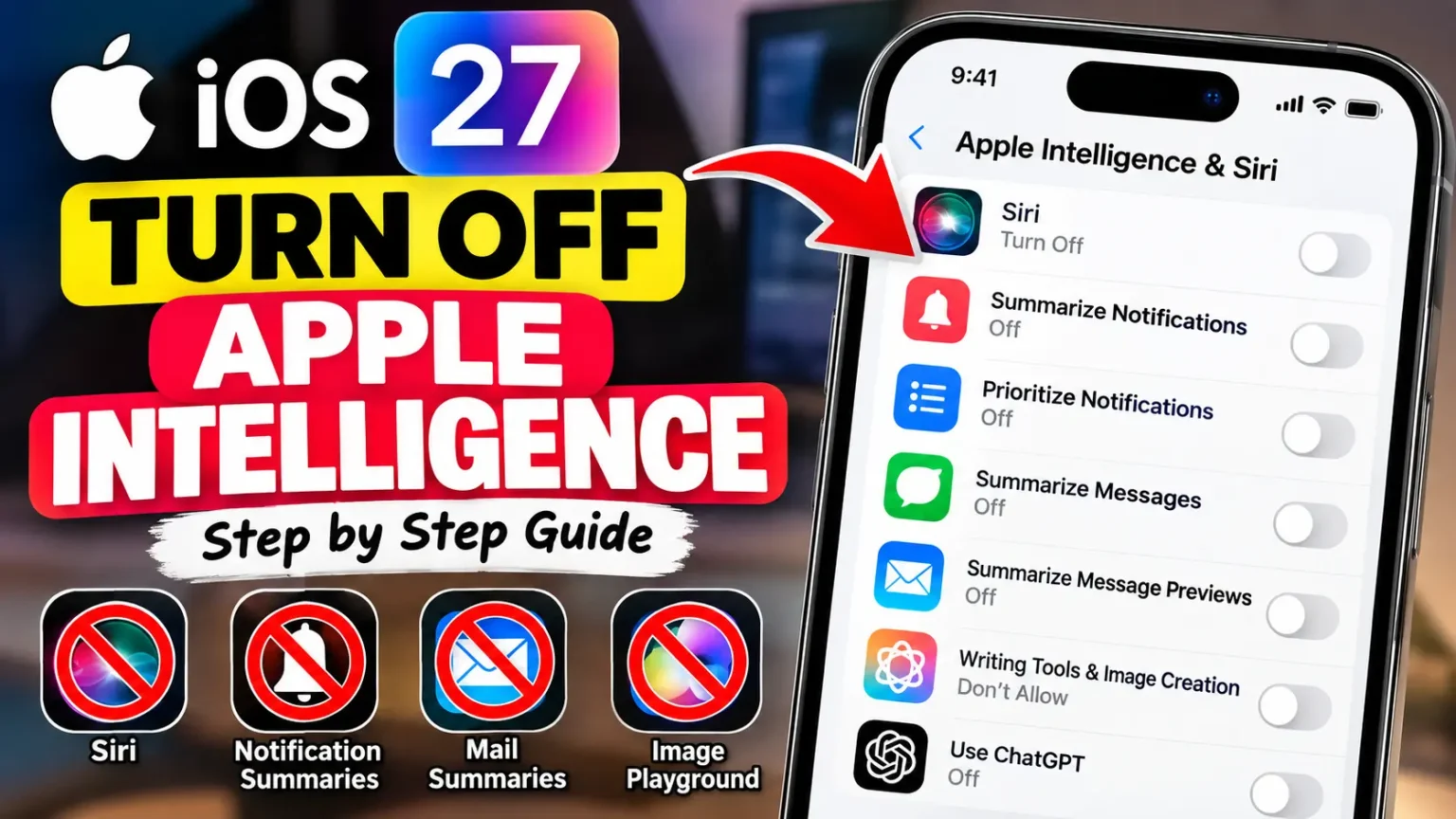
Prefer to skip the AI? Our guide on how to turn off Apple Intelligence explains what you can and can’t switch off in iOS 27.
Reader Scenario: The Siri AI Surprise
Details changed to protect privacy.
A reader we’ll call Dana asked us the big question the week iOS 27 launched.
She owned an iPhone 14 Pro and expected Siri AI. Nobody had told her it needs an iPhone 15 Pro or newer.
We walked her through the model table.
She still updated, for the security patches and the Liquid Glass slider.
She also made a computer backup first.
Her only complaint was a warm phone for about a day.
The lesson: decide based on the feature you’re chasing, not the headline.
What If This Doesn’t Work?
Most problems have a quick fix. Try these in order:
- Update won’t download or install. Restart the phone and switch Wi-Fi networks. Then delete the partial file in Settings > General > iPhone Storage and try again.
- Siri AI is missing. Check your model, your language, and the waitlist in Settings. EU countries didn’t get Siri AI at launch, per Macworld.
- “Something went wrong” in Siri. Turn off any VPN and switch to cellular. Restart your iPhone. Or use Siri Classic until Apple patches it.
- Face ID restarts, camera glitches, or a frozen touchscreen. Install iOS 27.0.1. Those are the three bugs it fixed.
- Warm phone or fast battery drain. Give it 48 hours first. Then see our battery drain guide.
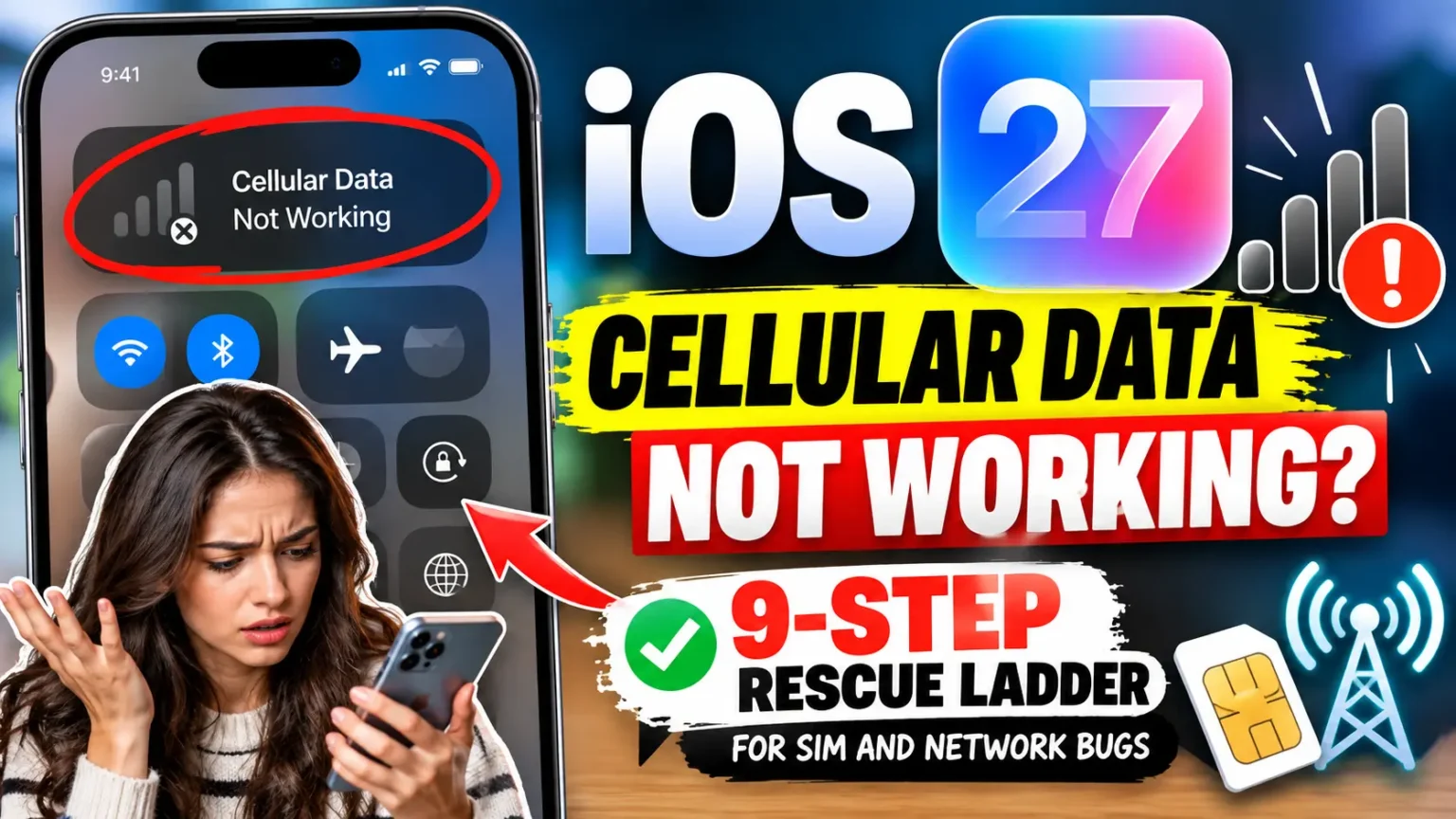
- No cellular data. Follow our cellular data troubleshooting ladder.
Still stuck? Remember that you can’t downgrade. Contact Apple Support or visit a Genius Bar. For a deeper feature comparison, read our iOS 27 vs iOS 26 breakdown.
Key Takeaways
- Update if your iPhone is an 11 or newer and your key apps are ready.
- iOS 27.0.1 fixed Face ID restarts, a 2x camera glitch, and a touchscreen freeze.
- There’s no going back. Apple stopped signing iOS 26.6.2 on September 21.
- Siri AI needs an iPhone 15 Pro or newer, and it’s English-only for now.
- Security is the strongest reason for older iPhones to update.
- Back up twice before you install, and keep 30GB free.
FAQ
For most people, yes. iOS 27.0.1 fixed three launch bugs, and no major widespread failure has been reported since. Siri AI still has quirks, but you can switch to Siri Classic.
Not officially. Apple stopped signing iOS 26.6.2 on September 21. iOS 26.7 has no restore file for iPhone, so it can’t serve as a downgrade target.
Yes. Apple announced it at WWDC on June 8, 2026. The public iOS 27 release date was September 14, 2026.
iOS 27.1 is expected to arrive by October 23 alongside the iPhone Duo, and it appears tied to that device. iOS 27.2 has been in beta since September 16, and 9to5Mac expects it as soon as next month.
Only if you need maximum caution this week. It’s a security-only release with no new features. Apple also shipped iOS 26.7.1 for older devices. But you’d be waiting without a deadline from Apple.
Sources
- Forbes, David Phelan, “Apple iOS 27 New iPhone Software: Should You Upgrade?” (Sept. 24, 2026)
- Forbes, Kate O’Flaherty, “120 Reasons To Update Now” (Sept. 18, 2026)
- Macworld, “iOS 27 vs iOS 26: These are the biggest reasons to upgrade” (Sept. 14, 2026)
- MacRumors, “iOS 27.1: New Features to Expect and Release Date” (Sept. 14, 2026)
Disclaimer
AppleHeadlines.com is an independent publication and is not affiliated with Apple Inc. Software details, device support, and release timing change quickly, so confirm them on Apple’s support site. Back up your data before any update. Results vary by device, carrier, and settings. This article is general information, not professional or legal advice.
Ready to decide? Run the five checks, back up twice, and install iOS 27.0.1. Then tell us in the comments how your iPhone handled it.
Most Recent Posts

T’kal is the lead strategist and developer behind Apple Headlines. With a background in digital marketing and web development, he specializes in technical Apple troubleshooting, software news, and hardware rumors. T’kal focuses on delivering high-authority tech content that bridges the gap between Apple enthusiasts and the latest industry innovations.