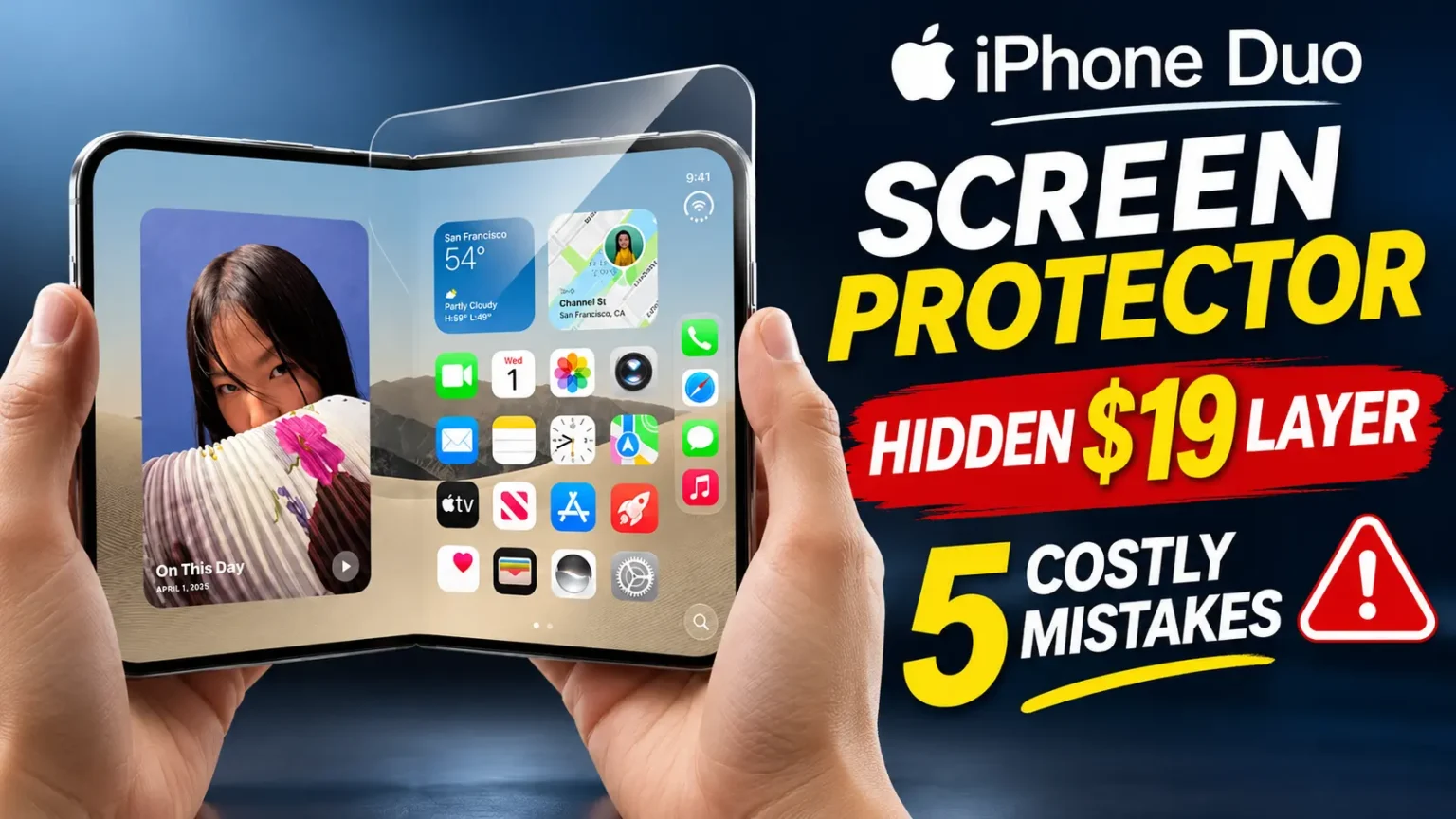




iPhone Duo has four camera features that exist on no other iPhone, all built around its 5.4-inch outer display facing the same direction as the rear cameras.
Smart Take uses on-device AI to fire the shutter automatically when everyone in frame is posed.
Duo Preview shows your subject a live view of the shot on the outer screen.
Kid Cue plays Peanuts animations on the outer display to get children looking at the camera.
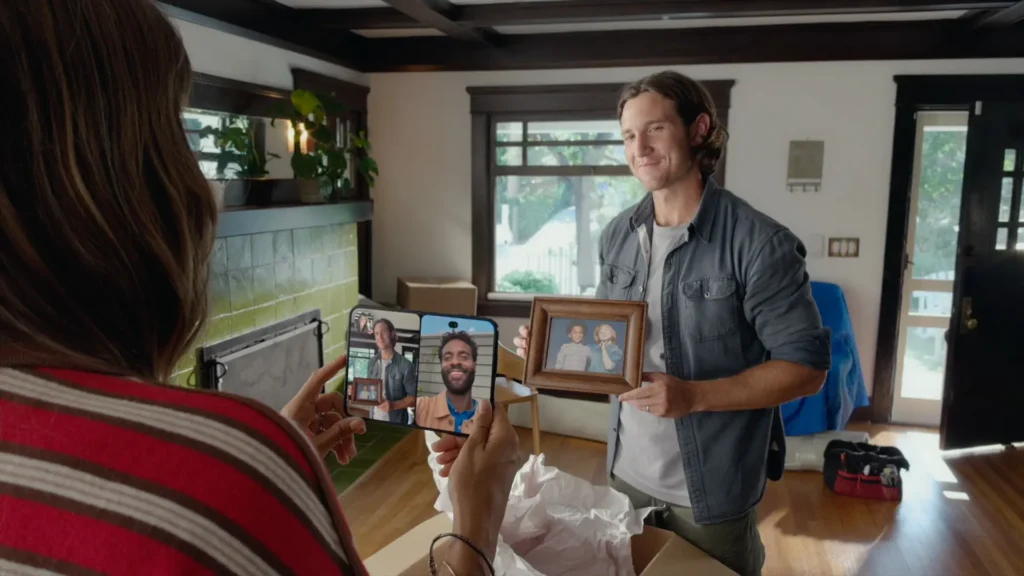
Duo FaceTime lets a person standing next to you join a call using that same outer screen. All four require iOS 27.1 and only work with the rear camera system, since the outer display can’t face you and your subject at the same time.
Why iPhone Duo’s Camera Features Work Differently
Every other iPhone camera setup has one screen and one set of rear lenses, both facing the same direction.
iPhone Duo, when closed, has its 48MP rear cameras on one side and a 5.4-inch outer display on the other – meaning the person you’re photographing can now see a screen too, not just the lens pointed at them.
That’s the entire idea behind these four features. None of them are new camera hardware. They’re software built to take advantage of a screen that, on every previous iPhone, faced away from the subject and toward nobody.
The rear system itself is a 48MP Dual Fusion setup: a 48MP Fusion Main camera and a 48MP Fusion Ultra Wide, both feeding the outer display for these features.
There’s a 12MP Center Stage camera built into the outer display’s own hole-punch cutout for outward-facing calls and selfies, plus a separate under-display FaceTime camera hidden beneath the 7.6-inch inner screen, which supports 1080p video and disappears from view until you open Camera or FaceTime.

Smart Take: No More Racing a Timer
Smart Take uses on-device AI models running on the A20 Pro chip to watch the scene in real time and automatically capture a photo the moment everyone in frame is posed and ready.
Apple’s framing is simple: nobody has to be the one stuck behind the camera, and nobody has to guess whether a 3-second timer gave them enough time to get into position.
How it’s described to work:
- Frame your shot from the rear camera system as usual.
- Get everyone into position, including yourself if you’ve stepped into frame.
- On-device AI detects when the group is posed and stable.
- The shutter fires automatically, without a manual tap or a countdown.
Apple’s own materials list Smart Take on both the rear cameras and the outer-facing 12MP Center Stage camera, which suggests it also works for solo shots and selfies, not only group photos.
What Apple has not confirmed: whether there’s a manual override if it fires too early or too late, and whether it works inside third-party camera apps or only Apple’s own Camera app.

Duo Preview: Letting Your Subject See the Shot
Duo Preview puts a live preview of the photo on the outer display, facing whoever you’re photographing.
Instead of trusting that they’re centered and posed correctly, your subject can see exactly what the camera sees and adjust before you take the shot.
Apple also describes a second use for the same feature: you can shoot a selfie using the higher-resolution rear cameras instead of the front camera, then use the outer display to preview and frame that selfie before capturing it – a way to get 48MP selfie quality instead of relying on the lower-resolution front sensor.
Where this matters most: group photos with a stranger holding the phone, photographing kids who wander out of frame, or any shot where you’re not the one looking through the lens.
Duo Preview turns the outer display into a mirror for the photo itself, not just a notification screen.
Kid Cue: Built to Get Children Looking at the Camera
Kid Cue plays short, playful animations, licensed from Peanuts, on the outer display to draw a child’s attention toward the lens.
Anyone who has tried to photograph a toddler knows the problem: they look at everything except the camera.
Kid Cue gives them something to look at that happens to be facing the same direction as the rear lenses.
This is not a first for the smartphone industry. Google’s Pixel 9 Pro Fold shipped a near-identical feature called “Made You Look” that plays animations on its own outer display for the same reason.
Apple’s version is built on the same idea — a second screen facing the subject is uniquely useful for photographing kids and pets — but adds licensed Peanuts characters as the specific content.
Apple has not published exactly how Kid Cue is triggered (whether it’s a standalone mode, a toggle inside Duo Preview, or automatic) or whether it plays sound along with the animation.
Treat those specifics as unconfirmed until Apple publishes a support document or review units arrive.

Duo FaceTime: A Second Person Joins from the Outer Screen
Duo FaceTime lets someone standing near you join a FaceTime call using the outer display and its 12MP Center Stage camera, without anyone needing to crowd around a single screen or pass the phone back and forth.
This is easy to confuse with a separate, related feature Apple also announced: Dual Capture, which shares your front and rear camera feeds simultaneously during a FaceTime call – useful for showing both your face and whatever you’re looking at, like a view from a trip or a demo of something in front of you.
Dual Capture is about combining two camera feeds into one call. Duo FaceTime is about adding a second person to the call using the second screen.
They can likely be used together, though Apple hasn’t detailed that combination specifically.
What’s still unclear: whether Duo FaceTime requires the second person to have their own Apple Account signed in, or whether it works as a simple pass-the-view feature without a separate login.
What’s Confirmed vs. What Apple Hasn’t Said
| Confirmed | Not yet confirmed |
|---|---|
| All four features are exclusive to iPhone Duo | Whether they ship day one on iOS 27.1 or arrive in a later update |
| They rely on the outer display facing the subject | Whether any work in third-party camera apps |
| Smart Take runs on-device AI via the A20 Pro | Whether Smart Take has a manual override |
| None of the four are coming to iPhone 18 Pro or Pro Max | Whether Duo FaceTime needs a signed-in Apple Account for the second person |
| Kid Cue uses licensed Peanuts animations | Whether Kid Cue plays sound, and how it’s triggered |
Pro Tip: If these four features are the reason you’re considering iPhone Duo over an iPhone 18 Pro Max, wait for hands-on reviews after the October 23 release before ordering.
Apple’s product page describes what each feature does, but none of the behavioral details above – manual overrides, third-party app support, exact triggers – have been demonstrated publicly yet.
A feature that sounds seamless in a press release can behave differently once real reviewers test it against a moving toddler or a group of adults who don’t hold still.
How iPhone Duo’s Camera Compares on Paper
None of these four features exist because the Duo has better camera hardware than the iPhone 18 Pro line – it doesn’t.
The Duo skips the telephoto lens and the new variable-aperture main camera that the iPhone 18 Pro gets this year.
What the Duo has instead is a second screen, and every one of these four features is a direct result of that screen, not of stronger optics.
| iPhone Duo | iPhone 18 Pro / Pro Max | |
|---|---|---|
| Rear cameras | 48MP Fusion Main + 48MP Fusion Ultra Wide | 48MP Fusion Main (variable aperture) + Ultra Wide + Telephoto |
| Outer/front camera | 12MP Center Stage on outer display | Standard front camera, no second display |
| Smart Take, Duo Preview, Kid Cue, Duo FaceTime | Yes | No |
| Variable aperture | No | Yes (Pro exclusive) |
| Video | 4K Dolby Vision up to 120fps on Main | 4K Dolby Vision, similar frame rates, plus Pro-only controls |
If you photograph groups, kids, or use FaceTime with people nearby often, the Duo’s four features may matter more day to day than a telephoto lens would.
If distant subjects and low-light depth are the priority, the Pro line’s hardware still wins.
Key Takeaways
- All four camera features — Smart Take, Duo Preview, Kid Cue, Duo FaceTime — exist only because iPhone Duo has a screen on the same side as its rear cameras.
- Smart Take auto-captures a photo using on-device AI when everyone in frame is posed; it’s listed for both the rear and outer cameras.
- Duo Preview shows your subject a live view of the shot, and can also be used to preview rear-camera selfies on the outer display.
- Kid Cue plays licensed Peanuts animations to get children looking at the lens — conceptually similar to a feature Google shipped on the Pixel 9 Pro Fold first.
- Duo FaceTime adds a second nearby person to a call via the outer display; it’s distinct from Dual Capture, which shares your front and rear feeds on one call.
- None of these features are coming to the iPhone 18 Pro or Pro Max, and several behavioral details remain unconfirmed until review units ship October 23.
FAQ
No. Apple has confirmed all four are exclusive to iPhone Duo because they depend on its outer display facing the same direction as the rear cameras.
They work the same way — animations on an outer display to catch a child’s attention — but Kid Cue is Apple’s own feature using licensed Peanuts characters. Google’s Pixel 9 Pro Fold shipped its version first.
Duo FaceTime lets another person join your call using the outer display and camera. Dual Capture shares your own front and rear camera feeds at the same time during a call. They solve different problems and may work together, though Apple hasn’t confirmed that combination.
Apple lists Smart Take on both the rear camera system and the outer-facing 12MP camera, which suggests it works for solo shots as well as groups, though this hasn’t been demonstrated in independent testing yet.
Yes. iPhone Duo ships with iOS 27.1, and Apple has not listed any of the four features as available on earlier iOS versions or other iPhones.
Sources
- Apple Newsroom, iPhone Duo announcement, September 9, 2026
- Apple.com, iPhone Duo product page, camera section
Disclaimer: Feature behavior described here is based on Apple’s press release and product page as of September 11, 2026. Apple has not published full support documentation for Smart Take, Duo Preview, Kid Cue or Duo FaceTime, and several details – including manual controls, third-party app support and exact triggers – remain unconfirmed until iPhone Duo ships on October 23, 2026. This article is not sponsored by Apple.
More Read

T’kal is the lead strategist and developer behind Apple Headlines. With a background in digital marketing and web development, he specializes in technical Apple troubleshooting, software news, and hardware rumors. T’kal focuses on delivering high-authority tech content that bridges the gap between Apple enthusiasts and the latest industry innovations.