


Updated October 24, 2026 · Checked against Apple’s launch-day support pages and repair fees
Quick Answer
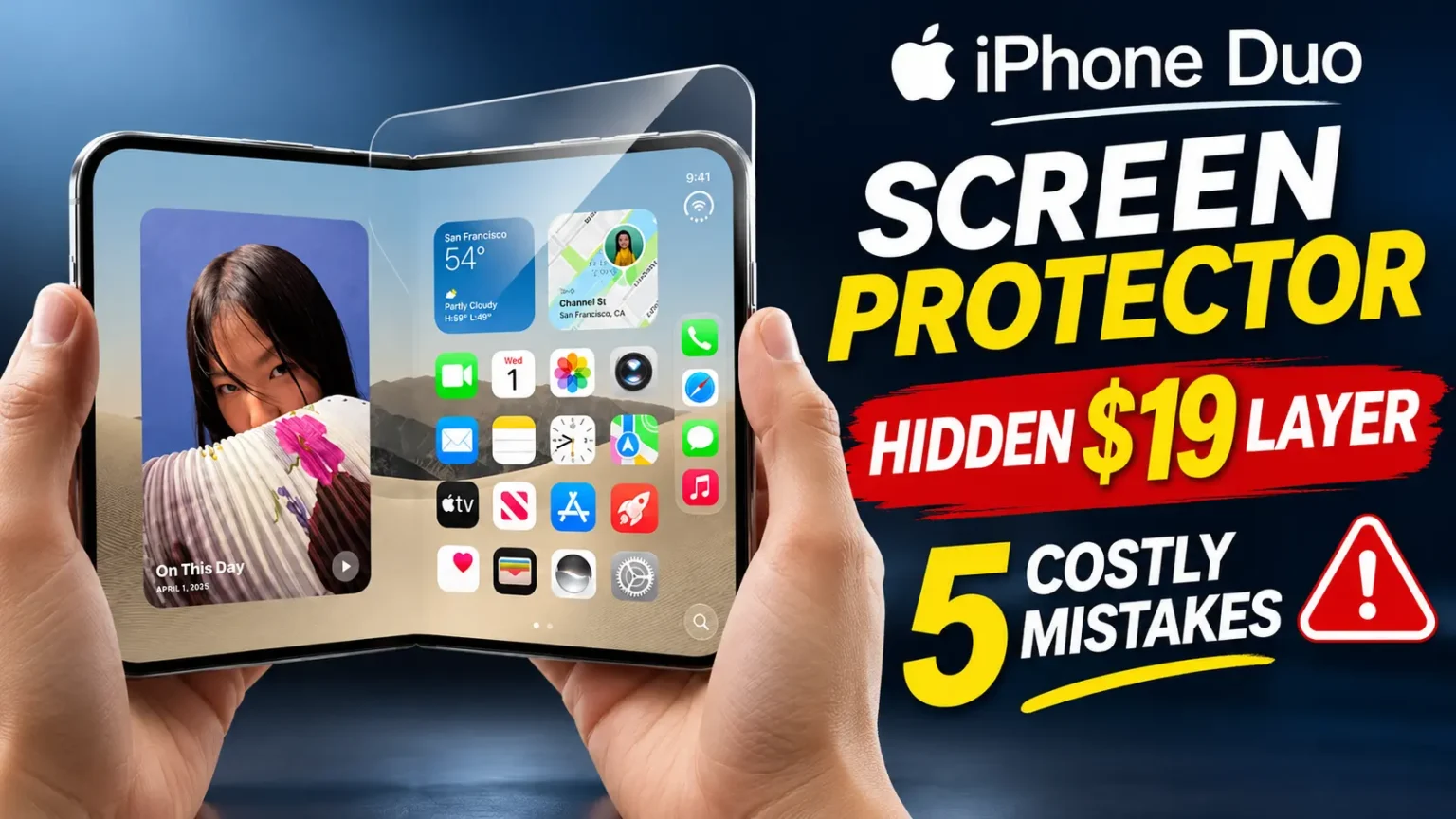
Put a made-for-Duo screen protector on the outer 5.4-inch screen. Skip glass and third-party film on the inner 7.6-inch folding screen.
Apple has published no guidance on inner-screen protectors and sells none. The inner display already has a replaceable cover layer.
Important: Consider AppleCare+ for added protection. Inner-screen damage can cost $999 without coverage.
You paid $1,999 for a phone with two screens.
Now every accessory page tells you something different.
One says glue glass on both displays. Another says touch nothing.
It is hard to know who to trust.
The answer depends on which screen you mean.
This guide splits the outer screen, the inner folding screen, and the hinge.
You will see what to buy, what to skip, and what a wrong guess costs.

Which iPhone Duo Screen Needs a Protector? A Quick Map
The Duo has two displays that act like two different products.
The outer screen faces keys, tables, and pockets.
The inner screen folds open and shut again and again.
Apple protects each one differently, so your plan should differ too.
Apple Duo Screen Protection Guide
Not every part of a folding phone should be protected the same way. Here’s what to consider for each area.
| Part | Material / Design | Protector Needed? | Best Recommendation |
|---|---|---|---|
| Outer Screen 5.4 inches | Ceramic Shield 2 | Optional | Use a compatible, precisely fitted screen protector or a case with built-in screen protection. |
| Inner Screen 7.6 inches | Nano-textured polymer cover layer over a 10-layer display stack | Avoid third-party films | Leave the display as designed unless Apple provides specific instructions for an approved protector. |
| Hinge Folding mechanism | Titanium body and folding mechanism | No screen film | Choose a well-fitting case designed for the hinge area and open and close the phone carefully. |
| Back Panel | Ceramic Shield | Optional | Use a slim, well-fitted case if you want extra protection against everyday scratches and impacts. |
Apple’s own accessories are simple.
The Duo Case costs $79.
The Duo Folio with kickstand costs $129.
The Mac Observer noted that Apple has published no screen-protector guidance for either display.
The Folio covers the inner screen when the phone is closed, but Apple does not sell it as screen protection.
Why This Matters: The Real Cost of Guessing Wrong
We built this guide from Apple’s published repair fees, Apple’s new repair manual, and first-week owner reports.
We did not rely on seller claims alone.
That matters because many protector pages are written by companies that sell protectors.
Here is the money side. Without coverage, Apple lists inner display damage at $999. “Other damage” tops out at $1,499.
With AppleCare+, inner display damage drops to $99.
AppleCare+ costs $19.99 a month, $199.99 a year, or $399 upfront.
That math changes how you shop.
A protector for the outer screen is cheap insurance.
The inner screen is where a bad guess gets expensive.
Is the Factory Layer a Screen Protector? Sort Of
Apple says the inner display uses 10 ultrathin layers.
The top one is a nano-textured cover layer made from a custom polymer.
Apple says it is up to 40% stiffer than other materials used in the industry.
Glass sits above and below the folding panel, and a titanium plate sits at the bottom.
Kate Bergeron, Apple’s vice president of hardware engineering, said the cover layer can be peeled off and replaced.
Apple lists the fee at $19 with AppleCare+ and $49 without. On October 23, Apple also posted a Cover Layer procedure in its iPhone Duo repair manual.
Parts were not yet in the Self Service Repair Store at launch.
So think of it as a replaceable wear layer, not a sticker you add yourself.
You may see claims that peeling the film exposes bumps or ripples.
We found no Apple source for that. What we can confirm is narrower.
Apple treats the layer as a service part, and it handles the swap.
An analogy that makes it click
Think of running shoes.
The sole is made to wear down, and you replace it before the shoe is ruined.
The Duo’s cover layer plays that role for the inner screen.
A random film on top is like gluing a second sole over the first. It might hold.
It might also change how the shoe bends.
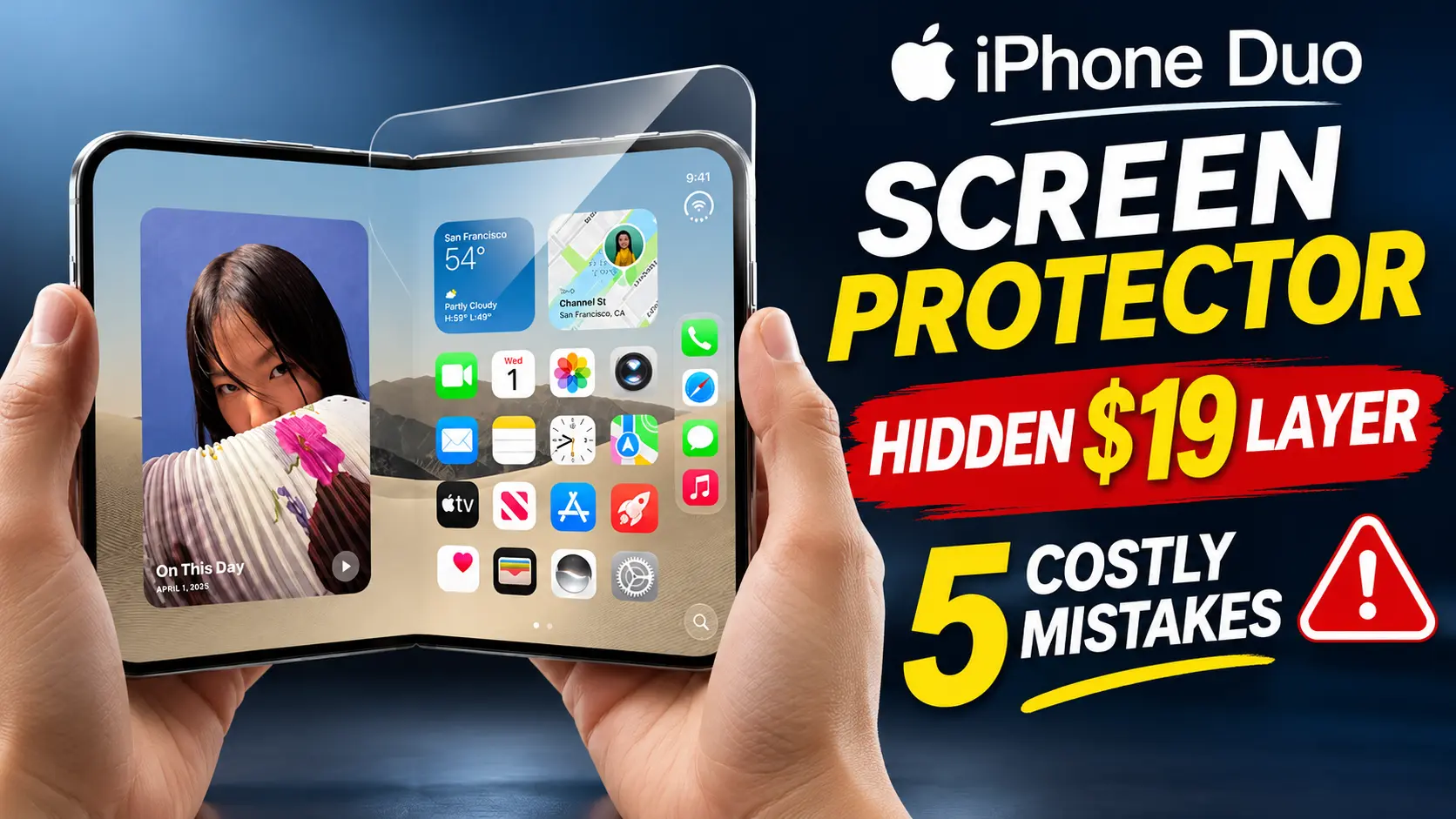
iPhone Duo Inner Screen Protector: What to Do About the Inside
People search this many ways: iPhone Duo inside screen protector, internal screen protector, inner screen protector.
They all ask the same thing. Can you cover the folding display?
The short version: not with anything Apple has approved. Here is why we say wait.
- Rigid glass can’t bend. A tempered-glass sheet does not follow a folding surface. Every seller we read agrees on this.
- Film changes the stack. Apple built the layers and adhesives to glide as the phone folds. Extra thickness or glue can change that motion.
- Nano-texture can suffer. ZEERA, a case maker, argues that a film’s adhesive can fill the texture. That could bring back glare and make the crease easier to see. This is the seller’s analysis, not an Apple statement.
- Sellers admit trade-offs. iGeeksBlog’s shortlist lists an inner film from Ferilinso. Its own “cons” say the film may change the display feel and may peel or show a crease.
If a kiosk offers to install an inner film, ask who covers damage if the fold goes wrong. Most will not answer clearly.
Outer Screen: How to Choose an iPhone Duo With Screen Protector
The outer screen is where a protector makes sense. It takes the daily scratches from keys and grit. Here is what to check before you click buy.
- Made for the Duo. An iPhone 18 Pro Max protector will not fit the Duo’s shape or sensor layout.
- Case-friendly. Edge lifting is mostly a fit problem. A case lip that presses on the glass will lift it.
- An alignment tray. A crooked protector is easy to spot on a bright screen.
- Clear, privacy, or anti-glare. Pick the finish for how you use the phone.
For reference, iGeeksBlog’s September shortlist covers outer-screen options.
It names Spigen’s GlasTR EZ FIT Pro, ZAGG’s Glass Elite Privacy, JETech’s 3D Anti-Reflective glass, and TOCOL as a budget pick.
We have not hands-on tested these. Treat them as starting points, then read current listings.
iPhone Duo privacy screen protector: worth it?
A privacy filter blocks side views on trains, planes, and in cafés.
The trade-offs are real. Viewing angles shrink, and the screen can look a bit darker.
That fits the outer screen, which you use for quick checks. We would not look for a privacy layer on the inner screen at all.
Pro Tip: Dry-Fit Before You Peel
Before removing the protector’s backing, place it on your phone and fit the case. Check the edge from the side to see whether the case lip touches or pushes against the glass. If it does, choose a different protector or case.
Watch the left edge: Your case may overlap part of the outer screen. After installation, check for any on-screen prompt and follow the device’s instructions.
Moving on-screen content away from the case lip may help keep important controls visible.
How to Protect Your iPhone Duo in 7 Steps
Use this order. It puts the cheap wins first and avoids the risky moves.
- Add AppleCare+ if you can. It cuts inner-screen repairs from $999 to $99.
- Fit a made-for-Duo protector on the outer screen.
- Choose a case that works with that protector.
- Leave the inner screen bare for now.
- Check the inside for grit before you close the phone.
- Keep the phone closed in bags and pockets.
- Wipe with a soft, dry, lint-free cloth.
That is the whole plan for how to protect iPhone Duo without risky guesses.
How to Install an Outer-Screen Protector Without Bubbles
- Wash your hands and dry them well.
- Power the phone off and remove any case.
- Wipe the outer screen with the cloth in the kit.
- Lift dust with the sticker from the kit.
- Set the alignment tray on the phone.
- Peel the backing and lower the glass.
- Press from the center toward the edges.
- Wait a few minutes, then fit the case.
Install the protector first, and the case second. That order lets the glue settle before the case lip touches it.
iPhone Duo Screen Replacement: What Apple Charges
Here are Apple’s U.S. fees as listed on October 14, 2026. They help you see which parts of the phone are worth protecting.
Apple Duo Repair Costs
Here’s how repair costs compare with and without AppleCare+.
| Repair Type | With AppleCare+ | Without AppleCare+ |
|---|---|---|
| Cover Layer | $19 | $49 |
| Outer Display | $29 | $379 |
| Inner Display Folding Screen | $99 | $999 |
| Other Damage | $99 | $1,499 |
Notice the gap on the outer screen.
Without coverage, a cracked outer display costs $379.
A protector that costs a fraction of that can take the first hit. It will not stop every crack, though.
Will a Protector Stop Hinge Cracks? No. Here’s What We Know
On launch day, some owners posted photos of inner screens cracked near the hinge.
Some reports claim damage within hours.
One Australian owner said it happened after fewer than 20 openings.
MacRumors dubbed the story “Crackgate?” with a question mark.
Keep this in perspective.
The reports are early.
Reddit moderators verified one owner’s damaged phone but could not confirm the cause.
No widespread defect has been proven.
Apple has also posted a hinge troubleshooting page.
It covers a hinge that is loose, bent, noisy, or hard to open.
A screen protector cannot fix any of this.
The problem sits under the surface, in the fold.
If your screen shows a bright line or a crack, stop opening it and contact Apple.
iPhone Duo Case Options That Work With a Protector
Cases matter here because they sit right next to the glass edge. Your main choices fall into three groups.
- Apple’s Duo Case ($79). It is slim, and it covers part of the outer screen’s left edge. Use the Shift Left Edge setting if content looks cramped.
- Apple’s Folio with kickstand ($129). It covers the inner screen when closed. Apple does not sell it as screen protection.
- Third-party sets. Benks and ZEERA sell combos with a frame, back shell, and outer-screen glass. Benks says its slim sets do not offer full hinge coverage.
Want the full list? See our guide to the best iPhone Duo cases and accessories. Check the product page for exact fit notes before buying.
iPhone Duo No Screen Protector: Is That Okay?
Yes, for many people.
Apple gives the outer screen Ceramic Shield 2. The inner screen has its own scratch-resistant coating and cover layer.
If you hate extra layers, you can skip the outer protector and rely on AppleCare+.
If you go without, build good habits:
- Keep the Duo away from keys and coins.
- Close it before it goes in a pocket or bag.
- Check for sand, crumbs, and dust before closing.
- Wipe oily marks early, with light pressure.
- Wipe the Apple Pencil tip before you write on the inner screen, since Apple lists Pencil support.
A Quick Case Study: Two Ways to Carry the Same Phone
This is a composite scenario for illustration, not a real reader.
Priya and Marcus both buy a Duo on launch day. Both carry keys in the same pocket as their phone.
Marcus skips AppleCare+ and adds a cheap “foldable” film to the inside screen. Within days the film’s edge lifts at the crease, and lint collects there. The screen looks glarier than before. Now he is not sure who will remove it, or who pays if the fold is damaged.
Priya adds AppleCare+, fits a made-for-Duo protector on the outer screen, and leaves the inside bare. A key scratches her outer protector in week three. She replaces the glass in five minutes. The Duo’s own screen stays clean.
Same phone, same pocket, different plan. The lesson is simple. Put your protection where it can be swapped easily, and where Apple has a clear process.
What If This Doesn’t Work? Troubleshooting
Bubbles under the outer protector. Lift the corner with tape, and re-seat the glass slowly. A small dust speck needs the dust sticker. If it will not clear, replace the protector.
Edges lifting after you add a case. The case lip is probably pressing the glass. Remove the case and check if the edge settles. Switch to a “case-friendly” protector or a narrower case.
Touch feels off. Clean the screen first. Then remove the protector and test again. If touch returns to normal, the protector is the cause.
Content looks cut off near a case. Open Settings > Display & Brightness and turn on Shift Left Edge.
A scratch on the inner screen. Do not polish it. Polishing can change the textured surface. Book service instead. The cover layer is the part Apple built to swap. If you want help fast, use our guide to booking an Apple Genius Bar appointment.
A crack or bright line near the hinge. Stop opening the phone. Back it up if it still works. Then contact Apple, and check your return window.
An inner film already installed by a shop. Ask the shop to remove it. Do not peel anything yourself.
Key Takeaways
- The outer screen is the right place for a made-for-Duo protector.
- The inner screen has a replaceable cover layer. Apple lists it at $19 with AppleCare+ and $49 without.
- Apple has published no inner-protector guidance and sells no protector.
- Rigid glass does not belong on a folding screen.
- AppleCare+ turns a $999 inner-display repair into $99.
- A protector cannot prevent hinge problems.
- Check case fit before you buy any protector.
FAQ
Not strictly. Apple builds the outer screen with Ceramic Shield 2, and the inner screen has its own cover layer. An outer protector is a low-cost extra, especially if you carry keys with your phone.
We would wait. Apple has published no guidance on inner protectors and sells none. Rigid glass cannot bend, and film may change how the layers move or how the nano-texture looks.
Apple says the layer is replaceable, but its repair manual treats the swap as a repair procedure. Parts were not on Self Service Repair at launch. Book service rather than peeling it yourself.
Apple lists the cover layer at $19 with AppleCare+ and $49 without. The inner display costs $99 with AppleCare+ and $999 without. The outer display costs $29 with AppleCare+ and $379 without.
No. Early reports describe damage along the fold, not the surface. A protector only shields the outer glass from scratches. Contact Apple if you see a crack or bright line.
Sources
- MacRumors, “iPhone Duo: Skipping AppleCare+ Could Be $1,499 Mistake” (Oct 14, 2026)
- Apple Discussion
- 9to5Mac, “Apple’s official DIY repair guides for the iPhone Duo now available” (Oct 23, 2026)
- Benks, “Does iPhone Duo Need Two Screen Protectors?” (Oct 10, 2026)
Disclaimer
This article is for general information. It is not Apple’s guidance or professional repair advice. Prices are U.S. figures listed by Apple as of October 24, 2026, and they may change. Reports about display cracks are early, and no cause has been confirmed. We have not hands-on tested the third-party products named here. Using accessories or attempting repairs yourself may affect your warranty or coverage, so check Apple’s terms first. Apple Headlines is not affiliated with Apple Inc. or the brands mentioned.
Own an iPhone Duo?
Tell us in the comments which screen plan you chose.
Then read our complete iPhone Duo guide for specs, pricing, and more.
Planning to sell later?
Our iPhone Duo trade-in value guide shows what Apple and carriers offer.
Subscribe to Apple Headlines for the next Duo update.
Related Posts:

T’kal is the lead strategist and developer behind Apple Headlines. With a background in digital marketing and web development, he specializes in technical Apple troubleshooting, software news, and hardware rumors. T’kal focuses on delivering high-authority tech content that bridges the gap between Apple enthusiasts and the latest industry innovations.