


By the AppleHeadlines Team | Updated November 9, 2026 | Covers iPhone 18 Pro, iPhone Duo, iPad and Mac (iOS 27.2, macOS Golden Gate)
Quick Answer: Find and Cancel Apple Subscriptions
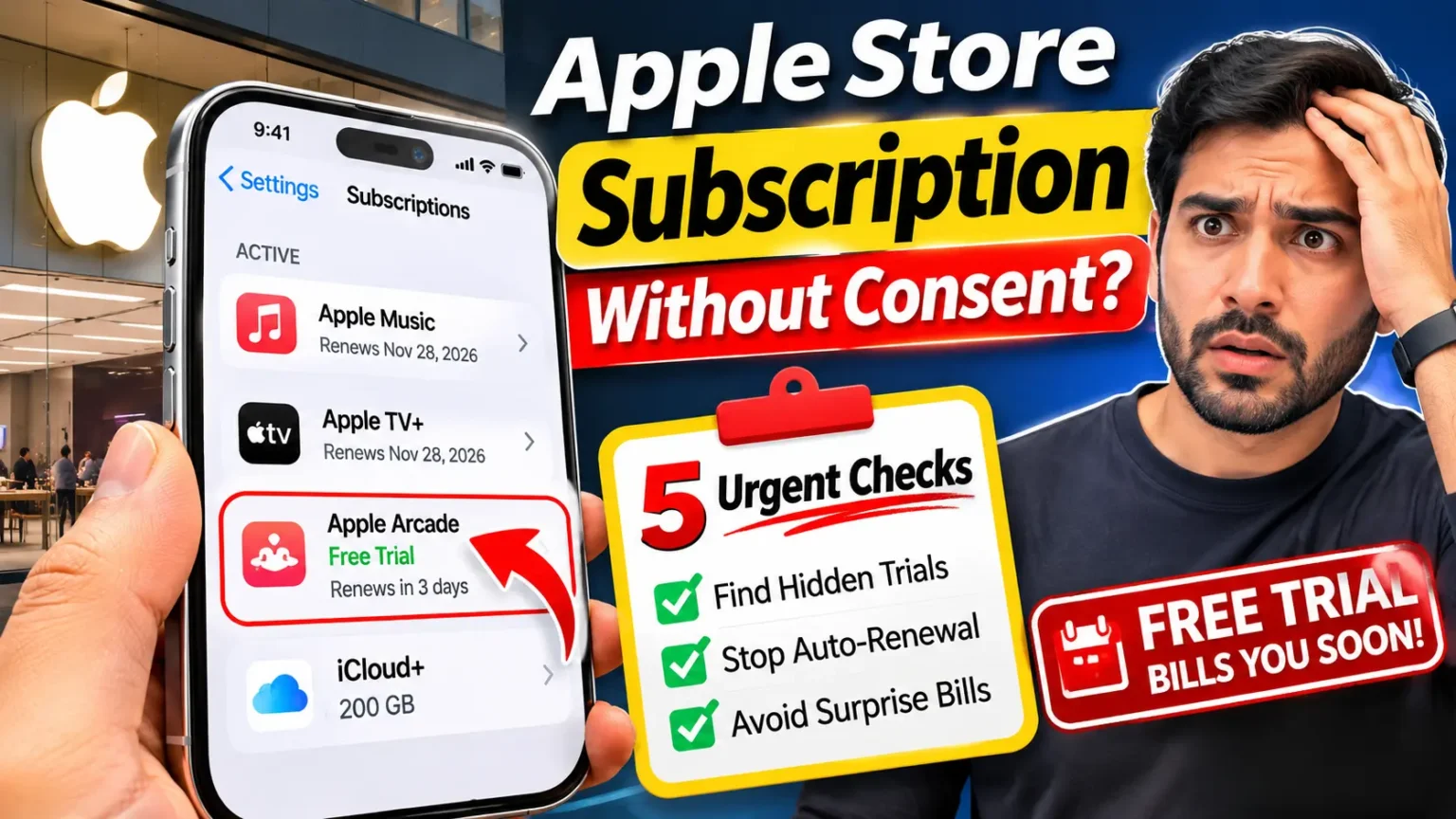
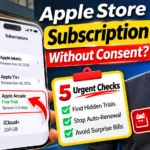
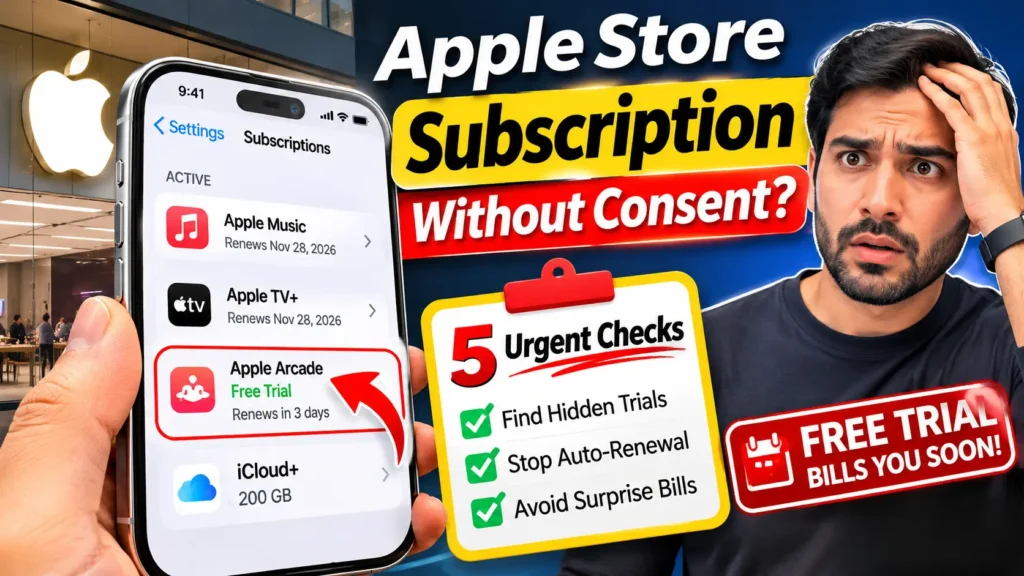
Open Settings, tap your name, then tap Subscriptions. This screen lists the free trials and paid plans linked to your Apple Account. Review the list and cancel anything you no longer want.
Request an Apple refund
Don’t wait until the last minute. Free trials renew on their stated renewal date. Cancel at least 24 hours before a trial ends to avoid a renewal charge. Access to a canceled free trial may end immediately, depending on the subscription.
You walked out of the Apple Store with a new device.
Weeks later, your bank shows a charge you can’t place.
Maybe an email mentioned a “free trial” you don’t remember accepting.
You are not imagining things.
This week, reports surfaced that some U.S. Apple Store employees allegedly signed customers up for trials without clear consent.
Apple has since changed course, but your account still needs a check.
Here is what happened, how to find hidden plans, and how to ask for your money back.
What Happened: The Apple Store Subscription Controversy in Plain English
Repair technician and consumer rights advocate Louis Rossmann published a series of YouTube videos over the past two weeks.
He says some Apple Store employees in the U.S. signed customers up for auto-renewing trials of Apple One and other services without informed consent.
His claims rest on tips, including from a store employee, and Apple has not confirmed them.
Here is how the in-store process works, according to MacRumors.
An employee asks if you want a personalized shopping experience.
You scan a QR code, and the feature is called Connect and Personalize.
If you agree, the employee sees which Apple devices you own, which services you use, and which trial offers you qualify for.
The offers appear with Agree and Decline buttons.
The key detail is where they appear.
They show up on the employee’s company device, not on your phone.
Your default payment method can be used if the card has not expired.
Apple also tracked a number called the “services attach rate.” The target was 40% for each retail employee at some U.S. stores.
That means roughly four in ten device buyers were expected to add a subscription.
Rossmann’s sources say some staff rushed the process and described the trials as “gifts.” A few allegedly tapped Agree themselves.
The Apple Post points out that the target alone does not prove Apple told anyone to enroll people without permission.
Apple’s response so far is limited.
MacRumors confirmed that Apple removed the services metric early last week.
The official reason was that the number matters less during the holiday season, when many people buy gifts.
Apple also sent a memo to retail staff about getting customer consent.
It covered subscription trials, Connect and Personalize, Apple Upgrade sign-ups, and Genius Bar work authorizations.
As of Monday morning, 9to5Mac said Apple had not commented directly on the accusations.
What Is Confirmed, Alleged, and Still Unknown?
A breakdown of what has been reported versus what remains unverified.
| Status | What It Covers |
|---|---|
| Confirmed by MacRumors | Apple removed the services metric and sent a consent reminder memo to retail staff. |
| Alleged | Some staff rushed trials, described them as gifts, or tapped Agree on behalf of customers. |
| Not established | How many customers were affected, whether Apple will discipline anyone, or whether the company will change its policy. |
Why This Matters for Your Wallet (and Why You Can Trust This Guide)
A free trial is a bill with a delay.
When the trial ends, Apple charges your payment method on file.
Apple One Premier costs $39.95 a month in the U.S. A three-month trial of that plan is worth about $120 at full price.
If nobody cancels, the first charge lands quietly.
Apple does email you when a trial starts.
MacRumors notes that people may skim that message and miss the renewal part.
Charges from Apple services usually show up on card statements as apple.com/bill.
If you see that line and can’t match it to a purchase, treat it as a flag.
We built this guide from Apple’s own support pages, reporting from MacRumors, 9to5Mac and The Apple Post, and current U.S. pricing.
We label anything about store staff as an allegation.
That is the honest way to cover a story Apple hasn’t fully addressed.
Think of it like a gym guest pass.
The front desk hands you a pass and says it’s free.
Nobody mentions that the pass turns into a membership on your card unless you tell them to stop.
The pass isn’t the problem.
The silent switch is.
A free trial from Apple works the same way, so the only real defense is knowing the end date.
5 Urgent Checks to Find a Subscription You Didn’t Sign Up For
Work through these in order.
Most people find the answer in the first two.
Check 1: Your Subscriptions Screen (Two Minutes)
This is the fastest check, and it shows free trials, too.
The path is the same on an iPhone 18 Pro, an iPhone Duo, or an older model running iOS 26 or iOS 27.
- Open the Settings app on your iPhone or iPad.
- Tap your name at the top of the screen.
- Tap Subscriptions.
- Look under Active for anything you don’t recognize.
- Tap an item to see its price and renewal date.
Write down the name, the price, and the date.
You will need them for a refund request later. If you find a trial, the date shown is when it turns into a paid plan.
Check 2: Your Email Inbox
Apple sends a message when a trial begins.
Apple’s own guidance says to search your email for the words receipt from Apple.
Open the result and check the Apple Account listed on it.
Look for three things: the service name, the trial length, and the first billing date.
Be careful with look-alike messages.
Scammers love fake subscription receipts.
If an email seems off, skip its links.
Open Settings and check the Subscriptions screen yourself instead.
Check 3: Your Card or Bank Statement
Search your statement for apple.com/bill.
Then match the amount to Apple’s current U.S. prices.
Apple One Individual is $21.95 a month.
Family is $27.95. Premier is $39.95. Taxes can nudge the total, but the number should land close.
An exact match tells you which plan you were enrolled in.
That helps when you talk to Apple billing support.
Check 4: Other Apple Accounts and Family Sharing
Many people own more than one Apple Account.
A trial may sit on an old one.
Sign in with the Apple Account shown on the receipt before you try to cancel.
Family Sharing adds a twist.
You can’t cancel a family member’s subscription.
The person whose Apple Account appears on the receipt has to do it.
If a trial landed on a spouse’s or a parent’s account, ask them to open their Subscriptions screen.
Check 5: Your Purchase History
Go to reportaproblem.apple.com and sign in.
It lists your recent purchases and charges.
If you use Family Sharing, set the Apple Account filter to All so nothing hides.
Look for charges you don’t recognize, especially ones near the date you visited a store.
Pro Tip: Don’t Cancel a Trial You Want on Day One
Canceling a free trial can end your access immediately, meaning you may lose the remaining free months. Choose the right timing based on whether you actually want to keep the trial.
Set a calendar reminder for three days before the trial ends. Review it and cancel before renewal if you no longer want the service.
Cancel it now rather than risking an unwanted renewal charge.
Leave yourself a buffer: Apple’s guidance warns that canceling less than 24 hours before renewal may be too late. Don’t wait until the final day.
Real-World Scenario: The $39.95 Surprise (Illustrative)
This is an illustrative scenario, not a real customer story.
Maya buys an iPhone 18 Pro at an Apple Store on a busy holiday weekend.
An employee offers a “personalized experience” and scans her QR code.
The employee holds the device, says a gift is waiting, and taps through the screen. Maya nods because the line is long.
Three days later, an email arrives. She skims it and moves on.
Ninety days later, her card shows $39.95 from apple.com/bill. She is confused and annoyed.
She opens Settings, taps her name, and taps Subscriptions.
There it is: Apple One Premier. She cancels it. Then she files a refund request at reportaproblem.apple.com.
In the reason box, she writes that the plan started on a store employee’s device and that she never tapped Agree herself.
Apple decides each request, so she can’t be sure of the result.
She does set a card alert for any new apple.com/bill charge.
The lesson is simple.
Five minutes of checking on day three would have saved her the whole bill.
How to Cancel Apple Subscriptions Step by Step
You can cancel on almost any device. Use the table to find your path.
How to Cancel an Apple Subscription on Any Device
Choose the device or platform where you manage your Apple subscription.
| Where You Are | What to Do |
|---|---|
| iPhone or iPad | Settings → Your Name → Subscriptions → Select the plan → Cancel Subscription |
| Mac | Open the App Store → Click your name → Account Settings → Subscriptions |
| Web | Visit account.apple.com, sign in, and follow the onscreen steps. |
| Windows PC | Use the Apple Music app or Apple TV app for Windows. |
| Android | If billed through Google Play, open the Google Play Store → Payments & subscriptions → Subscriptions. |
Here is the iPhone path in detail:
- Open Settings and tap your name.
- Tap Subscriptions.
- Select the plan you don’t want.
- Scroll down if you don’t see the button.
- Tap Cancel Subscription, then confirm.
If you see no Cancel button, the plan is already canceled and won’t renew. If the screen shows a red expiration date, the plan simply runs until that day.
What happens after you cancel
A canceled trial ends immediately.
A canceled paid plan usually runs to the end of the period you already paid for.
Deleting the app does not cancel anything.
And canceling does not trigger a refund, so you must ask for one separately.
One more rule matters if you plan to try Apple One again.
Apple says the new-device offer is not open to current subscribers.
It is also closed to people who canceled within the last 60 days.
So don’t cancel a trial you still want to use.
How to Request an Apple Subscription Refund
Cancel first. Then ask for the money back.
- Go to reportaproblem.apple.com on any browser.
- Sign in with the Apple Account that was charged.
- Choose Request a refund.
- Pick the reason that fits best.
- Select the subscription charge.
- Add a short note, then submit.
For the note, stay factual.
Try this: “I did not agree to this subscription.
It was started on a store employee’s device on [date].” Mention the store and the date if you remember them.
Apple usually emails an update within about 48 hours.
If the refund is approved, it goes back to the payment method you used. A few honest limits apply:
- You can’t refund a pending charge. Wait until it posts.
- Apple treats most refunds outside defective or unavailable items as discretionary.
- Approval is never guaranteed, even when your story is strong.
If your request is denied, ask again through Apple support with the same details.
People report that a polite second request, handled by a person, sometimes goes better than the automated form.
Apple Billing Support: When to Escalate
Report a Problem is the front door. If it fails, go to Apple Support’s billing section and request a call or chat. Have these ready:
- The service name and plan price
- The charge date and amount
- The store location and visit date
- A screenshot of your Subscriptions screen
Still stuck?
You have other options.
Your card issuer lets you dispute a charge you believe was unauthorized.
You can also file a complaint with your state Attorney General’s consumer protection office.
Rossmann’s reporting and the Apple Post both note that the scale of the problem is unknown, so a clear paper trail helps.
If you also see sign-in alerts you didn’t request, read our guide on Apple keeps sending verification codes to lock down your account.
What If This Doesn’t Work?
Most problems fall into a few buckets. Find yours below.
Apple Subscription Problems and How to Fix Them
Can’t find a subscription, cancel a plan, or request a refund? Try the solution that matches your situation.
| Problem | What to Try |
|---|---|
| The subscription isn’t listed | Search your email for “receipt from Apple” and sign in with the Apple Account shown on that receipt. If another company bills you, cancel directly with that company. |
| No Cancel button | The plan may already be canceled and set not to renew. Check its expiration date to confirm. |
| The charge isn’t in Report a Problem | Change the Apple Account filter to All and check your other Apple Accounts. |
| Pending charge | Wait for the transaction to post. Then review the subscription and submit a refund request if eligible. |
| Family member’s plan | Ask the family member whose Apple Account appears on the receipt to cancel the subscription. |
| Billed by your carrier | Contact your wireless carrier to manage or cancel the plan. Apple can’t cancel a subscription billed directly by your carrier. |
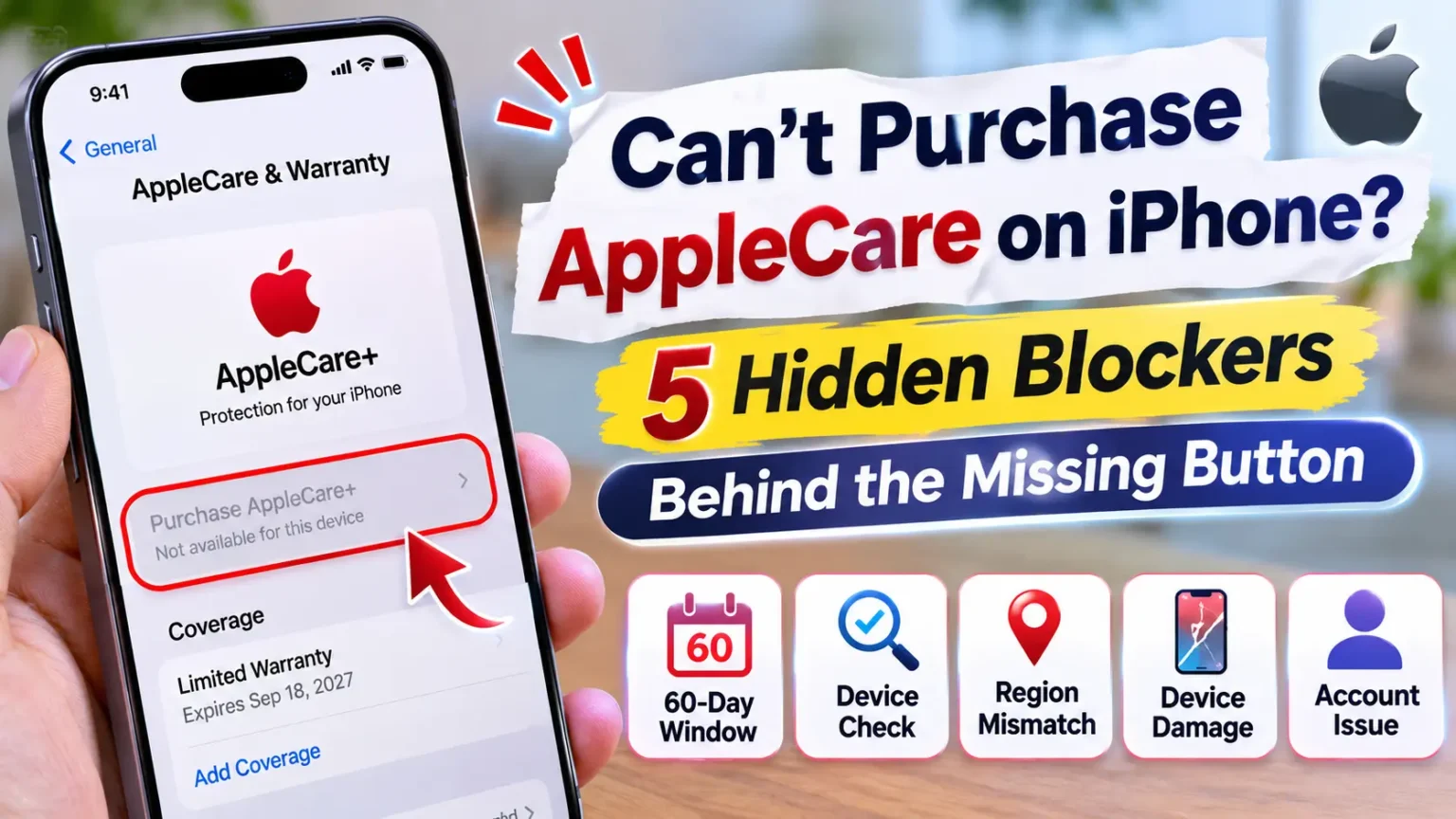
| AppleCare plan missing | You may need to finish setup and link the plan to your Apple Account. See our AppleCare purchase guide . |
| Refund denied | Contact Apple Support and ask for a review of your case. If you believe a charge is unauthorized, contact your card issuer about available dispute options. |
Apple One Cost, Family Plans and Smarter Alternatives
Once you’ve cleaned up the surprise, decide what you actually want to pay for. Here is the current U.S. lineup for Apple One subscription cost:
Apple Subscription Plans: Monthly Cost Comparison
Compare the monthly price, included services, and potential cost over three months.
| Plan | Price per Month | What’s Inside | Three Months at Full Price |
|---|---|---|---|
| Individual | $21.95 per month | Apple TV, Apple Music, Apple Arcade, and 50 GB iCloud+ | $65.85 |
| Family | $27.95 per month | Same services, 200 GB iCloud+, shared with up to five others | $83.85 |
| Premier Most included | $39.95 per month | Adds Apple Fitness+, Apple News+, and 2 TB iCloud+ | $119.85 |
That last column is the number to remember. It’s what a forgotten trial can cost you after only three months.
Family subscription plans comparison
Music is where families can compare easily.
Apple Music Family costs $19.99 a month.
Spotify Family costs $21.99.
For single listeners, Apple Music is $11.99 and Spotify is $12.99.
If your household only wants music, a standalone plan beats a bundle you won’t fully use.
Best streaming subscription alternatives
You don’t need to hold every service at once.
A simple habit saves real money.
Keep one video service active, watch what you want, then cancel and rotate to another.
Put a calendar reminder on the renewal date every time.
Check current prices on each service before you switch, because most of them have raised rates this year.
For about $9.96 more than Apple Music Individual alone, Apple One Individual adds Apple TV, Arcade and storage. That’s a fair deal only if you use at least one of those extras.
Protect Yourself at Your Next Apple Store Visit
You can still enjoy the store and its help. Just keep control of the buttons.
If you head in for repairs, our Apple Genius Bar appointment guide shows how to skip the wait and what to expect at the counter.
- Ask what Agree will do before anyone taps it.
- Ask to see the screen, or hold the device yourself.
- Say “decline” if you aren’t sure. You can add a trial later.
- Claim offers yourself in Settings under “Services included with your purchase.”
- Check Subscriptions before you leave the parking lot.
- Set a reminder for the trial’s end date.
Apple’s staff memo says employees should get your consent. You are allowed to hold them to that.
Key Takeaways
- Reports say some U.S. Apple Store staff allegedly enrolled customers in trials without clear consent. Apple has not confirmed this.
- Apple removed the services metric and sent a consent reminder, according to MacRumors.
- The fastest check is Settings > your name > Subscriptions.
- Canceling a trial ends it right away, and canceling does not trigger a refund.
- Request refunds at reportaproblem.apple.com. Approval is not guaranteed.
- Pending charges can’t be refunded until they post.
- Only the Apple Account on the receipt can cancel a plan, including in Family Sharing.
- A three-month Apple One Premier trial equals about $120 at full price.
FAQ.
They shouldn’t. Apple has reminded retail staff to get customer consent for trials. The allegations say some employees tapped Agree on customers’ behalf. Apple has not confirmed that, and the number of affected customers is unknown.
Open Settings, tap your name, then tap Subscriptions. Trials appear next to paid plans with a renewal date. You should also have an email from Apple that begins with a receipt.
Maybe. Cancel the plan, then use Request a refund at reportaproblem.apple.com. Apple decides each case. Refunds outside defective or unavailable products are discretionary, so keep your notes and dates.
No. Deleting an app leaves the subscription active. You must cancel it in your Subscriptions list or at account.apple.com.
It depends on what you use. Individual costs $21.95, while Apple Music alone costs $11.99. Keep Apple One only if you use the extra services, such as Apple TV or iCloud storage. Otherwise, cancel and pay for one service.
Sources
- MacRumors, “Apple Store Subscription Sign-Up Controversy Exposed” (Nov. 8, 2026):
- 9to5Mac, “Apple staff accused of signing up customers to subscriptions without consent” (Nov. 9, 2026):
- The Apple Post, “Apple Store staff accused of signing customers up for subscriptions without consent” (Nov. 9, 2026):
- MacRumors, “How to Get the New 3-Month Trial of Apple One Premier” (Sept. 17, 2026)
- MacRumors, Apple One price coverage (July and Aug. 2026):
- Subscription Insider, Apple Music and Spotify U.S. prices:
- Apple Support, “If you want to cancel a subscription from Apple”:
- Apple Support, “Request a refund for apps or content that you bought from Apple”: https://support.apple.com/118223
- Apple Report a Problem: https://reportaproblem.apple.com
- Apple Support Community, refund and trial-cancellation threads:
Disclaimer
This article is for general information. It is not legal or financial advice, and AppleHeadlines is not affiliated with Apple Inc. Statements about Apple Store employees are allegations reported by third parties, and Apple has not confirmed them. Menu names, prices, trial terms, and refund rules can change, and they vary by country. Always check your own Apple Account and Apple’s current support pages. For billing disputes, talk with Apple Support, your card issuer, or a qualified professional.
Check Your Subscriptions Right Now
Take two minutes. Open Settings, tap your name, and tap Subscriptions. If you spot something you didn’t choose, cancel it and file a refund request today. Then send this guide to anyone who just bought an iPhone, iPad, or Mac. For more Apple news, how-tos and fixes, keep reading AppleHeadlines.
Related Reads:

T’kal is the lead strategist and developer behind Apple Headlines. With a background in digital marketing and web development, he specializes in technical Apple troubleshooting, software news, and hardware rumors. T’kal focuses on delivering high-authority tech content that bridges the gap between Apple enthusiasts and the latest industry innovations.