





Last updated: November 20, 2026
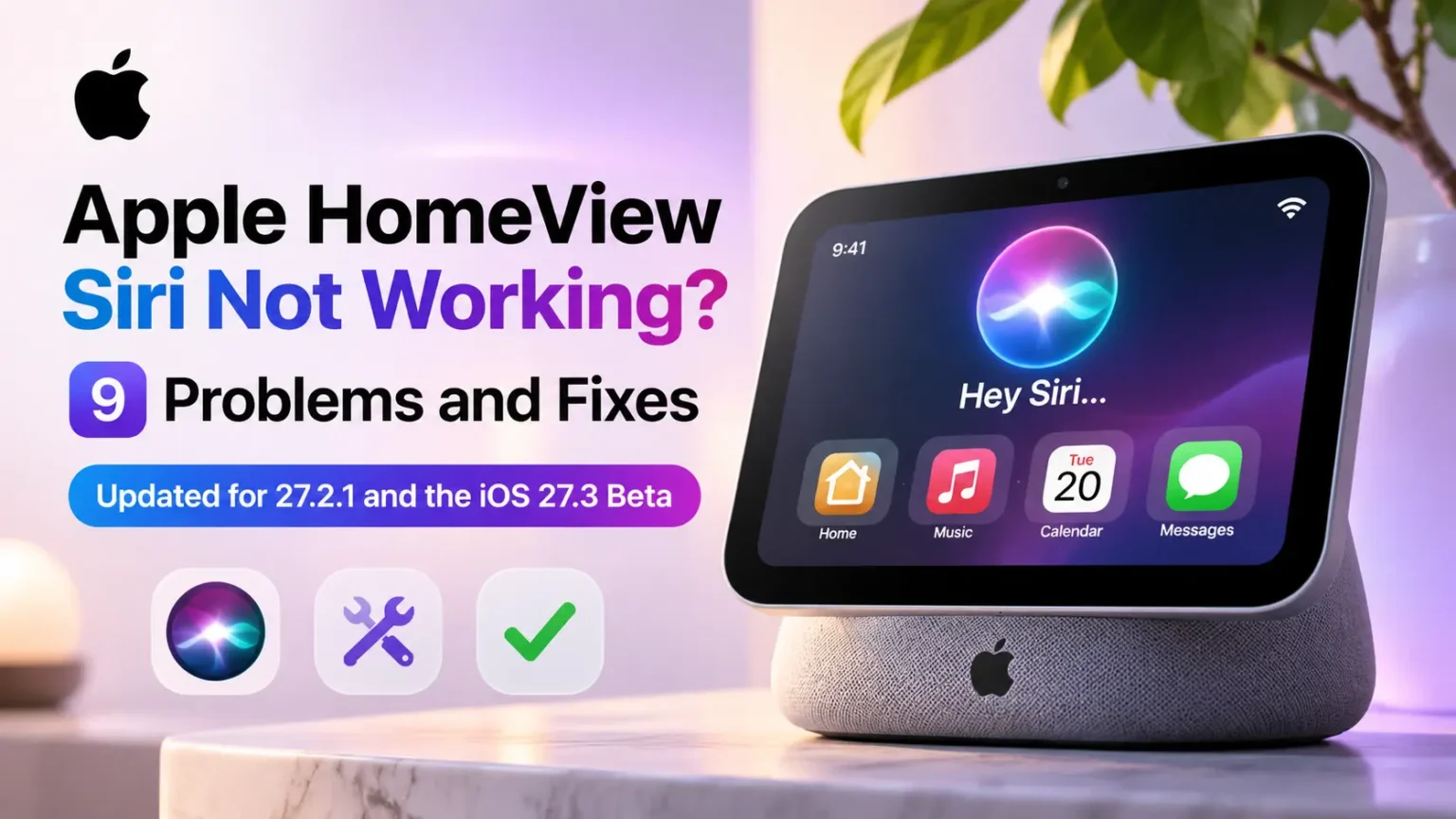
If your HomeView Siri not working problem started this week, the fastest fix is to install HomeView Software 27.2.1, then restart your iPhone and unplug HomeView for 30 seconds.
That update fixes three documented issues, including two Siri-related bugs that could make Siri unavailable or cause Siri requests to fail.
There is one catch for iOS 27.3 beta testers.
On November 19, 9to5Mac reported that some users on the iOS 27.3 beta received a “personal device is on newer software” message when making Personal Content requests on HomeView.
Apple has not publicly documented this behavior in its release notes.
Timers and other on-device requests still work, according to that report.
This guide covers nine HomeView Siri problems, what Apple has and has not confirmed, and the exact steps that apply to each one.


How to Fix HomeView and Siri Issues
| Step | What to Do | Instructions |
|---|---|---|
| 1 | Update HomeView Start Here | Open the Home app on your iPhone. Go to More → Home Settings → Software Update and install version 27.2.1. |
| 2 | Restart Both Devices Recommended | Restart your iPhone. Then unplug HomeView for at least 30 seconds before plugging it back in. |
| 3 | Check Compatibility Check Settings | Make sure your iPhone runs iOS 27.2 or later, both devices use the same Wi-Fi network, and the same English language variant is selected. |
Known Siri Issues on iOS 27.3 Beta
If your iPhone is running iOS 27.3 beta, Siri on HomeView may decline requests involving messages, calendars, and other Personal Content features.
| Situation | What Happens | Available Option |
|---|---|---|
| iOS 27.3 Beta | Siri may decline Personal Content requests. | Wait for an update |
| Need these features now? | Consider returning to a stable iOS 27.2.x version. | Restore iPhone |
Can Siri Unlock Smart Door Locks?
According to reports from MacRumors and other publications, Apple has indicated that a future software update is expected to enable voice unlocking for supported door locks and garage doors.
Release date: Apple has not published a specific public release date on its support pages.
Future Software Update ExpectedNote: Beta features and software availability can change. Check Apple’s official support documentation for the latest compatibility and update information.
What changed in HomeView 27.2.1
Apple’s release notes list three fixes in 27.2.1.
They are the first fixes since HomeView went on sale on November 13.
The table adds one more row: the new beta behavior reported a day later.
HomeView Issues and Fix Status
📅 Updated: November 20, 2026| Reported Problem | Who Is Affected? | Latest Status |
|---|---|---|
| Siri requests fail when paired with an iPhone or iPad running the iOS or iPadOS 27.3 beta. | iOS and iPadOS beta testers |
✓ Fixed in 27.2.1 According to Apple’s release notes |
| Setting up a Shared Album on the Photos face can prevent Siri support from downloading, making Siri unavailable. | HomeView owners using Shared Albums |
✓ Fixed in 27.2.1 According to Apple’s release notes |
| Connecting another home hub can remove HomeView from your home. | Homes with an Apple TV or HomePod |
✓ Fixed in 27.2.1 According to Apple’s release notes |
| Siri declines Personal Content requests from an iPhone running the iOS 27.3 beta. | iOS 27.3 beta testers |
⚠ Reported Issue Reported by 9to5Mac; not listed in Apple’s release notes. |
Apple has not made a public statement about the complaints, according to Macworld.
Macworld also notes that Apple’s own wording, “important bug fixes,” acknowledges that problems exist.
Check these four things first
Most HomeView Siri failures come down to the link between HomeView and your iPhone.
Apple’s notes say personal requests depend on a paired Apple Intelligence-enabled iPhone or iPad, so check these before anything else:
- Software. HomeView on 27.2.1, and your iPhone or iPad on iOS or iPadOS 27.2 or later. Apple’s update page says HomeView installs updates automatically by default. You can also install them by hand in the Home app.
- Wi-Fi. HomeView and your iPhone must be on the same Wi-Fi network. Apple lists a different network as a reason personal content may not appear.
- Language. HomeView and Siri AI are English only for now, and both devices must use the same English variant. Apple says Spanish is “to come.”
- Siri AI. Siri AI must be turned on for your iPhone. Apple labels Siri AI on HomeView as a beta in version 27.2. Open the Siri or Apple Intelligence settings section on your paired iPhone and confirm the feature is enabled.
To install the HomeView update from the HomeView screen instead, open Settings > System > Software Update > Update Software on HomeView.
Macworld and Appleosophy list that path. Apple Scoop lists Settings > General > Software Update instead.
Apple HomeView Siri not working: 9 problems and fixes
Apple HomeView Siri Not Working: 9 Problems and Fixes
Common Siri problems, possible causes, and the latest available fixes.
| # | Symptom | Most Likely Cause | Fix Status |
|---|---|---|---|
| 1 | Siri says it needs a software update, or timers fail | Outdated software or a stale connection to your iPhone | Update & Restart |
| 2 | Siri unavailable or stuck on “Downloading Siri” | Shared Album bug affecting the Photos face | ✓ Fixed in 27.2.1 |
| 3 | Siri requests fail on an iOS 27.3 beta iPhone | Beta pairing bug | ✓ Fixed in 27.2.1 |
| 4 | “Personal device is on newer software” | HomeView cannot use a beta iPhone for Personal Content requests | Open Issue |
| 5 | No messages, calendar or personal answers | Wi-Fi, language, locked iPhone or recognition settings | Settings Checks |
| 6 | HomeView does not recognize you or your voice | Lighting, camera framing, profile or voice setup | Settings Checks |
| 7 | Music plays on the iPhone or in the wrong app | Pairing quirk or another app taking over playback | Workarounds Only |
| 8 | HomeView is frozen, stuck on setup or stuck on an update | Power, device role, Wi-Fi or interrupted update | Reset Steps |
| 9 | Siri will not unlock a door or garage | Voice unlocking feature not available yet | December Update Reported |
1. Siri says it needs a software update, or timers and alarms fail
OS X Daily lists failed timers and alarms as one of the most frequent early complaints.
Siri may say a software update is required, say it cannot do the task, or spin without finishing.
One MacRumors Forums poster said one of two HomeViews began setting timers while the other still asked for an update.
That is a single owner report.
- Install HomeView 27.2.1 (see the paths above).
- Restart your iPhone.
- Unplug HomeView for at least 30 seconds, then plug it back in. HomeView has no power button, as OS X Daily points out.
- Try the timer again.
Apple’s release notes do not list timers by name.
Macworld says the 27.2.1 fixes may help owners who could not set timers, but that is Macworld’s reading, not an Apple statement.
2. Siri is unavailable or stuck on “Downloading Siri”
Apple lists this one directly.
Setting up a Shared Album on the Photos face can stop HomeView from downloading Siri support, which leaves Siri unavailable. Install 27.2.1.
If the “Downloading Siri” message stays on screen, OS X Daily suggests unplugging HomeView, restarting your iPhone, and then reconnecting HomeView.
Apple’s notes do not describe any other workaround.
3. Siri requests fail when your iPhone runs the iOS 27.3 beta
Apple says pairing with an iPhone or iPad on the iOS or iPadOS 27.3 beta can cause Siri requests to fail. 27.2.1 fixes that.
Update HomeView, then see problem 4 if personal requests still do not work.
4. Siri says your “personal device is on newer software”
This is the new compatibility problem. On November 19, 9to5Mac reported that Siri on HomeView 27.2.1 answers Personal Content requests from an iPhone on iOS 27.3 with: “I can’t help with that because your personal device is on newer software.”
The behavior was first found by an X user known as pdfu.
What 9to5Mac and pdfu say:
- Personal requests, such as messages and calendar, are blocked while your iPhone runs the 27.3 beta.
- On-device requests like timers still work.
- There is no HomeView beta, so HomeView cannot catch up with a beta iPhone.
- Apple has not announced when broader compatibility with iOS 27.3 beta devices will arrive.
A note on “Apple confirmed.” The 9to5Mac headline says Apple confirmed the beta is responsible for some HomeView problems.
The confirmation in that article is Apple’s 27.2.1 release note about beta pairing. The “newer software” reply itself was found by a third party.
I did not find an Apple statement that addresses that reply directly. Apple Scoop’s reading is that HomeView now refuses to send personal requests to a beta iPhone instead of letting them fail.
That is its interpretation, not Apple’s explanation.
Your options as a beta tester:
Beta updates can be switched off in Settings > General > Software Update > Beta Updates. Apple’s guide to removing iOS beta software has the restore steps.
Apple Scoop reports that the issue may only affect users whose recognized profile is linked to a beta device. Apple has not confirmed this behavior.
5. Messages, calendar or personal answers are missing
Apple’s “can’t access your content” page lists the usual causes. Personal content may not show if:
- HomeView does not recognize you.
- A HomeView software update is pending.
- HomeView and your iPhone are on different Wi-Fi networks.
- The two devices use different languages.
- You deleted or restricted the same app on your iPhone.
Apple also says your iPhone must be recently unlocked for personal requests. If HomeView shows “Device Not Found” or “Unable to Connect,” update your iPhone to iOS 27.2 or later, sign in to your Apple Account, turn on Bluetooth, and join the same Wi-Fi network as HomeView.
If you pair HomeView with an iPad, Apple says third-party audio and video apps and remote widgets will not work.
6. HomeView does not recognize you or your voice
HomeView uses its own camera to recognize faces. Apple’s tips: use even, front-facing light, uncover your face (no sunglasses), center yourself in the frame, and stand closest to the camera when others are nearby. Also confirm your identity on the paired iPhone or iPad when asked.
To check your profile, open Settings > People on HomeView and tap your name. To reset recognition, open Settings on HomeView, tap your name, tap Recognition, and follow the prompts.
For voice, Apple says that if two Apple Accounts in your home use the same voice for Recognize My Voice, you may need to turn that feature off on one account.
Apple also has a separate page for the “Confirm Your Identity” message.
7. Music plays on your iPhone, or in the wrong app
OS X Daily reports that music or podcasts sometimes play on the paired iPhone instead of HomeView, even when you press play on HomeView. Its suggested fixes are restarting the iPhone or toggling Airplane mode on it.
Apple Scoop’s roundup, which cites Jason Snell’s Six Colors review, describes a different case. After pairing, every music request went to a live-podcast app with a CarPlay-style interface. Snell had to delete that app before Apple Music worked, according to Apple Scoop. Apple Scoop said Apple had not acknowledged these reports as of November 14.
If music keeps landing in the wrong place, restart both devices, then check which audio apps are on the iPhone.
8. HomeView is frozen, stuck on setup or stuck on an update
Apple’s setup page says only the Resident (Owner) in the Home app can set up HomeView. You need an iPhone on iOS 27.2 or later, or an iPad on iPadOS 27 or later.
- “Unable to Set Up”: Apple says to confirm that “Shared From” is set to “This iPhone” or “This iPad.”
- Setup will not start: lock your iPhone, move it away, and try again.
- Still stuck: reset HomeView from the Home app. If the option is missing, unplug HomeView, wait 30 seconds and plug it back in.
- Warning symbol during an update: unplug HomeView, plug it back in, and retry the update. If that fails, Apple says you can restore HomeView.
- Power: use the power adapter that shipped with HomeView, or a compatible one.
HomeView ships with older software and needs a large update during setup, per Apple Scoop and Appleosophy. Keep it plugged in until the update finishes.
9. Siri will not unlock a door or garage
This is a missing feature, not a fault you can fix. Slashdot’s summary of a reviewer’s test describes Siri refusing a voice unlock and pointing to the screen, iPhone or Apple Watch. iThinkDiff reports that Apple confirmed a December HomeView update covering voice unlocking of door locks and garage doors.
Until then, unlock with the touchscreen or the Home app. Apple Scoop says a scene that includes a lock works.
Why results differ between homes
Reviews and owner reports are mixed. Apple Scoop says two reviewers hit Siri stalls, while 9to5Mac later noted that early reviewers did not seem to have the beta-related problems. Apple says Siri AI on HomeView is a beta and that personal answers depend on your iPhone.
FAQ
Start with the update. Install 27.2.1, restart your iPhone, and unplug HomeView for 30 seconds. Then confirm the same Wi-Fi network, the same English variant, and iOS 27.2 or later on your iPhone.
Apple’s notes do not mention timers. They do fix two bugs that can make Siri unavailable or cause Siri requests to fail. Macworld says this may help with timers. Try the update and report back to Apple if timers still fail.
Apple fixed a bug that could cause Siri requests to fail when HomeView was paired with an iOS 27.3 beta device. However, some users continue to report problems with Personal Content requests. Apple has not published separate guidance about those reports.
9to5Mac says no HomeView beta is available. I did not find any Apple page that offers one.
Yes, for personal requests. Apple says personal context needs a paired Apple Intelligence-enabled iPhone or iPad on the latest software, with Siri AI on and a supported language. The device must also be recently unlocked and on the same Wi-Fi network.
Apple says certain features that rely on server-side models are subject to daily usage limits, and that expanded access may be offered for a fee in the future.
Not yet. See problem 9. Use the touchscreen or the Home app for now.
Contact Apple if updating, restarting and resetting do not help, or if HomeView will not turn on. Apple lists the Genius Bar and Apple Authorized Service Providers for service.
Conclusion
For most owners, an Apple HomeView Siri not working problem comes down to three steps: install 27.2.1, restart your iPhone and HomeView, and confirm Wi-Fi, language and iOS version. If you run the iOS 27.3 beta, expect Personal Content requests to stay paused until HomeView catches up. The cleanest fix is to wait for the public iOS 27.3 release or return to iOS 27.2.x.
Related guides
- Siri AI problems on iPhone
- How to get Siri AI
- iOS 27.2: what’s new
- iOS 27 complete guide
- Book a Genius Bar appointment
Sources
- Apple Support, “About Apple HomeView software updates,” published November 18, 2026:
- Apple Support, “If you can’t access your content on Apple HomeView,” published November 12, 2026:
- Apple Support, “If Apple HomeView doesn’t recognize you,” date not shown:
- Apple Support, “If you can’t set up Apple HomeView,” date not shown:
- Apple Support, “Update Apple HomeView,” date not shown:
- Apple Support, “If a warning symbol appears on Apple HomeView,” date not shown:
- 9to5Mac, “iOS 27.3 beta can cause HomeView issues, Apple confirms,” November 19, 2026:
Apple Headlines is not affiliated with Apple Inc.

T’kal is the lead strategist and developer behind Apple Headlines. With a background in digital marketing and web development, he specializes in technical Apple troubleshooting, software news, and hardware rumors. T’kal focuses on delivering high-authority tech content that bridges the gap between Apple enthusiasts and the latest industry innovations.