


Last updated: October 31, 2026
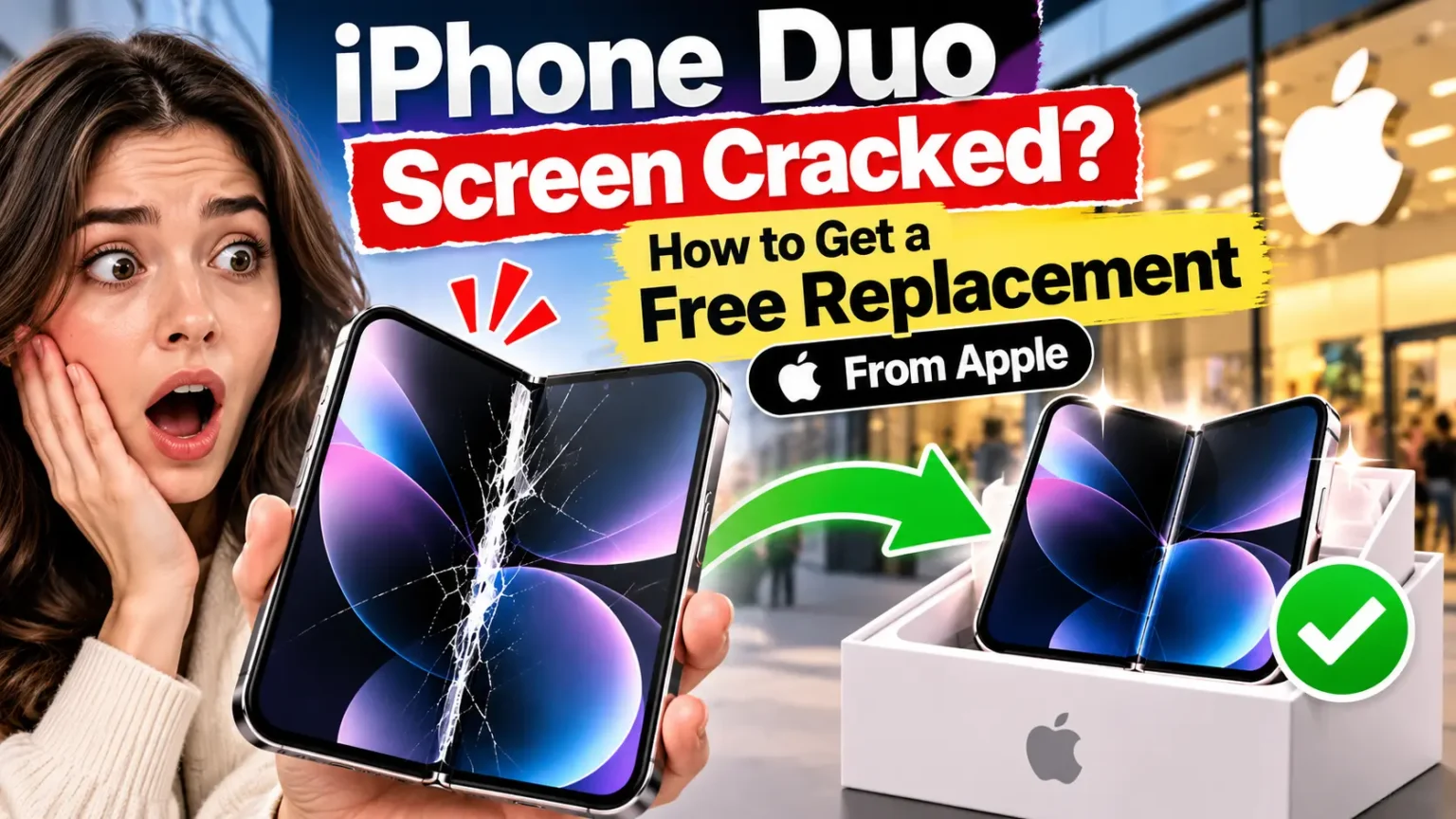
If your new iPhone Duo’s inner screen has cracked down the middle, or a bright white line has appeared near the fold, you’re not alone, and you probably won’t have to pay for it.
Apple has confirmed the problem. It says affected owners can get a replacement through AppleCare, even if you didn’t buy AppleCare+.
This guide explains how to tell if your phone has this issue, what Apple has said, and the exact steps to get a replacement.
What Should You Do?
Apple has acknowledged the inner display issue affecting a small number of iPhone Duo units. Here’s what affected owners need to know:
-
✓Apple has confirmed the issue. Apple says it is “aware of an issue impacting the inner display on a small number of iPhone Duo units.”
-
✓AppleCare+ is not required. Affected devices are covered under Apple’s standard one-year limited warranty.
-
✓Contact Apple directly. Even if you purchased your iPhone through Verizon, AT&T, or T-Mobile, Apple is the right place to start.
-
✓There is no official recall yet. Apple Stores have reportedly been instructed to inspect affected phones and repair or replace them.
What the iPhone Duo screen problem looks like
The iPhone Duo went on sale on October 23, 2026. Within days, owners started posting photos of damaged inner displays. The reports share a few common signs:
- A crack running down the center of the 7.6-inch inner display, along the line of the hinge
- A bright or glowing white line, or a band of stuck pixels, that crosses the screen near the crack
- Lines toward the right side of the inner screen in some reports
- Damage that shows up very early, sometimes within hours of unboxing or during first-time setup
- Some owners say they heard a cracking sound when opening or closing the phone
Note: the outer (cover) screen is not part of this issue. If your outer screen is cracked from a drop, that’s normal accidental damage and isn’t covered by this.

Is it a crack or just the crease?
Every foldable has a crease, the soft dip you can see and feel where the screen bends. The crease is normal. A crack is not.
Normal Crease vs. Display Crack
Not every visible line on a foldable display means it is damaged. Here’s how to tell the difference.
| Crease Normal | Crack Defect |
|---|---|
| Normal crease A soft wave you can see at an angle | Display crack A sharp line, often with white or colored pixels |
| A display that works normally over the crease | Dead, stuck, or glowing pixels along the line |
| Looks the same from day to day | Can spread or get worse over time |
| You can’t feel an edge | You may feel a ridge or hear a crack |
Important: If you notice unusual lines, flickering, or dead pixels, have Apple inspect the display rather than trying to press or rub the affected area.
If you only see the crease, there’s nothing to fix.
More Read
What’s causing it?
Apple hasn’t said. The leading theory comes from iFixit’s teardown, which included CT scans of the phone.
iFixit found the damage clustered just below where a display cable passes under the screen, near a central support bar inside the hinge.
Its main theory is that this bar may not fully retract when the phone closes, which would press against the flexible display from behind.
iFixit also listed other possible causes:
- Pressure from inside the phone
- A trapped dust particle
- Repeated bending
- A plain manufacturing defect
It said more investigation is needed. In a separate dust test, iFixit found that fine particles could reach the hinge despite the IP68 rating.
The cause matters for one reason: if the problem starts inside the hinge, it isn’t something you did. That supports a free warranty replacement.
Is the replacement really free?
Yes, if your phone has the defect and isn’t physically damaged in some other way.
- No AppleCare+ needed. Reports from 9to5Mac and others say Apple’s guidance covers the issue without AppleCare+.
- Standard warranty: every iPhone Duo comes with Apple’s one-year limited warranty, which covers defects from normal use. – How to Check Warranty?
- 14-day return window: if you bought from Apple within the last 14 days, you can also simply return the phone for a refund.
What it costs if you have to pay (for example, if Apple decides the damage was accidental):
iPhone Duo Repair Costs
Compare estimated repair costs with and without AppleCare+.
| Repair Type | Without AppleCare+ | With AppleCare+ |
|---|---|---|
| Inner (folding) display | $999 | $99 |
| Outer display | $379 | Check Apple |
| Other damage | Up to $1,499 | $99 |
Important: These are the listed comparison figures. Actual repair fees and coverage depend on the damage, service eligibility, and Apple’s current terms. Confirm the final price with Apple before arranging a repair.
Prices are from Apple’s published repair estimates as reported in October 2026. Check Apple’s iPhone repair page for current pricing.
This is why it’s worth getting the phone looked at now, while it’s under warranty and Apple is openly acknowledging the problem.
How to get your iPhone Duo screen replaced (step by step)
Step 1: Document the damage
Before you do anything else:
- Take clear photos and a short video of the crack, with the phone open and with it half-folded.
- If there’s a white line or stuck pixels, film the screen showing something with a dark background, such as a black wallpaper.
- Write down when you first noticed it and what you were doing (unfolding, closing, during setup).
This is our own advice, not an Apple requirement. But clear evidence of a crack with no outside damage makes it easier to show the problem is the known defect, not a drop.
Step 2: Back up your iPhone
You may get a new phone rather than a repair, so back up first:
- iCloud: Settings > [your name] > iCloud > iCloud Backup > Back Up Now
- Mac or PC: connect a cable and back up through Finder or the Apple Devices app
If the screen still works, also check that your Apple Wallet cards, two-factor authentication apps and eSIM are ready to move to a new device.
How to Back Up iPhone – 7 Ways
Step 3: Contact Apple (not your carrier)
Pick whichever works best for you:
- Online: go to getsupport.apple.com, choose your iPhone Duo and pick the display or repair option. You can chat, schedule a call or book a store visit.
- Phone: 1-800-APL-CARE (1-800-275-2273) in the US and Canada.
- Apple Support app: sign in, choose your iPhone Duo and follow the repair steps.
- Apple Store: book a Genius Bar appointment. Walk-ins are possible, but appointments are faster.
Even if you bought your iPhone Duo through a carrier (Verizon, AT&T, T-Mobile and others), contact Apple directly. That’s what Apple’s guidance says.
Step 4: What to say
Keep it short and specific. For example:
“My iPhone Duo’s inner display cracked along the hinge without any drop or impact.
Apple said it’s aware of an inner display issue on a small number of units and that affected customers should contact AppleCare for a replacement.”
Mentioning Apple’s own statement helps make sure the staff member knows about the issue.
Apple has sent a memo to its stores and Authorized Service Providers telling technicians to inspect the phone and repair or replace it under standard procedures.
Step 5: Inspection and replacement
- A technician will inspect the phone. They’ll look for signs of outside damage, such as dents, drop marks or liquid exposure. If there are none and the crack matches the known problem, it should be covered.
- Replacement stock is limited right now. Some owners got a new phone the same day. Others have been told to wait for stock. Ask whether you can be notified, or whether a mail-in repair is faster.
- If the store can’t replace it on the spot, ask for the case or repair number in writing, so the warranty claim is recorded before anything changes.
Still within 14 days? Consider a return
If you bought from Apple and you’re still within 14 days of delivery, you have a choice:
- Exchange for a new iPhone Duo, or
- Return it for a full refund and wait for later batches, or for the second-generation model.
Some owners say they’d rather have a refund than risk the same thing happening again.
Apple hasn’t said whether a hardware fix or revised units are coming, so there’s no wrong choice here.
Carrier and third-party store purchases follow that seller’s return policy, so check it.
How to avoid problems with your iPhone Duo screen
These are common-sense habits for any foldable, not Apple-confirmed fixes for this defect:
- Open and close it gently. Don’t snap it shut with one hand.
- Keep the hinge clean. Avoid pockets full of lint, sand or crumbs, since dust can get into the hinge.
- Don’t press on the inner screen with fingernails or sharp objects. The flexible display is much softer than glass.
- Don’t remove the factory screen protector on the inner display, and don’t add a third-party one unless it’s made specifically for the iPhone Duo.
- Use a case designed for the iPhone Duo that doesn’t put pressure on the hinge.
- Think seriously about AppleCare+. With a $999 inner-screen repair price, one claim more than pays for the plan.
Frequently asked questions
No. As of October 31, 2026, there’s no recall and no formal public repair program. Apple says owners with an affected display should contact AppleCare for a replacement.
No. Reports say Apple’s guidance covers affected units without AppleCare+, under the standard one-year warranty.
Apple says “a small number of units” and hasn’t shared numbers. Early counts from 9to5Mac found around 10 confirmed cases in the first few days, and Bloomberg reported that complaints were growing. Be aware that some viral photos turned out to be fake or AI-generated.
Without AppleCare+, Apple lists an inner display repair at $999. With AppleCare+, it’s $99. If your crack is the known defect and your phone is under warranty, it should be free.
Contact Apple directly through getsupport.apple.com, 1-800-APL-CARE or an Apple Store, not your carrier.
Nobody knows yet. Apple hasn’t announced a hardware change. If you’re worried, consider a return within the 14-day window, and keep checking this guide for updates.
No. A soft, visible crease is normal on every foldable. It’s only a concern if you see a sharp line, dead or glowing pixels, or the screen stops responding along the fold.
Final thoughts
If your iPhone Duo’s inner screen cracks without a drop, don’t pay for it and don’t wait. Take photos, back up your phone and contact Apple directly.
Mention Apple’s own statement about the inner display issue.
We’ll update this guide as soon as Apple shares more about the cause, a repair program or revised units.
Sources
- MacRumors: Apple Alerts Stores to iPhone Duo’s Display Cracking Issue
- Fortune: iPhone Duo screens are cracking within hours for some owners
- Notebookcheck: Apple responds to iPhone Duo screen cracking, offers replacements
- Notebookcheck: iPhone Duo repair costs revealed
- The Mac Observer: iPhone Duo AppleCare+ pricing
- Apple Support: getsupport.apple.com
Disclaimer: Apple Headlines is not affiliated with Apple Inc. Repair pricing and policies can change. Confirm with Apple Support before your appointment.
Related Posts:

T’kal is the lead strategist and developer behind Apple Headlines. With a background in digital marketing and web development, he specializes in technical Apple troubleshooting, software news, and hardware rumors. T’kal focuses on delivering high-authority tech content that bridges the gap between Apple enthusiasts and the latest industry innovations.