



Looking for the perfect gift for an Apple enthusiast?
An Apple Store gift card offers the flexibility to purchase anything from the latest iPhone to your favorite apps and streaming subscriptions.
Whether you’re buying one for yourself or gifting it to someone special, understanding how these cards work ensures you maximize their value.
In this comprehensive guide, we’ll walk you through everything you need to know about Apple gift cards, including redemption processes, balance checking, and smart usage strategies that help you get the most from every dollar.
What Is an Apple Store Gift Card?
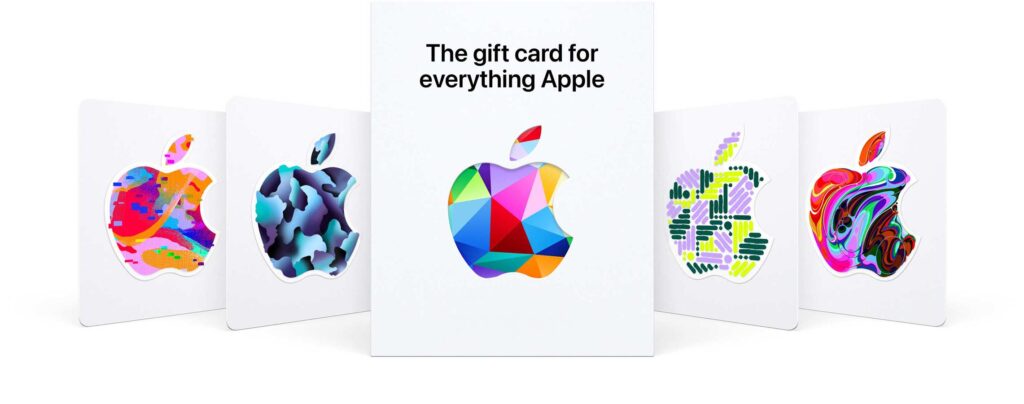
An Apple Store gift card is a prepaid digital or physical card that holds monetary value redeemable across Apple’s entire ecosystem.
Since 2022, Apple unified its gift card system, meaning one card now works for both hardware purchases and digital content.
You can use these cards to buy products from Apple retail stores, the online Apple Store, or spend the balance on the App Store, iTunes, Apple Music, iCloud storage, and other Apple services.
Types of Apple Gift Cards Available
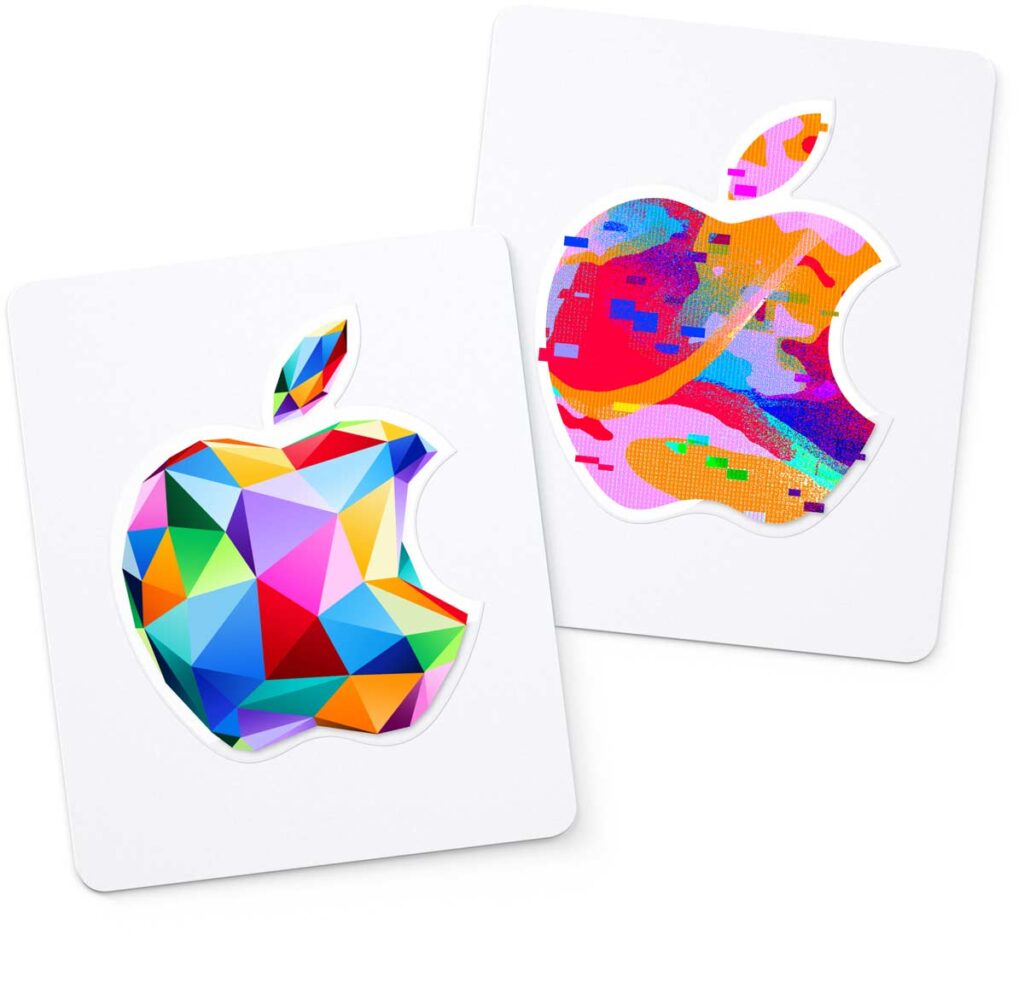
Apple currently offers a single unified gift card that replaced the previous separate cards for hardware and digital content. This streamlined approach means less confusion when giving or receiving Apple gift cards.



Key characteristics:
How to Redeem an Apple Gift Card
Redeeming your Apple gift card is straightforward, but the exact steps depend on which device you’re using.
On iPhone or iPad
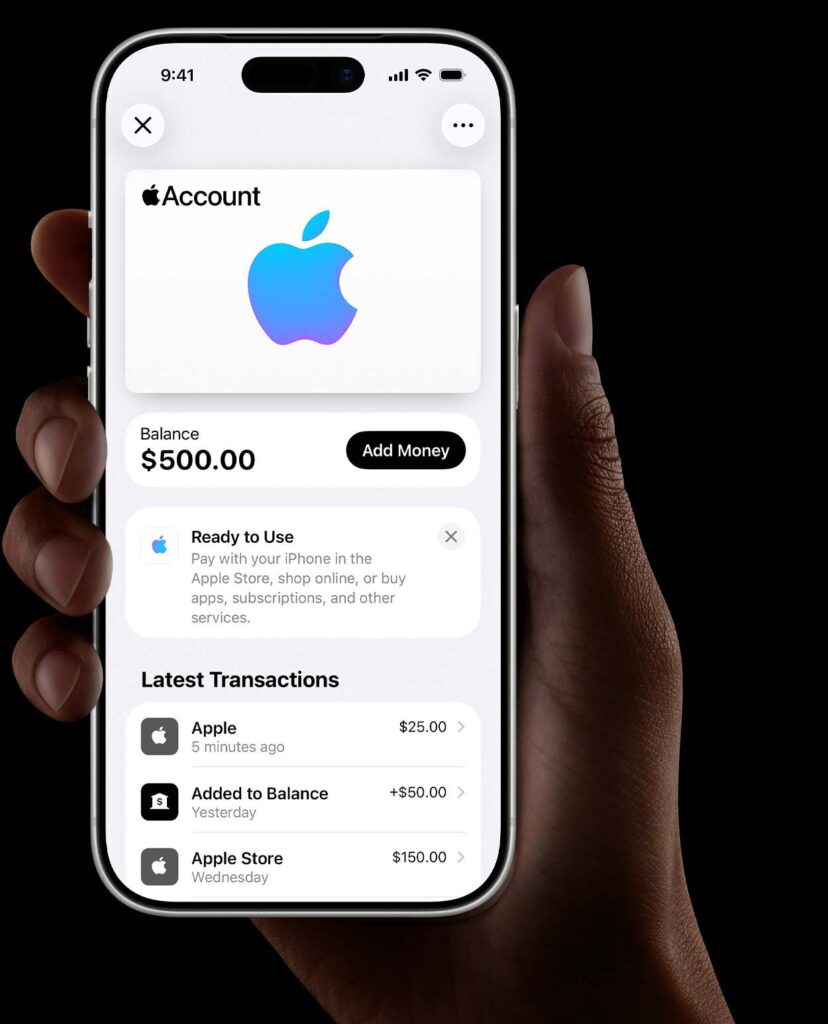
The funds appear instantly in your Apple Account balance.
On Mac Computer
On Windows PC
Via Web Browser
You can also redeem codes at giftcards.apple.com directly from any web browser, making it convenient when you don’t have access to your devices.
How to Check Your Apple Gift Card Balance
Knowing your remaining balance helps you plan purchases and avoid declined transactions.
Method 1: Through Your Device
On iPhone/iPad:
On Mac:
Method 2: Online Balance Check
Visit the Apple Gift Card Balance website and enter your 16-digit code to check remaining funds without signing in to your account.
Method 3: Receipt Review
After every purchase, Apple sends an email receipt showing your updated account balance, making it easy to track spending.
How to Add Apple Gift Card to Your Account
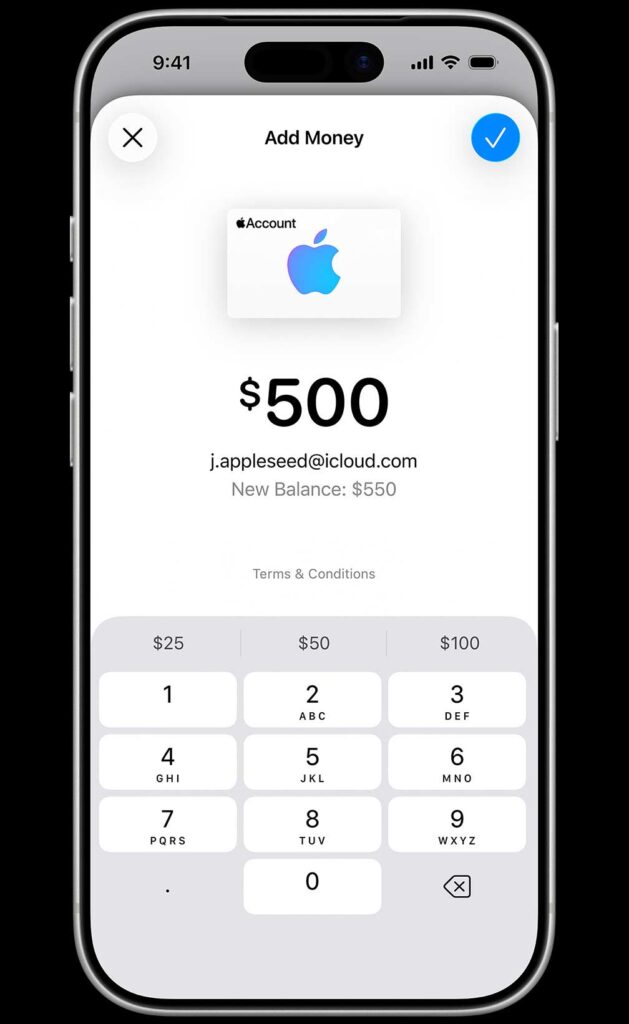
Adding funds to your account before shopping ensures smooth checkout experiences.
The redemption process automatically adds the gift card balance to your Apple Account. This balance then becomes available for any purchase across Apple’s platforms.
Important notes:
How to Use Apple Gift Card Effectively
Your Apple gift card balance works seamlessly across all Apple services and products.
Shopping for Physical Products
Use your balance toward MacBooks, iPads, iPhones, Apple Watches, AirPods, and accessories. When checking out online or in-store, select “Apple Account Balance” as your payment method.
If your purchase exceeds your balance, you’ll need to provide an additional payment method for the difference.
Digital Content and Services
App Store purchases:
Entertainment:
Storage and Services:
Real-World Use Cases
Student scenario: Emma received a $100 Apple gift card for graduation. She used $50 for a new Apple Pencil and allocated the remaining $50 toward her annual Apple Music subscription, stretching the gift’s value across the entire year.
Professional scenario: Marcus uses quarterly gift card bonuses to upgrade his iCloud storage from 50GB to 200GB, ensuring all his work files stay backed up without impacting his monthly budget.
Pros and Cons of Apple Store Gift Cards
Advantages
Versatility across the ecosystem: One card works for everything Apple offers, from hardware to subscriptions.
No expiration concerns: Unlike many gift cards, Apple balances never expire and have zero maintenance fees.
Easy digital delivery: E-gift cards arrive instantly via email, perfect for last-minute gifts.
Fraud protection: Apple’s security measures protect your balance from unauthorized access.
Budget control: Pre-loading funds helps manage spending on apps and subscriptions.
Disadvantages
Apple ecosystem only: Cannot be used outside Apple’s platforms or transferred to non-Apple services.
Non-refundable once redeemed: Once added to an account, you cannot get cash back or transfer to another user.
Regional restrictions: Gift cards purchased in one country may not work in another region’s App Store.
Limited family sharing: Your gift card balance isn’t shared with Family Sharing members.
Apple Gift Card vs Competitors
Comparison Table
| Feature | Apple Gift Card | Google Play Card | Amazon Gift Card |
|---|---|---|---|
| Physical products | ✓ Full catalog | ✗ No | ✓ Full catalog |
| Digital content | ✓ Apps, music, movies | ✓ Apps, movies, books | ✓ Kindle, Prime Video |
| Hardware devices | ✓ All Apple products | ✗ No | ✓ All Amazon products |
| Subscription services | ✓ Multiple services | ✓ Google One, YouTube | ✓ Prime, Kindle Unlimited |
| Expiration | Never | Never | Never |
| Regional flexibility | Limited | Limited | Moderate |
Smart Tips for Maximizing Value
Stack with promotions: Watch for Apple’s occasional bonus gift card offers during shopping events like Black Friday.
Subscription planning: Calculate annual subscription costs and load gift cards to cover the full year, avoiding credit card charges.
Educational discounts: Students can combine gift card balances with educational pricing for maximum savings.
Trade-in combinations: Use Apple’s trade-in program alongside gift cards to upgrade devices at minimal out-of-pocket cost.
Bill splitting: When buying expensive items, friends can pool multiple gift cards together to share costs.
Frequently Asked Questions
1. Can I use an Apple gift card to pay for Apple Card monthly installments?
No, Apple Account balance cannot be applied toward Apple Card Monthly Installments. These require a connected payment method like a debit or credit card.
2. What happens to my gift card balance if I change countries?
When you change your Apple ID country or region, any remaining store credit must be spent first. Apple won’t transfer balances between regions, so use your funds before making geographic changes.
3. Can I purchase an Apple gift card with another gift card?
Generally, no. Apple typically doesn’t allow purchasing gift cards with existing gift card balances, though policies may vary by location and purchase method.
4. How long does it take for a redeemed gift card to show in my account?
Balance updates appear instantly after successful redemption. If you don’t see the funds immediately, sign out of your Apple ID and sign back in to refresh the account information.
5. Can I return or get a refund for an Apple gift card purchase?
Unused physical gift cards can often be returned to the place of purchase following their return policy. Once redeemed to an account, however, Apple gift card balances are non-refundable.
Conclusion
Apple Store gift cards represent one of the most versatile gifting options in today’s digital landscape.
From purchasing the latest iPhone to subscribing to Apple Music or expanding iCloud storage, these cards offer tremendous flexibility within Apple’s ecosystem.
Understanding how to redeem Apple gift cards, check your balance, and strategically use the funds ensures you extract maximum value from every dollar.
As Apple continues expanding its services portfolio, these gift cards become increasingly valuable tools for managing your digital and physical Apple purchases.
The future of Apple gift cards looks promising, with potential integrations into Apple’s growing services like Apple Vision Pro content and emerging subscription offerings.
Ready to buy or redeem your Apple gift card?
Visit your nearest Apple Store, browse the online store, or check the App Store to start using your balance today.
Whether you’re treating yourself or gifting someone special, Apple gift cards deliver value that keeps giving across the entire Apple universe.

Virginia J. Alfonso is a seasoned technology writer with a passion for all things digital. With over a decade of experience covering the latest in tech innovation, gadgets, and software, Virginia brings a unique blend of technical expertise and accessible writing to her work. Her articles focus on making complex tech topics easy to understand for readers of all levels.