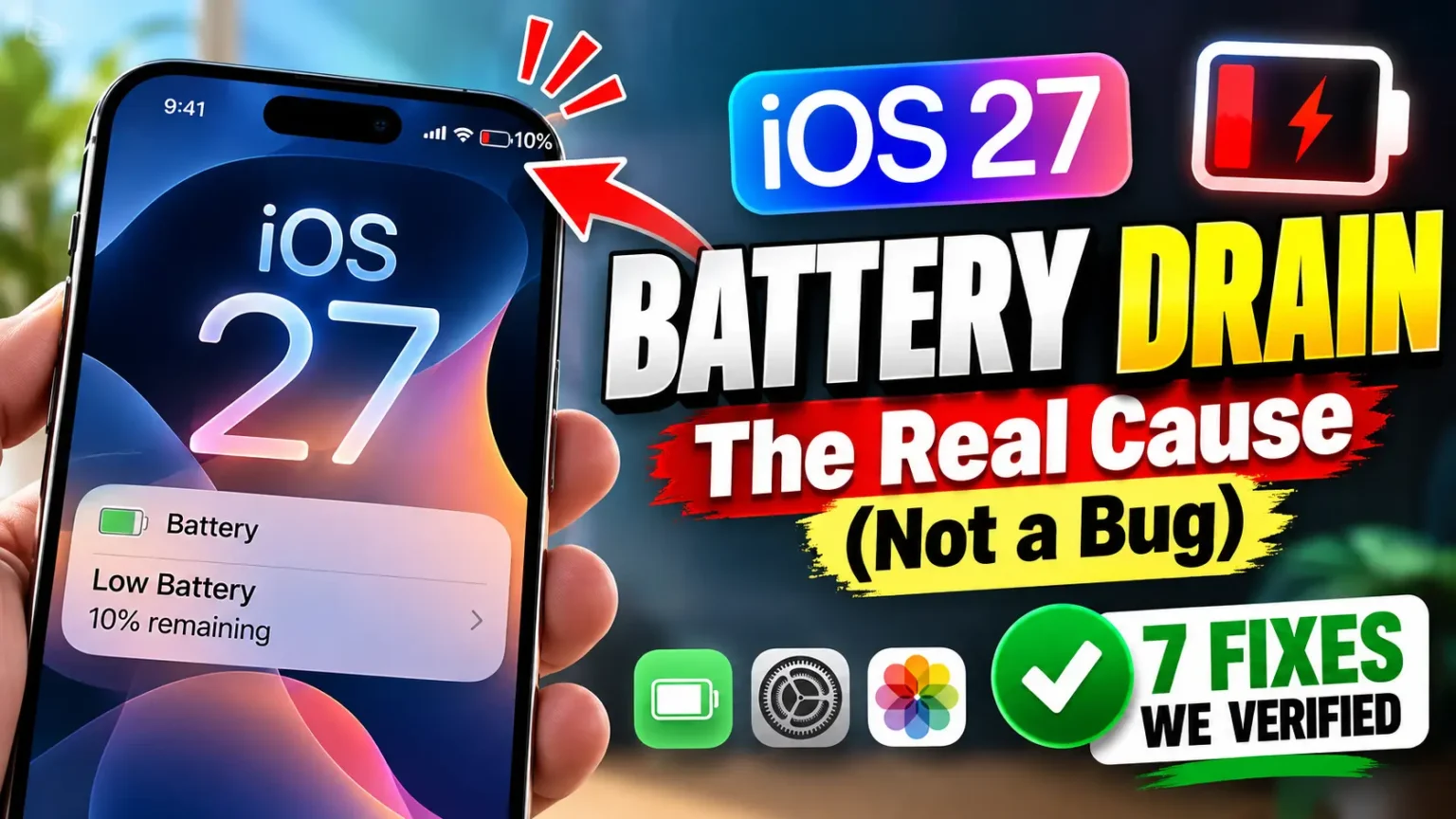




The iOS 18.7.5 update marks another important step in Apple’s ongoing effort to improve iPhone security, stability, and everyday performance.
While it may not introduce flashy new features, this release focuses on refining the user experience and protecting devices from emerging threats.
For general users, 18.7.5 is about reliability—fewer bugs, smoother performance, and stronger privacy protections.
In this guide, we’ll explore what the update includes, how it works, and whether you should install it right away.
Release Timeline
- Release date: February 4, 2026
- Build number: 22H311
- Purpose: Security and certificate extension updat
What Is iOS 18.7.5?
iOS 18.7.5 is a minor but critical software update released by Apple Inc. for supported iPhone models.
Unlike major releases that introduce new designs or features, this version focuses on:
Key Purpose of iOS 18.7.5
| Area | Focus |
|---|---|
| Security | Vulnerability fixes |
| Performance | Faster app loading |
| Stability | Reduced crashes and freezes |
| Compatibility | Better app support |
This update is designed to keep iPhones running smoothly without changing how users interact with their devices.
How Does the iOS 18.7.5 Update Work?
The iOS 18.7.5 update works by replacing outdated system files with optimized versions. It also patches known security flaws that hackers could exploit.


Update Process Explained Simply
When you install the update:
All this happens automatically, requiring minimal user involvement.
Technical Terms in Simple Language
These improvements work silently in the background.
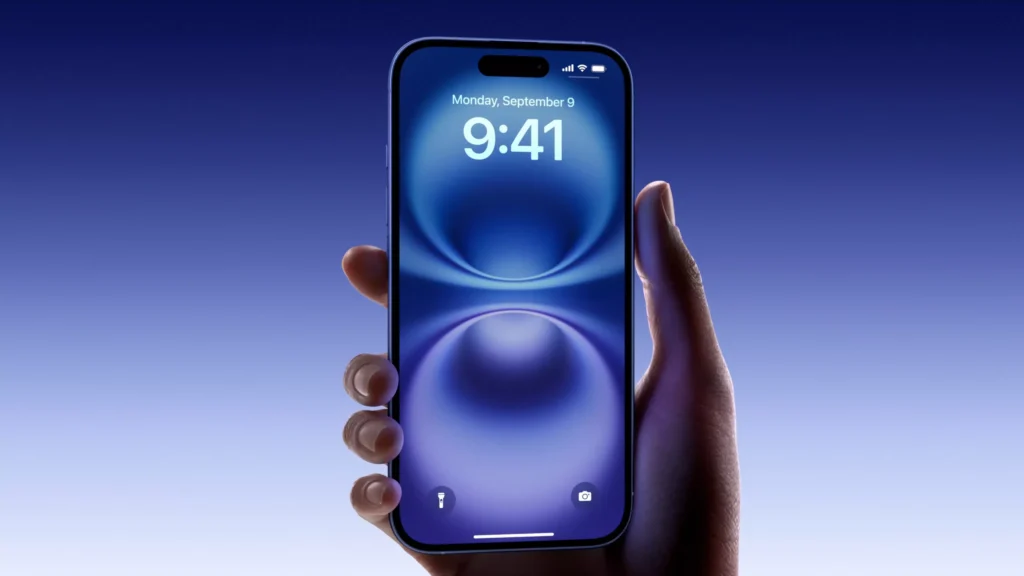
Key Features of iOS 18.7.5
Although 18.7.5 is a maintenance release, it delivers meaningful enhancements.
1. Improved Security Protections
Security remains Apple’s top priority. This update addresses:
- WebKit vulnerabilities (used by Safari)
- App permission exploits
- System-level access risks
This protects users from malicious websites and harmful apps.
2. Performance Enhancements
Many users report smoother performance after upgrading.
Improvements include:
- Faster app launches
- Reduced lag in multitasking
- Better memory management
This is especially helpful for older iPhone models.
3. Battery Efficiency Updates
iOS 18.7.5 includes background process optimizations that help:
- Reduce idle battery drain
- Improve overnight standby time
- Control power-hungry apps
While not a major battery overhaul, the changes are noticeable.
4. Bug Fixes and Stability Improvements
Common issues fixed in this update include:
- Random app crashes
- Wi-Fi disconnection problems
- Bluetooth pairing errors
- Touchscreen response delays
These fixes improve everyday reliability.
5. Better App Compatibility
Developers optimize their apps around the latest iOS versions. Updating ensures:
- Fewer app crashes
- Improved game performance
- Better support for new features
This helps keep your apps future-ready.
Pros and Cons of 18.7.5
Before updating, it’s helpful to understand both benefits and limitations.
Pros
Cons
18.7.5 vs Previous Versions
Here’s how iOS 18.7.5 compares with earlier releases.
| Feature | iOS 18.7.3 | iOS 18.7.4 | iOS 18.7.5 |
|---|---|---|---|
| Security | Good | Better | Best |
| Performance | Stable | Improved | Optimized |
| Bug Fixes | Moderate | High | Extensive |
| Battery Handling | Average | Good | Better |
18.7.5 offers the most refined experience in the 18.7 series.
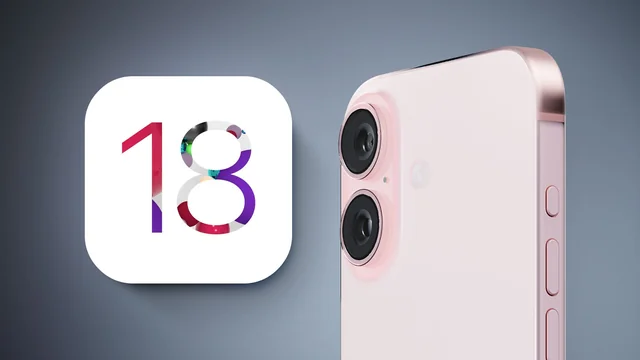
How to Install iOS 18.7.5
Updating your iPhone is simple.
Step-by-Step Guide
Before You Update
Make sure to:
Who Should Update to 18.7.5?
You should install iOS 18.7.5 if:
You may delay if:
For most users, updating is strongly recommended.
Frequently Asked Questions (FAQs)
❓ Is iOS 18.7.5 safe to install?
Yes. iOS 18.7.5 includes verified security patches and stability improvements, making it safe for everyday users.
❓ Does 18.7.5 improve battery life?
It improves background efficiency, which can lead to slightly better battery performance over time.
❓ Will 18.7.5 slow down older iPhones?
No. The update is optimized to improve performance, especially on older devices.
❓ How big is the iOS 18.7.5 update?
The update size usually ranges from 300MB to 700MB, depending on your device.
❓ Can I downgrade after updating?
Apple generally does not allow downgrades once signing stops. It’s best to back up before updating.
Conclusion: Is iOS 18.7.5 Worth It?
The 18.7.5 update is a solid and reliable release focused on security, performance, and stability. While it doesn’t introduce new visual features, it significantly improves the overall iPhone experience.
Summary
For most users, installing 18.7.5 is highly recommended. It keeps your device protected, fast, and compatible with modern apps.
As Apple prepares for future iOS releases, updates like 18.7.5 play a crucial role in maintaining system health. Expect upcoming versions to build on this foundation with smarter AI features, deeper privacy controls, and more personalization options.
Staying updated ensures your iPhone remains secure, efficient, and ready for what’s next.

T’kal is the lead strategist and developer behind Apple Headlines. With a background in digital marketing and web development, he specializes in technical Apple troubleshooting, software news, and hardware rumors. T’kal focuses on delivering high-authority tech content that bridges the gap between Apple enthusiasts and the latest industry innovations.