







Last updated: November 17, 2026
Update log: Nov 17 – first version, covering beta 2 released Nov 16.
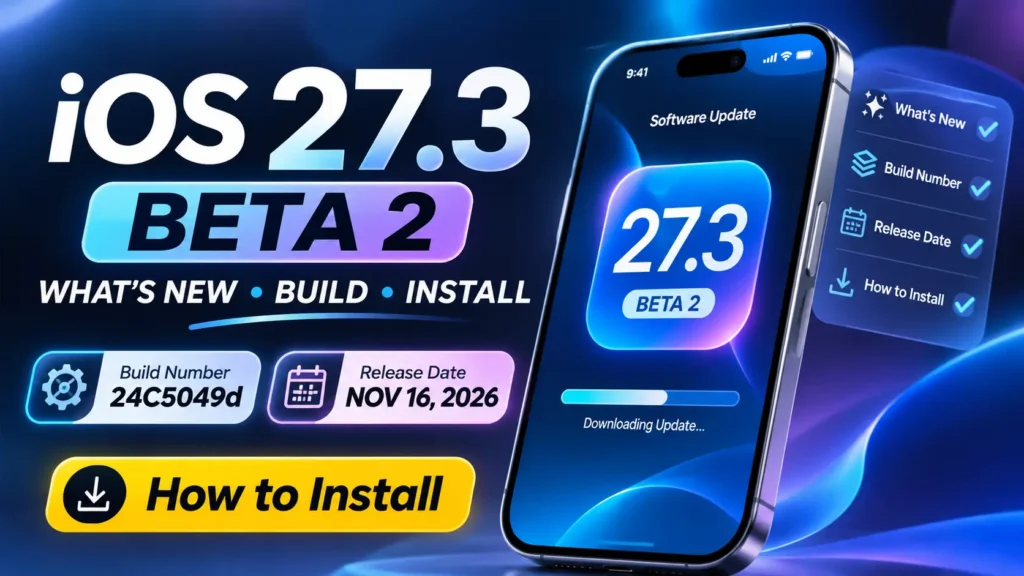
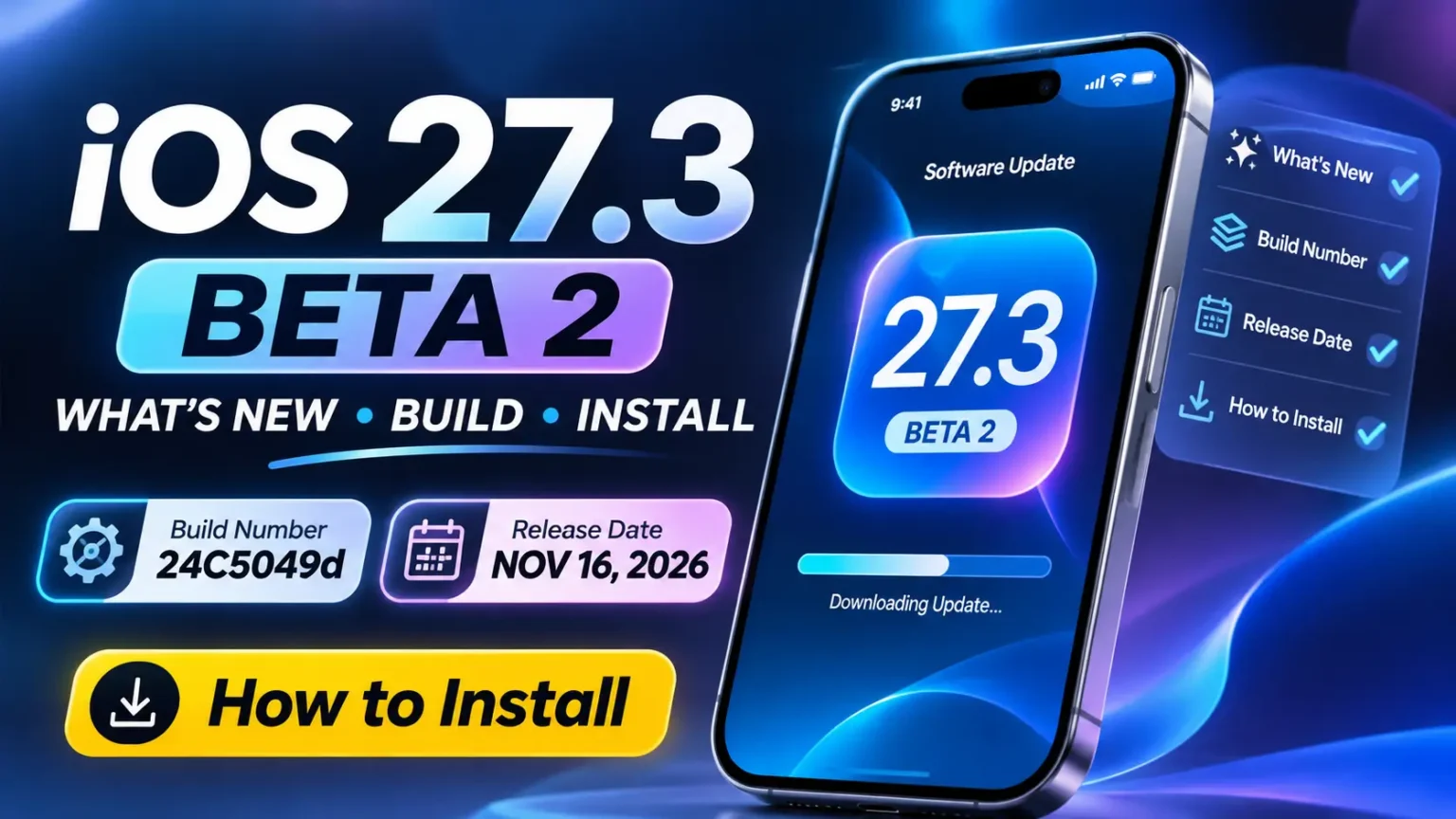
Apple released iOS 27.3 beta 2 to developers on Monday, November 16, 2026.
The build number is 24C5049d, according to Apple’s developer releases page.
It adds face unlock for iPhone Duo, a “Close to Lock” option, Siri AI’s “Ask About Page” in Safari, Siri AI answers about your Health data, and daily Siri AI usage limits tied to iCloud+ plans.
iOS 27.3 beta 1 arrived on November 3.
Apple hasn’t announced a release date for iOS 27.3. Outlets expect it near the end of November or in early December.
This guide covers what changed in beta 2, which features carry over from beta 1, who can install it, and how.


What’s New in iOS 27.3 Beta 2?
Apple’s latest developer beta introduces new iPhone Duo security options, expanded Siri AI features, and possible usage limits for cloud-powered AI services.
New iPhone Duo Security Features
Face unlock using the front camera and a new option to lock the phone when you close it.
Smarter Siri AI Features
Safari gets an Ask About Page option, while Siri AI can provide answers based on your Health data.
New Siri AI Usage Limits
Apple appears to be testing a free daily allowance for server-based Siri AI features, with higher usage limits on larger iCloud+ plans.
Should You Install It?
Only install this developer beta on a spare iPhone. Back up your device before updating. Beta software can contain bugs, battery issues, and app compatibility problems.
iOS 27.3 beta 2 at a glance
iOS 27.3 Beta 2 Release Details
Here’s everything to know about Apple’s November 16 developer beta, including its build number, release timeline, availability, and updates across other Apple platforms.
Release Timeline
iOS 27.3 Developer Beta 1 released.
iOS 27.3 Public Beta 1 released.
iOS 27.2.1 public release, build 24B156.
iOS 27.3 Developer Beta 2 released.
Other Apple Platform Betas
Apple’s corresponding beta 2 software versions and build numbers.
What’s new in iOS 27.3 beta 2
What’s New in iOS 27.3 Beta 2?
Seven reported additions and changes in Apple’s latest developer beta.
| New in Beta 2 | Added |
|---|---|
| iPhone Duo Face Unlock | ✓ |
| Close to Lock | ✓ |
| Siri AI Health Support | ✓ |
| Ask About Page | ✓ |
| Siri AI Usage Limits | ✓ |
| Video Podcasts in TV App | ✓ |
| Calendar Layout Refresh | ✓ |
iPhone Duo face unlock
The iPhone Duo can now unlock using the front camera on its outer screen. Turn it on in Settings > Touch ID & Passcode.
It has limits.
- It works on the Lock Screen only. Apple Pay, passwords and logins still need Touch ID or your passcode.
- It needs a recent Touch ID or passcode entry. After about 45 minutes of inactivity it asks for Touch ID again.
- 9to5Mac and MacRumors report that it works only when the phone is closed. 9to5Mac says it isn’t Face ID.
Our iPhone Duo guide covers the phone.
Close to Lock on iPhone Duo
A new option in Settings > Display & Brightness locks the iPhone Duo when you close it. Without it, closing the phone moves content to the outer screen.
Siri AI “Ask About Page” in Safari
Siri AI can now see the whole content of a webpage, including parts you haven’t scrolled to. MacRumors’ example is asking for the gluten-free items on a long menu. Our Siri AI setup guide shows how to turn Siri AI on. [VERIFY: device limits]
Siri AI answers about your Health data
9to5Mac reports Siri AI can now answer questions about Health data, such as steps, heart rate and activity rings. MacRumors says it works “when given permission.” Apple has not detailed Apple Watch support for this feature.
Daily Siri AI limits and iCloud+ upgrades
MacRumors reports that Apple is starting to test daily limits on server-based Siri AI and Apple Intelligence features.
- What’s limited: multi-step Siri AI requests that use server processing, image generation and editing (Image Playground, Photos Clean Up, Extend, Spatial Reframing), Shortcuts that use Apple’s cloud models, and third-party apps that use them.
- What’s not: basic Siri commands, such as setting a timer or sending a text, continue after the limit.
- How it works: the allowance is per device, doesn’t roll over and resets around midnight your time. Additional usage provided through eligible iCloud+ plans is shared among participating family members, according to reports citing Apple’s support documentation.
How Much More Siri AI Usage Do iCloud+ Plans Get?
Compare the reported daily usage limits across Apple’s iCloud+ subscription tiers.
According to the reported test, larger iCloud+ plans could provide higher daily allowances for server-based Siri AI features. The 50GB plan gets no additional allowance, while the 12TB plan offers up to 20 times the base limit.
[VERIFY: prices and multipliers] MacRumors says the limits “could change over time,” and 9to5Mac didn’t mention them.
Apple TV app and tvOS
- The Apple TV app gets video podcasts. Only free ones appear, and progress syncs with the Podcasts app.
- 9to5Mac also reports vertical video “clip collections” in the TV app.
- tvOS 27.3 beta 2 adds Siri AI on Apple TV 4K (2nd and 3rd generation).
Smaller changes
- Calendar: search and add-event controls move to the bottom, and the Today button shows the date.
- Apple News+ Puzzles: expanding to Australia, the UK and French-Canadian subscribers.
- Code findings, not active: 10 new Weather symbols, a Home app “Unrecognized People” section, and an Apple Music album countdown.
Features carried over from iOS 27.3 beta 1
9 New Features and Changes Coming to Apple’s Software
From a redesigned Health app and smarter Siri AI to Safari improvements and Apple Watch upgrades, here’s what’s changing.
The reported iOS 27.3 feature lineup covers several parts of Apple’s ecosystem, including iPhone, Safari, Health, Apple Watch, and Fitness+.
Redesigned Health App
New Insights and Longevity tabs give users additional ways to explore health information. Health Age requires an Apple Watch.
Safari Improvements
New features include vertical tabs, adaptive dark mode, and Global Privacy Control.
More Siri AI App Actions
Siri AI expands its reported actions across Calendar, Mail, Messages, Music, Notes, Photos, Reminders, Weather, and other apps. This could make everyday iPhone tasks easier to complete using voice commands.
More Siri AI Languages
Reported additional language support includes Traditional Chinese, Vietnamese, Turkish, and Norwegian.
New Reachability Gesture
Enable Reachability from Accessibility settings, then swipe from the edge to access the feature.
Settings → Accessibility → TouchMore StandBy Clock Faces
Additional clock face options are reported. Sources disagree about whether StandBy still requires the iPhone to be charging.
Live Rewind and Siri Recap
watchOS 27.3 reportedly adds Live Rewind and Siri Recap for Apple Watch Series 12 and Ultra 4.
Apple Intelligence in China
Apple Intelligence availability varies by region. Check Apple’s official availability page for the latest status.
New Gym Strength Workouts
Apple Fitness+ adds reported Gym Strength workout options, expanding its workout selection for subscribers.
These features are based on the supplied iOS 27.3 beta information. Availability may vary by device, region, language, and hardware compatibility. Some features may change or be removed before the final release.
For earlier changes, see our iOS 27.2 new features guide and the iOS 27 complete guide.
Developer notes
- StoreKit multiseat subscriptions are included in the beta.
- Apple lists a known issue where Siri AI in apps may not ask you to unlock for protected items.
Which iPhones can run it?
I found no separate list for iOS 27.3. iOS 27 runs on iPhone 11 and later and iPhone SE (2nd generation) and later, including iPhone Duo, iPhone 18 Pro and iPhone 18 Pro Max. iOS 27.3 should match.
Siri AI needs an iPhone 15 Pro or later. The Health redesign is reported to need an iPhone that supports Apple Intelligence.
How to install iOS 27.3 beta 2
- Back up your iPhone. Use Settings > [your name] > iCloud > iCloud Backup > Back Up Now, or back up to a computer.
- Use a spare phone if you can. Betas can have bugs.
- Sign in to the developer program. Macworld says a free Apple Developer account works through the Developer app or Xcode.
- Install it. Go to Settings > General > Software Update > Beta Updates and choose iOS 27 Developer Beta.
- Public beta. Join at beta.apple.com. Then use Settings > General > Software Update > Beta Updates > iOS 27 Public Beta.
Our should you upgrade to iOS 27 checklist covers what to check first.
Should you install it?
Install it if you’re a developer or want an early look and have a spare iPhone. Wait if this is your only phone. Beta backups may not restore onto older iOS versions, so check Apple’s guidance first.
No major widespread issues had been reported by major Apple news outlets at publication time.
iOS 27.3 release date: what we know
Apple hasn’t announced a date. Outlets disagree:
- Macworld expects the release near the end of November or early December.
- 9to5Mac says likely early December.
- Cult of Mac expects December.
Apple is continuing to test the redesigned Health experience introduced during the iOS 27.3 beta cycle.
Related Questions on iOS 27.3 beta 2
When was iOS 27.3 beta 2 released?
Apple released it on Monday, November 16, 2026, as build 24C5049d. Beta 1 came two weeks earlier, on November 3.
What’s new in iOS 27.3 beta 2?
It adds face unlock and Close to Lock for iPhone Duo, Siri AI “Ask About Page” in Safari, Siri AI Health answers, daily Siri AI limits, and video podcasts in the Apple TV app.
Is there an iOS 27.3 beta 2 public beta?
Not yet, as far as I found. Public beta 1 came out on Nov 5. 9to5Mac expects another public beta “in the days to come.”
Can I install iOS 27.3 beta 2 for free?
Macworld says a free Apple Developer account works. You can also join the public beta program. Back up first.
When is the iOS 27.3 release date?
Apple has not announced a release date, though several Apple-focused publications expect iOS 27.3 to arrive in December 2026
Which iPhones support iOS 27.3 beta 2?
Expect the same iPhones as iOS 27: iPhone 11 and later, plus iPhone SE (2nd generation) and later. Siri AI features need an iPhone 15 Pro or later.
How do I turn on face unlock on iPhone Duo?
Update to iOS 27.3 beta 2, then go to Settings > Touch ID & Passcode. It works on the Lock Screen when the phone is closed.
Do the Siri AI daily limits apply to every request?
No. They apply to server-based features, and basic Siri commands continue. Apple appears to be testing the limits, so they may change.
Conclusion
iOS 27.3 beta 2 is a feature-heavy update for iPhone Duo owners and Siri AI users. Developers should read Apple’s release notes, and everyone else can wait for the public release. We’ll update this guide when beta 3 or the final release arrives.
Related guides
- iOS 27.2 new features
- iOS 27 complete guide
- How to get Siri AI
- iPhone Duo guide
- Should you upgrade to iOS 27?
Sources
- Apple Developer, Releases – Nov 16, 2026
- 9to5Mac, “Apple releases iOS 27.3 beta 2 for iPhone” – Nov 16, 2026
- 9to5Mac, “Everything new in iOS 27.3 beta 1 so far” – Nov 3, 2026
- MacRumors, “Everything New in iOS 27.3 Beta 2” – Nov 16, 2026
- MacRumors, “iOS 27.3 Beta Adds Daily Siri AI Limits and iCloud+ Upgrades” – Nov 16, 2026
- Macworld, “iOS 27.3 beta 2 is out now” – Nov 16, 2026
Apple Headlines is not affiliated with Apple Inc.
Disclaimer: This article is based on Apple developer releases, beta software, and reports from third-party sources. Features, device compatibility, pricing, regional availability, AI limits, and release timelines may change, be modified, or be removed before the final public release. Always refer to Apple’s official documentation for the latest confirmed information.
Note: Information regarding Siri AI usage limits and iCloud+ tiers is based on beta software and third-party reporting. Apple may revise, expand, or remove these limits before the final iOS 27.3 release.

T’kal is the lead strategist and developer behind Apple Headlines. With a background in digital marketing and web development, he specializes in technical Apple troubleshooting, software news, and hardware rumors. T’kal focuses on delivering high-authority tech content that bridges the gap between Apple enthusiasts and the latest industry innovations.


. See every new feature, iPhone Duo face unlock, Siri AI limits, how to install and the expected release date.)