

Quick Answer: Apple agreed to a $250 million settlement after a class action lawsuit accused it of false advertising over Siri and Apple Intelligence features. If you bought an iPhone 15 Pro, 15 Pro Max, or any iPhone 16 model between June 10, 2024 and March 29, 2025, you could receive $25 to $95 per device. The official claim portal is SmartphoneAISettlement.com (not live yet — email notices go out by August 7, 2026). The estimated filing deadline is November 6, 2026.
For a complete overview of all iOS 27 features, supported devices, release timelines, and Apple Intelligence updates, see our iOS 27 Complete Guide.
You paid a premium for a smarter Siri. Then it never showed up.
Now, Apple is paying out $250 million to settle a Siri class action lawsuit — and if you bought the right iPhone at the right time, real money could land in your account.
Here’s everything you need to know right now.
Quick Summary
Why This Siri Lawsuit Happened (And Why It Matters to You)
When Apple unveiled Apple Intelligence at WWDC 2024, the hype was real. Ads ran for months showing a dramatically smarter, more personal Siri.
The iPhone 16 launched in September 2024 riding that wave. Millions of Americans upgraded, many specifically for those AI features.
Then, in March 2025, Apple quietly delayed the core Siri upgrades and pulled the ads. But by then, the money had already been spent.
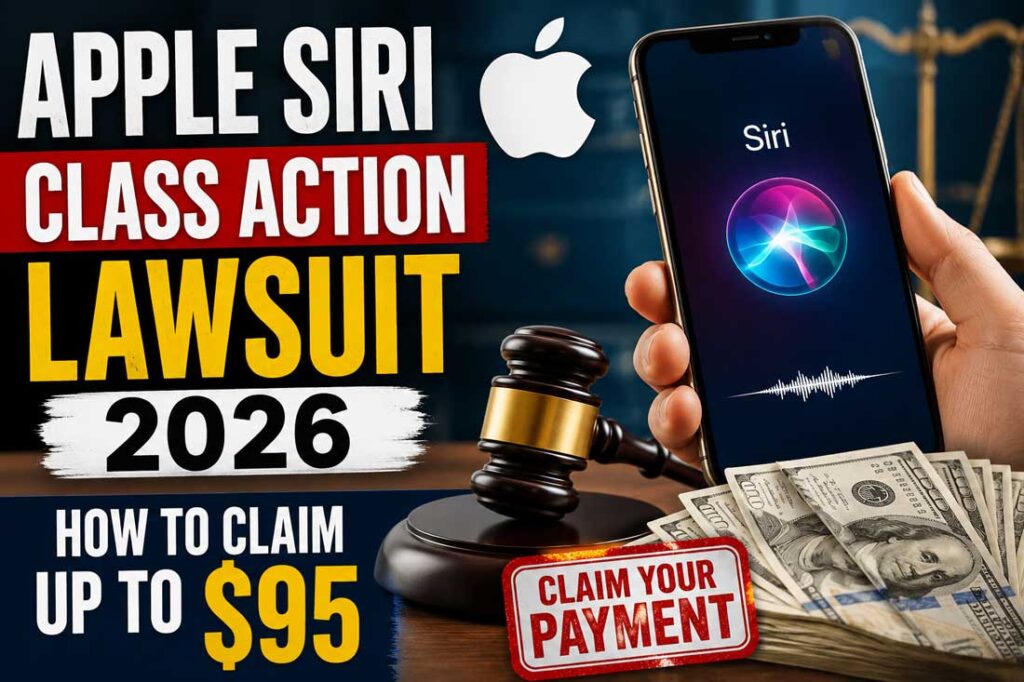
A Siri class action lawsuit filed in the U.S. District Court for the Northern District of California argued that Apple violated consumer protection laws by advertising features that didn’t exist.
Plaintiffs said buyers were “fraudulently induced” to purchase devices based on promises Apple couldn’t keep. Apple denied any wrongdoing — but agreed to settle for $250 million anyway.
This matters because it’s one of the largest consumer tech false-advertising settlements in recent memory. And unlike many class actions, this one pays cash — not coupons or App Store credits.
💡 Expert Insight: When we reviewed the settlement documents alongside coverage from MacRumors and AppleInsider, one detail stood out: the payout per device increases if fewer people claim. That means filing quickly — and telling your friends — actually benefits everyone who qualifies.
Which iPhone Models Qualify for the Siri Settlement?
Not every iPhone is covered. The Apple Siri settlement applies only to devices purchased in the U.S. for personal or business use (not resale), within a specific window.
Eligible devices:
- iPhone 15 Pro
- iPhone 15 Pro Max
- iPhone 16
- iPhone 16e
- iPhone 16 Plus
- iPhone 16 Pro
- iPhone 16 Pro Max
Purchase window: June 10, 2024 — March 29, 2025
Think of it like a store warranty claim: you have to have bought during the promotion period to get the refund. If you upgraded after March 29, 2025, you’re outside the window.
Not sure which model you have?
On your iPhone, go to Settings → General → About. Your model and serial number are listed there. Screenshot it now — you’ll need that serial number when filing.
Related: Everything New in iOS 26 — What’s Actually Changed
How to Claim Your Apple Siri Settlement Payout (Step-by-Step)
Here’s the practical process based on current court filings, as of May 2026:
- Verify your purchase date.
Check your Apple ID purchase history at appleid.apple.com. Confirm your device was bought between June 10, 2024 and March 29, 2025. - Update your Apple ID email. – Read How To
The official notice goes to the email linked to your Apple account. If you’ve changed emails recently, update it now at appleid.apple.com. This takes two minutes and could save you from missing a $95 check. - Find your serial number.
Go to Settings → General → About. Write it down or take a screenshot. - Wait for your email notice.
According to court filings, Apple will identify eligible customers by June 22, 2026. Email notices go out by August 7, 2026. The official claim site will be SmartphoneAISettlement.com — it isn’t live yet, so avoid any sites claiming to take claims now. - Submit your claim within 90 days.
Once you receive notice, you’ll have roughly 90 days to file. The estimated final deadline is November 6, 2026. You’ll need your serial number, Apple Account email, phone number, and proof of purchase.
What If You Don’t Receive an Email Notice?
This is important. If you’ve changed Apple IDs, switched emails, or bought a qualifying phone as a gift, you might not get the automatic notice.
In that case, visit SmartphoneAISettlement.com directly (once it goes live) and file manually. Court documents confirm that eligible users who don’t receive a notice can still submit a claim.
The $95 Million Siri Privacy Lawsuit — Already Settled
There’s a second Siri lawsuit you should know about: Lopez v. Apple Inc., a $95 million privacy case. This one alleged that Siri’s unintended activations recorded private conversations without user consent.
That settlement’s claim deadline was July 2, 2025 — it has already passed. If you filed, payouts (up to $20 per device, capped at $100 total) have begun distributing to class members. If you missed it, unfortunately that window is closed.
🔍 Case Study: Sarah, a nurse in Phoenix, received an email in late 2024 notifying her of the $95 million Siri privacy settlement. She almost ignored it — “I thought it was spam,” she told a friend. She filed anyway. Six weeks later, a $60 deposit landed in her bank account. The $250 million settlement hitting in 2026 is a bigger fund with a higher per-device payout — and the same “I’ll do it later” trap applies.
Related: How to Check iPhone Privacy Settings Right Now
FAQ
You’ll need proof of purchase, your device serial number, your Apple Account email, and the phone number linked to the device. Check your Apple ID order history if you don’t have a paper receipt — it shows all purchases.
No exact payment date is set yet. After final court approval (hearing scheduled June 17, 2026) and the claim period closes (estimated November 6, 2026), payments will be distributed. Realistically, expect checks or direct deposits in early-to-mid 2027.
Yes — that is the designated official claim site per court documents. As of May 2026, it is not yet live. Do not submit personal information to any other site claiming to process Siri settlement claims.
You fall outside the settlement’s eligible purchase window and do not qualify for this particular claim. However, Apple’s ongoing AI delays have triggered separate investor lawsuits — which could have broader implications down the line.
Yes. If you purchased multiple qualifying iPhones within the eligible window, you can file for each device separately. The $25–$95 per-device payout applies per qualifying phone.
Related: Apple Intelligence Features: What’s Actually Available on iPhone 16 in 2026
📣 Don’t miss your payout. Bookmark this page and set a calendar reminder for August 7, 2026 — that’s when claim notices hit inboxes. We’ll update this article the moment SmartphoneAISettlement.com goes live with the official Apple Siri settlement claim form.
Disclaimer: This article is for informational purposes only and does not constitute legal advice. Settlement details are based on court filings as of May 2026 and are subject to court approval. For official claim information, refer to SmartphoneAISettlement.com or consult the Clarkson Law Firm, which is leading the $250 million AI delay case. Always verify deadlines at the official settlement website before filing.
References:

T’kal is the lead strategist and developer behind Apple Headlines. With a background in digital marketing and web development, he specializes in technical Apple troubleshooting, software news, and hardware rumors. T’kal focuses on delivering high-authority tech content that bridges the gap between Apple enthusiasts and the latest industry innovations.