


Updated October 8, 2026
Quick Answer: Apple points to band fit, trapped sweat or soap, and material sensitivities.
It has not confirmed a hardware fault.
Take the watch off, wash and dry your wrist, and rest the skin for a few days.
Restart on the other wrist, a little looser.
Stop wearing it and see a doctor if you notice blisters, swelling, oozing, or a ring-shaped mark that keeps getting worse.
Your new Series 12 arrives, and soon the skin under the sensor stings, itches, or glows red.
That’s a rotten way to enjoy a $399 watch.
You aren’t imagining it.
On October 7, 2026, MacRumors reported that some Series 12 and Ultra 4 owners describe burning and redness under the sensor area.
Here’s what we know, what’s likely, and how to calm your wrist without guessing.
What Series 12 and Ultra 4 Owners Are Reporting
MacRumors pulled together reports from its forums and Reddit.

Owners describe a burning sensation and redness right under the sensor.
Some felt it on day one.
Others noticed a dry, red patch after about a week.
A few say it started only after they switched on heart rate and blood oxygen monitoring.
At least one person boxed the watch up and returned it.
Why blame the sensors?
Series 12 and Ultra 4 take a heart rate reading every five seconds.
They also add a larger ECG electrode surface, ring-shaped photodiodes, and bigger green LEDs.
Nobody knows whether those changes matter. Wrist irritation complaints also date back to the original Apple Watch.
The picture is mixed.
One Ultra 4 owner reports zero trouble.
A Series 11 owner blamed a watchOS 27 update for a burn. That’s one person’s theory, not a finding.
As of October 8, 2026, we couldn’t find any Apple statement acknowledging a defect or recall.
Apple’s support page, published September 17, 2026, lists a bad fit, sweat, soap, and material sensitivities as causes.
Why This Matters More Than a Normal Rash
A phone sits in your pocket.
A watch sits on your skin for hours, sometimes all night.
Skin that stays damp, red, or broken can get infected.
That’s why we lean on Apple’s own documents and owner reports here. We’re a tech site, not a clinic.
Here’s an analogy.
Your watch is like a bandage you never take off.
One hour on dry skin is fine.
Wear it through a workout, a shower, and a night’s sleep, and moisture gets trapped.
The skin turns soggy, then angry. Now add a sensor that flashes against that skin all day.
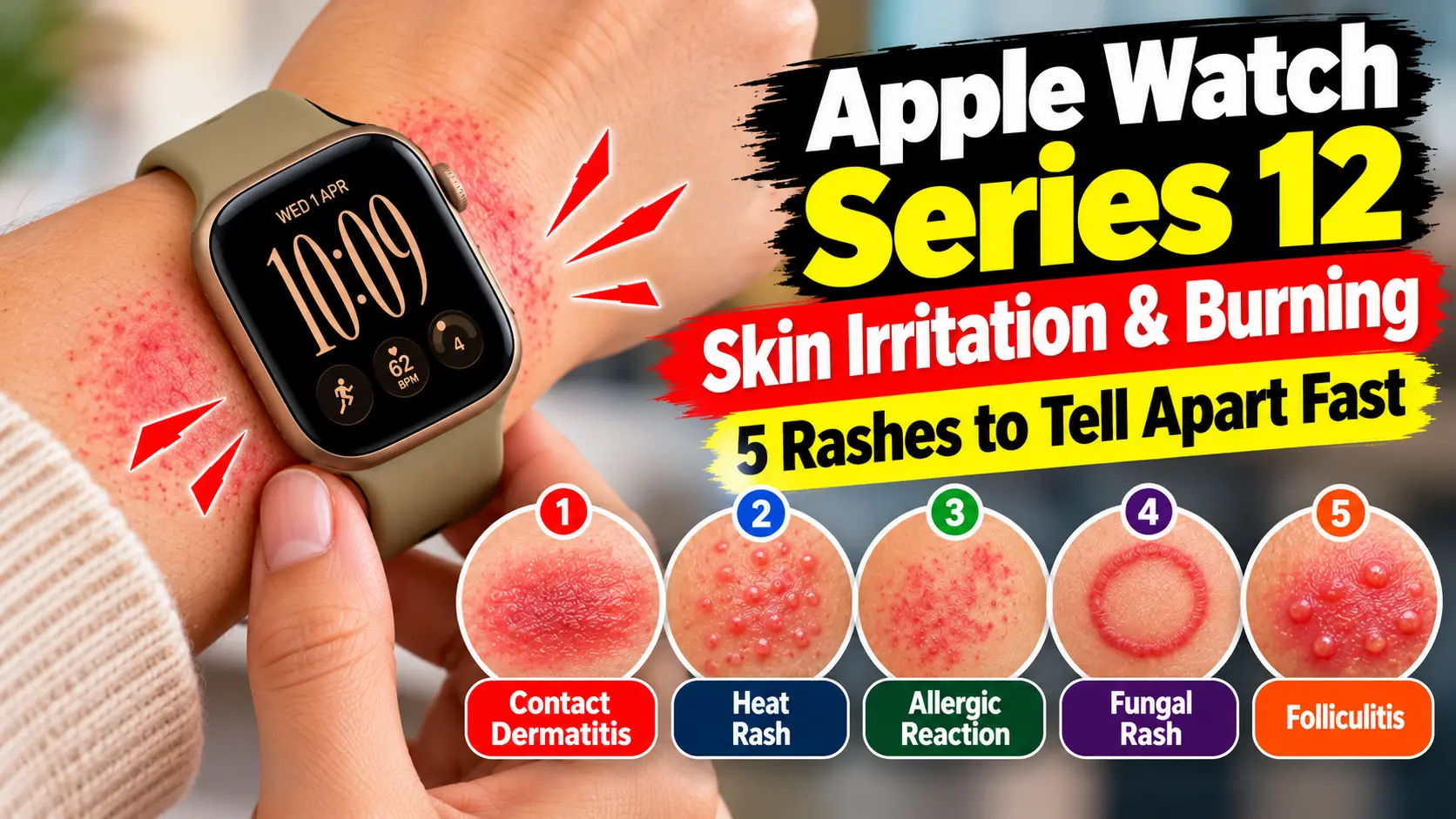
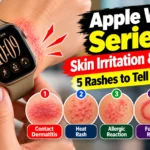
Irritation, Allergy, Fungus, or Burn? A Quick Visual Guide
People search for “Apple Watch rash pictures” because a rash is hard to describe.
Photos online can’t diagnose you, though.
Use this table instead, then take your own daily photos in the same light.
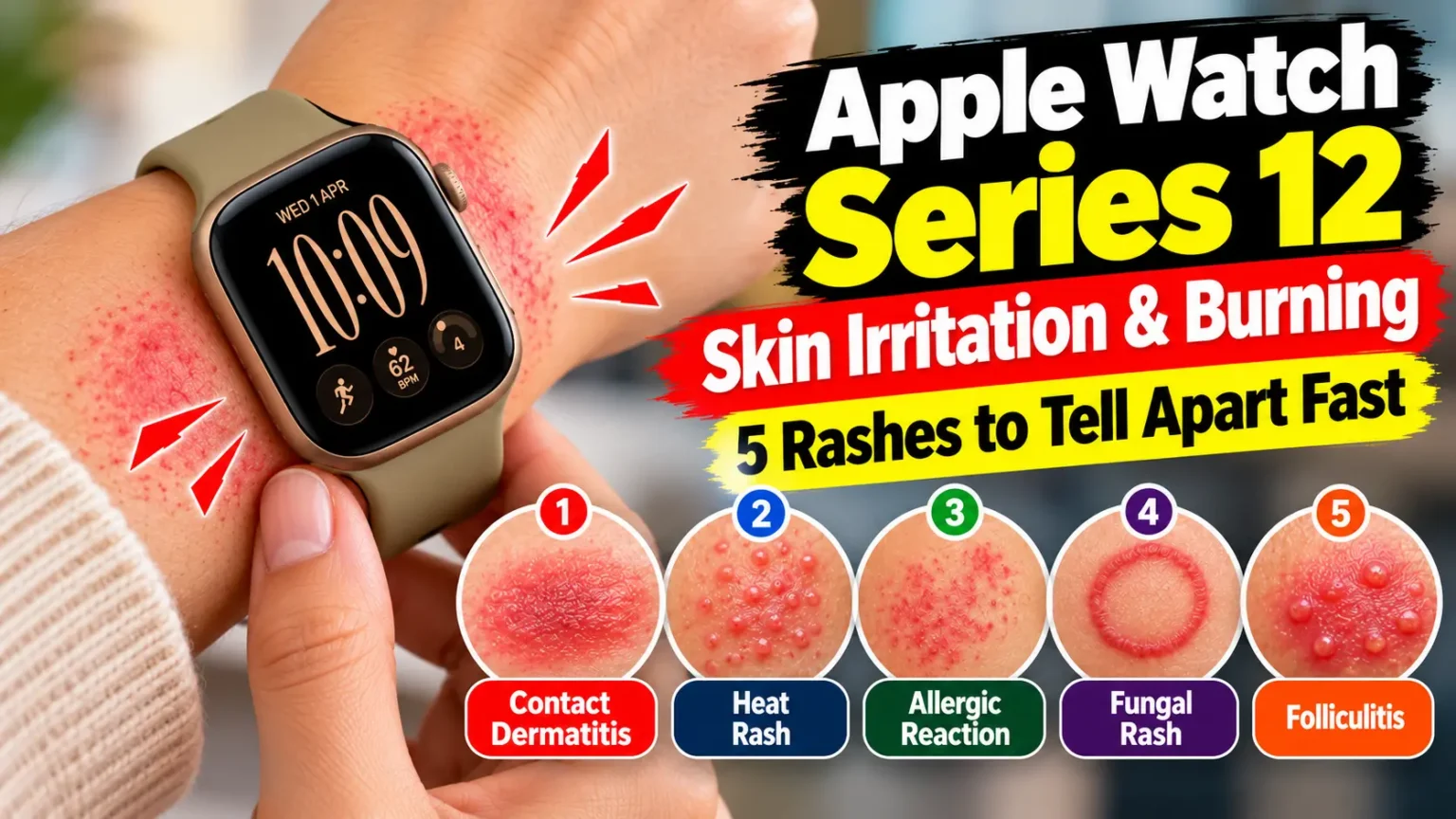
| What you see | Likely cause | What to do |
|---|---|---|
| Red, itchy band where the case or strap sits | Friction or trapped sweat | Clean, dry, loosen, rest |
| Round red mark matching the sensor ring, with stinging | Sensor-area irritation (cause unproven) | Stop wearing; photograph it |
| Itchy bumps spreading past the watch edges | Allergy, such as nickel or acrylates | Stop; ask a doctor about patch testing |
| Scaly, ring-shaped patch, clearer in the middle | Possible fungal rash | See a pharmacist or doctor |
| Blisters, oozing, or swelling | Possible burn or infection | Stop now; get medical care |
How to Treat an Apple Watch Rash Under the Sensor
Follow these steps in order.
- Take the watch off the moment you feel burning.
- Wash your wrist with mild, fragrance-free soap and lukewarm water.
- Pat the skin dry, then let it air out for fifteen minutes.
- Wipe the watch back and band with a soft cloth. Dry them fully.
- Use a fragrance-free moisturizer around the red area.
- For bad itching, ask a pharmacist about 1% hydrocortisone cream.
- Skip hydrocortisone on broken skin or a suspected fungal rash.
- Give the skin several days off. One forum poster needed several days.
- Restart on the other wrist, a bit looser, for short stretches.
Pro Tip: Change One Variable at a Time. If you swap the band, wrist, and settings on the same day, you’ll never learn what fixed it. Change one thing, wait two days, then change the next. Keep a note on your iPhone with dates and photos. That note also helps if you need Apple or a doctor.
Fit, Bands, and Settings: What to Check on Your Model
Fit first.
Apple says the watch should feel snug but comfortable, worn above the wrist bone. Its shake test is simple.
Shake your wrist, then turn your palm up.
If the back loses skin contact, tighten the band.
Loosen it after workouts. When we set up a Series 12 with an iPhone 18 Pro on iOS 27, we followed this routine.
Materials by model.
Apple’s materials list shows the case-back differs.
Aluminum Series 12 models have aluminum backs.
Titanium models have titanium backs.
Ceramic models and the Ultra 4 have ceramic backs.
Apple says aluminum and stainless steel cases contain some nickel, below strict European limits.
The case and many bands carry trace acrylates from adhesives. Apple says it designs them to stay off your skin.
Band choice.
Apple says leather, FineWoven, stainless steel, and Hermès knit bands aren’t recommended for water or workouts.
Those materials can hold sweat longer.
Fluoroelastomer Sport Bands, Sport Loops, and Solo Loops are the usual gym picks.
Our Apple Watch band swap guide shows how to change yours in about a minute.
Software.
Series 12 runs watchOS 27, which needs an iPhone 11 or later on iOS 27.
Some owners say the burning began after they enabled heart rate and blood oxygen monitoring.
To test that theory, turn off Blood Oxygen for a few days and change nothing else.
Menu names shift between builds, so search the Watch app for “Blood Oxygen.” You’ll lose that health data while it’s off.
Sleep. If you wear it overnight, try a few nights without it.
Our Apple Watch sleep tracking guide helps you plan around that.
Do “Allergy Protector” Covers and Sensor Tape Work?
Third-party barrier films, often sold as an Apple Watch Allergy Protector, exist.
Apple hasn’t endorsed any.
Here’s the catch.
Apple says the back of the watch needs skin contact for its electrical and optical heart sensors.
A cover can block readings, including ECG.
Heal fully first, then test a cover, and expect some health features to stop working.
Could It Be a Fungal Rash?
It’s possible. Warm, damp skin suits yeast and ringworm-type fungi.
Clues include scaling, a ring shape, and stubborn itching.
Steroid creams can make fungal rashes worse.
If hydrocortisone isn’t helping after a few days, see a pharmacist or doctor.
Case Study: Two Owners, Two Different Culprits
The MacRumors forum thread shows how messy this is.
One owner felt a slight burn directly under the sensors, starting right after they turned on heart rate and blood oxygen monitoring.
They returned the watch.
The sensation took several days off the wrist to fade.
Another poster’s irritation slowly faded.
They began to suspect their leather band, not the sensor, and planned to retry a Sport Loop.
Same watch, different suspects. Your fix may be a band, not a refund.
What If This Doesn’t Work?
Try this escalation path:
- Still red after a week: see a doctor or dermatologist. Ask about patch testing.
- Blisters, oozing, swelling, or fever: stop wearing the watch and get care promptly.
- Burn-like ring on your skin: photograph it, stop wearing it, and contact Apple Support.
- Want a hands-on check: book a visit using our Genius Bar appointment tips.
- Considering a return: Apple’s standard window is 14 days from the day you receive the product. Series 12 reached stores September 18, so check your date. Ask about options anyway.
Key Takeaways
- Apple cites fit, sweat, soap, and materials. It hasn’t confirmed a Series 12 hardware fault.
- Reports describe burning and redness under the sensor on Series 12 and Ultra 4.
- Clean, dry, loosen, rest, and change one variable at a time.
- Blisters, oozing, or a worsening ring-shaped mark need a doctor, not a cream.
- Covers may block heart rate and ECG readings.
- Rings and scaling can mean a fungal rash, so don’t rely on hydrocortisone alone.
FAQ
No one has confirmed that. Owners suspect the five-second heart rate readings, but that’s a theory. If you see blisters, treat it as a possible burn and see a doctor.
Forum posters say it faded after several days off the wrist. If redness lasts more than a week, get it checked.
You can react to materials. Apple lists nickel and acrylates as possible triggers. A dermatologist can run patch tests.
Yes. Trapped moisture helps fungi grow. Scaly, ring-shaped patches deserve a pharmacist’s or doctor’s opinion.
If symptoms keep returning, ask Apple. Its standard window is 14 days from receipt.
Sources
- MacRumors, “Apple Watch Series 12, Ultra 4 Owners Report Skin Irritation,” October 7, 2026
- MacRumors Forums, “AW12 sensors causing skin irritation – Returning it” thread
- Apple Support, “Wearing your Apple Watch” (published September 17, 2026):
- Apple Sales and Refund Policy
Disclaimer
This article is for general information only. It isn’t medical advice, diagnosis, or treatment. See a qualified healthcare provider for any skin reaction, especially blisters, swelling, or infection signs. Apple Headlines isn’t affiliated with Apple Inc.
Dealing with something else on your wrist? Start with our Apple Watch Ultimate Guide or read our Series 12 and Ultra 4 breakdown. Then tell us in the comments what worked for you.
Related Reads

T’kal is the lead strategist and developer behind Apple Headlines. With a background in digital marketing and web development, he specializes in technical Apple troubleshooting, software news, and hardware rumors. T’kal focuses on delivering high-authority tech content that bridges the gap between Apple enthusiasts and the latest industry innovations.