Updated October 5, 2026
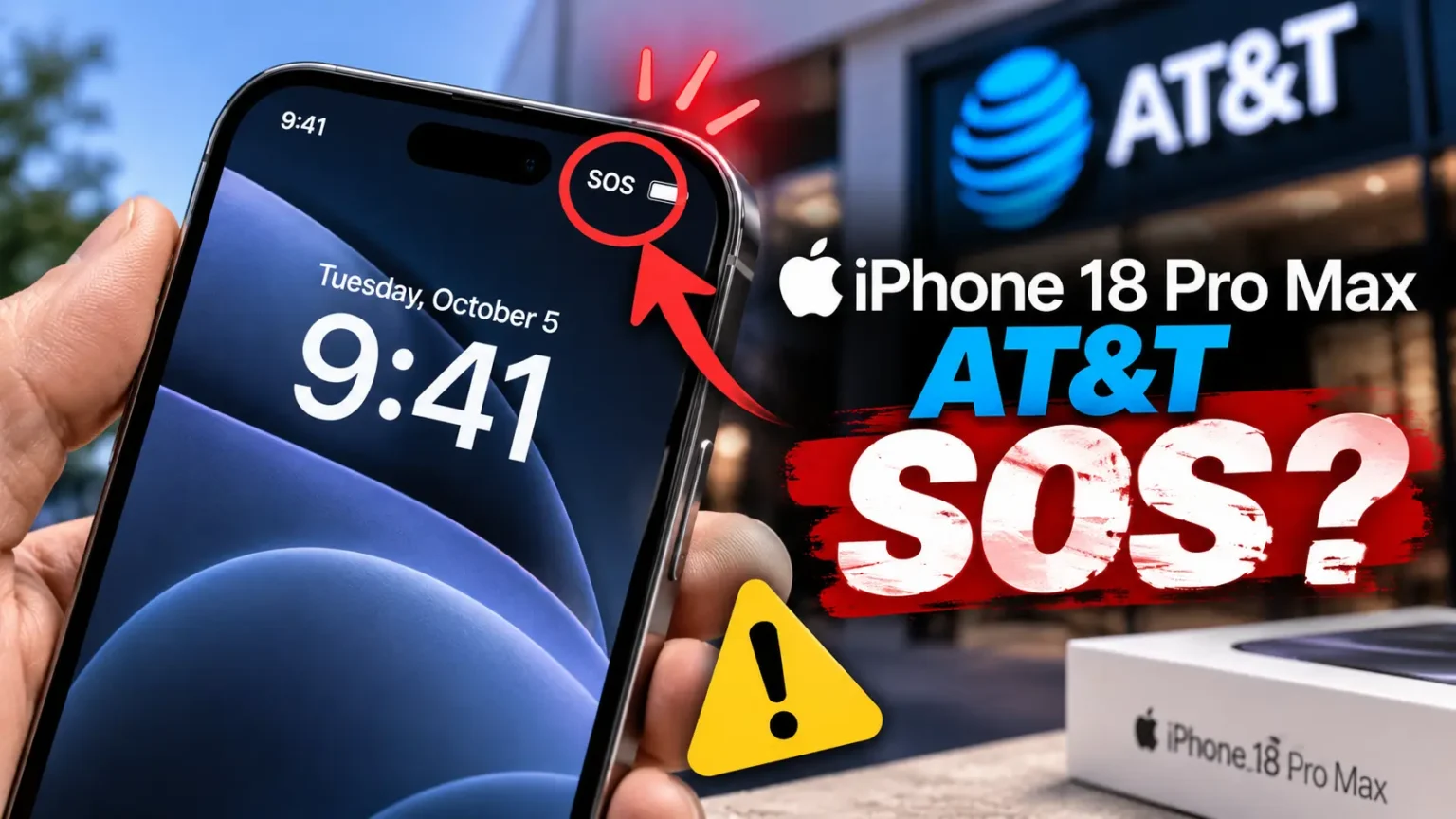
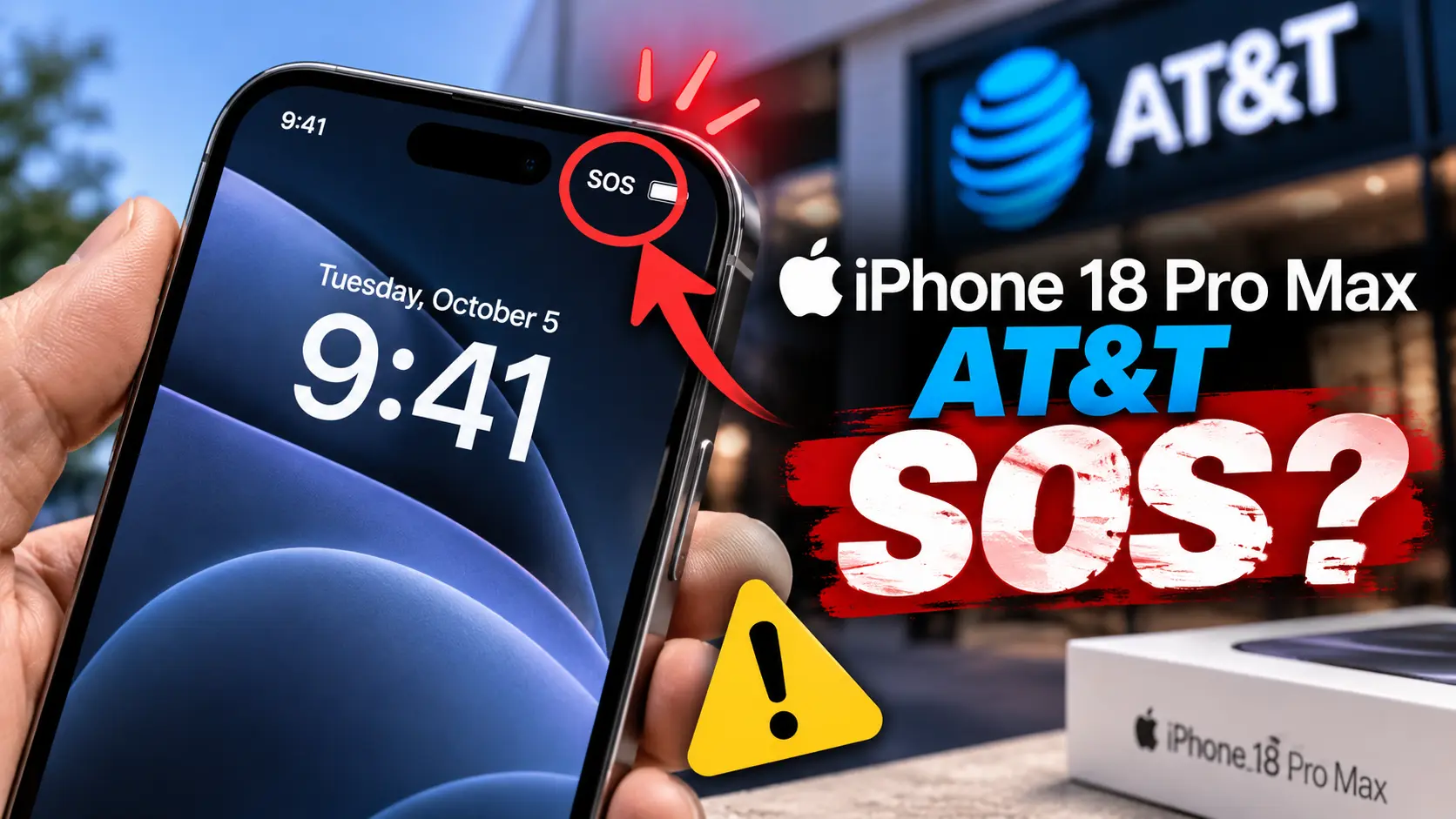
If your iPhone 18 Pro Max AT&T connection suddenly changes to SOS, this is not necessarily a normal signal problem.
Apple has confirmed a cellular issue affecting a small number of U.S. iPhone 18 Pro Max devices using AT&T.
The important part is this: some affected phones cannot be repaired with software.
Apple says those devices require replacement.
Here is what the problem means, who appears affected, and what you should do now.
Quick Answer: Is Your iPhone 18 Pro Max AT&T Phone Affected?
If your iPhone 18 Pro Max still has AT&T service, update to iOS 27.0.1 immediately.
Also check for the latest AT&T carrier settings update.
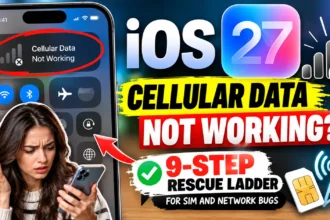
If your phone has already lost AT&T service and remains stuck in SOS, Apple says a software update will not restore it.
You should contact Apple or AT&T for a replacement.
Apple has not disclosed the exact hardware or network cause.
1. What Is the iPhone 18 Pro Max AT&T SOS Problem?
The problem causes some iPhone 18 Pro Max units to lose cellular service on AT&T.
Affected phones can show SOS instead of normal cellular bars.
Calls may fail.
Text messages may fail.
Mobile data may also stop working.
Apple confirmed the issue on October 2, 2026.
The company described it as affecting a small number of iPhone 18 Pro Max users.
Apple also said it had only observed the problem on AT&T.
No other iPhone models or carriers are currently known to be affected.
That makes this different from a normal iPhone cellular outage.
The problem involves a specific combination of device and network conditions.
2. Why Does an iPhone Show SOS?
Seeing SOS does not mean Emergency SOS has accidentally activated.
It means your iPhone cannot connect normally to a cellular network.
Apple uses SOS to show that regular cellular service is unavailable.
Emergency calling may still be possible where supported.
Think of your cellular connection like a highway.
Your iPhone is the car.
AT&T provides the highway.
The modem handles the connection between them.
If that connection fails, your car still works.
You simply cannot reach the highway.
That is why Wi-Fi can continue working while cellular service disappears.
Apple’s normal SOS guidance recommends checking software, carrier settings, and network conditions.
This particular iPhone 18 Pro Max problem goes further.
Apple says some already-affected devices need hardware replacement.
3. Which iPhone 18 Pro Max Models Are at Risk?
The confirmed issue is narrower than many early reports suggested.
Apple says the problem affects iPhone 18 Pro Max devices using AT&T in the United States.
The iPhone 18 Pro is not currently included.
Other carriers are not currently included.
International iPhone 18 Pro Max models are also different.
The U.S. iPhone 18 Pro Max uses a Qualcomm cellular modem.
International versions use Apple’s C2 modem.
The iPhone 18 Pro uses Apple’s C2 modem worldwide.
However, Apple has not confirmed the modem as the cause.
That distinction matters.
Do not treat modem theories on Reddit as Apple’s diagnosis.
4. What Apple and AT&T Are Actually Doing
Apple released iOS 27.0.1 shortly before confirming the issue.
AT&T also issued a carrier settings update.
Together, these updates are designed to prevent additional devices from developing the problem.
Apple strongly recommends that iPhone 18 Pro Max owners update now.
The carrier update can arrive automatically.
You can also check manually.
Update iOS 27.0.1
- Open Settings.
- Tap General.
- Tap Software Update.
- Install iOS 27.0.1 or a newer release.
- Keep the phone connected to Wi-Fi during installation.
Check carrier settings
- Open Settings.
- Tap General.
- Tap About.
- Wait several seconds.
- Install the carrier update if prompted.
Apple’s carrier settings system lets carriers update network configuration.
That can improve compatibility and cellular performance.
5. What If Your iPhone Already Says SOS?
This is the most important distinction.
Updating iOS is still recommended.
However, do not expect the update to restore a phone that has already lost service.
Apple specifically says affected devices cannot have service reactivated through software.
Those devices require replacement.
That changes the troubleshooting strategy.
Do not spend hours repeatedly resetting network settings.
Do not erase your iPhone before contacting Apple.
Do not assume your AT&T account is automatically defective.
First, document the symptoms.
Take a screenshot showing SOS.
Record your iOS version.
Record your carrier settings version.
Note whether calls, texts, and cellular data all fail.
This gives Apple or AT&T useful information during service.
6. The iPhone 18 Pro Max AT&T Replacement Process
Apple says affected customers should contact Apple or AT&T.
You can also visit an Apple Store or AT&T location.
Bring the affected iPhone.
Bring proof of purchase if available.
Keep your Apple Account credentials available.
Make sure your important data is backed up.
If possible, keep Wi-Fi enabled before visiting the store.
You may need Wi-Fi for authentication and backup tasks.
What to tell support
Explain the problem clearly.
Say that the iPhone 18 Pro Max is showing SOS.
Explain that AT&T cellular service is unavailable.
Mention that Apple has confirmed the AT&T issue.
Also mention whether iOS 27.0.1 is installed.
This can help prevent unnecessary generic troubleshooting.
The goal is to have the device evaluated for the confirmed issue.
Pro Tip: Don’t Confuse Prevention With Repair
An update can prevent the problem without repairing a phone that already failed.
That distinction explains much of the conflicting advice online.
Some users report that updating fixed their experience.
Others report that their phones remained in SOS.
Both reports can exist without contradicting Apple’s statement.
The update is preventative.
A replacement addresses an already-affected device.
That is the key point to remember.
7. What Reddit Users Are Reporting
Reddit and MacRumors discussions show why this situation has been confusing.
Some owners report persistent SOS.
Others describe intermittent calls and data.
Some users report successful replacement appointments.
Others say store employees initially did not know about the issue.
There are also theories about AT&T’s 5G Standalone configuration.
Some users have discussed modem behavior and carrier bands.
Those reports are useful for identifying real-world patterns.
They are not proof of the underlying technical cause.
Apple has not publicly explained exactly what fails.
So be careful with claims that the modem is definitely being damaged.
That remains speculation.
Short Case Study
One reported owner had an iPhone 18 Pro Max working normally.
The phone later developed unreliable cellular service.
Calls became difficult.
Mobile data also failed.
Support conversations produced conflicting explanations.
The owner eventually pursued replacement support.
That experience highlights the biggest practical problem.
Knowing the issue exists does not mean every support employee immediately recognizes it.
Documentation can therefore matter.
What If This Doesn’t Work?
If your iPhone still shows SOS after updating, use this decision path.
If other AT&T phones work nearby
Your local tower probably is not the main problem.
Continue with Apple or AT&T support.
If your iPhone has Wi-Fi but no cellular
Check the cellular line under Settings → Cellular.
Make sure your AT&T line remains enabled.
If the problem is intermittent
Record when the failures happen.
Note your location and whether 5G or LTE appears.
This can help technicians reproduce the issue.
If the phone remains permanently in SOS
Do not keep repeating basic resets.
Contact Apple or AT&T about replacement.
Apple says software cannot reactivate affected devices.
If support says nothing is wrong
Ask for the device to be evaluated specifically for the confirmed AT&T issue.
Show your screenshots and software version.
Ask whether replacement eligibility can be reviewed.
Are iPhone 18 Pro Models Affected Too?
Based on Apple’s current statement, no.
The confirmed issue specifically concerns the iPhone 18 Pro Max on AT&T.
The iPhone 18 Pro uses a different cellular modem configuration.
It has not been identified as affected by this AT&T problem.
That does not mean the iPhone 18 Pro has zero cellular bugs.
It means Apple has not included it in this confirmed issue.
This distinction prevents unnecessary concern among other iPhone owners.
What About iPhone 18 Pro Max Issues Beyond AT&T?
The AT&T problem is currently one of the most serious iPhone 18 Pro Max issues.
Other early iOS 27 problems have also appeared.
Those include Face ID-related bugs and other software glitches.
Apple has already released iOS 27.0.1 for early iPhone 18 Pro issues.
That patch also matters for Pro Max owners.
If you own an iPhone 18 Pro Max, staying current is especially important right now.
Do not rely on an old iOS build simply because your phone currently works.
Key Takeaways
- Apple confirmed the iPhone 18 Pro Max AT&T cellular issue.
- Affected phones can lose calls, texts, and cellular data.
- The iPhone may display SOS instead of normal service.
- Apple says the problem affects a small number of devices.
- The confirmed issue is limited to iPhone 18 Pro Max on AT&T.
- Install iOS 27.0.1 or later if your phone still works.
- Check for the latest AT&T carrier settings update.
- Software updates are intended to prevent additional failures.
- Already-affected devices may require hardware replacement.
- Apple has not disclosed the precise underlying cause.
- Reddit modem theories remain unconfirmed.
- Contact Apple or AT&T if your phone remains stuck in SOS.
FAQ
Not necessarily.
Apple says the update helps prevent the issue from occurring.
It does not restore service on already-affected devices.
Apple says affected devices require replacement.
Contact Apple Support or AT&T for service options.
Apple has not identified the iPhone 18 Pro as affected.
The confirmed issue currently involves the Pro Max.
It may help ordinary cellular problems.
It is not the official solution for an already-affected device.
Apple says affected devices need replacement.
Apple has not said that.
The U.S. Pro Max uses Qualcomm cellular hardware.
However, no official evidence currently proves the modem causes the problem.
Sources
- Apple Support: SOS, No Service, and Searching guidance
- Apple Support: Carrier settings updates
- MacRumors: Apple’s October 2 confirmation
- Reddit: Community reports and user experiences
Disclaimer: This article provides technical information based on Apple’s public statements and current reports. Replacement eligibility can depend on Apple’s or AT&T’s service assessment. Policies and software versions may change.
Still seeing SOS on your iPhone 18 Pro Max? Back up your phone, document the failure, and contact Apple or AT&T rather than repeatedly resetting the device.

T’kal is the lead strategist and developer behind Apple Headlines. With a background in digital marketing and web development, he specializes in technical Apple troubleshooting, software news, and hardware rumors. T’kal focuses on delivering high-authority tech content that bridges the gap between Apple enthusiasts and the latest industry innovations.