

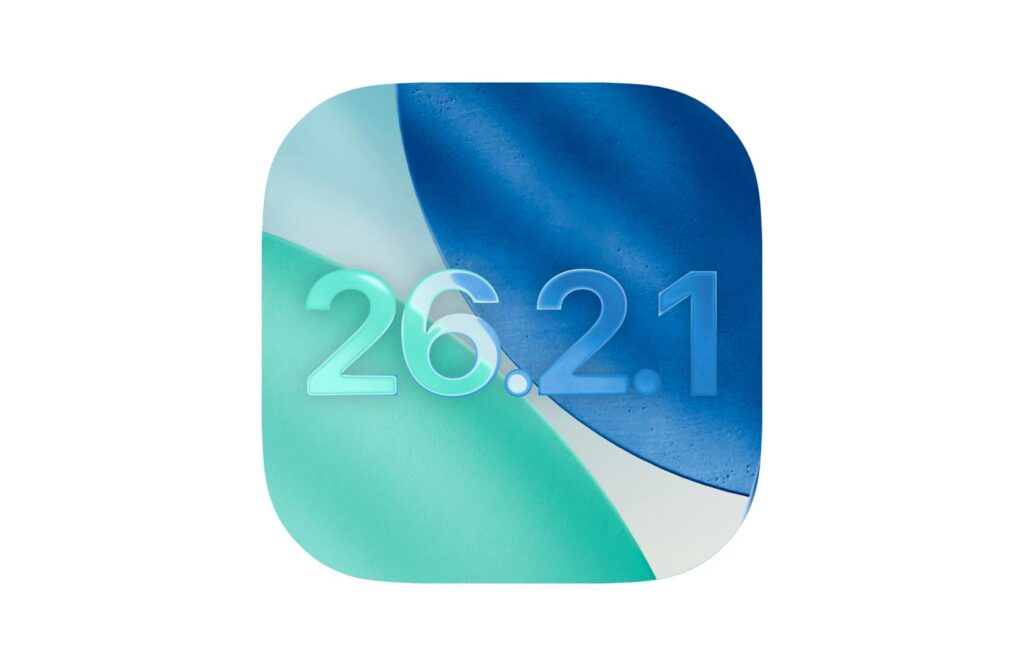
Apple has officially rolled out iOS 26.2.1, a minor yet impactful update released on January 26, 2026.
While not a major overhaul, this version is crucial for users adopting the second-generation AirTag and those seeking improved system stability.
In this article, We Will check iOS 26.2.1 new features, how it works, its pros and cons, and why advanced users should care.
What Is new in iOS 26.2.1?
iOS 26.2.1 is a maintenance and security update released shortly after iOS 26.2.
Unlike major iOS releases, it doesn’t introduce visible design changes or new apps.
Instead, Apple focuses on improving the core operating system.
This update primarily aims to:
Updates like this are especially important for users who value stability, consistent battery behavior, and strong data protection.
How Does iOS 26.2.1 Work?
At its core, iOS 26.2.1 ensures seamless integration between iPhones and AirTag 2.
Ultra Wideband (U2 Chip): Enables Precision Finding with up to 200 feet range, a 50% increase over the first-generation AirTag.
Bluetooth Enhancements: Improved connectivity reduces pairing issues and increases reliability.
Apple Watch Integration: Compatible with Apple Watch Series 9, Ultra 2, or newer, allowing users to track items directly from their wrist.
System Fixes: Addresses background crashes, app stability, and minor security vulnerabilities.
OS 26.2.1 vs iOS 26.2
Should you upgrade? The short answer is “YES“.
Compared to iOS 26.2, this update fixes known bugs, improves security, and fine-tunes performance.
If you’re still running iOS 26.2, upgrading to 26.2.1 reduces risk without disrupting your workflow or app behavior.
Key iOS 26.2.1 New Features
| Feature | Description | Use in Real-World |
|---|---|---|
| AirTag 2 Support | Full compatibility with Apple’s new tracker | Track luggage at airports with extended range |
| Precision Finding Upgrade | 50% farther detection range | Locate keys across large office spaces |
| Louder Speaker | Easier to hear lost AirTags | Find misplaced AirTag in noisy environments |
| Apple Watch Sync | Track items via WatchOS 26.2.1 | Joggers locating gear without pulling out iPhone |
| Bug Fixes | Stability and security improvements | Reduced app crashes during multitasking |
iOS 26.2.1 New Features Explained
Apple doesn’t heavily promote the changes in iOS 26.2.1, but there are meaningful improvements worth noting.
Improved System Stability
Users on iOS 26.2 reported random app freezes, UI stutters during multitasking, and occasional home screen crashes.
iOS 26.2.1 significantly reduces these issues, particularly on older supported devices.
Battery Drain Optimization
Although it’s not labeled as a battery update, Apple refined background task scheduling.
This results in less overnight battery drain, more consistent screen-on time, and fewer background refresh spikes.
The improvement is especially noticeable on Pro models with high refresh-rate displays.
Critical Security Fixes
Security is the most important part of this update.
iOS 26.2.1 patches actively exploited vulnerabilities, including WebKit flaws affecting Safari and in-app browsers, kernel privilege escalation risks, and memory corruption issues.
For advanced users, these fixes alone make the update essential.
App Compatibility Improvements
Several third-party apps that previously experienced login issues, delayed notifications, or background sync problems now function more reliably.
Pros and Cons of iOS 26.2.1
Pros
• Strong security improvements
• Better stability than iOS 26.2
• No major new bugs reported so far
• Safe update for daily and professional use
Cons
• No visible new features
• Some users may not notice immediate changes
• Older iPhones remain limited by hardware capabilities
FAQs
1. What devices support iOS 26.2.1?
All iPhones compatible with iOS 26 can install 26.2.1 via Settings > General > Software Update.
2. Is iOS 26.2.1 worth installing if I don’t own AirTag 2?
Yes. Even without AirTag 2, the bug fixes and security patches make it a recommended update.
3. Does iOS 26.2.1 improve battery life?
Apple hasn’t specified battery improvements, but bug fixes often reduce background drain.
4. How does Precision Finding work?
It uses Ultra Wideband signals to measure distance and direction, guiding users with on-screen arrows and haptic feedback.
5. What’s next after iOS 26.2.1?
Apple is testing iOS 26.3, expected to bring better Android texting compatibility and notification forwarding features.
Wrapping Up
iOS 26.2.1 delivers targeted wins: AirTag 2 integration and fixes that polish iOS 26’s foundation. Look ahead to iOS 26.3 in February for RCS texting and 26.4’s Gemini-powered Siri overhaul.
Internal Linking Suggestions: Link to your iOS 26 overview, AirTag buying guide, or iPhone 17 review.
Update now and share your experience in the comments—what’s your top new feature? Subscribe for more tech deep dives!

Virginia J. Alfonso is a seasoned technology writer with a passion for all things digital. With over a decade of experience covering the latest in tech innovation, gadgets, and software, Virginia brings a unique blend of technical expertise and accessible writing to her work. Her articles focus on making complex tech topics easy to understand for readers of all levels.