


Apple just dropped iOS 26.3 and iPadOS 26.3 Beta 1 on December 15, 2025.
This update arrives days after iOS 26.2 launched. While it’s a smaller release than previous versions, it packs meaningful changes.
iPhone and iPad owners can expect improved cross-platform compatibility and performance refinements.
This guide covers everything about ios 26.3 beta features, download instructions, and what to expect.
Short Story on 26.3 Beta
What’s New in iOS 26.3 Beta 1
Transfer to Android Feature
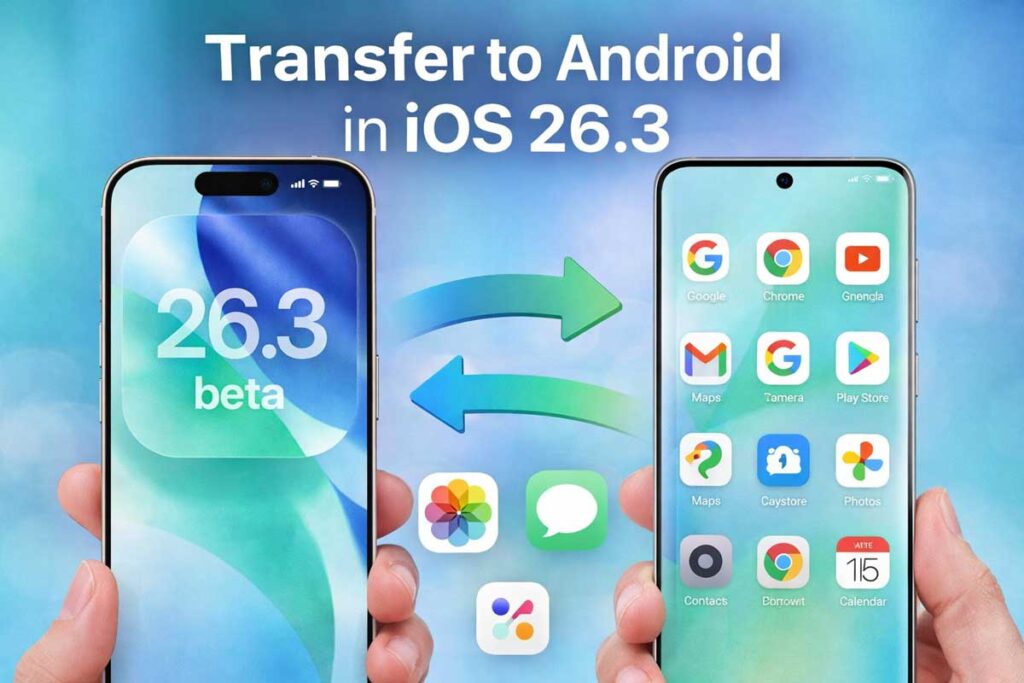
Apple makes switching from iPhone to Android easier than ever.
The new “Transfer to Android” tool lets you migrate data seamlessly.
Here’s what you can transfer:
Simply place your iPhone next to an Android device. The transfer starts automatically. No separate app downloads required. This marks a major shift in Apple’s approach to platform flexibility.
Important note: Health data, Bluetooth-paired devices, and locked notes won’t transfer. Apple designed this feature to meet EU Digital Markets Act requirements.
Third-Party Smartwatch Support
iOS 26.3 beta 1 introduces notification forwarding for non-Apple smartwatches. Your iPhone now works better with devices from Samsung, Garmin, and other brands.
The new feature allows:

This change helps Apple comply with interoperability regulations. It opens doors for users who prefer alternative smartwatch options.
Apple Music Enhancements
The Music app receives a refresh with improved “Get Up” recommendations.
The algorithm now provides more personalized suggestions based on your listening habits.
Music discovery becomes more intuitive and engaging for daily users.
Apple Fitness Plus Expansion
Apple Fitness Plus reaches 28 new countries with iOS 26.3.
The service now supports Spanish, German, and Japanese languages.
This global expansion makes fitness content accessible to millions more users worldwide.
Sports App Updates
Early reports suggest the Sports app may include golf content.
A subscription tier for premium sports content could launch within the TV app.
These additions cater to sports enthusiasts seeking specialized coverage.
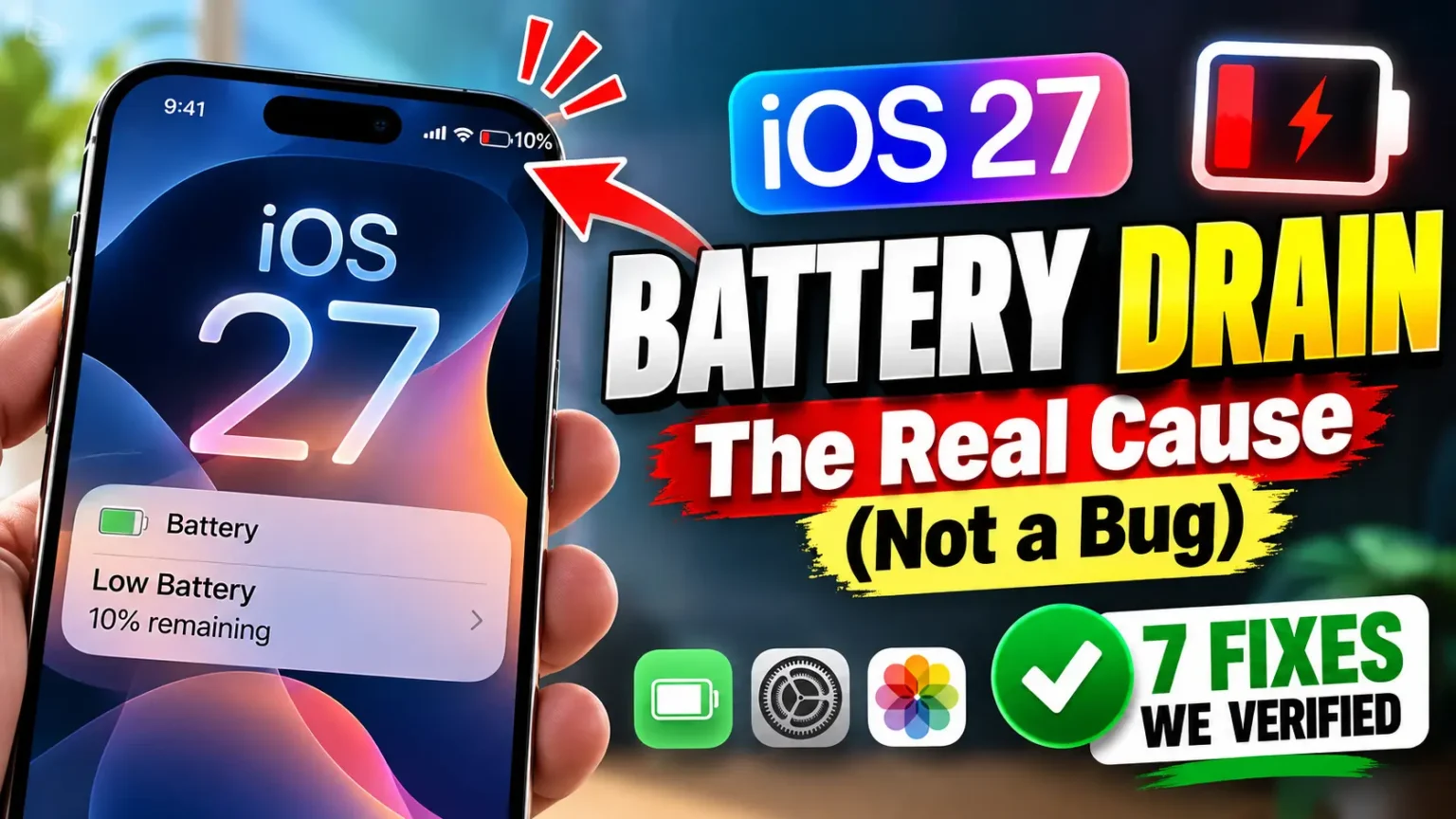
iOS 26.3 Beta 1 Battery Life Performance
What Early Testers Report
Battery performance in ios 26.3 beta 1 remains stable compared to iOS 26.2. Early developer feedback indicates:
The update maintains reliable performance for everyday tasks. Users shouldn’t expect dramatic battery improvements or declines from this version.
Battery Optimization Tips
If you experience battery drain, try these solutions:
Pro tip: After any major update, your iPhone runs background tasks for 3-5 days. This indexing process temporarily affects battery performance.
iOS Features Explainer Video
How to Download iOS 26.3 Beta
For Developers
Registered developers can access the beta immediately:
Build number: 23D5089e
For Public Beta Testers
Public beta should arrive within days. Follow these steps:
Warning: Beta software contains bugs and stability issues. Install on secondary devices only. Always backup your data before updating.
Should You Install iOS 26.3 Beta 1?
Benefits of Installing
Reasons to Wait
For most users, waiting for the final release makes sense. The stable version offers better reliability for daily use.
iOS 26.3 Beta Features: Performance and Stability
System Performance
Testing shows ios 26.3 beta changes focus on maintenance rather than major overhauls. The update delivers:
Known Issues
As with any beta release, expect potential problems:
Report bugs through the Feedback app to help Apple improve the final release.
What’s Coming in iOS 26.4
Apple plans bigger changes for the spring 2026 update. iOS 26.4 will likely include:
The 26.3 beta features serve as a foundation for these major upgrades.
Device Compatibility
iOS 26.3 supports all devices compatible with iOS 26:
Apple Intelligence features require A17 Pro chip or newer (iPhone 15 Pro and later).
Frequently Asked Questions
Q1: Is iOS 26.3 beta 1 battery life better than iOS 26.2?
Battery performance remains consistent between versions. Early testers report stable all-day usage without significant improvements or declines. The update maintains reliable performance for typical daily tasks.
Q2: When will iOS 26.3 be released to the public?
Apple typically releases final versions 6-8 weeks after the first beta. Expect iOS 26.3 public release in late January or early February 2026.
Q3: Should I download iOS 26.3 beta on my main iPhone?
No. Beta software contains bugs and stability issues. Install only on secondary devices for testing purposes. Wait for the public release for your primary iPhone or iPad.
Q4: What are the main ios 26.3 beta features?
The key features include Android transfer tool, third-party smartwatch notification forwarding, Apple Music improvements, and Fitness Plus expansion to 28 new countries.
Q5: Will ios 26.3 beta download work on older iPhones?
iOS 26.3 supports iPhone 11 and newer models. Devices older than iPhone 11 cannot install this update.
Disclaimer
This article provides information about iOS 26.3 and iPadOS 26.3 beta software.
Beta versions are pre-release software intended for testing purposes.
They may contain bugs, errors, and stability issues. Install beta software at your own risk.
Always backup your device before updating. Information is accurate as of December 2025 and subject to change as Apple releases new beta versions.
For official information, visit Apple’s developer website or support pages.
Ready to explore whats new in ios 26.3?
Download the beta today if you’re a registered developer, or wait for the public beta release.
Share your experience and help Apple improve the final version.
For more iOS tips and updates, bookmark our blog and stay informed about Apple’s latest innovations.

Virginia J. Alfonso is a seasoned technology writer with a passion for all things digital. With over a decade of experience covering the latest in tech innovation, gadgets, and software, Virginia brings a unique blend of technical expertise and accessible writing to her work. Her articles focus on making complex tech topics easy to understand for readers of all levels.