




iwork 13.1 for macos 12 is the most current version of a range of significant applications developed by Apple company involving Pages, Numbers and Keynote.
The new update contains several new features and enhancements intended to make the applications themselves even more effective and easier to use.
Packed with the new features under macOS Ventura and improved compatibility with other Apple devices, iWork is in version 13.1.
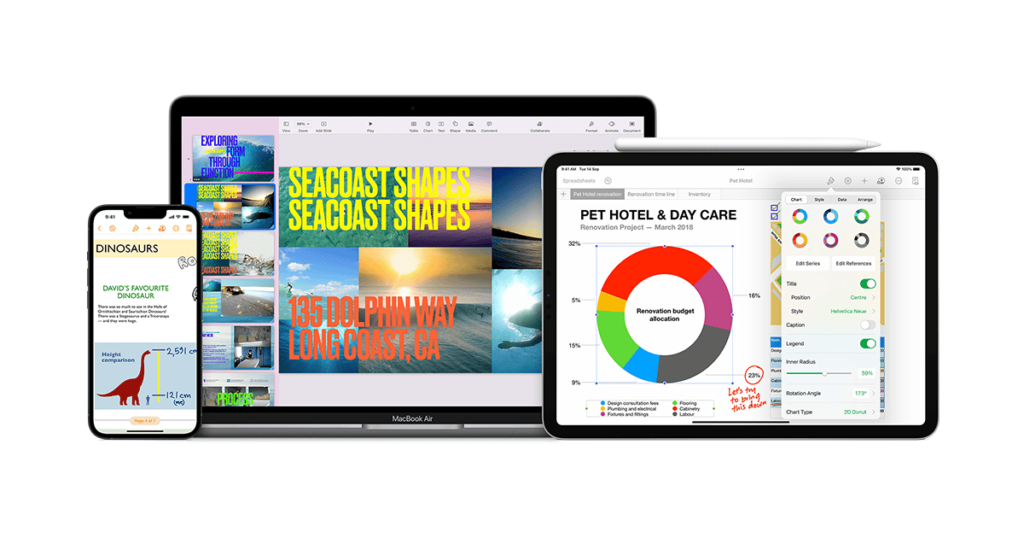
What is iWork 13.1 for macOS 12?
iWork is Apple’s collection of productivity apps that include Pages for word processing,
Numbers for spreadsheets, and Keynote for presentations iWork 13.1 for macOS 12 brings new features and enhancements that align this application with modern features supported by Monterey macOS.
Key Features of iWork 13.1 for macOS 12
Seamless Integration with macOS 12: If you’re a Monterey user, steps 3 and 4 mentioned above are to install the latest version of iWork 13.1 that supports the Monterey operating system in addition to system-wide features such as Live Text, Universal Control, and Focus mode.
Collaboration Tools: A better real–time collaboration possibility enables users to edit projects at the same time with other people so that distant collaboration becomes more effortless.
Visual Enhancements: Enhancements in the Chart, Template, and Media galleries along with the ProRAW and ProRes video codecs.



Performance Boosts: Quicker performance during file operations, and better processing of large documents during editing.
iWork-Lite 13.1 is the ultimate package for the professional and every other user of Mac who need an effortless solution for a task.
What’s New in iWork 13.1?
iWork 13.1 introduces several new features and improvements across Pages, Numbers, and Keynote:
Scalable Vector Graphics (SVG) Support: New version of Pages, Numbers, and Keynote added SVG files format compatibility meaning SVG files can be imported and edited in these applications.
Stacked Chart Summaries: Subtotal summary labels in stacked bar, column, and area charts are now available to create stacked chart summaries in Numbers.
Improved Export Options: Pages preserves SVG images in the copying the documents into EPUB format and has a function of copying document pages as image files.
Updated Templates: New design templates for business documents, school works and greeting cards are offered to users so they can create more professional documents.
Enhanced Screen Sharing: Keynote enhances screen sharing so that users can switch to their slide window while sharing in a FaceTime call.
Pages 13.1: The Ultimate Word Processor
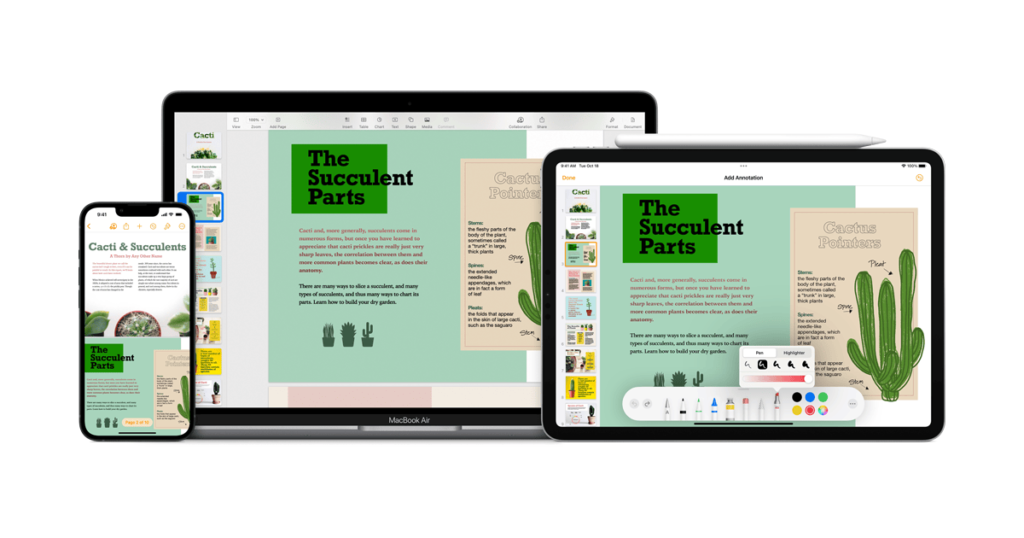
Pages is one of Apple’s software for writing, designed to perform as a word processor. With iWork 13.1, Pages introduces new templates and enhanced functionality:
3D Objects: It means that users can include 3D objects into their documents in USDZ format, which will enhance the documents with a new perspective1.
Minimalist Report Template: The new Minimalist Report template is enhanced by clean typefaces and colors for any professional report to come out fantastic.
New Features in Pages 13.1
Voice Control Integration: Pages 13.1 now includes full Voice Control to allow users to edit documents without having to touch the device.
Dynamic Templates: Pages now has a more extensive choice of professional-looking templates, and new ones available for brochures, posters, resumes and other.
Interactive Text Effects: Superimpose texts that are highlights, outlines and shadows to give your documents an added dimension of style.
Seamless Collaboration: On Pages, users can easily switch between Mac and iOS devices; therefore, it becomes easy to share content with people who have different devices.
Numbers 13.1: Additional Features of Spreadsheet.
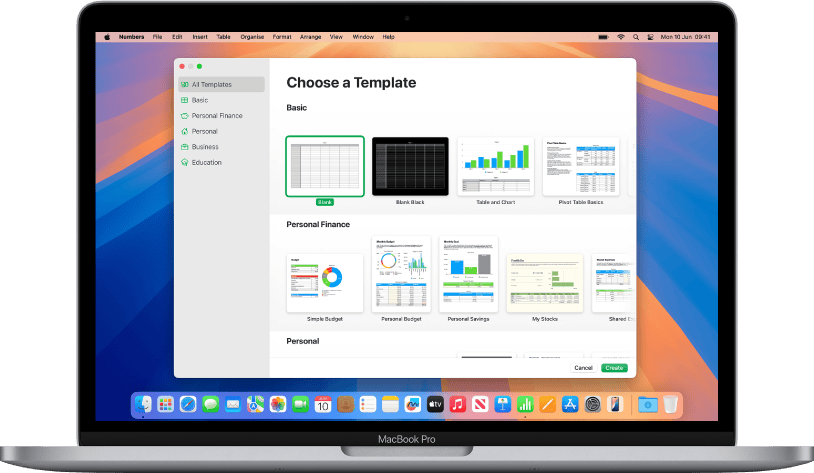
Numbers is one of the powerful tool for handling spreadsheet in Apple with some features allow data analysis and presentation.
The iWork 13.1 update enhances Numbers with new features:
Stacked Chart Summaries: Users can make stacked chart summaries so that users get a view of data with the subtotal summary labels.
Improved Data Handling: Beefed up support for import and edit data in bulk, so working with big data sets does not have to be difficult anymore.
Keynote 13.1: Dynamic Presentation Software
Keynote is an apple application used to create dynamic presentation that has impressive graphic appearances and elegant animations.
With iWork 13.1, Keynote introduces several improvements:
Enhanced Screen Sharing: In this release, users can also opt to share on a slideshow window when on a FaceTime call making it more engaging for presenting.
Updated Templates: In this release, options for creating business presentations, school projects, and personal slideshows have been expanded through the addition of new templates.
Highlights of Numbers 13.1
Pivot Tables: Numbers now supports Pivot Tables so that users would have the ability to analyse and summarise data without the aid of formulas.
Live Text: New in macOS Monterey: Use Live Text to get data right out of images and paste them into spreadsheets.
Enhanced Charts: The new version of Numbers provides improvements in that it is now possible to create standard, 3D, and animated chart displays of data on success of contracts signed.
Keynote 13.1: Stunning Presentations
If you want to produce beautiful and entertaining presentations then Keynote 13.1 tool is unbeatable.
Interoperability and Cloud incorporation
Another great improvement found in Mac’s latest update is the collaboration feature of iWork 13.1. These enables numerous users to edit a document, spreadsheet or a text based document at the same time in real time. Whether you are located in India or in United States, you’ll be amazed to have to use the iWork suite to make a team work.
iCloud Sync
iWork comes with iCloud which allows all your documents to be available in all your Apple devices; Mac, iPad, iPhone, etc in case you are switching from one the other.
Collaboration Tools
More to it, users can extend an invitation to other to contribute to a shared document by providing a link. It is fully fledged real time tracking system where changes can be made and observed at once and notify the concerned parties. As for business and teams it is rather a great opportunity.
Frequently Asked Questions (FAQ):
Q: What is iWork 13.1?
A: Pages, Numbers, and Keynote 13.1 are the newest versions of Apple’s productivity applications for OS X 121.
Q: What new functionalities are implemented in this new iWork 13.1 version?
A: iWork 13.1 includes SVG, visible chart legends, enhanced choice of exports, updated themes, all of these besides better screen sharing.
Q: Can I install or run iWork 13.1 on OSX 10.8.5, 10.9 or 10.10?
A: iWork 13.1 can run on and supports macOS 12.3 or later version. Users with an older version of macOS will have to update their OS to use the most up to date iWork applications.
Q: Is iWork 13.1 for macOS 12 free to use?
A: Yes, iWork 13.1 is provided in general for free to anybody who own a compatible Mac.
Q: Where can I obtain iWork 13.1 for macOS 12?
A: They can obtain iWork 13.1 either from the Mac App Store or update their current iWork apps to the new version.
Key Takeaways
- Pages, Numbers, and Keynote is a new version iWork 13.1 with the updates and enhancements.
- The update contributes to enlarging the options in working with layered SVG files, stacked chart resumes, types of export and sharing the screen.
- New templates are available to the users and Mac and iOS synchronization is easy.
- iWork 13.1 integrates as an application, costs nothing to download and use, and demands macOS 12.3 or later21.
Disclaimer
Information contained in this article shall be used for purposes of information only.
The information collected here reflect some data from the sources and may lack some information.

Virginia J. Alfonso is a seasoned technology writer with a passion for all things digital. With over a decade of experience covering the latest in tech innovation, gadgets, and software, Virginia brings a unique blend of technical expertise and accessible writing to her work. Her articles focus on making complex tech topics easy to understand for readers of all levels.