




If you own an iPhone, get ready – the upcoming iOS 26.2 update promises a neat mix of polish, practicality, and subtle upgrades.
While not a radical overhaul, iOS 26.2 delivers thoughtful improvements across Lock Screen design, file sharing, sleep tracking, apps, and more.
For many users, it will feel like a fresh start – without needing a new device. This update might be the perfect mid-December surprise Apple has intended.
Short Story on iOS 26.2: >
- iOS 26.2 is expected to arrive in mid-December 2025 — likely between December 8 and December 16.
- The update focuses on polish, stability, and everyday convenience rather than radical change.
- New features include: one-time AirDrop codes, Lock Screen transparency slider, alarms for Reminders, recalibrated Sleep Score, refined Podcasts and News apps, smoother UI.
- Some advanced enhancements may only appear on newer iPhones; older models may get limited benefits.
- If you value privacy, simple file sharing, and polished daily experiences — iOS 26.2 could make your iPhone feel new again.
iOS 26.2: Release Date & What to Expect
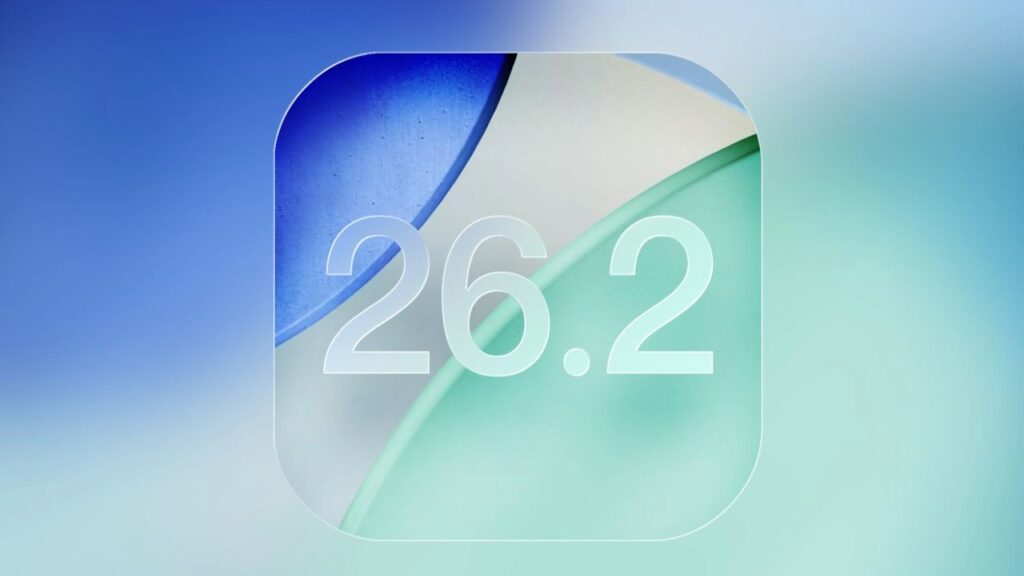
When will iOS 26.2 arrive?
- According to multiple sources, public launch is likely in mid-December 2025.
- Some outlets suggest earlier — possibly December 8–10.
- As of December 3, Apple has already released the Release Candidate (RC) to developers and public beta testers.
- Unless bugs emerge, expect rollout to all eligible users once testing wraps up.
Why this timing matters
Apple typically releases its “.2” updates around the middle of December.
That timing aligns with wrapping up final beta tests, preparing for holiday season compatibility, and giving developers time to update apps.
What’s New in iOS 26.2 — Key Features & Tweaks
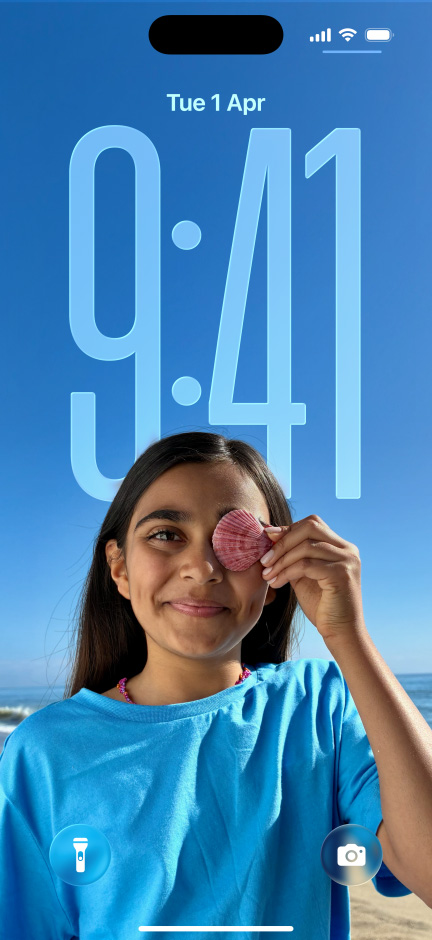
While not a major iOS version bump, iOS 26.2 delivers a nice set of refinements.
Lock Screen & Visual Tweaks
- New Liquid Glass transparency slider — lets you adjust the clarity of the clock on your Lock Screen for a personalized look.
- System-wide design polish: smoother animations, refined menus, and a cleaner overall UI experience.
Improved File Sharing & Privacy — AirDrop Codes
- iOS 26.2 lets you generate a temporary AirDrop code to share files with people not in your contacts. That code works for up to 30 days.
- This is safer than opening “Everyone” mode, and ensures you can share with acquaintances without compromising privacy.
Productivity & Reminders Upgrades
- The built-in Reminders app now supports alarms when a task is due, with options to “Stop” or “Snooze” — like a normal alarm clock.
- Better organizing tools help tasks feel more like real commitments than just checklists.
Health & Sleep — Better Sleep Score Accuracy
- The sleep-tracking system (Sleep Score) has been recalibrated. What used to show as “Excellent” may now read as “Very High,” aiming for more realistic sleep insights.
- This makes sleep tracking more honest — and potentially more useful for those monitoring rest quality regularly.
App Improvements — Podcasts, News & More
- The Apple Podcasts app gets smarter: AI-powered features may help auto-create chapters and link to referenced podcasts.
- The Apple News app receives a revised layout, with easier navigation and quick-access links for top sections.
- Other subtle tweaks: improved menu animations, refined Measure app visuals (Liquid Glass design carried over), and general system polish.
Performance, Battery & Stability — What We Know So Far
- Besides visual and feature upgrades, iOS 26.2 focuses heavily on system stability, bug fixes, and performance optimizations.
- Some sources expect better battery performance, especially on devices where Liquid Glass transparency previously drained power.
- For users who felt their iPhone battery dropped fast after enabling certain transparency effects, this could be a welcome fix.
Who Gets iOS 26.2 — Which iPhones Are Eligible
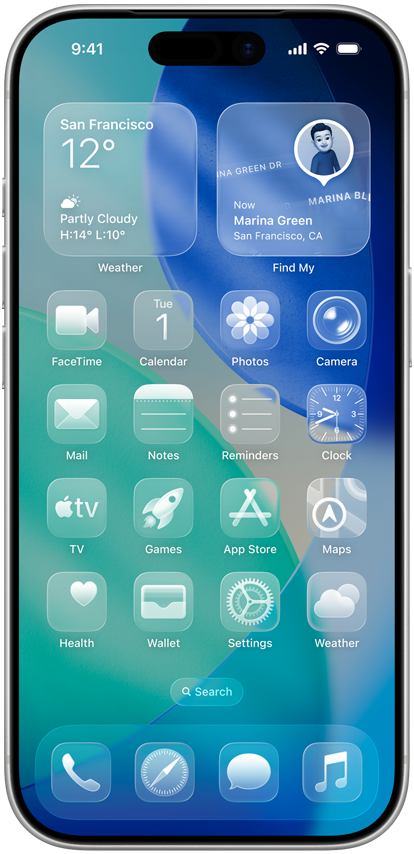
- iOS 26.2 supports iPhone 11 and newer models.
- However, certain advanced features — especially those tied to hardware power, like “Apple Intelligence” features — may be limited to newer models (e.g., latest iPhone 15 Pro and above).
In short: if your iPhone is from the past few years, you’re in.
Older models may get basic updates — but not the full premium experience.
Why This Update Matters: The Bigger Picture
Polishing vs. Overhauling
Sometimes, smaller but thoughtful updates matter more than dramatic overhauls. iOS 26.2 shows that.
Rather than sweeping changes, iOS 26.2 delivers refinement, convenience, and reliability. Think of it like tuning a car — making the ride smoother, quieter, more efficient.
More Control — From Privacy to Personalization
With features like one-time AirDrop codes and Lock Screen transparency control, Apple gives users more control over how they use their devices. That matters in a world where privacy and personalization are increasingly important.
A Better Everyday iPhone — Sleep, Reminders, Podcasts, Sharing
By improving daily-use apps — Reminders, Podcasts, Sleep tracking, file sharing — Apple isn’t chasing flashy “headline” features. Instead, it’s making everyday iPhone use better. That helps whether you use your iPhone for work, health, or leisure.
Potential Drawbacks & What to Watch Out For
- Some features may still be limited on older iPhones (e.g., Apple Intelligence features) — so if you have an older device, you may not get the full suite.
- As with any update, early adopters may find bugs or quirks. The RC signals readiness, but real-world use may still reveal issues.
- If your iPhone is currently stable and battery life is good, you might want to wait a few days before updating — see how early adopters fare first.
iOS 26.2 vs. iOS 26 — What’s Changed
| Area | iOS 26 (Initial Release) | iOS 26.2 (Mid-Dec Update) |
|---|---|---|
| Design / UI | Introduced “Liquid Glass” look, new icons, Live Translation, visual overhaul. – Source– Apple | Adds transparency slider, smoother animations, refined visuals across apps. |
| File Sharing | Standard AirDrop (Contacts or “Everyone”) | One-time AirDrop codes for 30-day sharing with non-contacts. |
| Reminders | Basic reminders and lists | Reminders now support alarms and snooze options. |
| Health / Sleep | Sleep tracking & basic metrics | Sleep Score recalibrated for accurate results. |
| Apps (Podcasts, News) | Standard layouts, basic functionality | Podcasts gains auto-chapters; News app gets a layout refresh. |
| Performance | New OS build — mixed feedback | Focus on stability, bug fixes, and better battery life. |
In short: iOS 26 set the base; iOS 26.2 polishes and improves what matters daily.
Why You Might Appreciate iOS 26.2
Imagine this: it’s late on a Monday. You remember a task — pay rent, send a work file.
With iOS 26.2, you open Reminders and set the task with an alarm at 7 PM. Your phone buzzes. You hit “Snooze” and finish dinner.
Later, you share a PDF via AirDrop with a friend — they aren’t in your contacts. Instead of enabling “Everyone,” you generate a one-time code for 24 hours. Safe, simple, done.
Next morning, your Apple Watch’s Sleep Score shows “Very High” — much closer to how you actually feel, and giving you better insight into last night’s rest.
For many users, these small enhancements add tangible value — not flashy, but useful.
FAQ
Q: When exactly will iOS 26.2 be released?
A: The public rollout looks likely between December 8 and December 16. Once the Release Candidate proves stable, Apple usually releases within days. 9to5Mac+1
Q: Will my iPhone work with iOS 26.2?
A: If you own an iPhone 11 or newer — yes. Some advanced features may only work on iPhone 15 Pro or later. Digit+1
Q: Will iOS 26.2 improve battery life?
A: Early reports suggest improved battery efficiency, especially related to the “Liquid Glass” visuals. Geeky Gadgets+1
Q: Is AirDrop safer now with iOS 26.2?
A: Yes — the new one-time AirDrop codes give more control and reduce the risk compared to the broad “Everyone” setting. MacRumors+1
Q: Should I update immediately when iOS 26.2 arrives?
A: If you value new features and convenience, it’s worth updating. If you prefer stability and want to wait for early feedback, you can wait a few days.
Disclaimer
This article is based on information available as of early December 2025.
Features, release dates, and system behavior may change before the final public release of iOS 26.2.
Always review the official update notes from Apple before installing any major software update.

Virginia J. Alfonso is a seasoned technology writer with a passion for all things digital. With over a decade of experience covering the latest in tech innovation, gadgets, and software, Virginia brings a unique blend of technical expertise and accessible writing to her work. Her articles focus on making complex tech topics easy to understand for readers of all levels.