



Apple Pay has become one of the most convenient ways to make payments—whether you’re shopping online, paying in stores, or sending money to friends.
But to use Apple Pay effectively, you may need to add money to your Apple Cash card or Apple Account balance.
This guide walks you through everything you need to know, step by step.
What Is Apple Pay and Why Add Money?
Apple Pay is Apple’s secure digital wallet that lets you pay with your iPhone, Apple Watch, iPad, or Mac.
While you can link debit and credit cards directly, adding money to Apple Pay gives you extra flexibility:
Requirements Before You Begin
Before adding money, make sure you have:
How to Add Money to Apple Pay
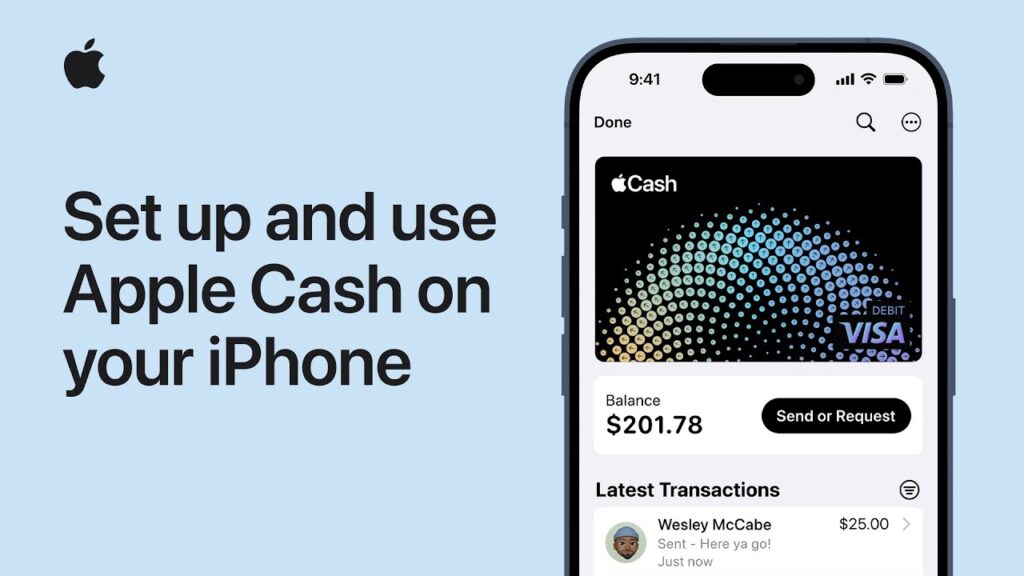
Method 1: Add Money to Apple Cash (U.S. only)
Method 2: Add Money to Apple Account Balance (Global)
How to Check Your Balance on Apple Pay
Troubleshooting Tips
Safety and Security
Apple Pay is designed with privacy in mind:
Conclusion
Adding money to Apple Pay is simple and secure.



Whether you’re topping up Apple Cash for peer-to-peer transfers or adding funds to your Apple Account for subscriptions, the process takes just a few taps. With Apple Pay, you get convenience, security, and flexibility—all in one wallet.
Solved Issues for Apple Pay
Q: Can I add money to Apple Pay without a debit card?
No, you need a linked debit card or bank account to add funds.
Q: Is Apple Cash available outside the U.S.?
Currently, Apple Cash is U.S.-only. Other regions can add money to their Apple Account balance.
Q: How long does it take for money to appear?
Funds usually appear instantly, but some banks may take a few minutes.

Virginia J. Alfonso is a seasoned technology writer with a passion for all things digital. With over a decade of experience covering the latest in tech innovation, gadgets, and software, Virginia brings a unique blend of technical expertise and accessible writing to her work. Her articles focus on making complex tech topics easy to understand for readers of all levels.