



Apple just dropped iPadOS 18.7.3 on December 12, 2025.
This update isn’t flashy, but it’s crucial. Think of it as your iPad’s invisible shield getting a major upgrade.
Whether you’re rocking an iPad Pro or a basic iPad, this update has something important for you.
The iPadOS 18.7.3 features focus entirely on security.
No fancy new emojis or redesigned widgets here.
Just 20 critical security fixes that protect you from real threats. Let’s break down what this update means for your iPad.
Short Story on iPadOS 18.7.3
Here’s what you need to remember about iPadOS 18.7.3:
- Security-focused update with 20 critical patches
- Released December 12, 2025 alongside iPadOS 26.2
- Fixes WebKit, FaceTime, Messages and Settings vulnerabilities
- Available for all iPads that support iPadOS 18
- No new features just essential security improvements
- Choose 18.7.3 for stability or upgrade to 26 for new features
- Download size approximately 500MB to 1GB
- Installation takes about 10 minutes
The iPadOS 18.7.3 features may not be exciting. But they’re crucial for keeping your iPad secure. Install this update soon. Your future self will thank you.



What is iPadOS 18.7.3?
iPadOS 18.7.3 is Apple’s latest maintenance update for users staying on version 18.
It arrived the same day as the big iPadOS 26.2 release.
This gives iPad owners a choice: stick with the familiar or jump to the new.
The update weighs in at around 500MB to 1GB depending on your iPad model.
It’s available for all iPads that support iPadOS 18.
That includes iPad Pro models from 2018 onward, iPad Air from 2019, and iPad from 2019.
Apple designed this update specifically for users who aren’t ready for iPadOS 26.
Maybe you’re waiting for stability. Maybe your favorite apps aren’t compatible yet. Either way, you’re covered.
iPadOS 18.7 Release Date Timeline
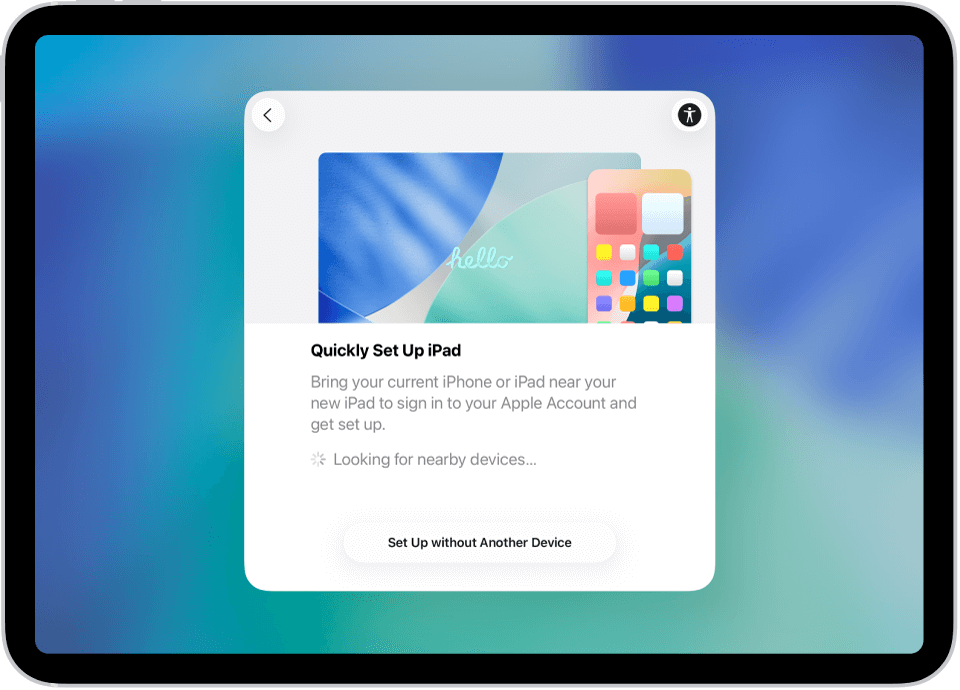
Understanding the release schedule helps you plan your updates.
Here’s how the iPadOS 18.7 series rolled out:
- iPadOS 18.7: Released September 15, 2025 alongside iPadOS 26
- iPadOS 18.7.1: Dropped September 29, 2025 with font processing fixes
- iPadOS 18.7.2: Arrived November 5, 2025 with 24 security patches
- iPadOS 18.7.3: Latest release on December 12, 2025
Apple typically releases these updates monthly.
Expect the next one around mid-January 2026. The company will likely continue supporting iPadOS 18 through early 2026.
Core iPadOS 18.7.3 Features

Let’s get real about what’s in this update. The iPadOS 18.7.3 features list is short but mighty. Every fix addresses a security vulnerability that could compromise your data.
20 Critical Security Patches
This update patches 20 security holes across multiple system components. Apple’s security team worked overtime on this one. The fixes cover everything from webkit to FaceTime.
Some vulnerabilities were actively exploited in the wild. That means real hackers used them against real people. Installing this update closes those doors permanently.
WebKit Protection Updates
WebKit is Safari’s engine. It’s also what powers web views in your apps. Several WebKit bugs could let malicious websites crash your browser or worse.
Apple confirmed some WebKit issues were used in sophisticated attacks. These targeted specific individuals with custom exploits. The iPadOS 18.7.3 update blocks these attack methods completely.
Your Safari browsing is now significantly safer. Random website crashes should also decrease. It’s a win-win for security and stability.
FaceTime Security Enhancements
FaceTime got two important security fixes. The first prevents caller ID spoofing. Scammers can no longer fake their caller identity to trick you.
The second fix protects password fields during screen sharing. Previously, your passwords could accidentally show when remotely controlling another device. Not anymore.
These changes make FaceTime calls more trustworthy. You can now screen share without worrying about exposing sensitive information.
Messages & Settings Improvements
The Messages app received fixes for memory corruption issues. These bugs could crash Messages when processing certain files. That’s now history.
Settings got tighter privacy controls. Apps can no longer easily detect what other apps you have installed. This protects your privacy from app fingerprinting techniques.
These subtle improvements make your iPad more reliable. You won’t notice them directly, but you’ll benefit from fewer crashes and better privacy.
iPadOS 18.7 vs 26: Which Should You Choose?
This is the big question. Should you stay on iPadOS 18.7.3 or upgrade to iPadOS 26? The answer depends on what you value most.
Design & User Interface
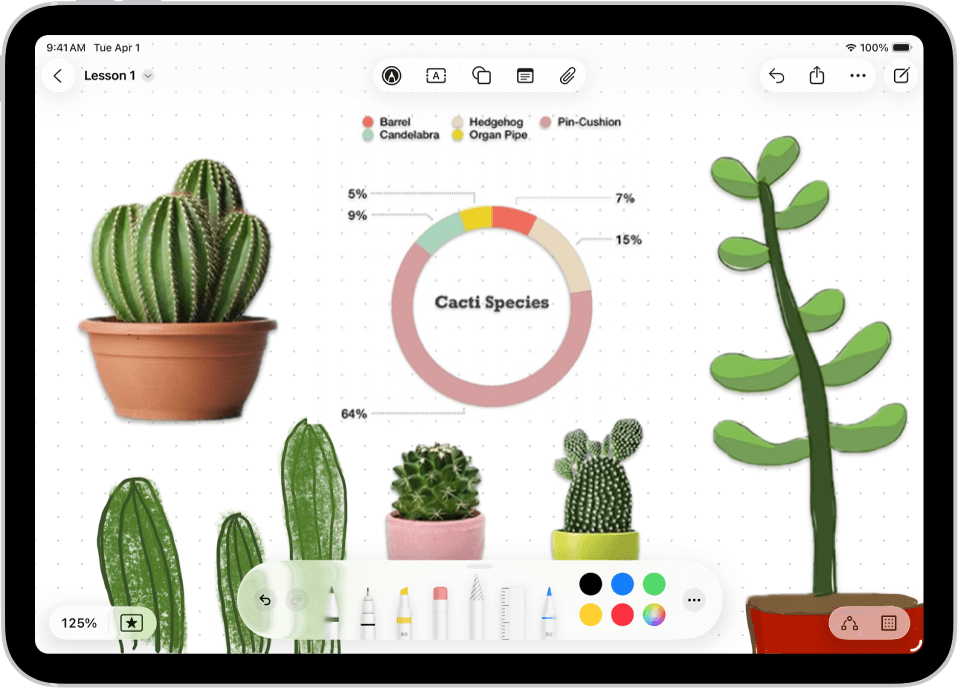
iPadOS 26 brings Liquid Glass design. It’s a complete visual overhaul with transparent layers and fluid animations. Think visionOS coming to iPad.
iPadOS 18.7.3 keeps the familiar interface you know. No learning curve. No adjustment period. Everything works exactly like before.
The Liquid Glass design is polarizing. Some users love the modern aesthetic. Others find it distracting. If you’re unsure, staying on 18.7.3 makes sense.
Features & Functionality
iPadOS 26 packs major new features:
- Desktop-class window management for all iPads
- Menu bar system like macOS
- Native Preview app with Apple Pencil support
- New Journal app with handwriting
- Games app as gaming hub
- Enhanced Apple Intelligence with GPT-5
iPadOS 18.7.3 offers none of these. It’s purely maintenance. Security patches and bug fixes only. No new capabilities.
However, iPadOS 18.7.3 includes all features from iPadOS 18. That means Calculator app, Math Notes, Smart Script, and Apple Intelligence on compatible iPads.
Stability & Performance
iPadOS 18.7.3 is rock solid. Months of refinements make it incredibly stable. Battery life is optimized. Apps run smoothly. It just works.
iPadOS 26 had rough initial releases. Early adopters reported Safari crashes, Wi-Fi issues, and battery drain. Apple fixed many problems with 26.1 and 26.2.
Current reports show iPadOS 26.2 runs well on most iPads. But it’s still newer. If you need absolute stability, iPadOS 18.7.3 is safer.
Device Compatibility
iPadOS 18.7.3 supports more devices. It works on:
- iPad Pro 12.9-inch (3rd gen and later)
- iPad Pro 11-inch (1st gen and later)
- iPad Air (3rd gen and later)
- iPad (7th gen and later)
- iPad mini (5th gen and later)
iPadOS 26 dropped support for 7th generation iPad. If you own that model, iPadOS 18.7.3 is your only option.
How to Install iPadOS 18.7.3
Installing the update takes about 10 minutes. Here’s the step-by-step process:
- Back up your iPad to iCloud or your computer. Go to Settings > Your Name > iCloud > iCloud Backup.
- Connect to Wi-Fi and plug in your charger. Updates require stable internet and sufficient battery.
- Open Settings and tap General > Software Update.
- Look carefully at the update options. iPadOS 26.2 will appear first. Tap the back arrow.
- Select iPadOS 18.7.3 from the alternative updates. Tap Download and Install.
- Wait for completion. Your iPad will restart several times. Don’t interrupt the process.
Some users report iPadOS 18.7.3 disappearing from their update options. If this happens, enroll in the iOS 18 public beta through Settings. The update will reappear.
Who Should Update to iPadOS 18.7.3?
Not everyone needs this update immediately. But certain users absolutely should install it today.
You Should Update If:
- You’re staying on iPadOS 18 for stability reasons
- You use FaceTime regularly for work or personal calls
- You browse websites frequently in Safari
- You share screens or remote control other devices
- Your apps aren’t compatible with iPadOS 26 yet
- You own a 7th generation iPad that can’t run iPadOS 26
Consider Waiting If:
- You’re planning to upgrade to iPadOS 26 soon anyway
- You want to read user reviews first
- You have limited storage space for the download
- You’re in the middle of an important project
Bottom line: the security fixes are important. If you’re staying on iPadOS 18, install this update. The risks of not updating outweigh any minor inconvenience.
Real-World Impact of iPadOS 18.7.3
Let’s talk about what these iPadOS 18.7.3 features mean for your daily iPad use. Security updates sound boring. But they prevent real problems.
Safer Browsing
The WebKit fixes protect you from malicious websites. Before this update, visiting a compromised site could crash Safari or execute harmful code.
Now you can browse with confidence. Online shopping, banking, and social media become safer. Your personal data stays protected.
Protected Communication
FaceTime security improvements matter for remote work. No more worrying about spoofed calls from scammers. No more accidentally exposing passwords during screen shares.
Messages becomes more stable too. File sharing through Messages won’t cause random crashes anymore. Your conversations flow smoothly.
Better Privacy
Apps can no longer easily fingerprint your iPad. This prevents advertisers from tracking you across different apps. Your usage patterns stay private.
The Settings improvements give you more control over app permissions. You decide what data apps can access. Not them.
Frequently Asked Questions
Is iPadOS 18.7.3 safe to install?
Yes, iPadOS 18.7.3 is completely safe. Apple thoroughly tested this update before release. It’s been available for two days with no major issues reported. The update only includes security fixes and bug patches. No risky new features that could cause problems.
Will updating to iPadOS 18.7.3 delete my data?
No, your data remains safe. Software updates preserve all your apps, files, photos, and settings. However, always back up before updating. Technical glitches are rare but possible. A backup ensures you can restore everything if something goes wrong.
Can I upgrade from iPadOS 18.7.3 to iPadOS 26 later?
Absolutely. Installing iPadOS 18.7.3 doesn’t lock you into version 18 forever. You can upgrade to iPadOS 26 anytime through Settings. The path is always open. Many users install 18.7.3 now and upgrade to 26 once more stability updates release.
How long will Apple support iPadOS 18.7?
Apple typically supports the previous OS version for 6-12 months after the new release. Expect security updates through mid-2026 at least. After that, you’ll need iPadOS 26 for continued protection. Plan your upgrade accordingly.
What if iPadOS 18.7.3 isn’t showing up in my Software Update?
This is a common issue. First, check that iPadOS 26.2 isn’t already selected. Tap the back arrow to see alternative updates. If 18.7.3 still doesn’t appear, enroll in the iOS 18 public beta through the dropdown menu in Software Update. The update should then become visible.
Disclaimer
This article provides general information about iPadOS 18.7.3 based on publicly available information from Apple and tech news sources. Update experiences may vary by device model and configuration. Always back up your data before installing any software update. This content is for informational purposes only and does not constitute technical support or warranty.
For official information about iPadOS 18.7.3 security content, visit Apple’s support page:
https://support.apple.com/en-us/125885
Installation and device compatibility should be verified through official Apple channels. The author and publisher are not responsible for any data loss, device issues, or other problems arising from following this guide.
- iOS 27 Battery Drain: The Real Cause (Not a Bug) + 7 Fixes We Verified
- The 60-Second Apple Watch Band Swap: Our Tested Method for Every Model
- AirPods Mic Not Working: Troubleshooting Guide
- iPhone Status Bar Icons & Symbols Explained
- How to Speed Up a Slow iPhone: RAM & Performance Fixes

Virginia J. Alfonso is a seasoned technology writer with a passion for all things digital. With over a decade of experience covering the latest in tech innovation, gadgets, and software, Virginia brings a unique blend of technical expertise and accessible writing to her work. Her articles focus on making complex tech topics easy to understand for readers of all levels.