





The Apple Shortcuts app turns your iPhone into a smart assistant, letting you automate everyday tasks with simple taps or Siri voice commands.
Whether you’re new to iOS or a daily user, this guide shows how to create shortcuts on iPhone, change app icons with Shortcuts, and more.
What is Apple Shortcuts App?
Shortcuts is a free Apple app that lets you build custom workflows combining actions from your apps.
Launched as Siri Shortcuts and evolved from the Workflow app, it now packs over 300 built-in actions for apps like Contacts, Maps, Music, and Photos.
Think of it as a Lego set for your iPhone – snap actions together to automate routines. It’s pre-installed on iOS 13 and later, or download from the App Store.
Beginners love the Gallery tab with ready-made examples to tweak.
How Shortcuts Works
Shortcuts run sequences of actions from top to bottom, like a recipe.
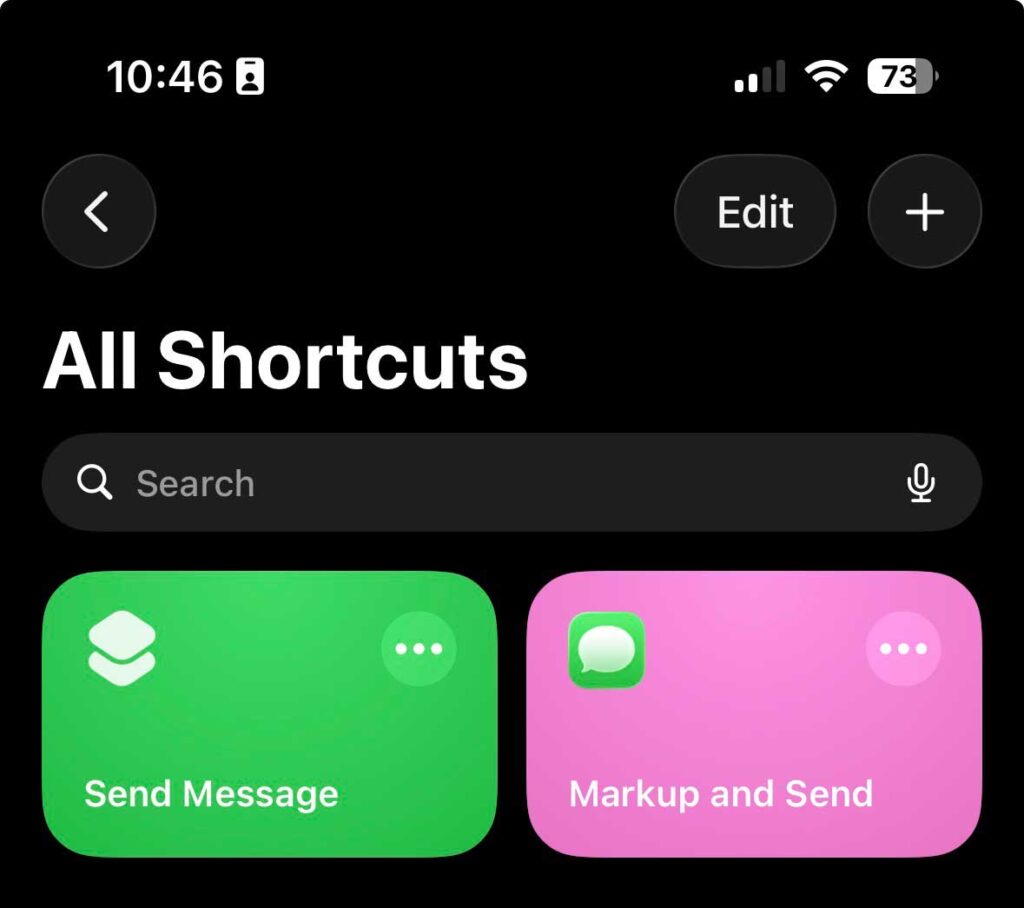
Open the app, tap the “+” to start building, search actions like “Send Message” or “Open App,” and connect them.


Triggers launch them: Siri says your shortcut name, tap from Home Screen, or automate on events like time or location.
Variables pass data between steps, like using current weather in a text.
Recent iOS 26 updates add scrollable lists in “Show Content” and better drag-and-drop editing.
Key Features
Custom icons and colors make shortcuts visually fun.
Pros and Cons
Overall, pros outweigh cons for iPhone users.
Apple Shortcuts vs IFTTT
Shortcuts wins for iOS beginners; IFTTT for multi-device setups.
How to Create a Shortcut on iPhone
Follow these steps to create a shortcut on iPhone:
Example: “Morning Report“—Get weather, calendar events, play playlist. Say “Good morning” to Siri.
Change App Icons with Shortcuts
Personalize your Home Screen without jailbreaking.
Drag to folder for clean look. Great for themed screens!
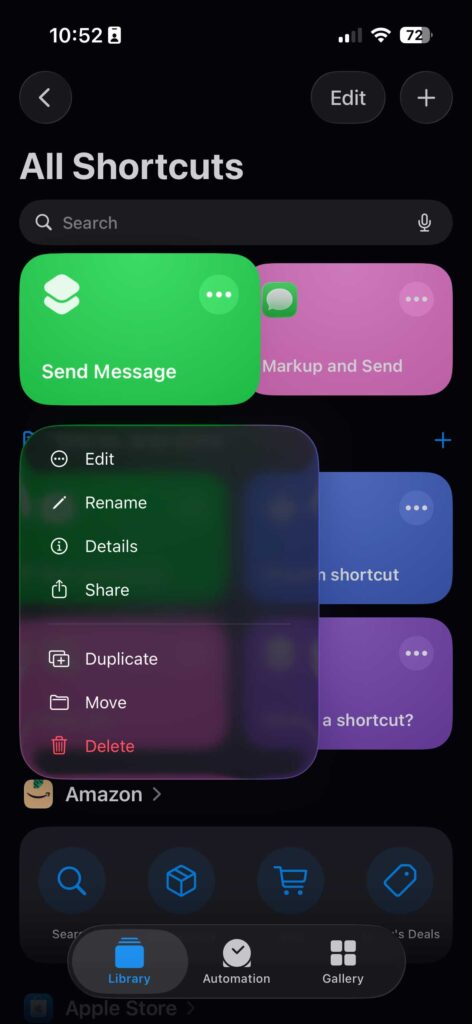
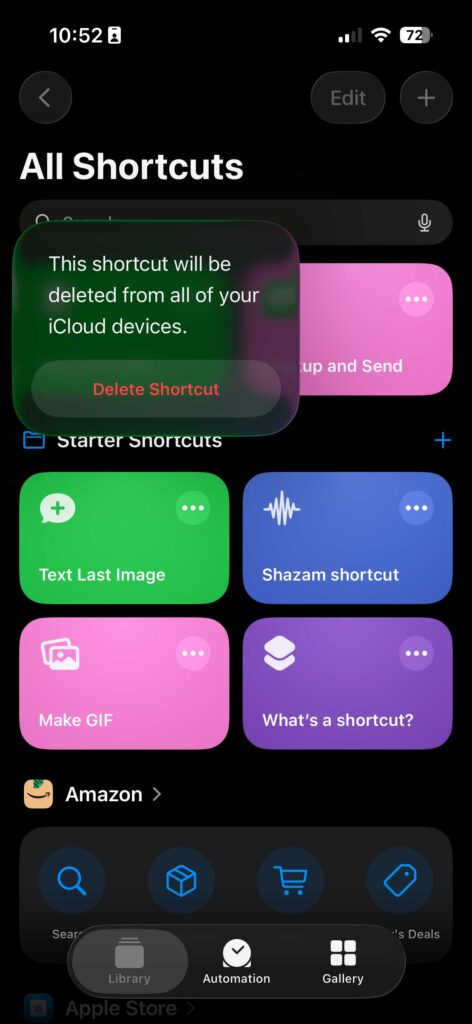
Delete a Shortcut on iPhone
Quick cleanup:
Use Shortcuts Effectively
Run via:
Edit anytime: Long-press > Edit.
Use Cases
A busy parent used “Don’t Be Late”—ETA to school + reminder nudge. Travel bloggers automate photo backups + Maps pins. [user interests implied]
FAQs
How do I create shortcuts on iPhone?
Open Shortcuts, tap “+”, add actions like “Text” or “Maps,” name, and save. Start with Gallery for ideas.
Can I change app icons with Shortcuts?
Yes! Create “Open App” shortcut, add to Home Screen, choose photo for custom icon.
How to delete a shortcut on iPhone?
Swipe left or long-press in Shortcuts > Delete. Syncs across iCloud.
What are Siri Shortcuts?
Voice-activated automations; say shortcut name after “Hey Siri.”
Is Shortcuts app free?
Yes, pre-installed on modern iPhones or free download.
Conclusion
Apple Shortcuts app empowers beginners to automate iPhone life effortlessly—from creating shortcuts on iPhone to custom icons and Siri magic.
With iOS 26 enhancements like new actions and AI integration, expect even smarter features ahead.
Ready to automate?
Download Shortcuts, try a Gallery one today, and share your creations in comments!